1. Introduction
Thank you for choosing the ABUS Diskus Combo 29/70 Padlock. This manual provides essential information for the proper setup, operation, and maintenance of your new combination padlock. Designed for high security, this stainless steel lock offers reliable protection for both indoor and outdoor applications with its individually adjustable 4-digit combination code.
2. Product Overview
The ABUS Diskus Combo 29/70 is a robust combination padlock featuring a unique Diskus shape for enhanced security. Its stainless steel construction ensures durability and resistance to weather conditions.
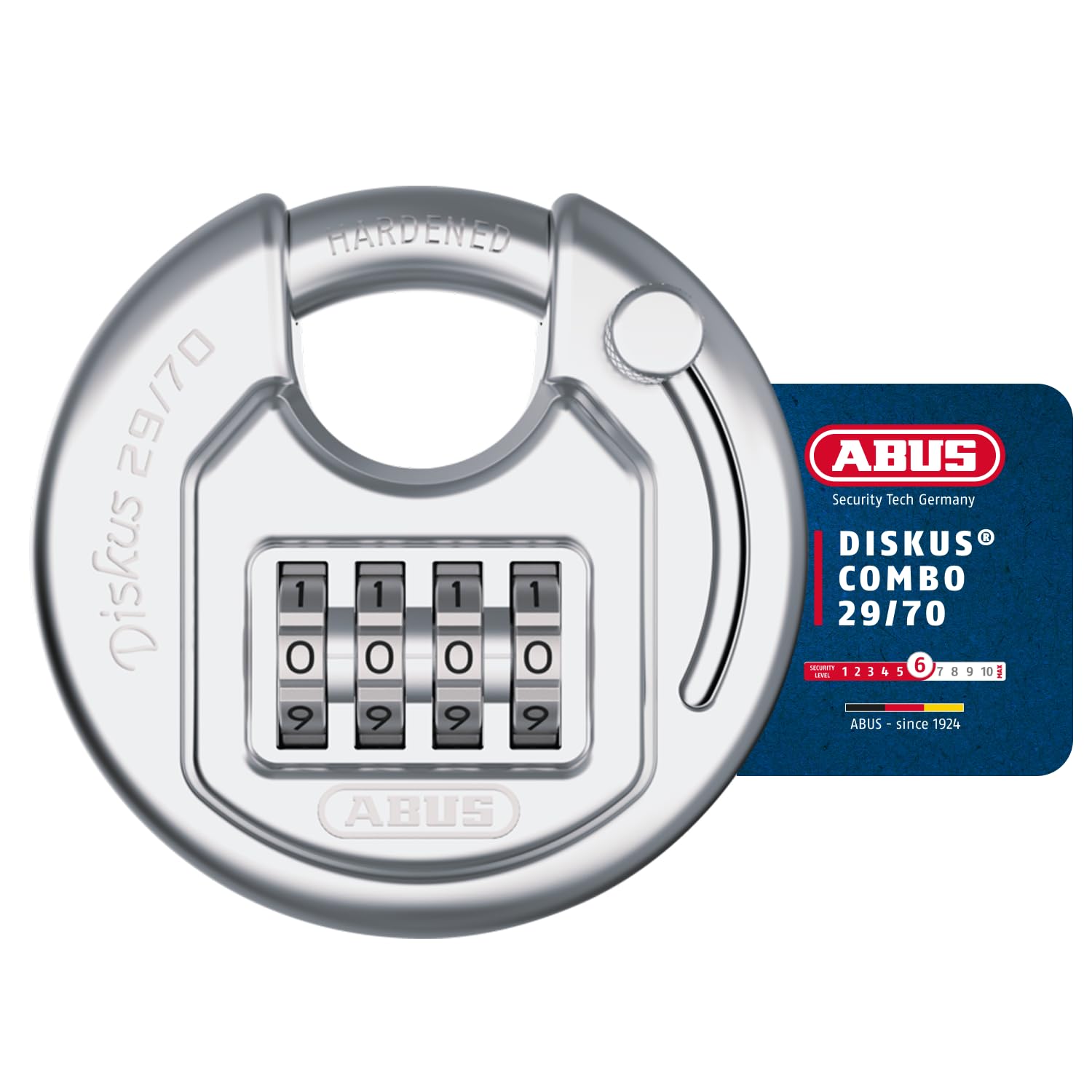
Image 2.1: Front view of the ABUS Diskus Combo 29/70 Padlock, showing the combination dials and hardened shackle.
Key Components:
- Shackle: The hardened steel loop that secures the lock.
- Combination Dials: Four numbered wheels used to set and enter your code.
- Setting Mechanism: A component, typically located on the shackle or back of the lock, used to change the combination.
- Lock Body: The main stainless steel housing of the padlock.
3. Setup: Setting Your Combination
Your ABUS Diskus Combo 29/70 Padlock comes with a factory preset combination, usually 0-0-0-0. Follow these steps to set your personalized 4-digit combination:
- Open the Lock: Ensure the padlock is open. If it's new, set the dials to the factory preset (0-0-0-0) and pull the shackle open.
- Rotate the Shackle: With the lock open, rotate the shackle 90 or 180 degrees (depending on the model) until it aligns with the combination setting slot or mark on the lock body.
- Press Down the Shackle: Firmly press the shackle down into the lock body. You may feel a slight click or resistance. Keep the shackle pressed down during the next step.
- Set Your New Combination: While the shackle is pressed down, rotate the combination dials to your desired 4-digit code. Choose a memorable but secure combination.
- Release and Return Shackle: Release the shackle, allowing it to spring back up. Then, rotate the shackle back to its normal locking position.
- Test the New Combination: Scramble the dials to a random number. Then, enter your new combination and pull the shackle to confirm it opens. If it does not open, repeat the steps carefully.
Important: Make sure to write down your new combination and store it in a safe place. ABUS cannot retrieve lost combinations.
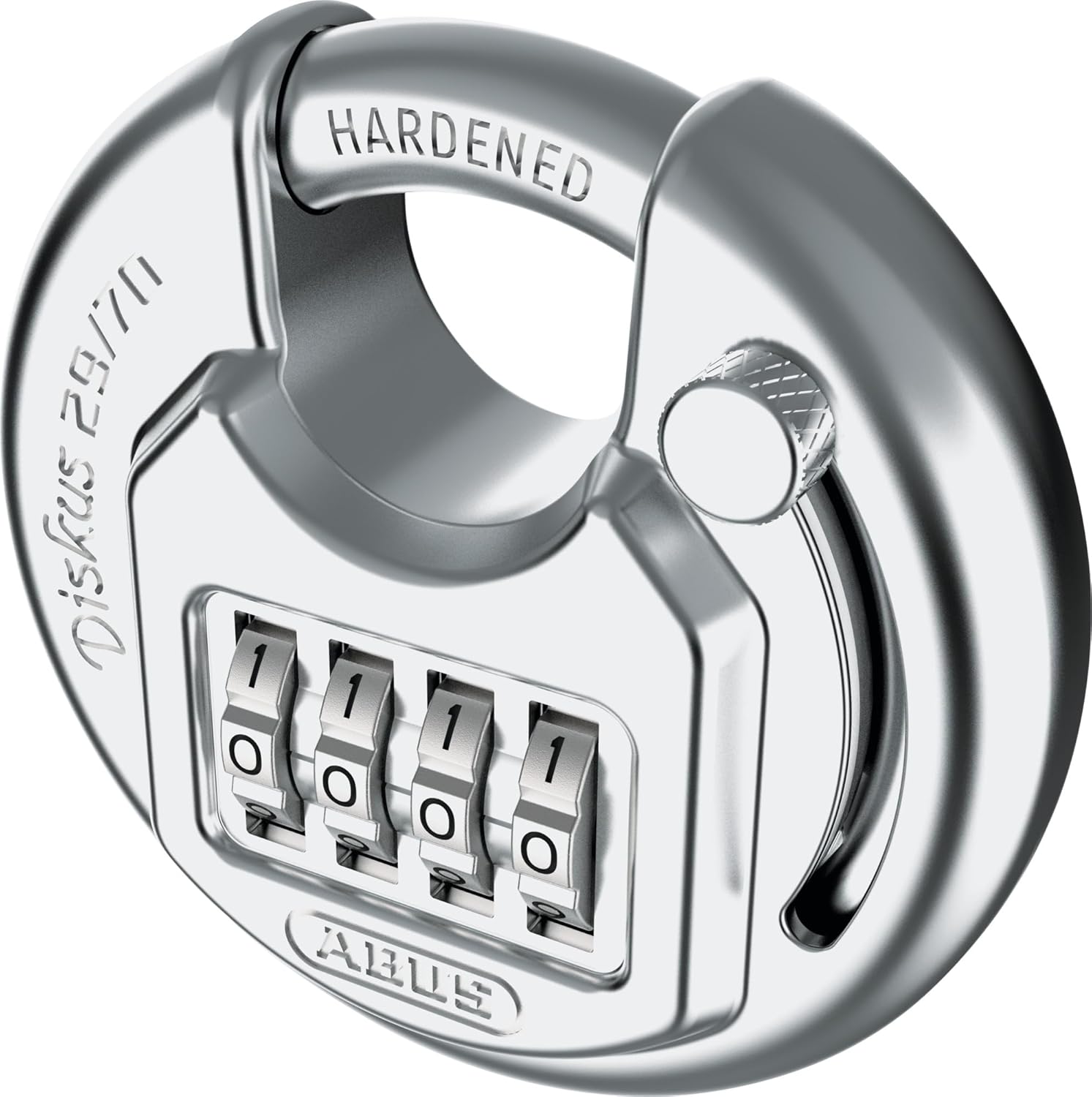
Image 3.1: Example of the ABUS Diskus Combo 29/70 Padlock with the shackle rotated, indicating the position for combination setting.
4. Operating: Locking and Unlocking
4.1. Unlocking the Padlock
- Align the combination dials to your personal 4-digit code.
- Pull the shackle upwards to open the lock.
4.2. Locking the Padlock
- Close the shackle by pushing it down into the lock body until it clicks securely.
- Scramble the combination dials to a random set of numbers. This prevents unauthorized access.
5. Maintenance
The ABUS Diskus Combo 29/70 Padlock is constructed from robust stainless steel, designed for durability. To ensure optimal performance and longevity:
- Cleaning: Periodically wipe the lock body and dials with a clean, damp cloth to remove dirt and grime. Avoid harsh chemicals.
- Lubrication: If the combination dials become stiff or difficult to turn, apply a small amount of non-greasy, silicone-based lubricant to the moving parts. Avoid oil-based lubricants as they can attract dust and dirt.
- Environmental Exposure: While suitable for outdoor use, prolonged exposure to extreme weather conditions (e.g., saltwater, heavy industrial environments) may require more frequent cleaning and lubrication.
6. Troubleshooting
6.1. Dials are Stiff or Hard to Turn
- Solution: Apply a small amount of silicone-based lubricant to the dials and work them back and forth to distribute the lubricant. Clean any visible dirt or debris from around the dials.
6.2. Padlock Does Not Open with Correct Combination
- Solution: Double-check that each digit is precisely aligned in the center of the viewing window. Ensure the shackle is not under tension when attempting to open. If the issue persists, try re-entering the combination slowly and deliberately. If you recently changed the combination, ensure you are using the new code.
6.3. Forgotten Combination
- Solution: Unfortunately, if the combination is forgotten and not recorded, there is no master key or reset function to open the lock without the correct code. ABUS cannot assist in retrieving forgotten combinations for security reasons.
7. Specifications
| Feature | Detail |
|---|---|
| Model Number | 29/70 |
| Lock Type | 4-Digit Combination Padlock |
| Material | Stainless Steel (Edelstahl) |
| Color | Silver |
| Dimensions (L x W x H) | 7 x 2.33 x 7 cm |
| Weight | 0.29 kg |
| Recommended Use | Indoor and Outdoor (securing doors, gates, storage units) |
| Special Features | Individually adjustable combination, robust housing, rounded surfaces |
8. Warranty and Support
ABUS products are manufactured to high-quality standards and undergo strict quality control. For information regarding warranty terms and conditions, please refer to the documentation provided with your purchase or visit the official ABUS website.
For technical support, spare parts, or further inquiries, please contact ABUS customer service through their official website or authorized distributors. When contacting support, please have your product model number (29/70) available.
ABUS is a registered trademark. All rights reserved.


