1. Introduction
Welcome to the user manual for your realme Buds T200 Lite Bluetooth in-ear earbuds. These earbuds are designed to provide a high-quality audio experience with advanced features for calls, music, and gaming. Please read this manual carefully to ensure proper use and maintenance of your device.
2. What's in the Box
- realme Buds T200 Lite Earbuds (Left and Right)
- Charging Case
- User Manual
3. Product Overview
The realme Buds T200 Lite feature a sleek design and are equipped with powerful audio technology. The compact charging case not only protects your earbuds but also provides extended battery life.
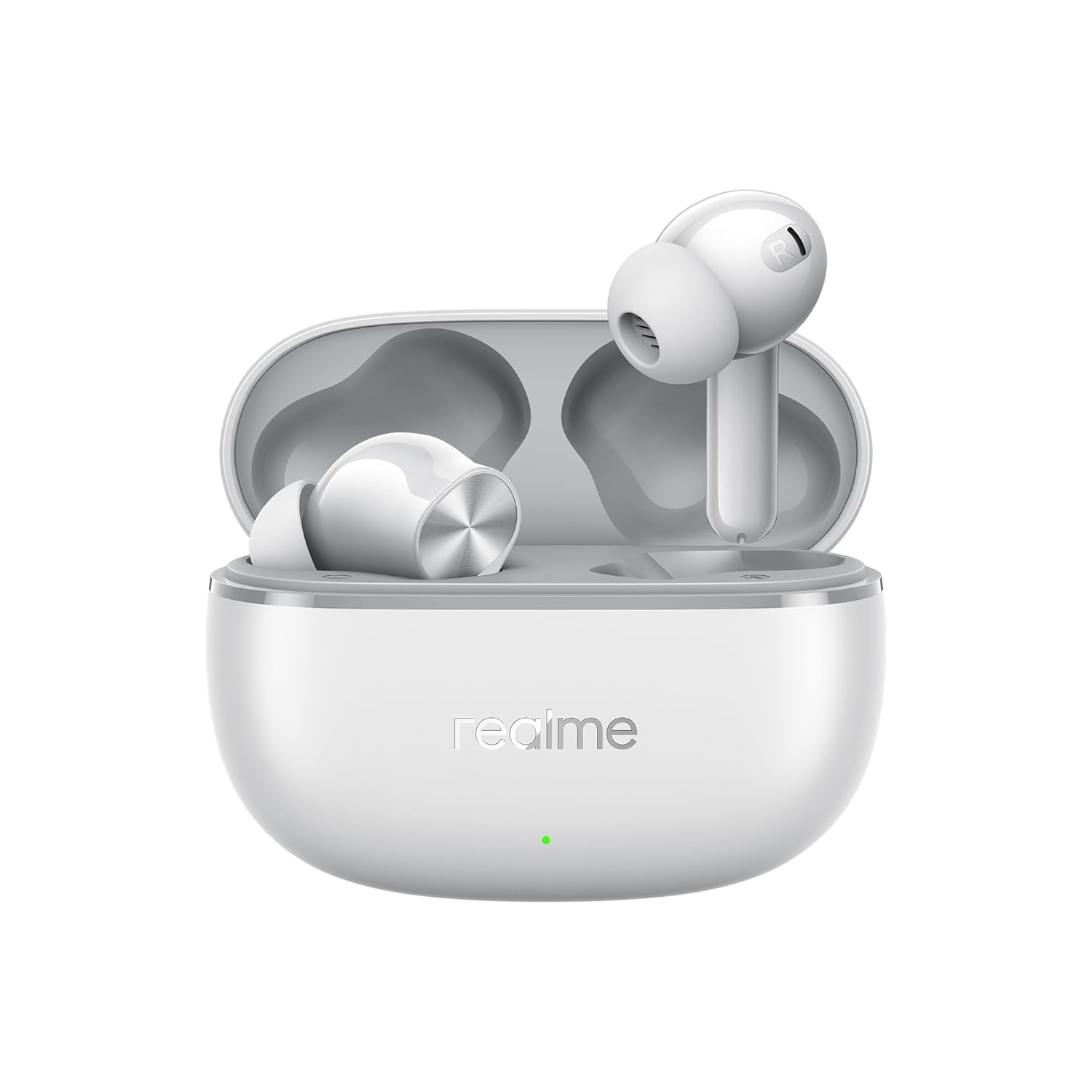
Figure 1: realme Buds T200 Lite Earbuds in their charging case.

Figure 2: realme Buds T200 Lite Earbuds removed from their charging case, showcasing their design.
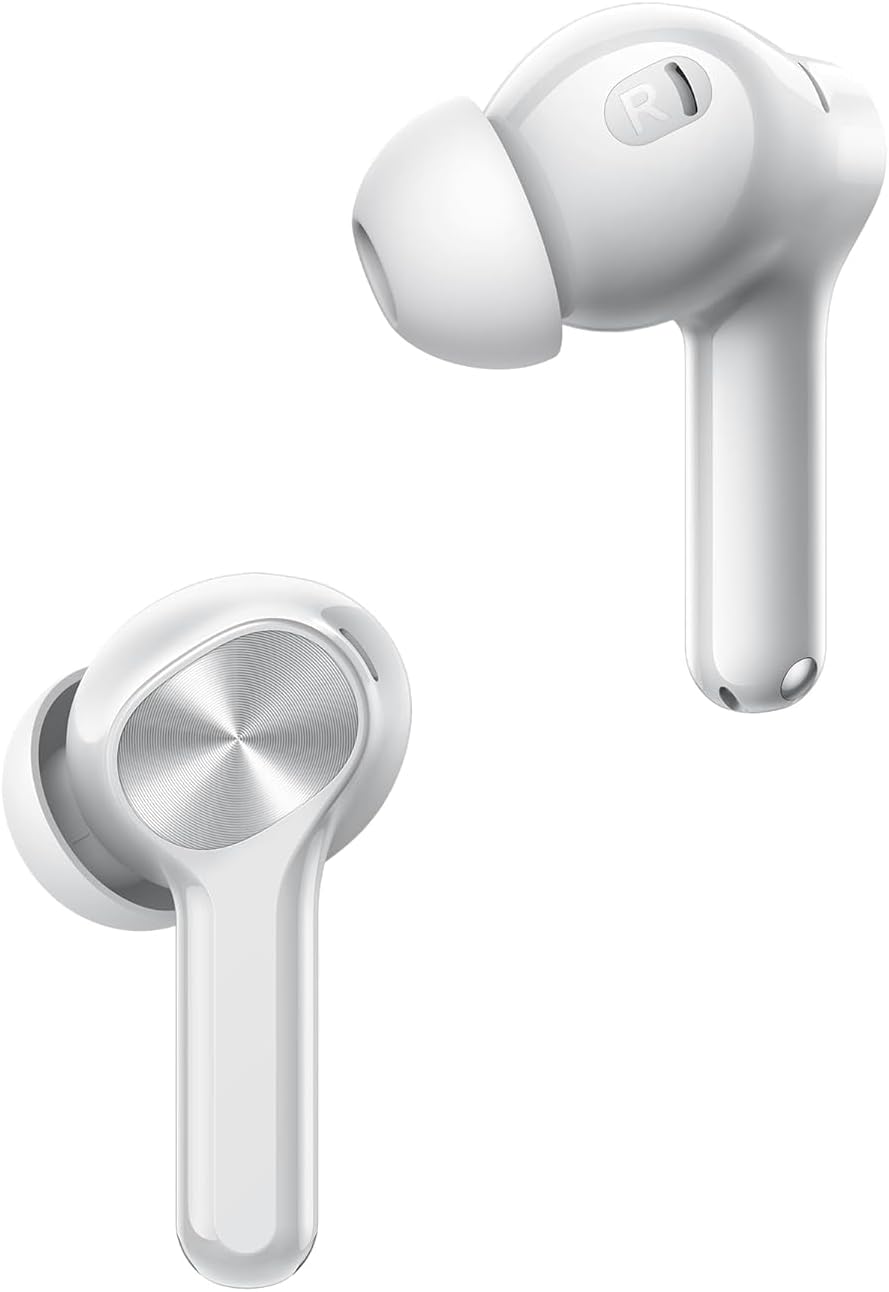
Figure 3: A close-up view of a single realme Buds T200 Lite earbud, highlighting the in-ear design and touch control area.
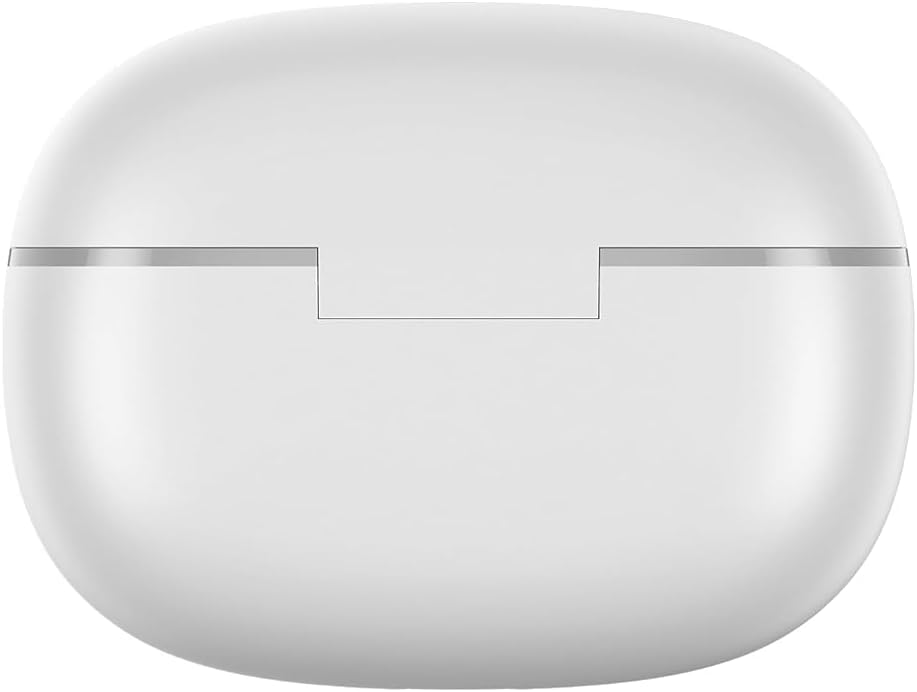
Figure 4: Top view of the realme Buds T200 Lite charging case, showing its smooth, rounded contours.
4. Setup
4.1 Initial Pairing
- Open the charging case. The earbuds will automatically enter pairing mode.
- On your smartphone or tablet, enable Bluetooth.
- Search for "realme Buds T200 Lite" in the list of available devices and select it to connect.
- For Android devices, Google Fast Pair will automatically detect the earbuds when the case is opened near your device, prompting a quick connection.
4.2 realme Link App Installation
For enhanced control and customization, download the realme Link app from your device's app store (Google Play Store or Apple App Store). The app allows you to:
- Check battery levels of each earbud and the charging case.
- Customize touch controls.
- Adjust sound effects and equalizer settings.
- Enable/disable features like Low Latency Gaming Mode and AI ENC.

Figure 5: Screenshot of the realme Link app interface, displaying earbud battery status and various control options.
5. Operating Instructions
5.1 Touch Controls
The earbuds feature intuitive touch controls. Default actions can be customized via the realme Link app.
| Action | Default Function |
|---|---|
| Double Tap | Play/Pause music, Answer/End call |
| Triple Tap | Next track |
| Tap & Hold (Left Earbud) | Volume Down |
| Tap & Hold (Right Earbud) | Volume Up |
5.2 Call Management
The earbuds are equipped with 4 microphones and AI Environmental Noise Cancellation (AI ENC) for clear calls, even in noisy environments.

Figure 6: Illustration of Dual-Mic AI Noise Cancellation technology in realme Buds T200 Lite, ensuring clear communication.
5.3 Music Playback
Experience powerful audio with 12.4mm Dynamic Bass Drivers, delivering rich and immersive sound.

Figure 7: Overview of key features, including the 12.4mm Dynamic Bass Driver for enhanced audio quality.
5.4 Low Latency Gaming Mode
Activate Low Latency Gaming Mode via the realme Link app for a synchronized audio-visual experience during gaming.
5.5 Dual Device Connection
The earbuds support dual device connection, allowing seamless switching between two paired devices (e.g., smartphone and tablet) without needing to disconnect and reconnect.

Figure 8: Visual representation of the dual-device connection feature, showing earbuds simultaneously linked to a smartphone and a tablet.
6. Charging
The realme Buds T200 Lite offer up to 48 hours of total playback time with the charging case. A quick 10-minute charge provides up to 5 hours of playback.
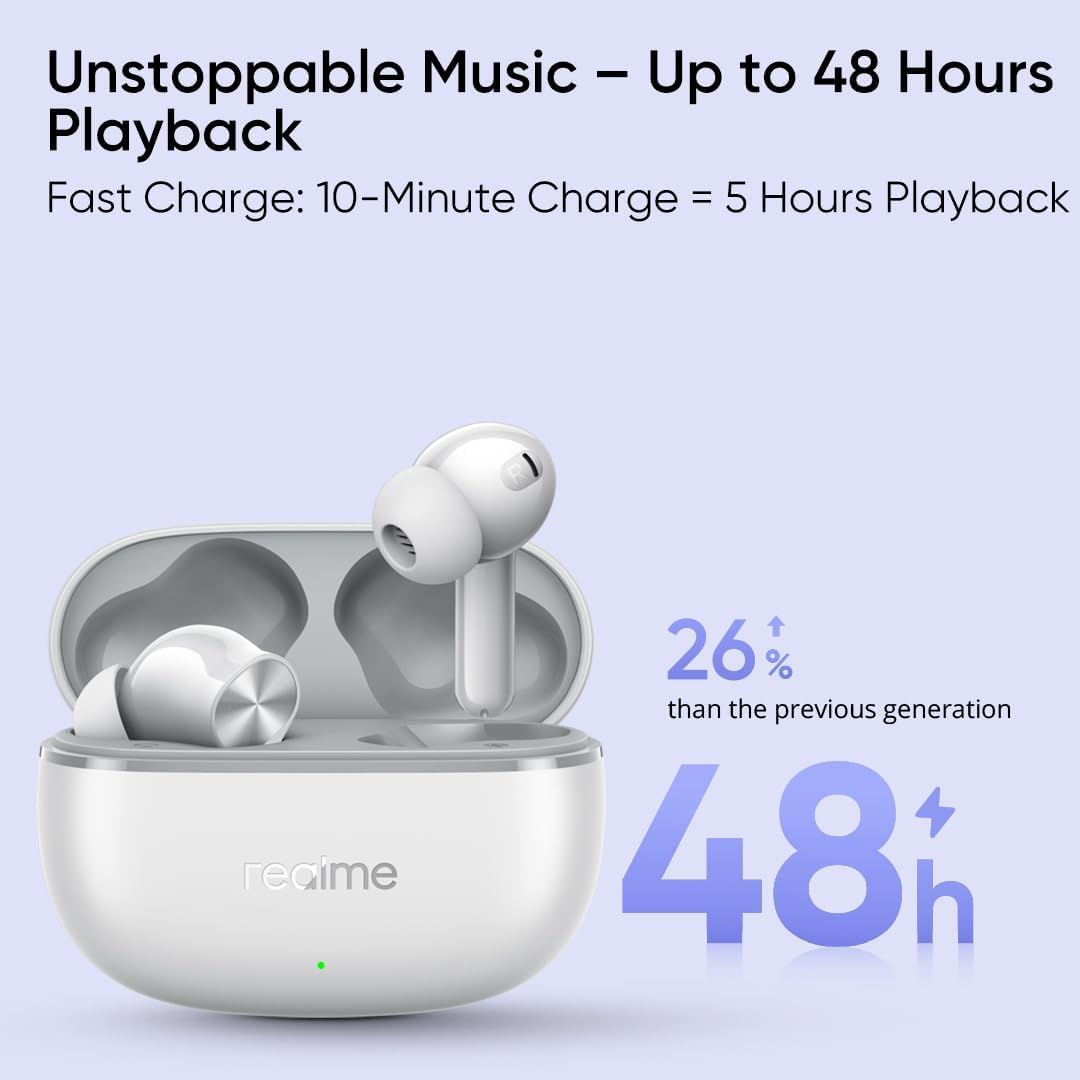
Figure 9: Graphic illustrating the impressive 48-hour total playback time and the fast charging capability of the realme Buds T200 Lite.
6.1 Charging the Earbuds
Place the earbuds into the charging case. They will automatically begin charging.
6.2 Charging the Case
Connect the charging case to a power source using a USB-C cable. The indicator light on the case will show the charging status.
7. Maintenance & Care
7.1 Water Resistance
The earbuds are IPX4 water resistant, meaning they are protected against splashing water from any direction. This makes them suitable for workouts and light rain. However, they are not designed for swimming or showering.
7.2 Cleaning
Regularly clean the earbuds and charging case with a soft, dry cloth. Avoid using harsh chemicals or abrasive materials.
8. Troubleshooting
8.1 Earbuds Not Pairing
- Ensure both earbuds are in the charging case and the case has sufficient battery.
- Open the case and check if the indicator light is blinking, indicating pairing mode.
- Disable and re-enable Bluetooth on your device.
- Try resetting the earbuds (refer to realme Link app or product support for specific reset instructions).
8.2 Low Volume or Poor Sound Quality
- Check the volume levels on both your device and through the earbud touch controls.
- Ensure the earbuds are properly seated in your ears for an optimal seal.
- Clean any debris from the earbud nozzles.
- Adjust equalizer settings in the realme Link app.
9. Specifications
| Feature | Detail |
|---|---|
| Model Name | T200 Lite |
| Audio Driver Type | 12.4mm Dynamic Driver |
| Bluetooth Version | 5.0 |
| Battery Life (Earbuds) | Up to 10 hours (single charge) |
| Total Playback (with Case) | Up to 48 hours |
| Fast Charging | 10 minutes charge for 5 hours playback |
| Noise Control Features | AI ENC for Calls, 4 Mics |
| Water Resistance | IPX4 |
| Connectivity Technology | Wireless (Bluetooth) |
| Control Method | App, Touch |
| Compatible Devices | Cell Phones, Tablets |
| Item Weight | 10 Grams (0.353 ounces) |
| Material | Plastic, Silicone |
10. Warranty and Support
For warranty information and technical support, please refer to the warranty card included in your product packaging or visit the official realme website. Keep your proof of purchase for any warranty claims.


