
havit SK770BT
Havit Computer Speakers SK770BT User Manual
Model: SK770BT
1. Introduction
Thank you for choosing the Havit SK770BT Computer Speakers. This soundbar is designed to provide an immersive audio experience for your desktop PC, laptop, tablet, and other compatible devices. Featuring Bluetooth 5.3 connectivity, dynamic LED lighting, and HiFi stereo sound, it enhances your music, movies, and gaming with rich, clear audio and deep bass. Please read this manual carefully to ensure proper setup and operation.
2. What's in the Box
- Havit SK770BT PC Soundbar
- USB-C Power Cable
- User Manual
- Warranty Card
- Certificate

3. Product Overview
3.1 Controls
The Havit SK770BT features intuitive touch controls located on the side panel for easy access to various functions.
- Power Button: Long press for 3 seconds to power on/off.
- Volume Down (-): Short press to decrease volume. Long press for previous song (in Bluetooth mode).
- Volume Up (+): Short press to increase volume. Long press for next song (in Bluetooth mode).
- Light Effect Key: Short press to switch between 10 dynamic RGB lighting modes. Double-click to disconnect Bluetooth.
- Mode Switch: Double-click the power button to switch between wired (USB-C) and Bluetooth modes.

3.2 Dimensions
The soundbar has a compact and sleek design, measuring approximately 14 inches (36cm) in length, 2 inches (5mm) in depth, and 3.5 inches (9mm) in height. Its ultra-slim profile allows it to fit neatly under most monitors, contributing to a clutter-free workspace.

4. Setup
4.1 Wired Connection (USB-C)
For instant high-fidelity sound without complex installations:
- Connect one end of the provided USB-C cable to the USB-C port on the Havit SK770BT soundbar.
- Connect the other end of the USB-C cable to an available USB-C port on your computer or device. If your device only has USB-A ports, use a USB-A to USB-C adapter (not included).
- The soundbar will automatically power on and be recognized by your system. Select the Havit SK770BT as your audio output device in your computer's sound settings if it doesn't automatically switch.
4.2 Bluetooth Connection
For wireless audio streaming:
- Ensure the soundbar is powered on. If it's in wired mode, double-click the power button to switch to Bluetooth mode. The LED indicator will flash, indicating it's ready for pairing.
- On your device (smartphone, tablet, laptop), enable Bluetooth and search for available devices.
- Select "Havit SK770BT" from the list of found devices.
- Once paired, the LED indicator will stop flashing and remain solid. You can now play audio wirelessly.

5. Operating Instructions
5.1 Power On/Off
To power on the soundbar, long press the power button for 3 seconds. To power off, long press the power button for 3 seconds again.
5.2 Volume Control
Use the '+' button to increase the volume and the '-' button to decrease the volume. Adjust the volume to a comfortable listening level.
5.3 RGB Lighting Modes
The soundbar features 10 dynamic RGB lighting modes. Short press the light effect key to cycle through the different lighting effects. You can also turn off the lights with a single tap.

5.4 Switching Modes
To switch between wired (USB-C) and Bluetooth modes, double-click the power button. The soundbar will indicate the current mode through its LED status.
5.5 Official Product Video
6. Audio Features
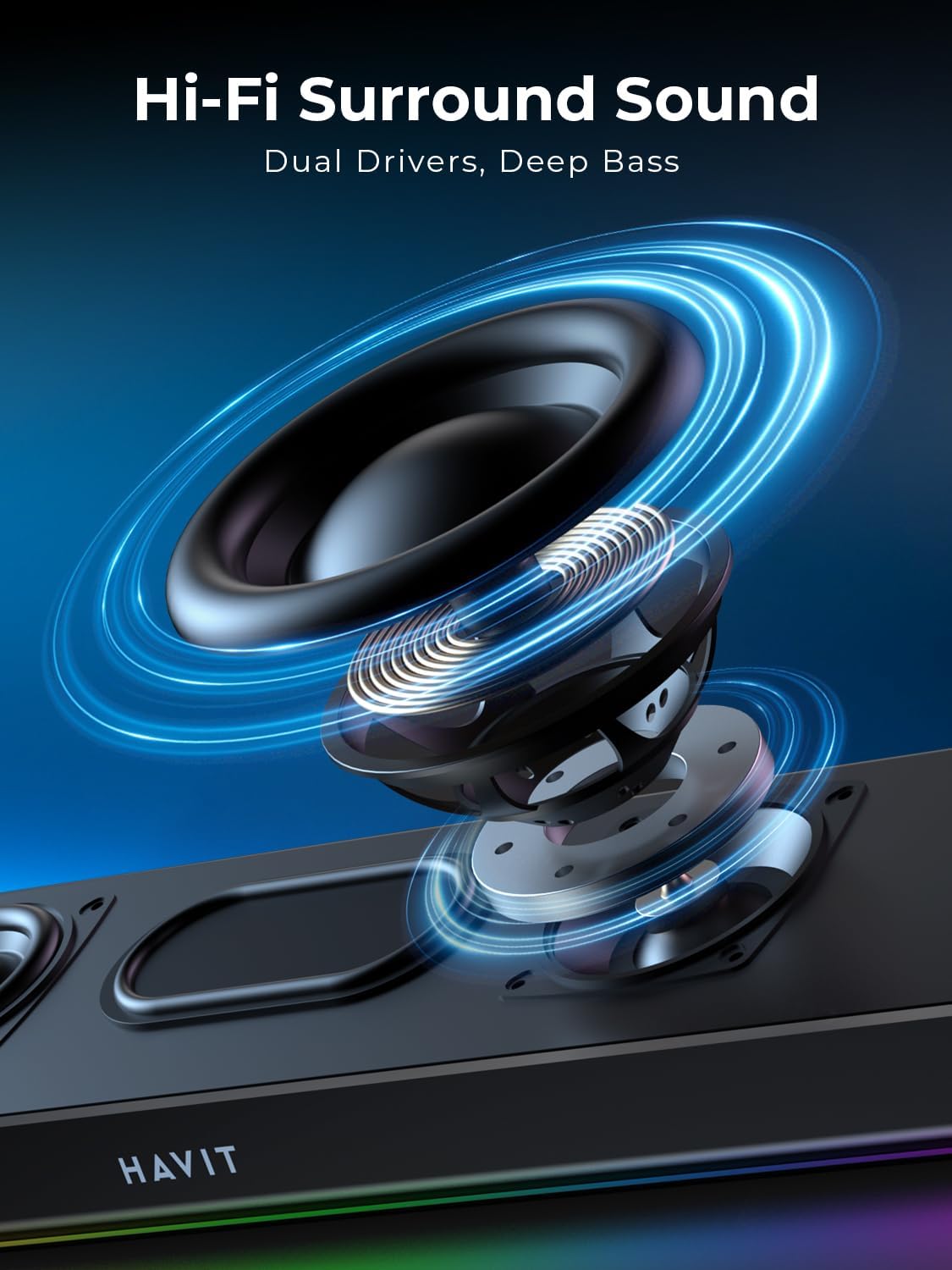
The Havit SK770BT soundbar is engineered for an immersive audio experience, featuring exclusive booster technology and dual full-range speakers. It delivers crisp, stunning sound with deep, distortion-free bass, making it ideal for music, movies, and gaming. Dual 5W amplifiers ensure rich details and balanced audio for a cinema-like immersion.
7. Universal Compatibility
Thanks to its dual connectivity options (USB-C and Bluetooth 5.3), the Havit SK770BT offers broad compatibility with a wide range of devices, including:
- Desktop PCs
- Laptops
- Tablets (iPad, Android tablets)
- Smartphones (iOS, Android)
- iMac and MacBook
- Gaming Consoles (e.g., Nintendo Switch via USB-C)
- TVs (with compatible USB audio output)

8. Maintenance
To ensure the longevity and optimal performance of your Havit SK770BT speakers, follow these maintenance guidelines:
- Cleaning: Use a soft, dry cloth to wipe the surface of the soundbar. Avoid using abrasive cleaners, solvents, or strong chemicals, as they may damage the finish.
- Dust Prevention: The premium mesh fabric exterior is designed to resist dust. However, regular light dusting will help maintain its appearance and prevent dust buildup in the speaker grilles.
- Storage: When not in use for extended periods, store the soundbar in a cool, dry place away from direct sunlight and extreme temperatures.
- Cable Care: Handle the detachable USB-C cable with care. Avoid sharp bends or excessive pulling to prevent damage.
9. Troubleshooting
If you encounter any issues with your Havit SK770BT speakers, refer to the table below for common problems and their solutions.
| Problem | Possible Cause | Solution |
|---|---|---|
| No sound | Soundbar is off; Incorrect audio output selected; Volume too low; Cable not connected properly. | Long press power button to turn on. Select "Havit SK770BT" as default audio device. Increase volume. Reconnect USB-C cable or re-pair Bluetooth. |
| Bluetooth not connecting | Soundbar not in pairing mode; Device Bluetooth off; Too far from device. | Double-click power button to enter Bluetooth pairing mode. Ensure Bluetooth is enabled on your device. Move soundbar closer to your device (within 10 meters). Double-click light effect key to disconnect and re-pair. |
| RGB lights not working | Lights turned off; Malfunction. | Short press the light effect key to cycle through modes or turn lights on. If issue persists, contact support. |
| Sound distortion or low quality | Volume too high; Interference; Source audio quality. | Reduce volume. Move away from other electronic devices causing interference. Ensure source audio is high quality. |
10. Technical Specifications
| Feature | Specification |
|---|---|
| Model Name | SK770BT |
| Speaker Type | Computer Speaker, PC Soundbar |
| Connectivity Technology | Bluetooth 5.3, USB-C Wired |
| Speaker Maximum Output Power | 20 Watts |
| Audio Output Mode | Stereo (2.0 Channel) |
| Frequency Response | 20 KHz (Upper limit, typical range is broader) |
| Bluetooth Range | 10 Meters (33 feet) |
| RGB Lighting Modes | 10 Dynamic Modes |
| Material | Acrylonitrile Butadiene Styrene (ABS), Iron Net |
| Product Dimensions | 14"D x 2"W x 3.5"H (approx. 36cm x 5cm x 9cm) |
| Item Weight | 2 Pounds |
| Input Voltage | 5 Volts |
11. Warranty and Support
The Havit SK770BT Computer Speakers come with a product warranty. Please refer to the included Warranty Card for detailed terms and conditions regarding coverage and duration. Keep your purchase receipt as proof of purchase.
For technical support, troubleshooting assistance, or warranty claims, please visit the official Havit store or contact Havit customer service through their official channels. You can find more information and contact details on the Havit Store on Amazon.
Related documentsSK770BT


Ask a question about this manual
Ask about setup, troubleshooting, compatibility, parts, safety, or missing instructions. Manuals+ will review the question and use this page’s manual context to help answer it.