
Lenovo 82XM
Lenovo IdeaPad Slim 3 Laptop User Manual
Model: 82XM
1. Introduction
Welcome to the user manual for your new Lenovo IdeaPad Slim 3 Laptop. This guide provides essential information to help you set up, operate, maintain, and troubleshoot your device. The Lenovo IdeaPad Slim 3 is designed for versatile performance, featuring an 8-Core AMD Ryzen 7 5825U processor, a vibrant 15.6" FHD touchscreen display, 16GB RAM, and a spacious 1TB SSD. Its lightweight and durable design makes it ideal for productivity and entertainment on the go.
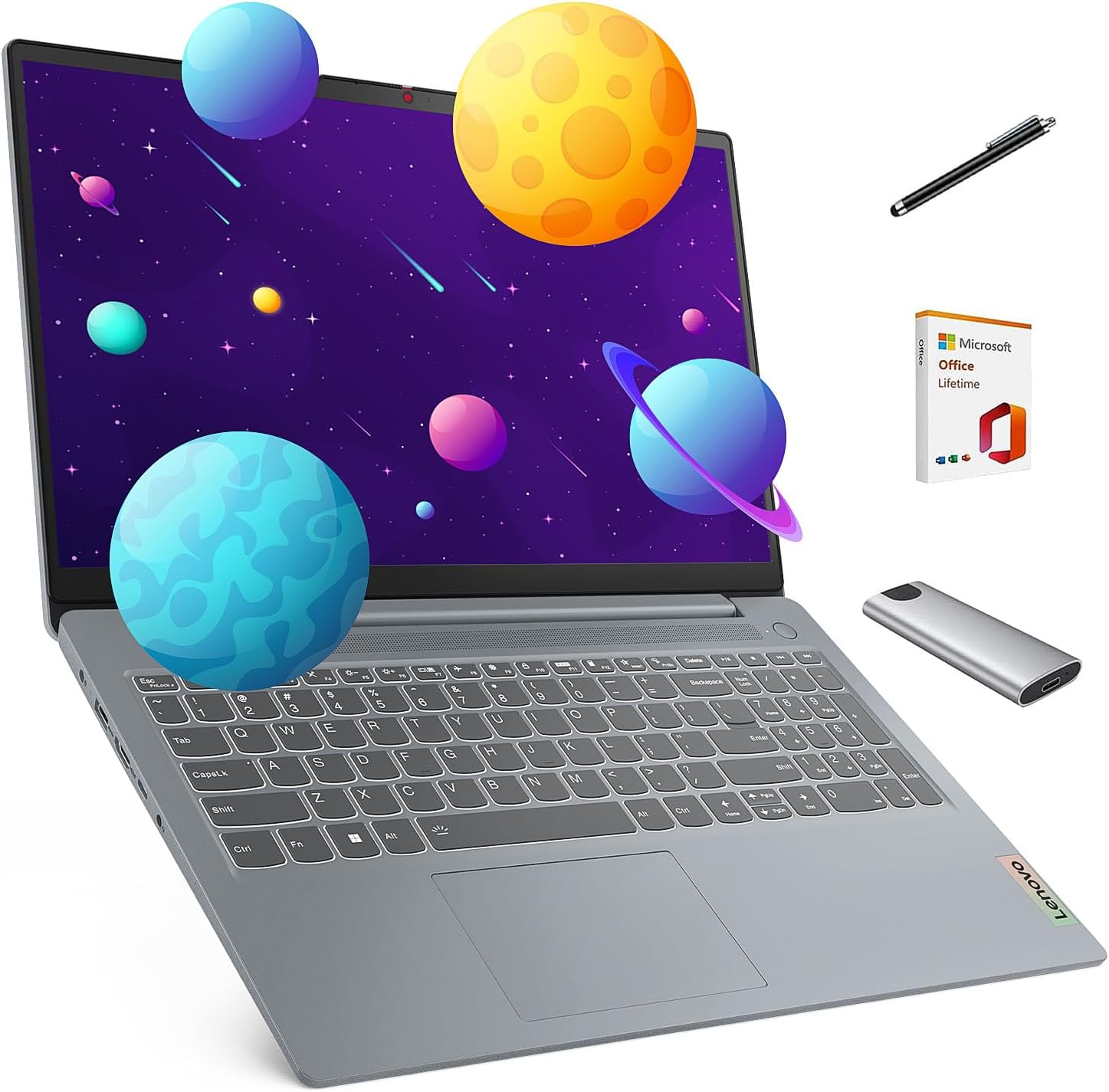
Image: The Lenovo IdeaPad Slim 3 Laptop, showcasing its sleek design along with a stylus pen and a portable SSD, which are included accessories.
2. Setup
Follow these steps to set up your Lenovo IdeaPad Slim 3 Laptop for the first time.
2.1 Unboxing and Initial Inspection
Carefully remove all components from the packaging. Ensure the following items are present:
- Lenovo IdeaPad Slim 3 Laptop
- Power Adapter and Charger
- Stylus Pen
- 128GB Portable SSD
- 2019 Lifetime Office software
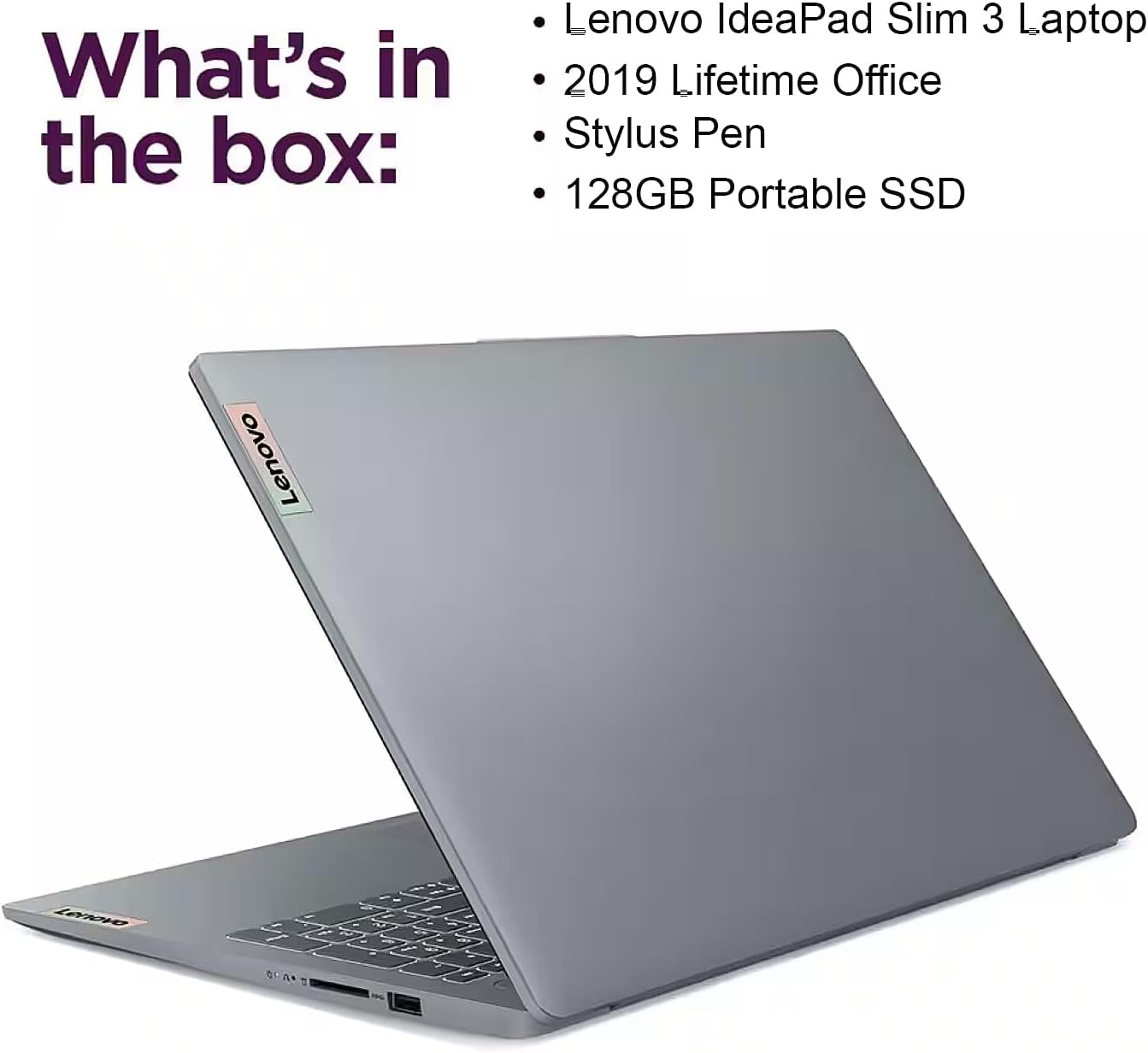
Image: A visual representation of the items included in the product box: the Lenovo IdeaPad Slim 3 Laptop, 2019 Lifetime Office, Stylus Pen, and a 128GB Portable SSD.
2.2 Connecting Power
Connect the power adapter to the laptop's power input port (refer to the "Ports and Connectivity" section for port location) and then plug it into a wall outlet. It is recommended to fully charge the battery before first use.
2.3 Initial Boot-up
Press the power button to turn on the laptop. Follow the on-screen instructions to complete the initial Windows 11 Home setup, including language selection, network connection, and user account creation.
Video: An unboxing and overview of the Lenovo IdeaPad Slim 3 Touchscreen Laptop, demonstrating its features and initial setup steps.
3. Operating Your Laptop
3.1 Display Features
The IdeaPad Slim 3 features a 15.6-inch Full HD (1920x1080) touchscreen display with an 88% screen-to-body ratio, providing an immersive visual experience. It is TÜV Low Blue Light certified to reduce eye strain during extended use. The display also boasts 4-sided narrow bezels for a modern look.

Image: Highlights of the Lenovo IdeaPad Slim 3's display, including its 15.6" FHD (1920x1080) resolution, 10-point multi-touch touchscreen, 4-sided narrow bezels, and TÜV Rheinland Low Blue Light certification.
3.2 Performance
Powered by the AMD Ryzen 7 5825U processor with 8 cores and 16 threads, the laptop delivers robust performance for multitasking. Integrated AMD Radeon Graphics ensure crisp visuals for various applications, from streaming to photo editing.

Image: Details on the laptop's performance capabilities, showcasing the AMD Ryzen 7 5825U processor, 16GB DDR4 RAM, Integrated AMD Radeon Graphics, and WiFi 6 connectivity.
3.3 Keyboard and Touchpad
The laptop features a full-size keyboard with a dedicated number pad for enhanced productivity. The flexible hinge allows for comfortable viewing and interaction, including scrolling on the touchscreen.
3.4 Webcam and Audio
An HD 720p camera with a privacy shutter is integrated for secure video calls. Two noise-cancelling microphones ensure clear audio input. Experience enhanced sound quality with Dolby Audio.

Image: Illustrates the privacy and protection features, including the HD 720p camera with Privacy Shutter and two noise-cancelling microphones.
3.5 Ports and Connectivity
The IdeaPad Slim 3 offers versatile connectivity options:
- 2x USB-A 3.2 Gen 1 ports
- 1x USB-C 3.2 Gen 1 (full function: charging, display output, data transfer)
- 1x HDMI 1.4 port
- 1x SD Card Reader
- 1x Headphone/Microphone combo jack
- Wireless Type: 802.11ax (Wi-Fi 6)

Image: A detailed view of the laptop's connectivity ports, including USB-A 3.2 Gen 1, USB-C 3.2 Gen 1 (full function), HDMI 1.4, Headphone/mic combo, and SD card reader.
3.6 Battery Life and Charging
Enjoy extended usage with the large-capacity battery designed for all-day use. Rapid-charging technology allows for up to two hours of power with just a 15-minute charge.

Image: Highlights the long battery life and Rapid Charge Boost feature, providing two hours of use from a 15-minute charge.
4. Maintenance
4.1 General Care
To ensure the longevity of your laptop, keep it clean and free from dust. Use a soft, lint-free cloth for cleaning the screen and exterior. Avoid exposing the laptop to extreme temperatures, direct sunlight, or liquids.
4.2 Battery Care
For optimal battery health, avoid frequently discharging the battery completely. If storing the laptop for an extended period, ensure the battery is charged to about 50-60%.
4.3 Software Updates
Regularly check for and install operating system updates (Windows 11 Home) and driver updates from Lenovo's official support website to ensure optimal performance and security.
5. Troubleshooting
This section provides solutions to common issues you might encounter.
5.1 Power Issues
- Laptop does not turn on: Ensure the power adapter is securely connected to both the laptop and a working power outlet. Try a different outlet.
- Battery not charging: Verify the power adapter is functioning correctly. Check for any damage to the charging port or cable.
5.2 Display Issues
- Screen is blank: Ensure the laptop is powered on. Try connecting an external monitor to check if the issue is with the laptop's display.
- Touchscreen not responding: Restart the laptop. Ensure display drivers are up to date.
5.3 Connectivity Issues
- Wi-Fi not connecting: Check if Wi-Fi is enabled. Restart your router and the laptop. Ensure correct Wi-Fi password.
- USB devices not recognized: Try a different USB port. Ensure the device drivers are installed.
For more complex issues, refer to the Lenovo support website or contact customer service.
6. Specifications
| Feature | Specification |
|---|---|
| Brand | Lenovo |
| Model Name | IdeaPad Slim 3 |
| Item Model Number | 82XM |
| Screen Size | 15.6 Inches |
| Screen Resolution | 1920 x 1080 pixels (FHD) |
| Processor | AMD Ryzen 7 5825U (up to 4.5 GHz, 8 Cores, 16 Threads) |
| RAM | 16 GB DDR4 SDRAM |
| Hard Drive | 1 TB SSD |
| Graphics Coprocessor | AMD Radeon Graphics (Integrated) |
| Operating System | Windows 11 Home |
| Wireless Type | 802.11ax (Wi-Fi 6) |
| Ports | 2x USB-A 3.0, 1x USB-C 3.2 Gen 1 (full function), 1x HDMI 1.4, 1x SD Card Reader, 1x Headphone/Mic combo |
| Item Weight | 3.56 pounds |
| Product Dimensions | 14.15 x 0.7 x 9.25 inches |
| Color | Arctic Grey |

Image: The laptop's physical attributes, showing its thin profile (0.7 inches), weight (3.56 lbs), and Arctic Grey color, emphasizing its portability and military-grade ruggedness.
7. Warranty and Support
Your Lenovo IdeaPad Slim 3 Laptop comes with standard manufacturer's warranty. For specific warranty terms and conditions, please refer to the documentation included with your product or visit the official Lenovo support website.
7.1 Extended Protection Plans
Additional protection plans are available for purchase to extend coverage beyond the standard warranty. These may include:
- 2-Year Protection Plan
- 4-Year Protection Plan
- Complete Protect (monthly plan covering eligible past and future purchases)
For details on purchasing and activating these plans, please consult the retailer or the respective service provider.
7.2 Customer Support
For technical assistance, troubleshooting, or service requests, please contact Lenovo customer support or visit their official support portal.