
1. Introduction
This manual provides essential information for the safe and effective use of the Bolisila IV3-G600CA Image Recognition Sensor. The IV3-G600CA is an advanced industrial sensor designed to enhance automation and efficiency in manufacturing processes through robust image recognition technology. Please read this manual thoroughly before installation and operation.
2. Safety Information
Observe the following safety precautions to prevent injury and damage to the product or connected equipment.
- Qualified Personnel: Installation, setup, and maintenance should only be performed by qualified personnel familiar with industrial electrical systems and safety standards.
- Power Supply: Ensure the power supply voltage and current ratings match the sensor's specifications. Disconnect power before performing any wiring or maintenance.
- Environmental Conditions: Do not expose the sensor to conditions outside its specified operating temperature, humidity, or vibration limits.
- Mounting: Securely mount the sensor to prevent accidental detachment or movement during operation.
- Emergency Stop: Integrate the sensor into a system that includes appropriate emergency stop mechanisms.
3. Product Overview
The Bolisila IV3-G600CA is an industrial image recognition sensor engineered for accurate identification and analysis in various industrial setups. Its design focuses on robust and reliable performance, making it suitable for demanding automation environments.
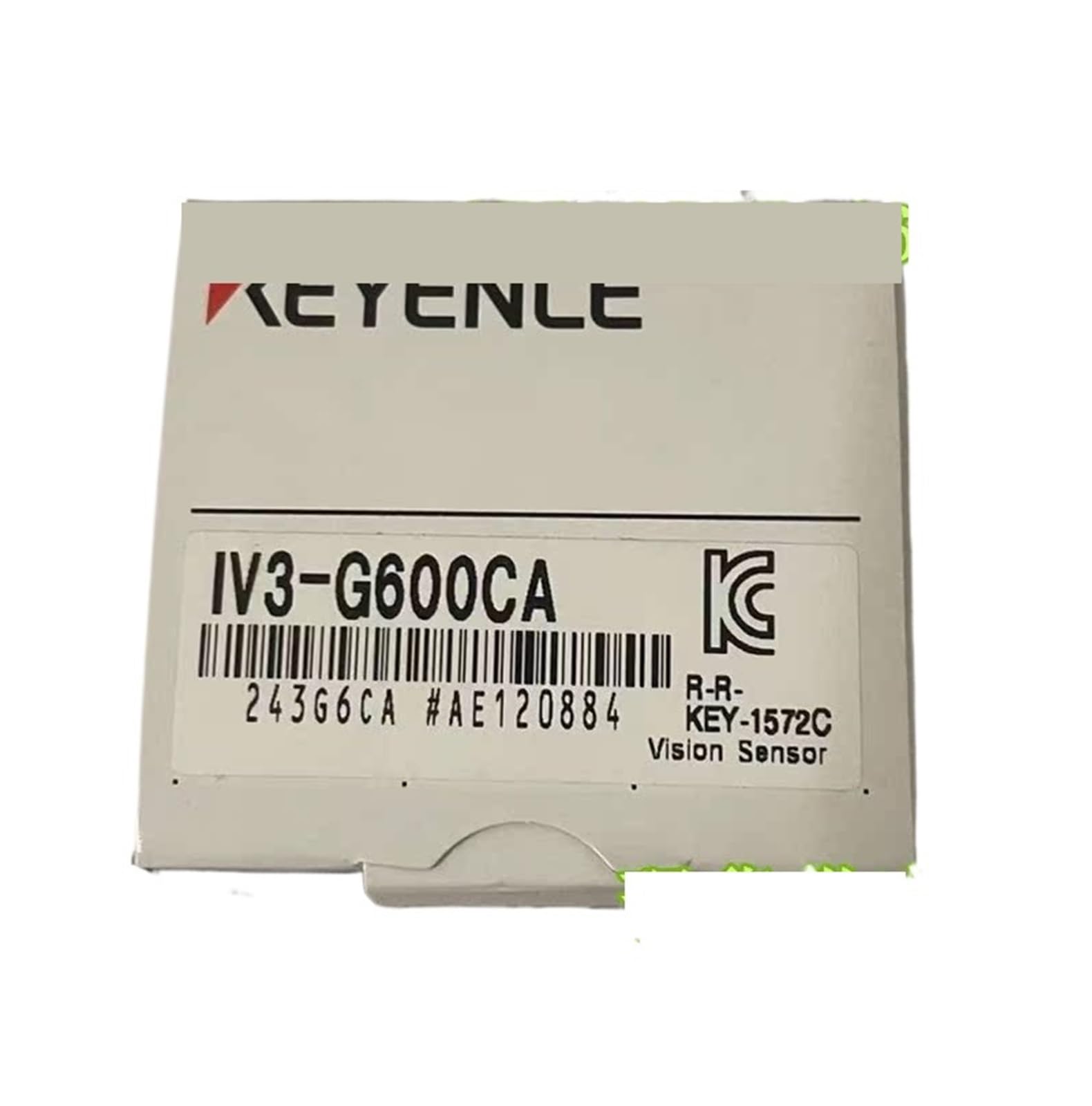
Figure 3.1: Bolisila IV3-G600CA Image Recognition Sensor. This image shows the compact design of the sensor, highlighting its robust casing suitable for industrial environments.
Key Features:
- Robust and reliable performance for continuous industrial operation.
- Advanced image recognition technology for precise object identification and analysis.
- Designed for seamless integration into various industrial applications.
- Enhances automation and efficiency in manufacturing processes.
4. Setup
Follow these steps for proper installation of the IV3-G600CA sensor.
4.1 Mounting
- Select a stable mounting location free from excessive vibration and direct impact.
- Ensure the sensor's field of view is clear and unobstructed for optimal image capture.
- Use appropriate fasteners to securely attach the sensor to the mounting surface. Refer to the sensor's physical dimensions for space requirements.
4.2 Wiring
- Before wiring, ensure all power to the system is disconnected.
- Connect the power supply wires to the designated terminals on the sensor, observing correct polarity.
- Connect communication cables (e.g., Ethernet, serial) to the sensor and the control system as required by your application.
- Verify all connections are secure and properly insulated.
4.3 Initial Power-Up
- After completing all wiring, restore power to the system.
- Observe the sensor's indicator lights to confirm proper power-on and initialization.
- Access the sensor's configuration interface (e.g., via software or web interface) to perform initial network settings and basic functionality tests.
5. Operating Instructions
Operating the IV3-G600CA involves configuring its image recognition parameters and monitoring its performance within your industrial application.
5.1 Configuration
- Launch the dedicated software or access the web interface for the IV3-G600CA sensor.
- Define the image recognition tasks, such as object detection, pattern matching, or quality inspection, according to your application requirements.
- Adjust parameters like lighting, exposure, focus, and recognition thresholds for optimal performance.
- Save the configuration settings to the sensor's memory.
5.2 Monitoring and Control
- Monitor the sensor's output signals and status indicators to ensure correct operation.
- Integrate the sensor's output with your PLC or control system to trigger actions based on recognition results.
- Regularly review recognition accuracy and adjust settings as needed to adapt to changes in the operating environment or target objects.
6. Maintenance
Proper maintenance ensures the longevity and consistent performance of your IV3-G600CA sensor.
6.1 Cleaning
- Always disconnect power before cleaning.
- Gently clean the sensor lens and housing with a soft, lint-free cloth.
- For stubborn dirt, use a mild, non-abrasive cleaning solution specifically designed for optical components. Avoid harsh chemicals.
6.2 Inspection
- Periodically inspect all cables and connectors for signs of wear, damage, or loose connections.
- Check the mounting hardware for tightness and ensure the sensor remains securely positioned.
- Verify that the sensor's indicator lights are functioning correctly.
7. Troubleshooting
This section addresses common issues you might encounter with the IV3-G600CA sensor.
| Problem | Possible Cause | Solution |
|---|---|---|
| Sensor not powering on | No power supply; incorrect wiring; faulty power supply | Check power connections; verify power supply voltage; test power supply unit. |
| Poor image recognition accuracy | Dirty lens; improper lighting; incorrect focus; suboptimal configuration settings | Clean the lens; adjust lighting conditions; recalibrate focus; fine-tune recognition parameters in software. |
| No communication with control system | Loose or damaged communication cable; incorrect network settings; software issue | Check cable connections; verify IP address/network settings; restart sensor and control system software. |
If the problem persists after attempting these solutions, contact technical support.
8. Specifications
Refer to the following specifications for the Bolisila IV3-G600CA Image Recognition Sensor:
- Model: IV3-G600CA
- Package Dimensions: 1.18 x 0.79 x 0.39 inches
- Item Weight: 2.2 pounds
- Manufacturer: Bolisila
- Assembly Required: No
- Number of Pieces: 1
9. Warranty and Support
For information regarding product warranty, technical support, or service, please refer to the documentation provided with your purchase or visit the official Bolisila website. Contact details for customer support are typically available on the manufacturer's website or product packaging.