
1. Introduction
Thank you for purchasing the JUNJIEUNVO B36 Wireless Over-Ear Headphones. This manual provides detailed instructions for the proper setup, operation, and maintenance of your headphones. Please read this manual thoroughly before use to ensure optimal performance and longevity of your device.

Figure 1: B36 Wireless Over-Ear Headphones. A front-facing view of the B36 Wireless Over-Ear Headphones, showcasing their sleek black design, premium mesh fabric headband, and silver metal accents.
2. Package Contents
Ensure all items listed below are present in your package:
- B36 Wireless Over-Ear Headphones
- User Manual (this document)
- Charging Cable (not explicitly listed in product data, but typically included with wireless headphones)

Figure 2: Product Packaging. The retail packaging for the B36 Hi-Fi Wireless Headphones, showing product features and safety precautions.
3. Product Overview and Controls
The B36 headphones feature an ergonomic design for comfortable extended wear, with intuitive controls located on the earcup for easy access.
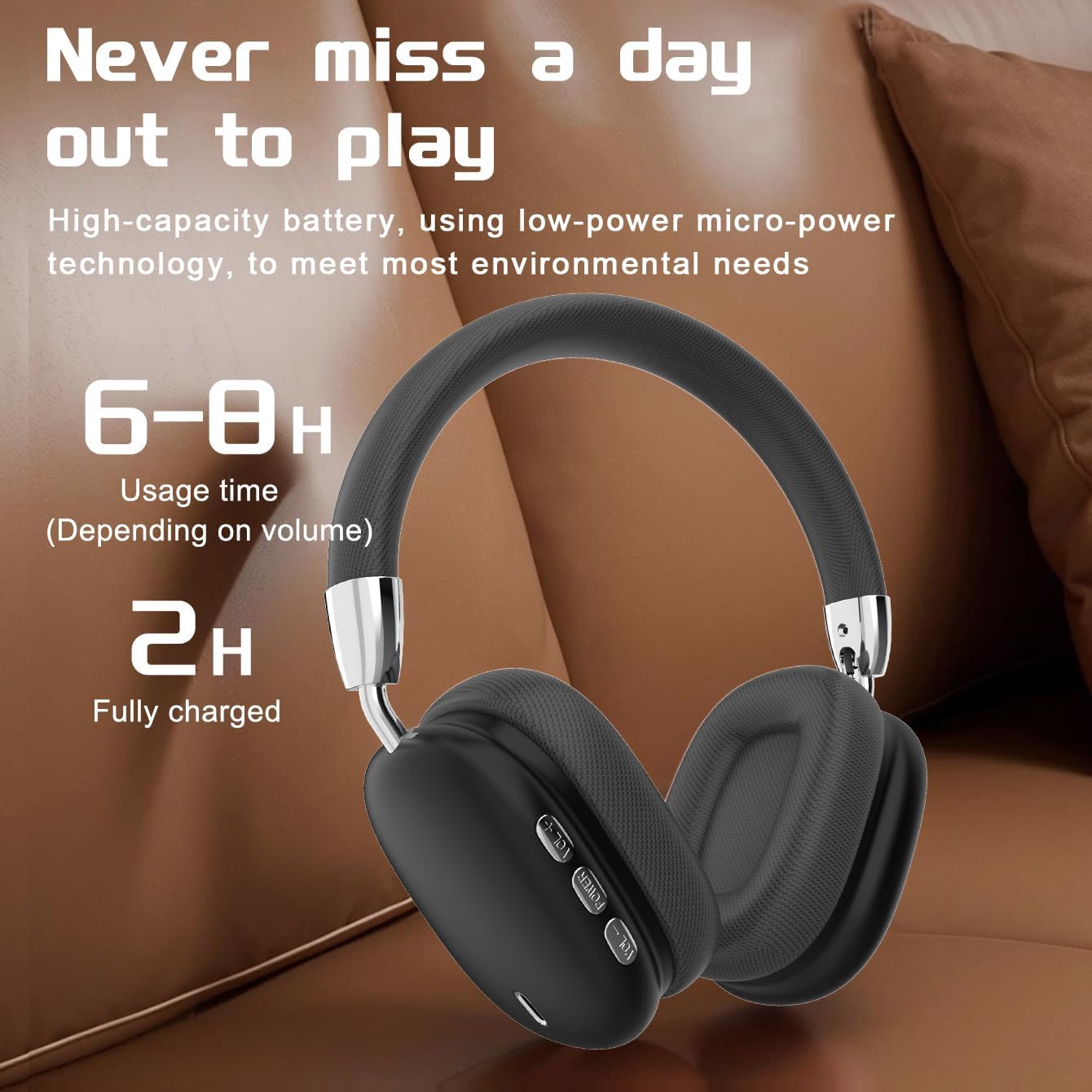
Figure 3: Earcup Controls and Battery Information. This image highlights the battery performance of the B36 headphones, indicating 6-8 hours of usage time and a 2-hour full charge time, with visible control buttons on the earcup.
Control Buttons:
- Power Button: Used for powering the headphones on/off and initiating Bluetooth pairing.
- Volume Up (+): Increases audio volume.
- Volume Down (-): Decreases audio volume.
- Multi-function Button (MFB): Controls playback (play/pause), track selection (next/previous), and call management (answer/end calls).
4. Setup
4.1 Charging the Headphones
- Connect the charging cable to the charging port on the headphones.
- Connect the other end of the charging cable to a USB power source (e.g., computer USB port, USB wall adapter).
- The indicator light will show charging status (refer to LED indicator section for details, if available).
- A full charge takes approximately 2 hours.
Important: The charging cable current should be 0.2A. Do not use a high-power charging head for charging. If you use a fast-charging head, please equip yourself with a corresponding power charging cable to avoid overheating and catching fire.
4.2 Powering On/Off
- Power On: Press and hold the Power button for approximately 3 seconds until the indicator light illuminates.
- Power Off: Press and hold the Power button for approximately 3 seconds until the indicator light turns off.
4.3 Bluetooth Pairing
- Ensure the headphones are powered off.
- Press and hold the Power button for approximately 5 seconds until the indicator light flashes rapidly (usually blue and red), indicating pairing mode.
- On your device (smartphone, tablet, computer), enable Bluetooth and search for available devices.
- Select "B36" from the list of found devices.
- Once paired, the indicator light on the headphones will change (e.g., slow blue flash or solid blue).
- If prompted for a password, enter "0000".
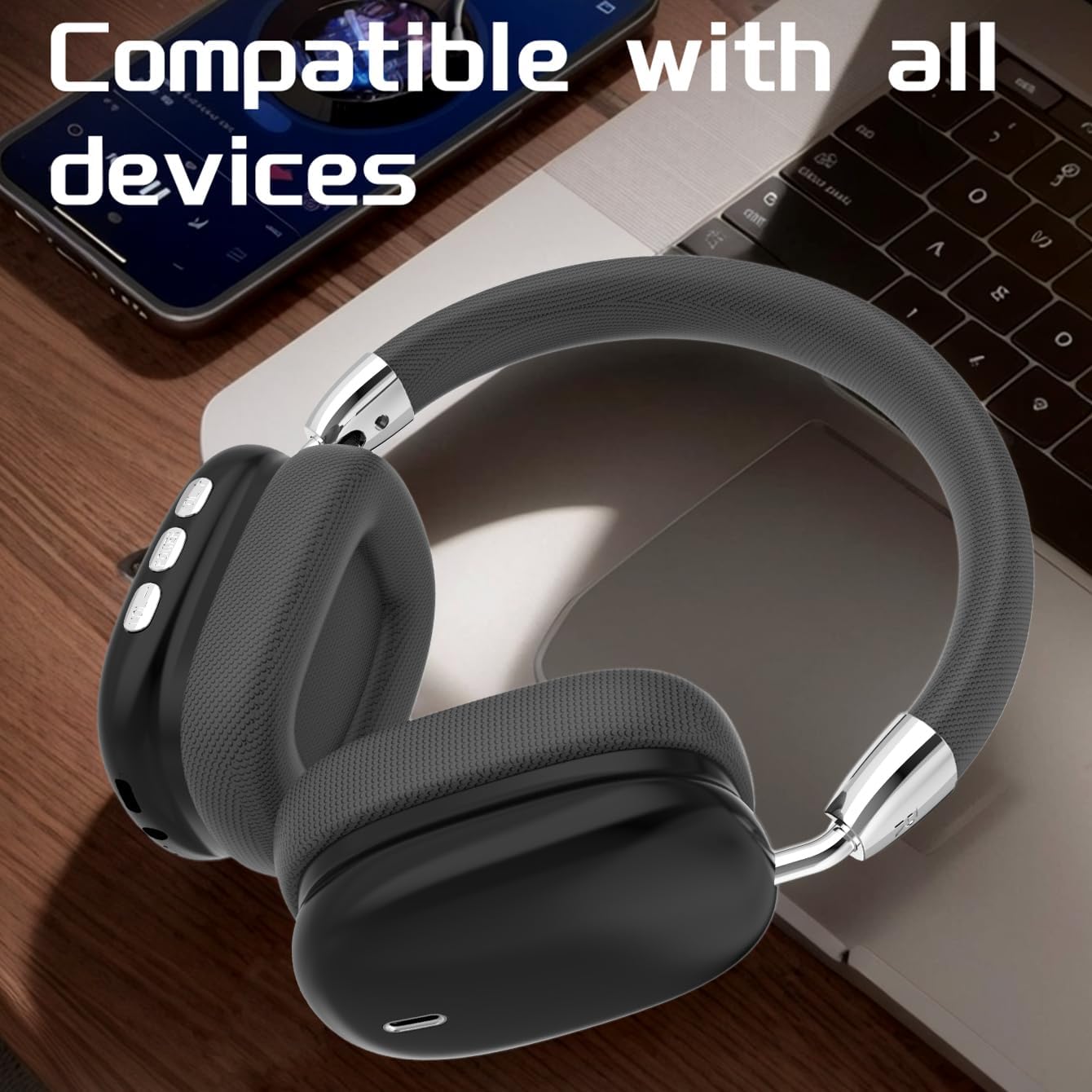
Figure 4: Device Compatibility. The B36 Wireless Over-Ear Headphones placed near a laptop and smartphone, illustrating their broad compatibility with Bluetooth-enabled devices.
5. Operating Instructions
5.1 Audio Playback
- Play/Pause: Press the MFB once.
- Next Track: Press and hold the Volume Up (+) button.
- Previous Track: Press and hold the Volume Down (-) button.
5.2 Volume Control
- Increase Volume: Short press the Volume Up (+) button.
- Decrease Volume: Short press the Volume Down (-) button.
5.3 Call Management
- Answer/End Call: Press the MFB once during an incoming call or active call.
- Reject Call: Press and hold the MFB for 2 seconds during an incoming call.
- Redial Last Number: Double-press the MFB.

Figure 5: In-Use Comfort. A user wearing the B36 Wireless Over-Ear Headphones, demonstrating their comfortable over-ear fit and suitability for various activities.
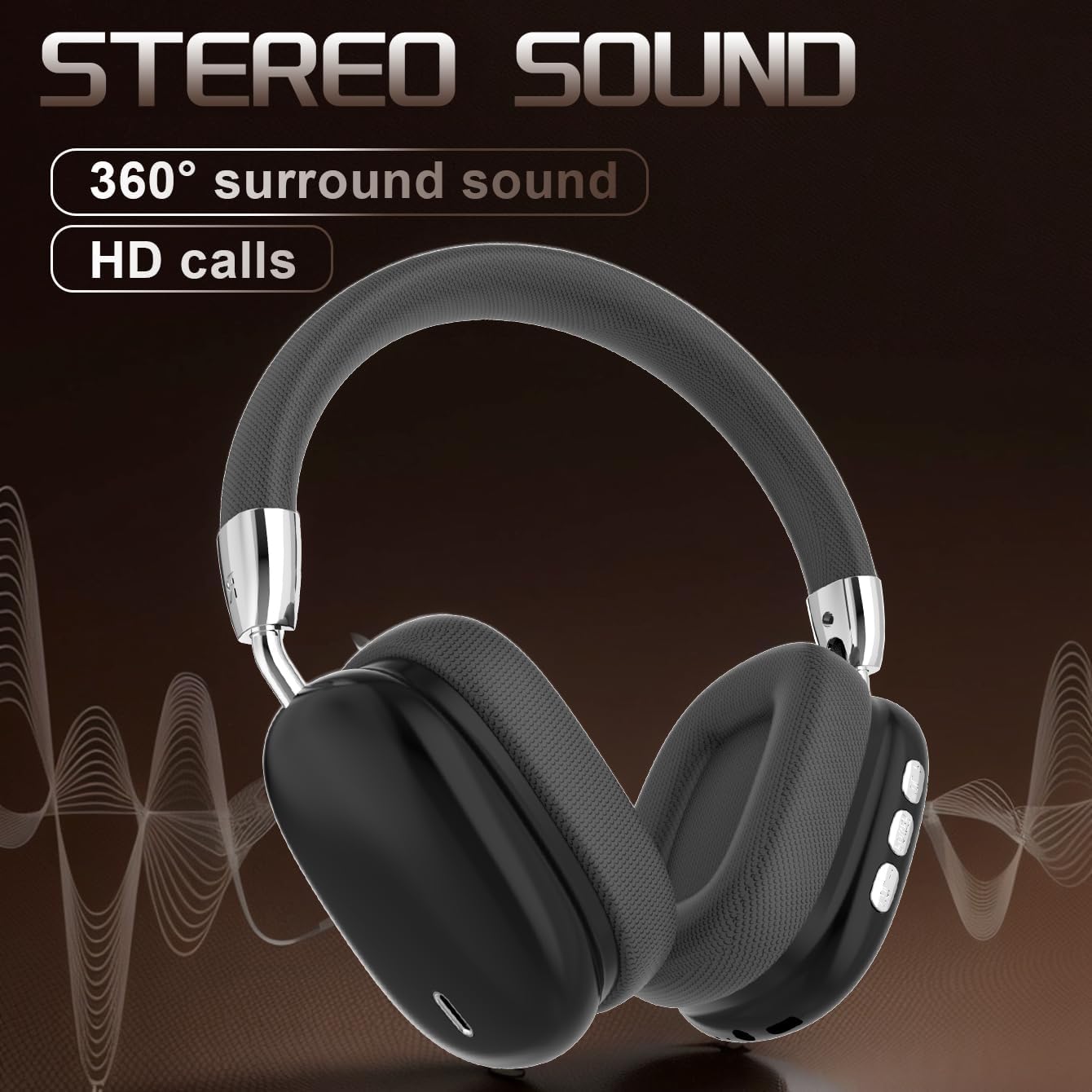
Figure 6: Audio Quality. A visual representation emphasizing the 360-degree surround sound and HD call capabilities of the B36 headphones.
6. Maintenance
- Cleaning: Use a soft, dry cloth to clean the headphones. For the mesh fabric, a slightly damp cloth can be used, but ensure it is not wet. Do not use harsh chemicals or abrasive cleaners.
- Water Resistance: These headphones are not water resistant. Avoid exposure to liquids, moisture, and extreme humidity.
- Storage: When not in use, store the headphones in a cool, dry place, away from direct sunlight and extreme temperatures. The foldable design allows for compact storage.
- Battery Care: If the product is not used for a long time, please make sure to charge it at least once every two months to maintain battery health.
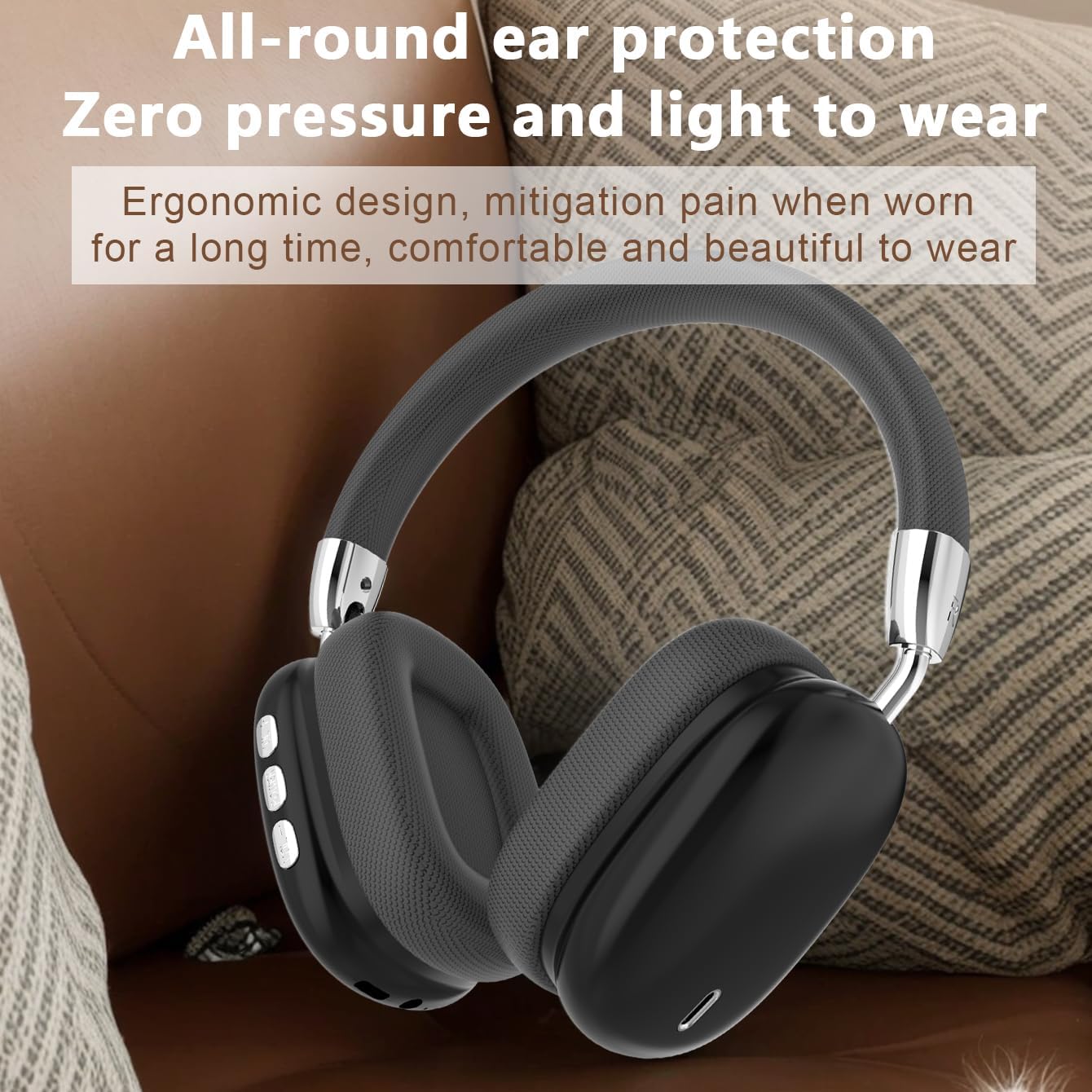
Figure 7: Ergonomic Design. The B36 Wireless Over-Ear Headphones shown with text describing their ergonomic design, providing zero pressure and light wear for extended comfort.
7. Troubleshooting
| Problem | Possible Cause | Solution |
|---|---|---|
| Headphones do not power on. | Low battery. | Charge the headphones for at least 2 hours. |
| Cannot pair with device. | Headphones not in pairing mode; Bluetooth off on device; device too far. | Ensure headphones are in pairing mode (flashing indicator light). Turn on Bluetooth on your device. Move headphones closer to the device (within 33 feet). |
| No sound or low volume. | Volume too low on headphones or device; headphones not connected. | Increase volume on both headphones and connected device. Re-pair the headphones if connection is lost. |
| Sound quality is poor. | Interference; device too far; low battery. | Move away from sources of interference (Wi-Fi routers, other Bluetooth devices). Move closer to the connected device. Charge the headphones. |
8. Specifications
| Feature | Detail |
|---|---|
| Model Name | B36 |
| Connectivity Technology | Wireless (Bluetooth) |
| Bluetooth Version | 5.0 |
| Bluetooth Range | 33 Feet (10 meters) |
| Ear Placement | Over Ear |
| Noise Control | Passive Noise Cancellation |
| Frequency Response | 20 Hz (Lower limit, upper limit not specified) |
| Sensitivity | 102 dB |
| Impedance | 32 Ohm |
| Audio Driver Size | 40 Millimeters |
| Charging Time | 2 Hours |
| Usage Time | 6-8 Hours (depending on volume) |
| Material | Metal, Plastic, Premium Mesh Fabric |
| Item Weight | 310 Grams (10.9 ounces) |
| Water Resistance Level | Not Water Resistant |
| Manufacturer | UNVO |
9. Warranty and Support
The product has a shelf life of one year, which typically implies a one-year warranty period from the date of purchase. Please retain your proof of purchase for warranty claims.
For technical support, warranty inquiries, or service, please contact the manufacturer or your retailer. Refer to the contact information provided on the product packaging or the official JUNJIEUNVO website.
Note: Specific contact details are not provided in this manual.
10. Safety Precautions
- Do not expose the headphones to extreme temperatures, direct sunlight, or high humidity.
- Do not disassemble, repair, or modify the headphones yourself. This may void the warranty and cause damage.
- Keep the headphones away from children and pets.
- Avoid listening at high volumes for extended periods to prevent hearing damage.
- Dispose of the product responsibly according to local regulations.