Introduction
The Nautica Urban SP100 is a portable Bluetooth speaker designed for outdoor use, featuring an IPX5 waterproof rating. It delivers 10W PMPO power, providing balanced sound with deep bass and clear treble. This speaker supports Bluetooth 5.1 for quick and stable connections and offers True Wireless Stereo (TWS) functionality to pair two SP100 speakers for enhanced sound. Its compact and durable design makes it suitable for various environments.

Image: Front view of the Nautica Urban SP100 speaker, highlighting its design and the Nautica branding.
What's in the Box
- Nautica Urban SP100 Portable Wireless Speaker
- Charging Cable (USB-A to USB-C)
- User Manual
Product Features
- Dynamic Sound: Delivers 10W PMPO power for balanced, clean sound with deep bass, clear treble, and rich tones.
- Quick Connection & Easy Click Button: Equipped with Bluetooth 5.1 technology for fast pairing to your device.
- Extended Playtime & Quick Charging: Offers up to 7 hours of playtime on a single charge and a 30-day standby mode. Charges fully in approximately 2 hours.
- Portable & Lightweight Design: Compact and easy to transport, making it suitable for various activities.
- Stylish Dual-Color Design: Features a soft-touch finish and a metal front grill, adding to its aesthetic appeal.
- True Wireless Stereo (TWS): Allows you to link two SP100 speakers for double the power and stereo sound.
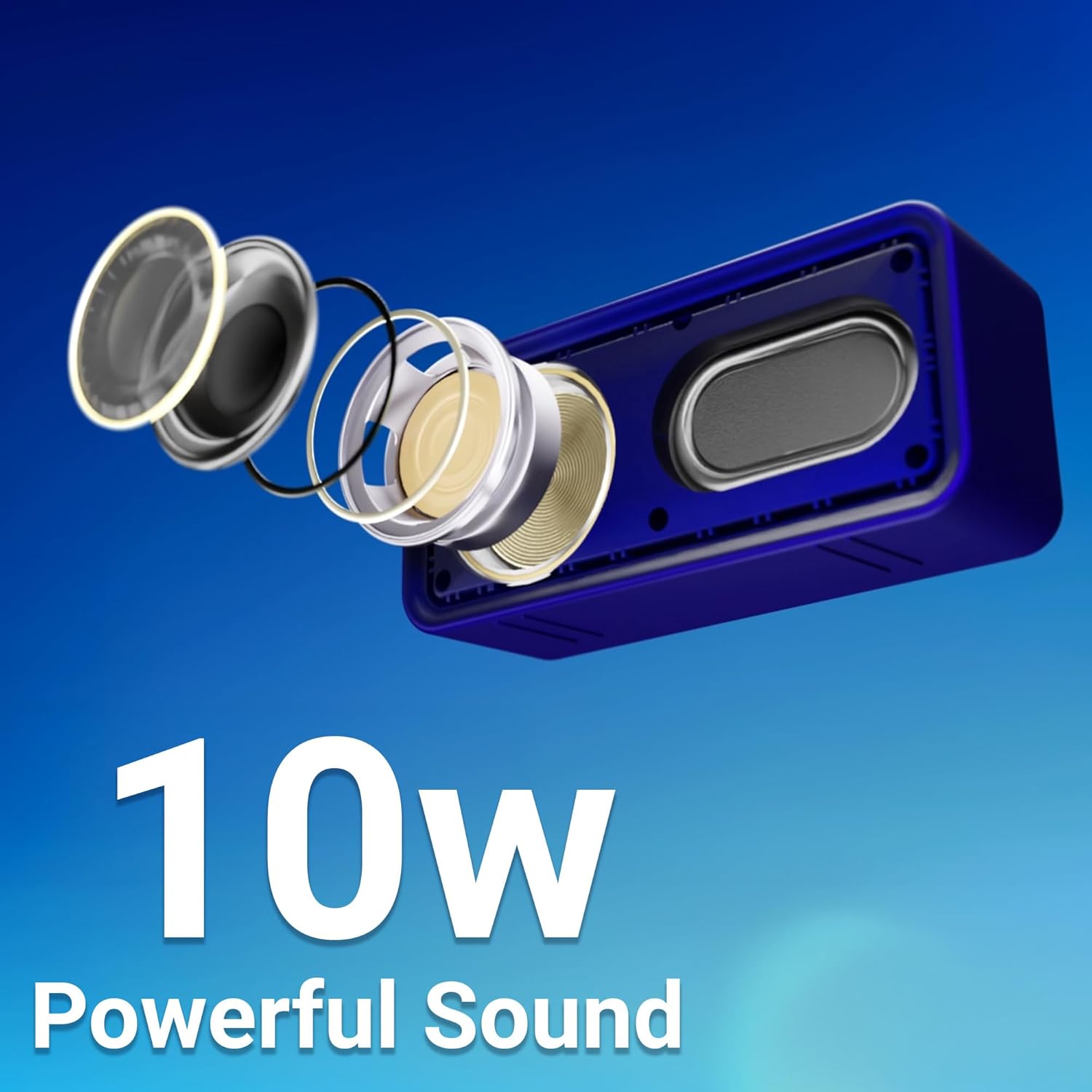
Image: Exploded view of the speaker's internal components, illustrating the 10W powerful sound output.
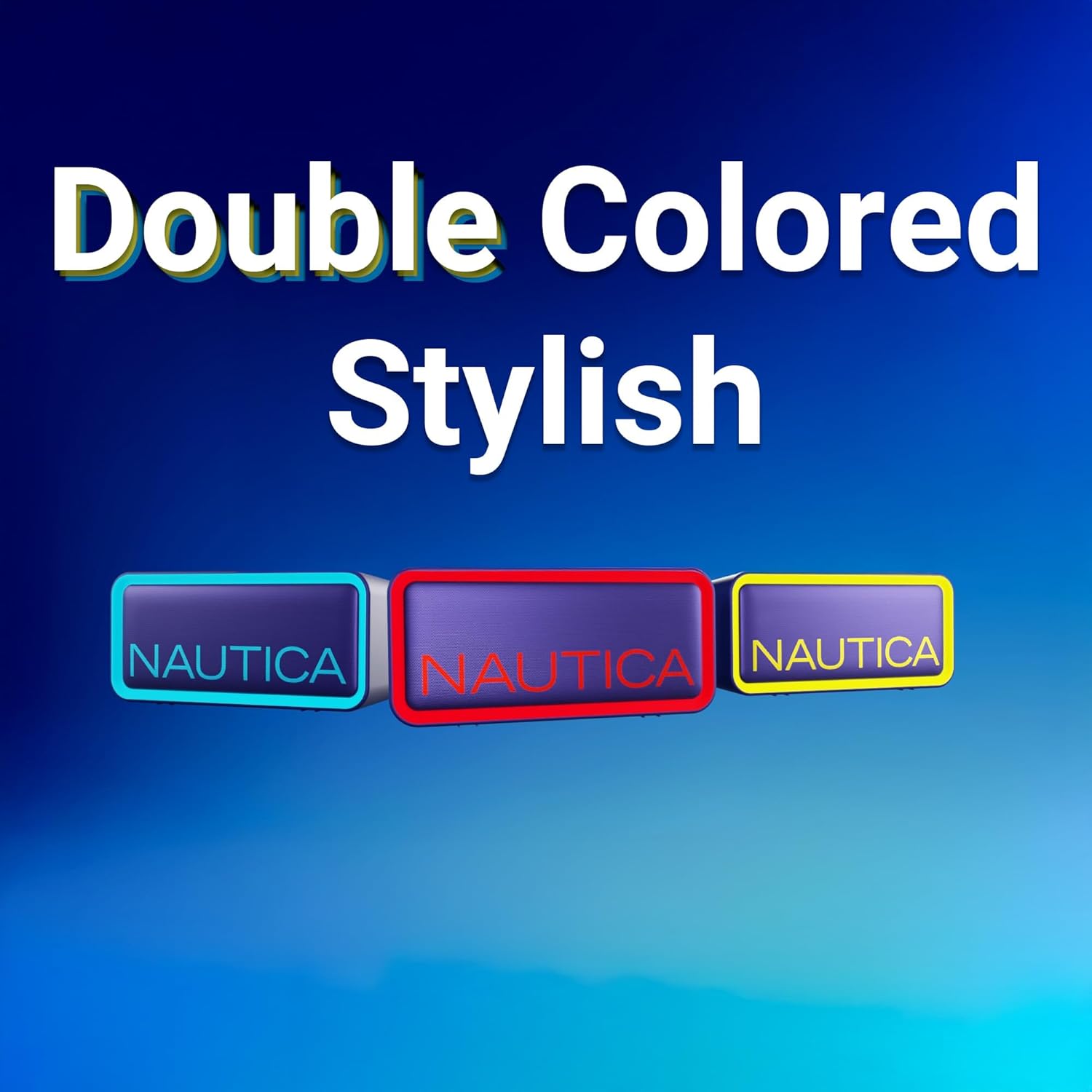
Image: Multiple Nautica Urban SP100 speakers showcasing their dual-color stylish design options.
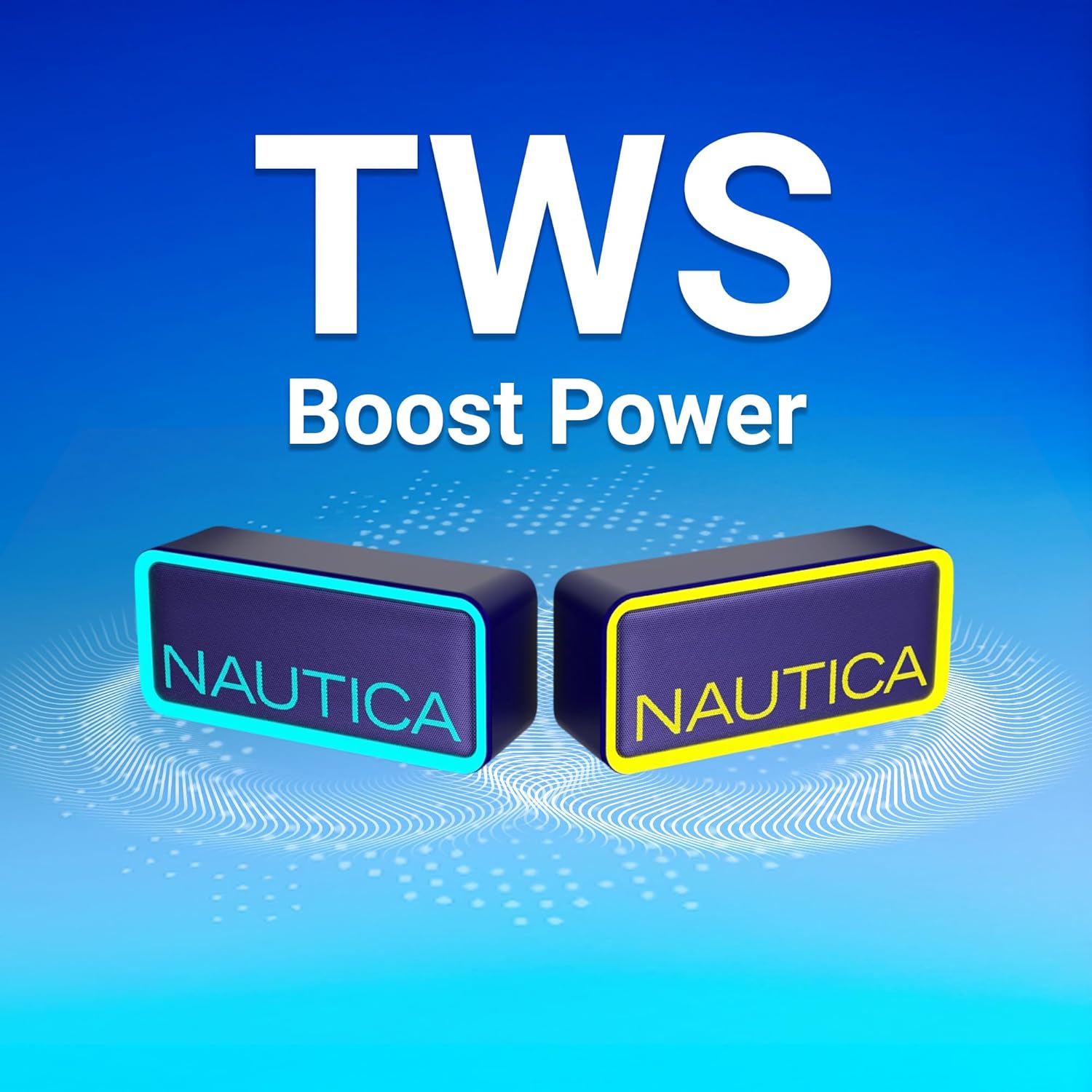
Image: Two Nautica Urban SP100 speakers wirelessly connected, illustrating the TWS feature for enhanced audio.
Setup
1. Charging the Speaker
- Locate the DC5V IN port on the back of the speaker, protected by a rubber flap.
- Open the rubber flap and connect the provided USB-C charging cable to the speaker.
- Connect the USB-A end of the cable to a compatible USB power adapter (not included) or a computer USB port.
- The LED indicator will illuminate during charging. It typically takes about 2 hours for a full charge.
- Once fully charged, the LED indicator may change color or turn off (refer to the specific LED behavior in your printed manual).
2. Bluetooth Pairing
- Ensure the speaker is charged. Press and hold the power button on the back of the speaker to turn it on.
- The speaker will enter Bluetooth pairing mode, indicated by a flashing LED light (e.g., blue light).
- On your mobile device (smartphone, tablet, etc.), go to the Bluetooth settings.
- Search for available devices and select "Nautica SP100" from the list.
- Once connected, the LED indicator will typically show a solid light, and you may hear an audible confirmation.
3. True Wireless Stereo (TWS) Pairing (Optional)
To achieve stereo sound, you can pair two Nautica Urban SP100 speakers together:
- Ensure both SP100 speakers are powered on and not connected to any other Bluetooth device.
- On one of the speakers (this will be your primary speaker), press and hold the TWS button (if available, otherwise follow the specific TWS pairing instructions in your printed manual).
- The speakers will search for each other and automatically pair. You will hear a confirmation tone once TWS pairing is successful.
- Now, connect your mobile device to the primary speaker via Bluetooth as described in step 2. Both speakers will play audio in stereo.
Operating Instructions
1. Power On/Off
- To Power On: Press and hold the power button on the back of the speaker until the LED indicator lights up and you hear a power-on tone.
- To Power Off: Press and hold the power button again until the LED indicator turns off and you hear a power-off tone.
2. Volume Control
The Nautica Urban SP100 speaker's volume is controlled directly from your connected Bluetooth device (smartphone, tablet, etc.). Adjust the volume on your device to increase or decrease the speaker's output.
3. Audio Playback
Once connected via Bluetooth, audio playback (play, pause, skip tracks) is controlled entirely from your source device. The speaker acts as an audio output device.
Video: Official product overview of the Nautica SP100 Portable Speaker, demonstrating its features and design.
Maintenance
1. Water Resistance (IPX5)
The Nautica Urban SP100 has an IPX5 rating, meaning it is protected against low-pressure water jets from any direction. This makes it suitable for use in environments where it might encounter splashes, such as by a pool or at the beach. Do not submerge the speaker in water. Ensure the rubber flap covering the charging port is securely closed when using the speaker near water.
2. Cleaning
To clean the speaker, use a soft, damp cloth. Avoid using harsh chemicals, abrasive cleaners, or solvents, as these may damage the surface or internal components.
3. Storage
Store the speaker in a cool, dry place away from direct sunlight and extreme temperatures. If storing for an extended period, ensure the battery is partially charged (around 50%) to maintain battery health.
Troubleshooting
| Problem | Solution |
|---|---|
| Speaker does not power on. | Ensure the battery is charged. Connect the speaker to a power source using the provided charging cable. |
| Cannot pair with Bluetooth device. | Make sure the speaker is in pairing mode (flashing LED). Turn off and on Bluetooth on your device. Ensure no other devices are connected to the speaker. Move the speaker closer to your device. |
| No sound or low volume. | Check the volume level on both the speaker (via your connected device) and your source device. Ensure the speaker is properly connected via Bluetooth. |
| TWS pairing fails. | Ensure both SP100 speakers are powered on and not connected to any other Bluetooth device. Follow the TWS pairing instructions carefully. |
| Charging not working. | Verify the charging cable is securely connected to both the speaker and the power source. Try a different USB power adapter or port. Ensure the charging port is clean and free of debris. |
Specifications
| Feature | Detail |
|---|---|
| Brand | Nautica |
| Model Name | UCCSP01-2 |
| Speaker Maximum Output Power | 10 Watts |
| Connectivity Technology | Bluetooth 5.1 |
| Mounting Type | Tabletop Mount |
| Speaker Type | Portable Speaker |
| Color | Navy - Red |
| Item Dimensions (D x W x H) | 6"D x 1"W x 2"H |
| Item Weight | 9.28 ounces |
| Number of Batteries | 1 Nonstandard Battery (included) |
| UPC | 810073305670 |
| Manufacturer | Technofashion, Inc. |
Warranty and Support
Warranty Information
The Nautica Urban SP100 True Wireless Outdoor Speaker comes with a 12-month manufacturer's warranty. This warranty covers defects in materials and workmanship under normal use. For specific terms and conditions, please refer to the warranty card included with your product or contact customer support.
Customer Support
For technical assistance, troubleshooting, or warranty claims, please contact Nautica customer support. Contact information can typically be found on the product packaging, the official Nautica website, or within the included user manual. Please have your product model number (UCCSP01-2) and proof of purchase ready when contacting support.


