Introduction
Thank you for choosing the HOMCOM Bluetooth LED Bathroom Mirror. This manual provides essential information for the safe installation, operation, and maintenance of your new mirror. Please read it thoroughly before use and retain it for future reference.
Safety Information
- This mirror is designed for indoor use in bathrooms and is rated IP44 for water and dust resistance.
- The mirror is constructed from tempered glass, which is more resistant to breakage than ordinary glass. In the event of breakage, it is designed to shatter into small, blunt pieces for safety.
- Ensure the power supply is disconnected before installation or maintenance.
- Installation should be performed by a qualified electrician if you are unsure about electrical wiring.
Setup and Installation
The mirror is designed for wall mounting and includes the necessary wall bracket. A wired connection to a wall switch is supported, in addition to the integrated touch controls.
Dimensions
Before installation, verify the dimensions of the mirror to ensure it fits your intended space.

Mounting
- Choose a suitable location on the wall, ensuring it is structurally sound to support the mirror's weight (approximately 9 kg).
- Mark the drilling points for the wall bracket using a level to ensure horizontal alignment.
- Drill holes and insert appropriate wall anchors (if required for your wall type).
- Securely attach the wall bracket to the wall.
- Carefully hang the mirror onto the installed wall bracket.
Electrical Connection
Connect the mirror's power cable to a suitable electrical outlet or a dedicated circuit, following local electrical codes. The mirror supports connection to an external wall switch for power control.

Operating Instructions
The mirror features intuitive touch controls for various functions. The last settings are saved thanks to the memory function.

Power On/Off and Light Control
- Power: Tap the power icon on the mirror to turn the LED lights on or off. A long press will completely turn off the mirror.
- Color Temperature: Short press the light icon to cycle through three color temperatures: warm light (3000K), natural light (4500K), and cool white light (6500K).
- Brightness: Long press the light icon to adjust the brightness from 10% to 100%. Release when the desired brightness is reached.

Anti-Fog Function
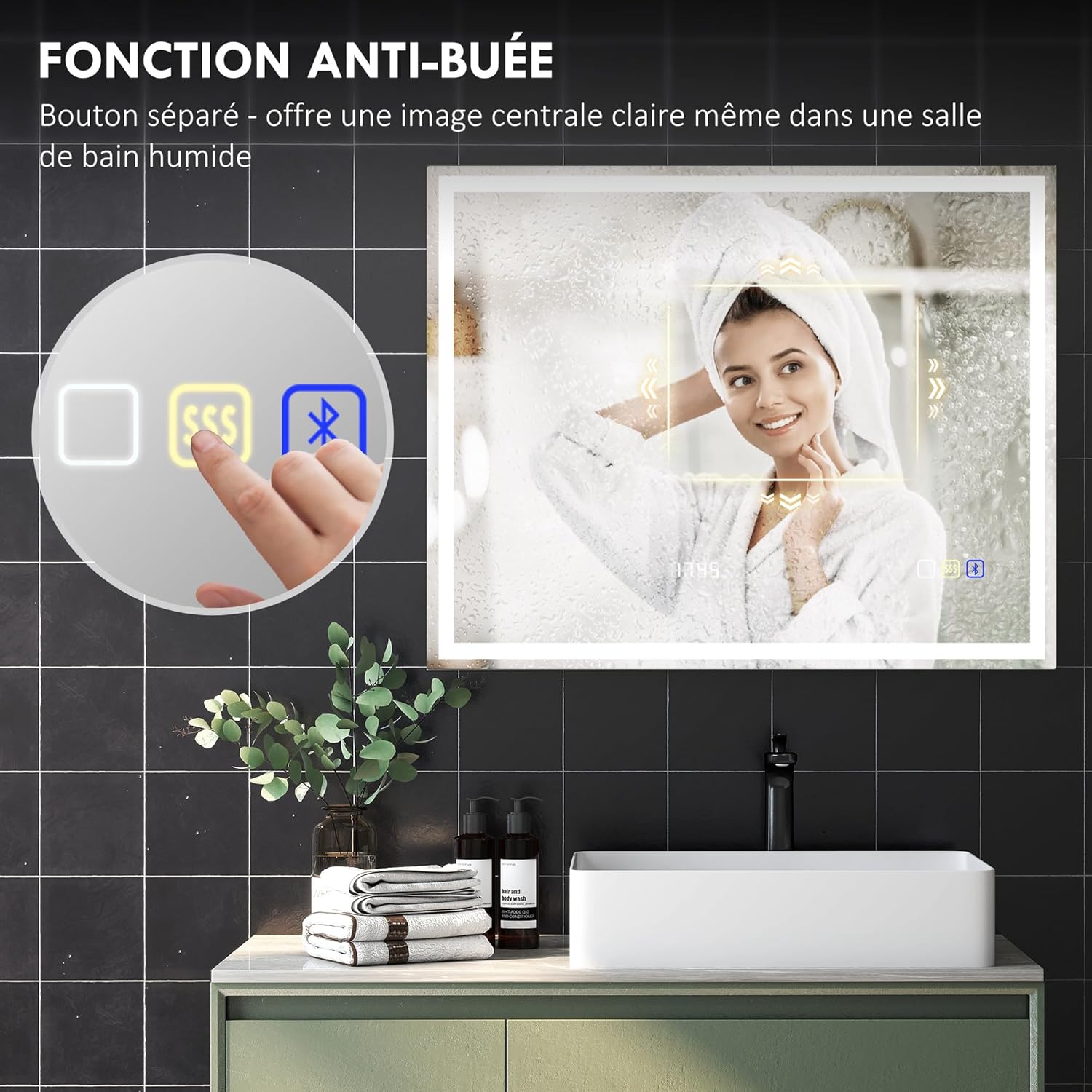
Activate the anti-fog function to maintain a clear reflection, especially during or after hot showers.
- Activation: Tap the dedicated anti-fog button (often indicated by a steam icon) on the mirror. The anti-fog heating pad will begin to clear the mirror surface.
- Deactivation: Tap the anti-fog button again to turn off the function.
Bluetooth Connectivity
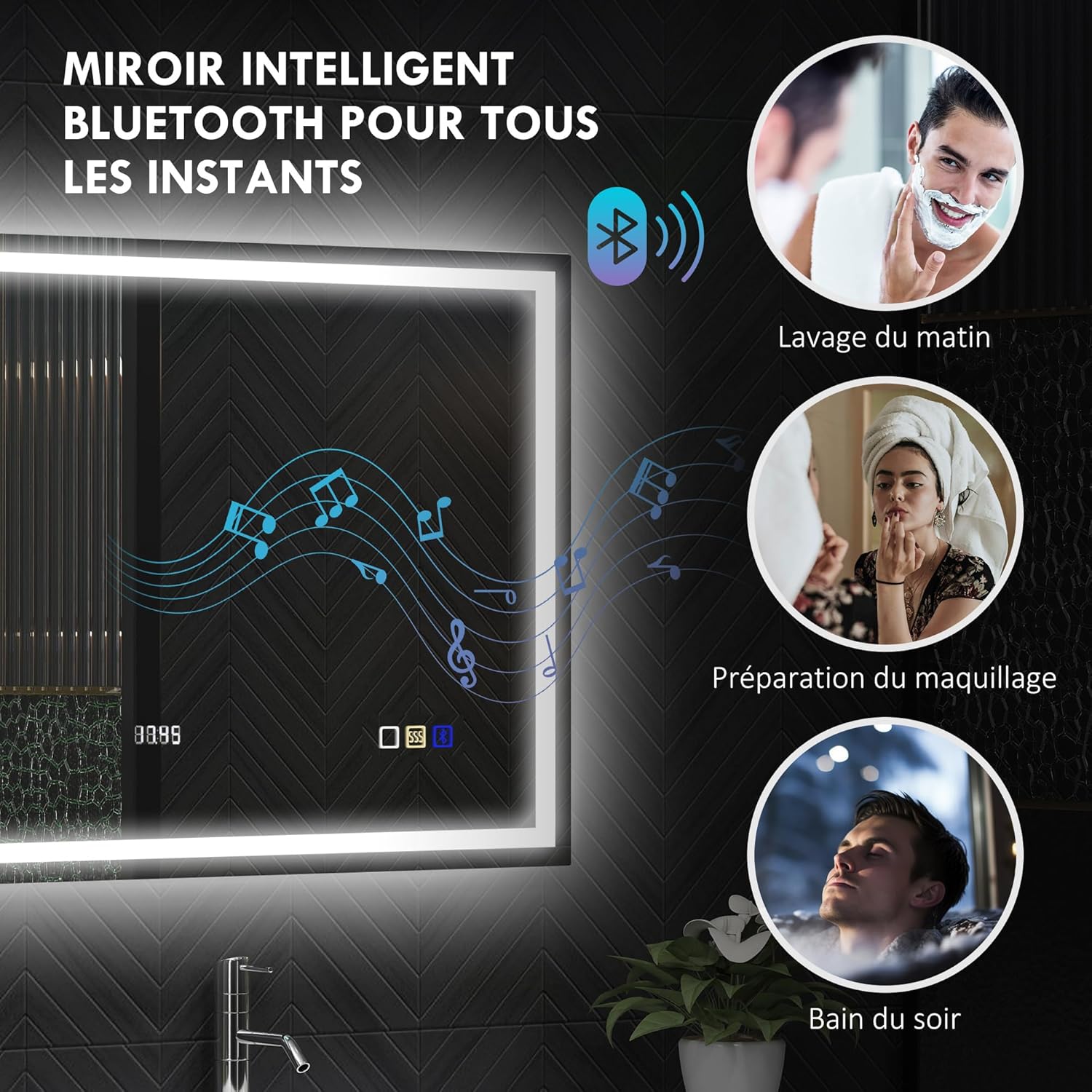
The integrated Bluetooth allows you to stream audio from your devices.
- Pairing: Activate Bluetooth on your mobile device. Search for available devices and select the mirror (e.g., "HOMCOM Mirror").
- Audio Playback: Once paired, audio from your device will play through the mirror's speakers.
Digital Clock Display
The mirror features a digital clock display for convenience. Refer to the specific controls on the mirror for setting the time, usually involving a long press on the clock icon or a combination of touch controls.
Maintenance
Proper maintenance ensures the longevity and optimal performance of your mirror.
Cleaning
- Always disconnect power before cleaning.
- Use a soft, damp cloth with a mild glass cleaner to wipe the mirror surface. Avoid abrasive cleaners or harsh chemicals that could damage the finish or electronic components.
- Wipe the frame and other surfaces with a soft, dry cloth.
- Ensure no water or cleaning solution enters the electrical components.
LED Lifespan
The integrated LED lights have an estimated lifespan of up to 50,000 hours, providing long-lasting illumination.
Troubleshooting
If you encounter issues with your mirror, refer to the following common solutions:
| Problem | Possible Cause | Solution |
|---|---|---|
| Lights do not turn on. | No power supply; loose connection; faulty touch switch. | Check power connection and wall switch. Ensure the mirror is properly plugged in or wired. Try tapping the touch switch firmly. |
| Anti-fog function not working. | Anti-fog function not activated; power issue. | Ensure the anti-fog button is pressed. Check if the main power to the mirror is on. |
| Bluetooth not connecting. | Mirror not in pairing mode; device Bluetooth off; interference. | Ensure the mirror is powered on. Turn Bluetooth off and on again on your device. Move closer to the mirror. Try restarting both the mirror (by cycling power) and your device. |
| Clock display is incorrect. | Time not set or reset after power interruption. | Refer to the specific instructions for setting the digital clock on your mirror model. |
If the problem persists after attempting these solutions, please contact customer support.
Specifications
Detailed technical specifications for the HOMCOM Bluetooth LED Bathroom Mirror.
| Feature | Detail |
|---|---|
| Brand | HOMCOM |
| Model Number | FR834-850V07SR0531 |
| Color | Silver |
| Product Dimensions (L x W) | 100 cm x 80 cm |
| Depth | 3.5 cm |
| Item Weight | 9 Kilograms |
| Power | 75 Watts |
| Material | Tempered Glass |
| Frame Material | Tempered Glass |
| Special Features | Touch Switch, 3 Adjustable Light Colors, Memory Function, Anti-fog, Illuminated, Bluetooth, Digital Clock |
| Light Colors | Warm (3000K), Natural (4500K), Cool White (6500K) |
| Brightness Adjustment | 10% to 100% |
| LED Lifespan | Up to 50,000 hours |
| IP Rating | IP44 (Water and Dust Resistant) |
| Mounting Type | Wall Mount |
| Room Type | Bathroom |
| Country of Origin | China |
Warranty and Support
For warranty information or technical support, please refer to the documentation provided with your purchase or contact HOMCOM customer service directly. Information regarding spare parts availability is currently unavailable.


