1. Introduction
This manual provides detailed instructions for the safe and effective use of your Dntum Handheld Thermo-Hygrometer. This device is designed for high-precision measurement of indoor temperature and humidity, suitable for both household and industrial environments. Please read this manual thoroughly before operation and retain it for future reference.
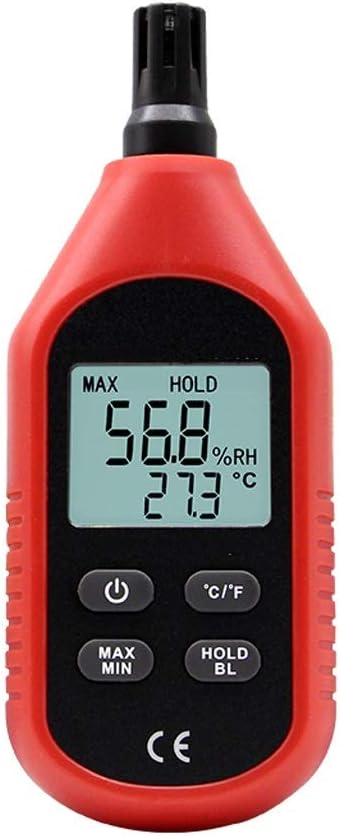
Figure 1: Front view of the Dntum Handheld Thermo-Hygrometer with active display.
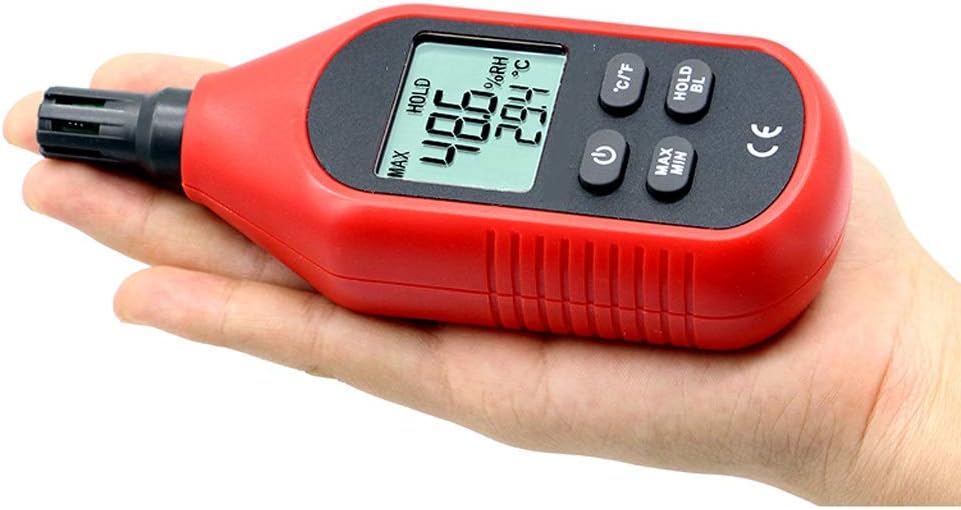
Figure 2: The compact size of the thermo-hygrometer, designed for handheld use.
2. Product Features
- Backlight function: Manually turn on or off for improved visibility in low-light conditions.
- Wide measurement range: Temperature from -10°C to 60°C (14°F to 140°F) and humidity from 0% to 99% RH.
- Unit switching: Supports both Celsius (°C) and Fahrenheit (°F) temperature units.
- Data hold function: Allows freezing the current measurement on the display.
- Max/Min measurement: Records and displays maximum and minimum values.
- Energy-saving design: Features a low-energy chip and automatic power-off function.
- Low battery indicator: Notifies when battery replacement is needed.
3. Setup
3.1 Battery Installation
The device requires 3 AAA batteries (not included) for operation. Follow these steps to install the batteries:
- Locate the battery compartment cover on the back of the device.
- Slide the cover open in the direction indicated by the arrow or 'Open' label.
- Insert 3 AAA batteries, ensuring correct polarity (+ and - terminals).
- Close the battery compartment cover securely until it clicks into place.

Figure 3: Battery compartment with AAA batteries.
4. Operating Instructions
4.1 Power On/Off
- To power on the device, press the Power button (
 ). The display will illuminate and show current temperature and humidity readings.
 - To power off the device, press and hold the Power button (
 ) for approximately 2 seconds.
4.2 Temperature and Humidity Measurement
Upon powering on, the device will automatically begin measuring and displaying the current ambient temperature and relative humidity. Ensure the sensor at the top of the device is exposed to the air for accurate readings.
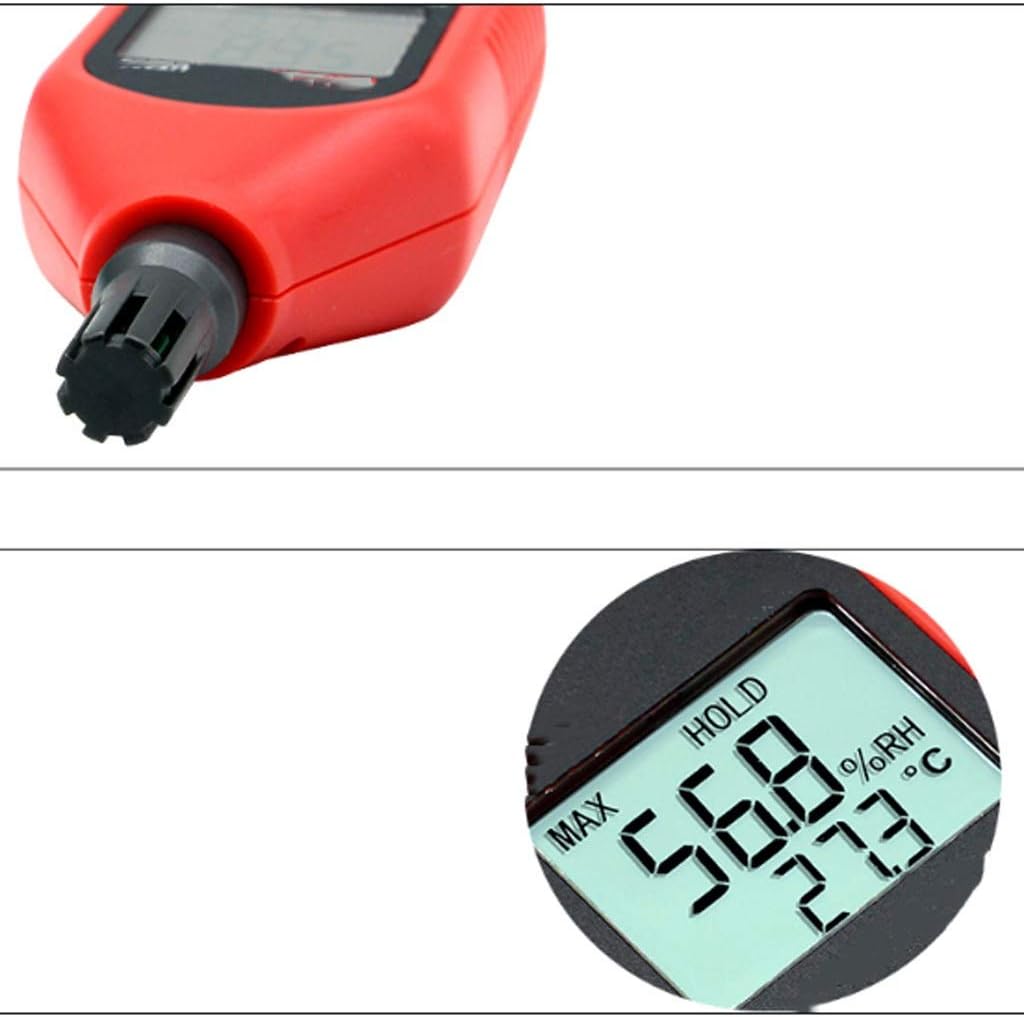
Figure 4: Close-up of the humidity and temperature sensor at the top of the device.
4.3 Switching Temperature Units (°C/°F)
Press the °C/°F button to toggle between Celsius and Fahrenheit temperature units.
4.4 Data Hold Function
Press the HOLD BL button briefly to freeze the current readings on the display. Press it again to release the hold and resume live measurements.
4.5 Backlight Control
Press and hold the HOLD BL button for approximately 2 seconds to turn the display backlight on or off.
4.6 Maximum/Minimum Measurement
Press the MAX MIN button to cycle through the following display modes:
- Current readings (default)
- Maximum recorded readings (MAX)
- Minimum recorded readings (MIN)
To reset the MAX/MIN values, press and hold the MAX MIN button for approximately 2 seconds while in MAX or MIN display mode.
5. Maintenance
- Keep the device clean by wiping it with a soft, dry cloth. Do not use abrasive cleaners or solvents.
- Avoid exposing the device to extreme temperatures, direct sunlight, or high humidity for prolonged periods.
- Do not immerse the device in water or any other liquids.
- If the device will not be used for an extended period, remove the batteries to prevent leakage.
- Protect the sensor at the top of the device from dust and physical damage.
6. Troubleshooting
| Problem | Possible Cause | Solution |
|---|---|---|
| Device does not power on | Dead or incorrectly installed batteries | Replace batteries with new AAA batteries, ensuring correct polarity. |
| Inaccurate readings | Sensor obstructed or dirty; device not acclimatized to environment | Ensure sensor is clean and unobstructed. Allow device to stabilize in the measurement environment for 15-30 minutes. |
| Display shows "OL" | Overload indicator; temperature outside measurement range | Move the device to an environment within the specified temperature range (-10°C to 60°C). |
| Display shows low battery icon | Low battery power | Replace all 3 AAA batteries with new ones. |
7. Specifications
| Parameter | Value |
|---|---|
| Material | Plastic |
| Color | Red + Black |
| Power Supply | 3 x AAA Batteries (not included) |
| Weight | Approx. 129g |
| Humidity Measurement Range | 0% to 100.0% RH |
| Humidity Resolution | 0.1% RH |
| Humidity Accuracy (Normal Temp) | ±5% RH |
| Temperature Measurement Range | -10°C to 60°C (14°F to 140°F) |
| Temperature Resolution | 0.1°C (0.2°F) |
| Temperature Accuracy (Normal Humidity) | ±1.0°C (±2.0°F) |
| Sample Rate | 1 second (Once per second) |
| Overload Indicator | "OL" for humidity > 100% RH or temperature outside range |
| Dimensions (L x W x H) | 155mm x 50mm x 28mm |

Figure 5: Physical dimensions of the device.
8. Warranty and Support
Information regarding product warranty and customer support is not available in this manual. Please refer to the product packaging or contact the retailer for details on warranty coverage and support options.


