
Introduction
The SVBONY SV406 is a high-performance spotting scope designed for nature observation and outdoor activities. It features an ultra-large 80mm objective lens and FMC multi-coated anti-reflective coating, ensuring bright and clear images. The 20-60x zoom capability allows for quick target acquisition and precise focus adjustment. With an IPX7 waterproof and fogproof rating, it meets a wide range of needs for nature observers and outdoor enthusiasts.
Key features include:
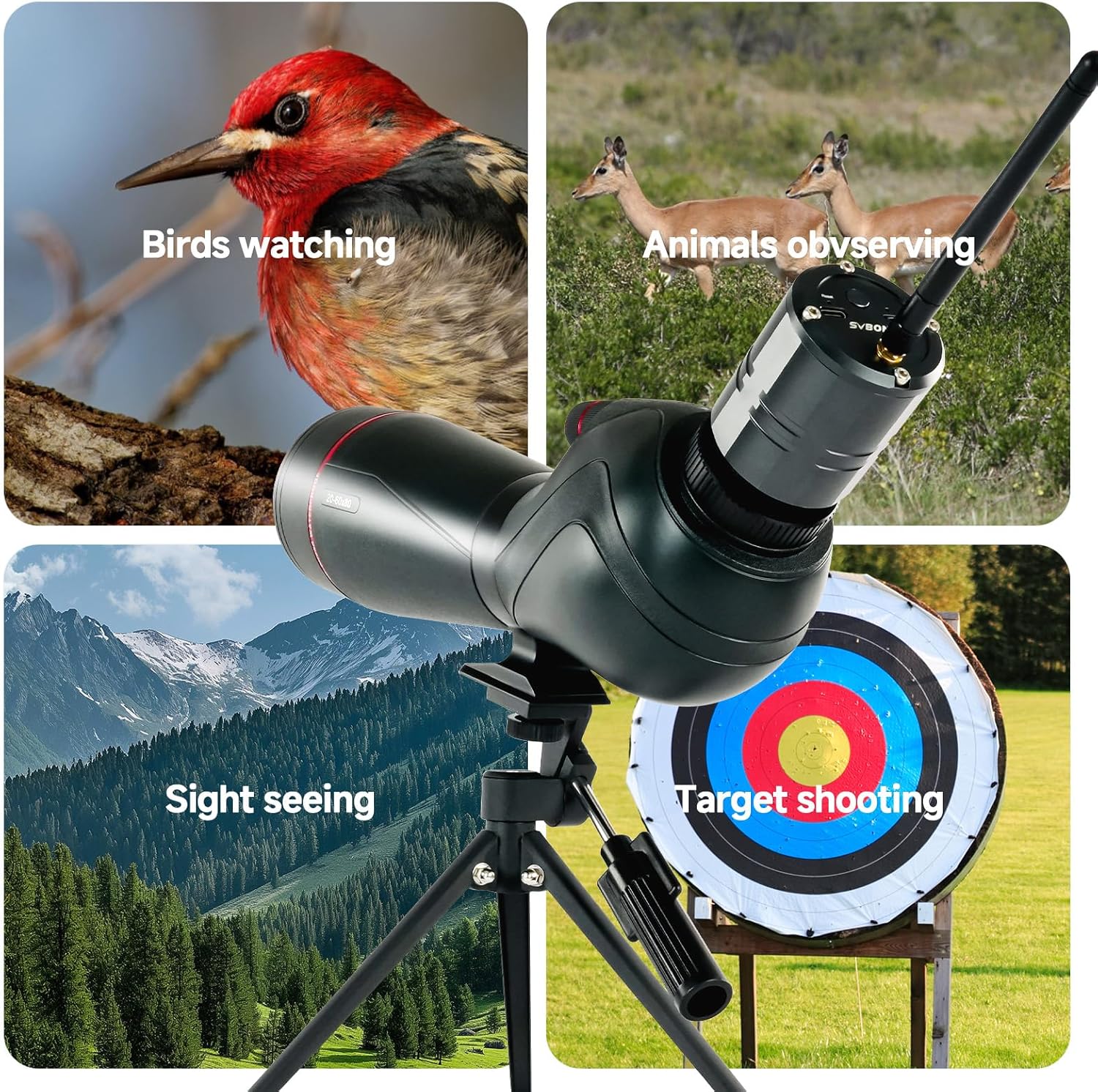
- 20-60x Magnification: Offers versatile zoom for bird watching, target shooting, hunting, wildlife viewing, and photography.
- Clear Field of View: The 80mm objective lens combined with a high-precision optical system provides a field of view from 19m to 38m at 1000m, ensuring true color reproduction.
- Rich Detail: Utilizes BAK4 Prism and FMC optical system to enhance light transmission, resulting in true-to-life color reproduction, excellent color fidelity, and edge-to-edge sharpness.
- Ergonomic Viewing: Features a twist-up eyecup system and 21-16mm eye relief for comfortable observation, whether wearing glasses or not.
- Interchangeable Eyepieces: The 1.25-inch T-thread male interface allows seamless integration with the SC001 WiFi Camera and SV135 Zoom eyepiece for enhanced digiscoping functionality.
- Weatherproof Design: IPX7 waterproof and nitrogen-purged fogproof construction ensures reliable performance in various challenging weather conditions.
- Dual-Speed Focusing: Equipped with a dual-speed focusing system for rapid coarse adjustment and precise fine-tuning, ideal for tracking moving subjects and achieving critical focus.
Package Contents
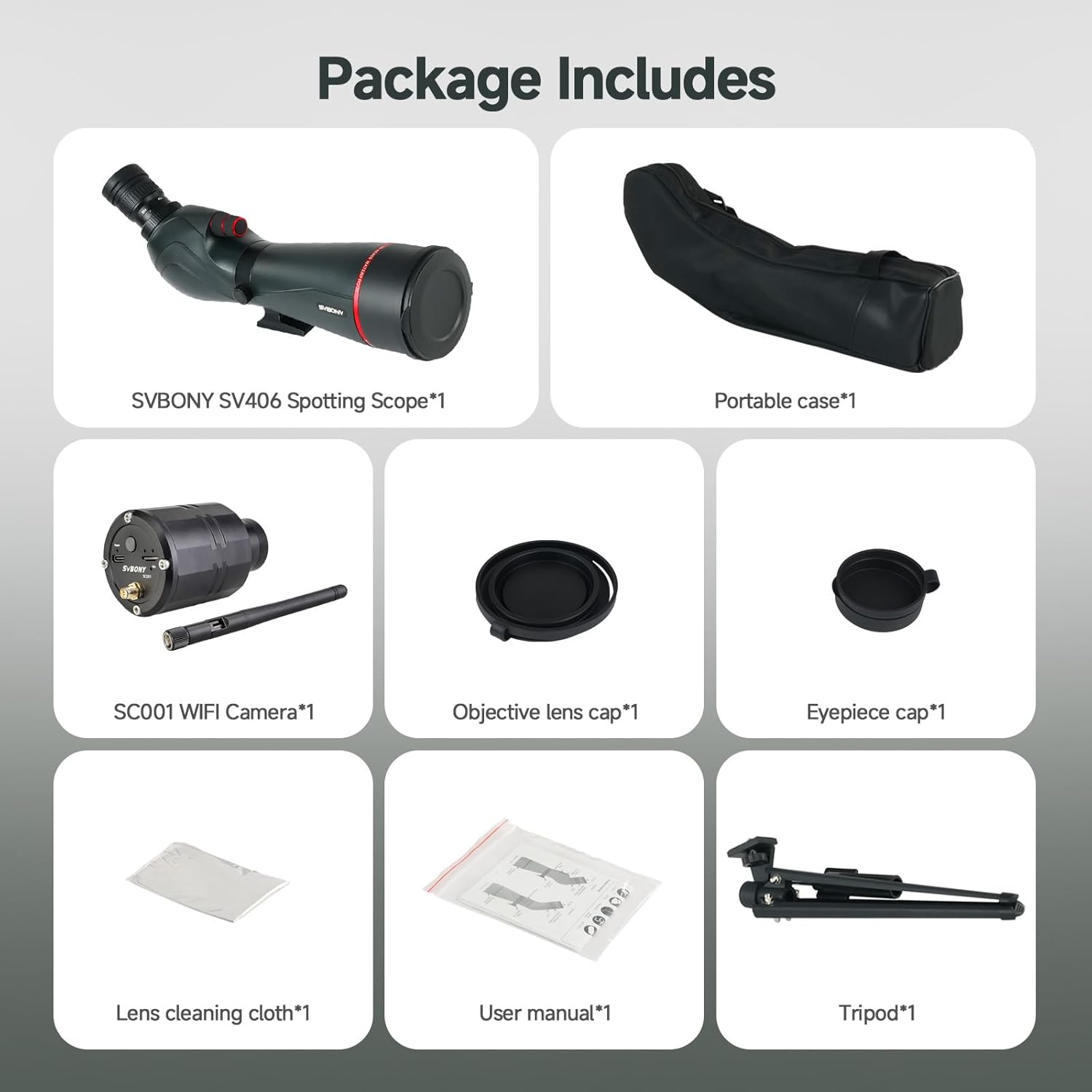
Before proceeding with setup, please ensure all components listed below are present in your package:
- SVBONY SV406 Spotting Scope
- SC001 WiFi Camera
- Portable Tripod
- Carrying Bag
- Objective Lens Cap
- Eyepiece Cap
- Lens Cleaning Cloth
- User Manual
Setup
1. Attaching the Tripod
- Unfold the legs of the portable tripod to a stable position.
- Locate the mounting screw on the tripod head.
- Align the mounting hole on the base of the spotting scope with the tripod screw.
- Securely fasten the spotting scope to the tripod by turning the screw clockwise until snug. Do not overtighten.
2. Installing the SC001 WiFi Camera
The SC001 WiFi Camera replaces the standard eyepiece for digital viewing and recording.
- Remove the eyepiece from the spotting scope by twisting it counter-clockwise.
- Carefully insert the SC001 WiFi Camera into the eyepiece port.
- Twist the camera clockwise to secure it in place. Ensure it is firmly attached.
- Extend the antenna on the SC001 WiFi Camera for optimal signal reception.


Operating Instructions
1. Adjusting Magnification
The SV406 spotting scope offers a variable magnification from 20x to 60x.
- Rotate the zoom ring on the eyepiece (or SC001 camera if installed) to increase or decrease magnification.
- Start with lower magnification (20x) to locate your subject, then gradually increase to 60x for detailed observation.
2. Focusing
The dual-speed focusing system allows for both rapid and precise adjustments.
- Use the larger, coarse adjustment knob for quick changes to bring the image into approximate focus.
- Then, use the smaller, fine adjustment knob to achieve critical sharpness and clarity.

3. Using the SC001 WiFi Camera
- Power On: Press and hold the power button on the SC001 camera until the indicator light illuminates.
- Connect to Mobile Device: On your smartphone or tablet, enable Wi-Fi and search for the SC001 network. Connect to it using the provided password (refer to the SC001 manual for default password).
- Launch App: Open the dedicated SVBONY app (download from your device's app store) to view the live feed, capture photos, or record videos.
- Storage: The camera supports a TF card for storing captured media. Ensure a card is inserted if you wish to record.
4. Eyecup Adjustment
The twist-up eyecup allows for comfortable viewing with or without eyeglasses.
- Twist the eyecup up for viewing without eyeglasses.
- Twist the eyecup down for viewing with eyeglasses to achieve the full field of view.


Maintenance
1. Cleaning Lenses
- Use the provided lens cleaning cloth to gently wipe dust or smudges from the objective and eyepiece lenses.
- For stubborn dirt, use a specialized optical lens cleaning solution and a clean, soft cloth. Avoid abrasive materials.
- Never touch the lens surfaces with your fingers.
2. General Cleaning
- Wipe the body of the spotting scope and SC001 camera with a soft, damp cloth.
- Avoid using harsh chemicals or solvents, as these may damage the finish.
3. Storage
- When not in use, always attach the objective lens cap and eyepiece cap to protect the lenses.
- Store the spotting scope in its carrying bag in a cool, dry place, away from direct sunlight and extreme temperatures.
- If storing for extended periods, consider placing desiccant packets in the carrying bag to absorb moisture.
Troubleshooting
| Problem | Possible Cause | Solution |
|---|---|---|
| Image is blurry or out of focus | Incorrect focus adjustment; Eyecup not set correctly; Lens dirty | Adjust the dual-speed focus knobs; Adjust the twist-up eyecup; Clean the lenses with the provided cloth. |
| No image or very dark image | Lens caps still on; Insufficient light; Wrong magnification setting | Remove all lens caps; Use in adequate lighting conditions; Adjust magnification to a lower setting. |
| SC001 WiFi Camera not powering on | Low battery; Power button not pressed correctly | Charge the SC001 camera via its Type-C port; Press and hold the power button firmly. |
| Cannot connect SC001 WiFi Camera to phone | Incorrect WiFi password; App not installed; Camera too far from device | Verify WiFi password; Download and install the SVBONY app; Ensure camera is within close range of your mobile device. |
| Fogging inside the scope | Extreme temperature changes (rare due to nitrogen purging) | Allow the scope to acclimate to the ambient temperature. If persistent, contact support. |
If you encounter issues not listed here or if the suggested solutions do not resolve the problem, please refer to the comprehensive user manual or contact SVBONY customer support.
Specifications
| Feature | Specification |
|---|---|
| Brand | SVBONY |
| Model Name | SV406+SC001 |
| Optical Tube Length | 470 mm |
| Eyepiece Lens Description | Multi-coated lens |
| Objective Lens Diameter | 80 mm |
| Telescope Mount Description | Tripod Mount |
| Focus Type | Manual Focus (Dual-Speed) |
| Product Weight | 1.53 Kilograms |
| Compatible Devices | Camera, Eyepieces |
| Focal Length Description | 20-60 mm |
| Eyepiece Lens Construction | Multi-coated lens |
| Mount | Tripod Mount |
| Objectives | 20-60 mm |
| Field of View | 19 Meters (at 1000m) |
| Zoom Index | 20x-60x |
| Manufacturer Part Number | FF9355E |
| Model Number | FF9355E-F9373A |
Warranty and Support
SVBONY products are manufactured to high-quality standards and are warranted against defects in materials and workmanship. Specific warranty terms and duration may vary by region and retailer. Please retain your proof of purchase for warranty claims.
For technical support, troubleshooting assistance, or warranty inquiries, please visit the official SVBONY website or contact their customer service department. Contact information can typically be found on the product packaging or the SVBONY website.
