
1. Introduction
Thank you for choosing the GarveeTech 8,000 BTU Portable Air Conditioner. This unit is designed to provide efficient cooling, dehumidification, and air circulation for your indoor spaces. Please read this manual thoroughly before installation and operation to ensure proper use, maintenance, and safety. Keep this manual for future reference.
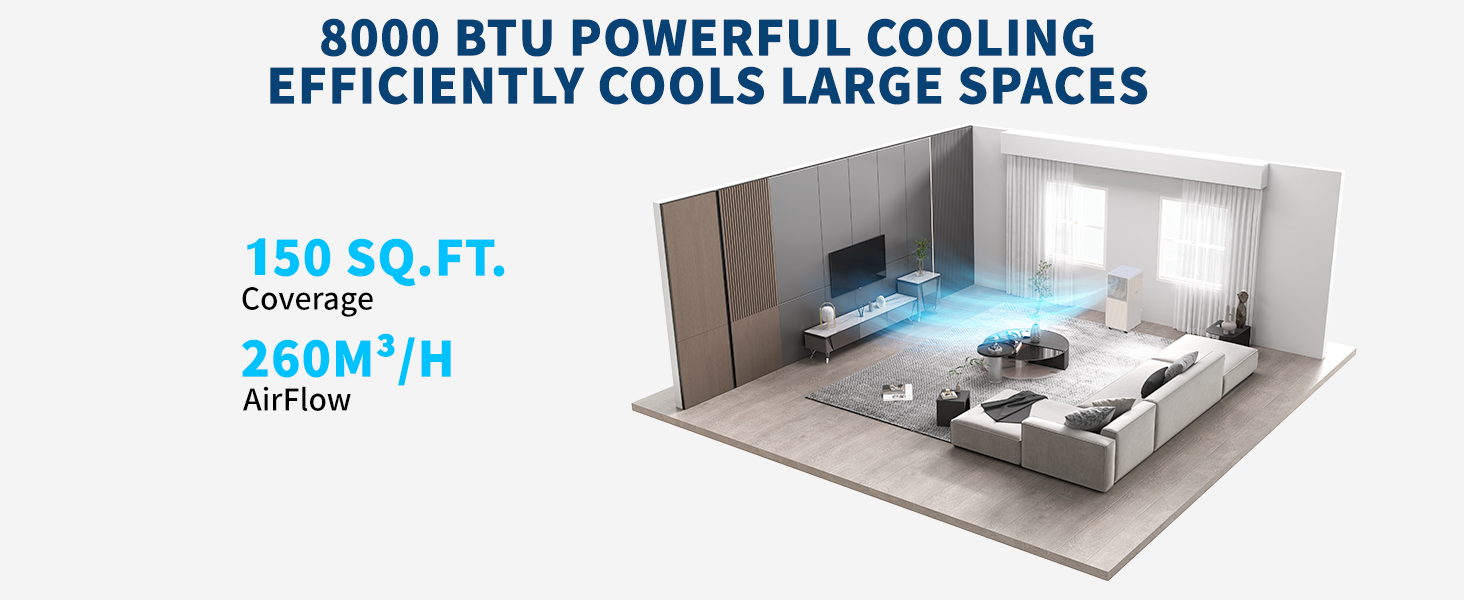
Description: The unit effectively cools areas up to 175 square feet.
2. Safety Information
To prevent injury to the user or other people and property damage, the following instructions must be followed. Incorrect operation due to ignoring instructions may cause harm or damage.
General Safety Precautions
- Always operate the unit on a grounded power outlet.
- Do not operate the unit with a damaged power cord or plug.
- Do not insert fingers or foreign objects into the air inlet or outlet.
- Keep the unit away from flammable gases or combustible materials.
- Ensure the unit is placed on a flat, stable surface to prevent tipping.
- Unplug the unit before cleaning or servicing.
- Do not attempt to repair or modify the unit yourself. Contact qualified service personnel.
3. Package Contents
Verify that all components are present and in good condition upon unpacking.
- GarveeTech Portable Air Conditioner Unit
- Remote Control
- Window Kit (Adjustable Window Sealing Plate)
- Exhaust Hose
- Drain Pipe
4. Product Features
The GarveeTech Portable Air Conditioner offers a range of features for enhanced comfort and convenience:
- Powerful Cooling: 8,000 BTU (ASHRAE) / 5,000 BTU (SACC) capacity, suitable for cooling areas of 130–175 sq ft.
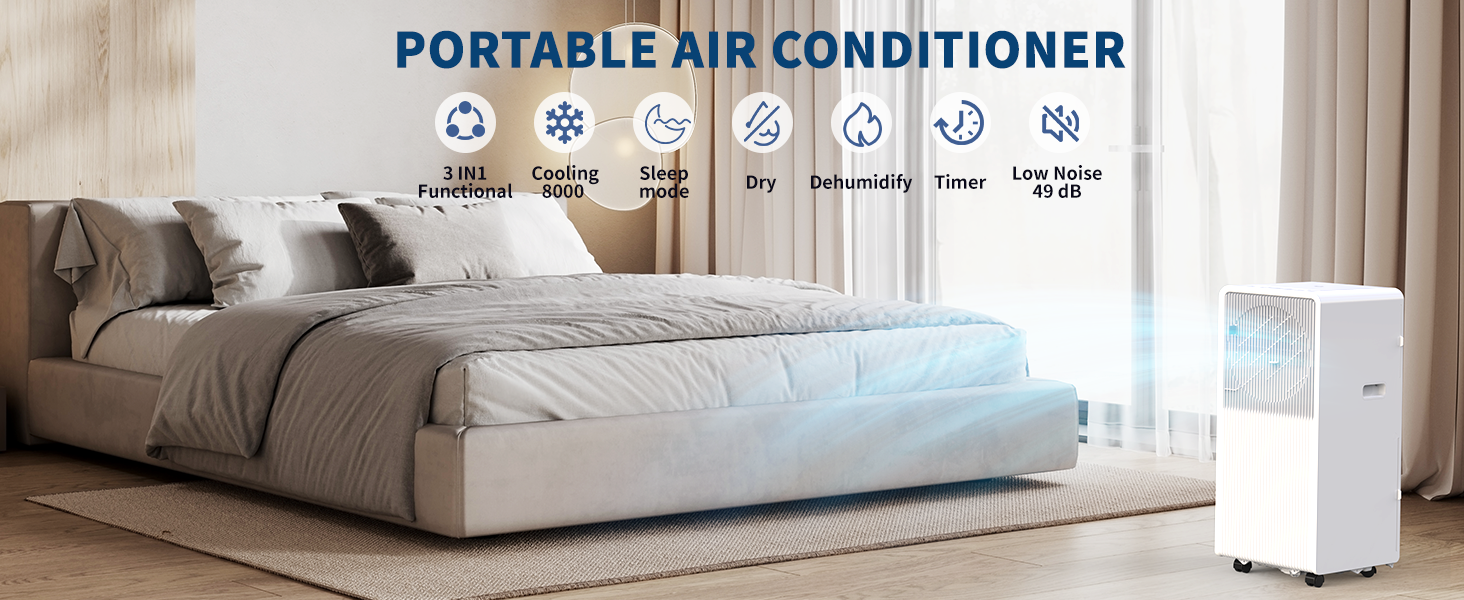
- 3-in-1 Functionality: Operates as an air conditioner, a 2-speed fan, and a 40 pt/day dehumidifier.
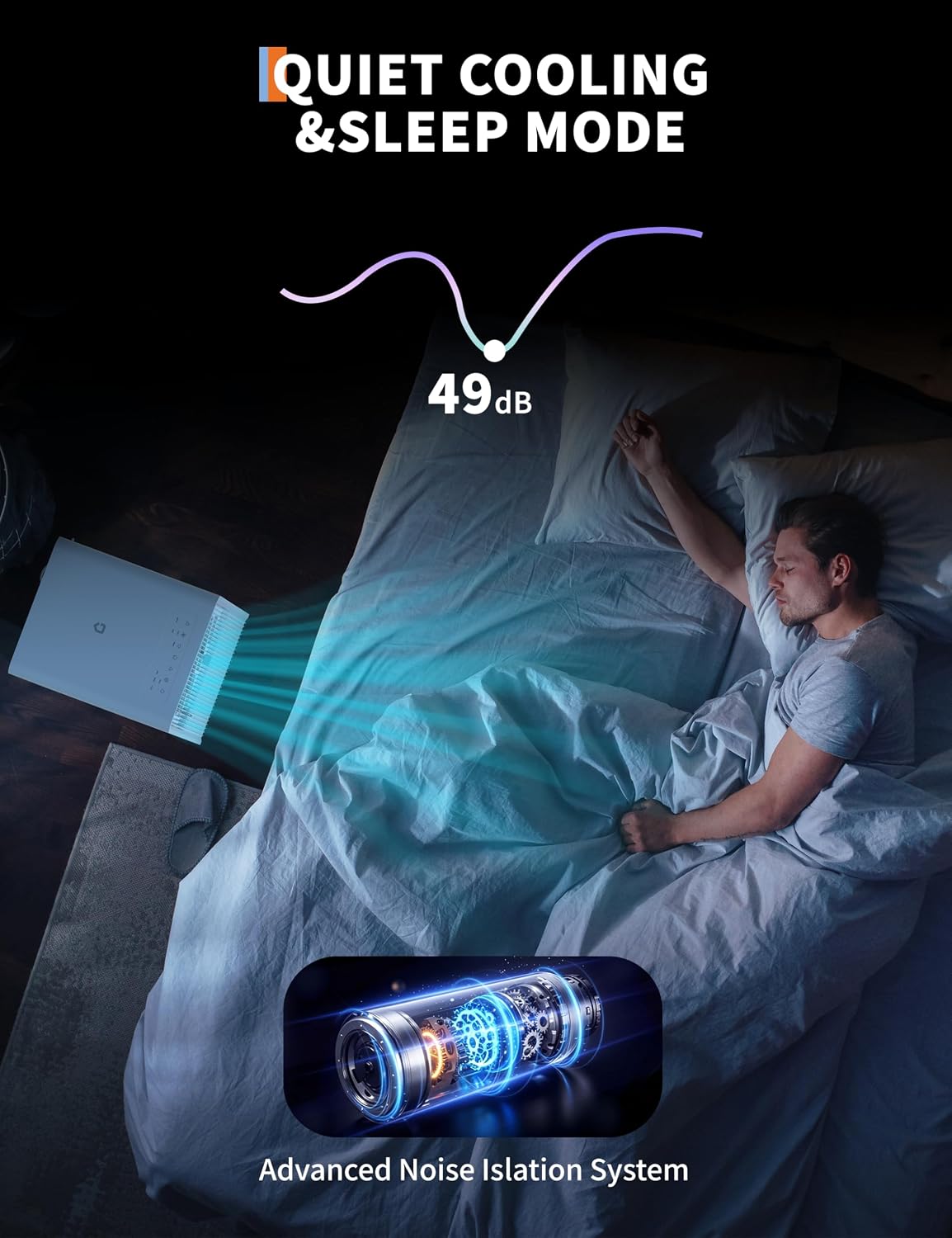
- Quiet Operation: Operates at 52 dB normally, and under 49 dB in Sleep Mode for minimal disturbance.
- Intuitive Controls: Features a top-panel LED touch display and a 23 ft remote control.
- 24-Hour Timer: Allows for scheduled operation.
- Washable Filter: Removable, multilayer filter for improved air quality and easy maintenance.
- Effortless Portability: Equipped with side handles and four 360° caster wheels for easy movement.
- Self-Evaporation System: Reduces the need for frequent manual drainage, except in high humidity conditions.

Description: This unit offers cooling, dehumidification, and fan-only operation for versatile climate control.

Description: The self-evaporation feature minimizes the need for manual drainage, except in high humidity conditions.
5. Setup
5.1 Placement Considerations
- Place the unit on a firm, level surface in an area that allows at least 20 inches (50 cm) of clearance from walls or other objects for proper airflow.
- Ensure the unit is near a window for exhaust hose installation.
- Avoid placing the unit in direct sunlight or near heat sources.
5.2 Window Kit Installation
The adjustable window kit is designed for vertical or horizontal window openings between 26.6 and 49.2 inches.
- Measure your window opening to ensure compatibility.
- Assemble the window sealing plate by sliding the adjustable panel into the main panel and securing it with screws.
- Place the assembled window kit into the window opening. Extend the adjustable panel to fit the window tightly, then secure it.
Description: Follow these steps for proper installation of the window sealing plate and exhaust hose.
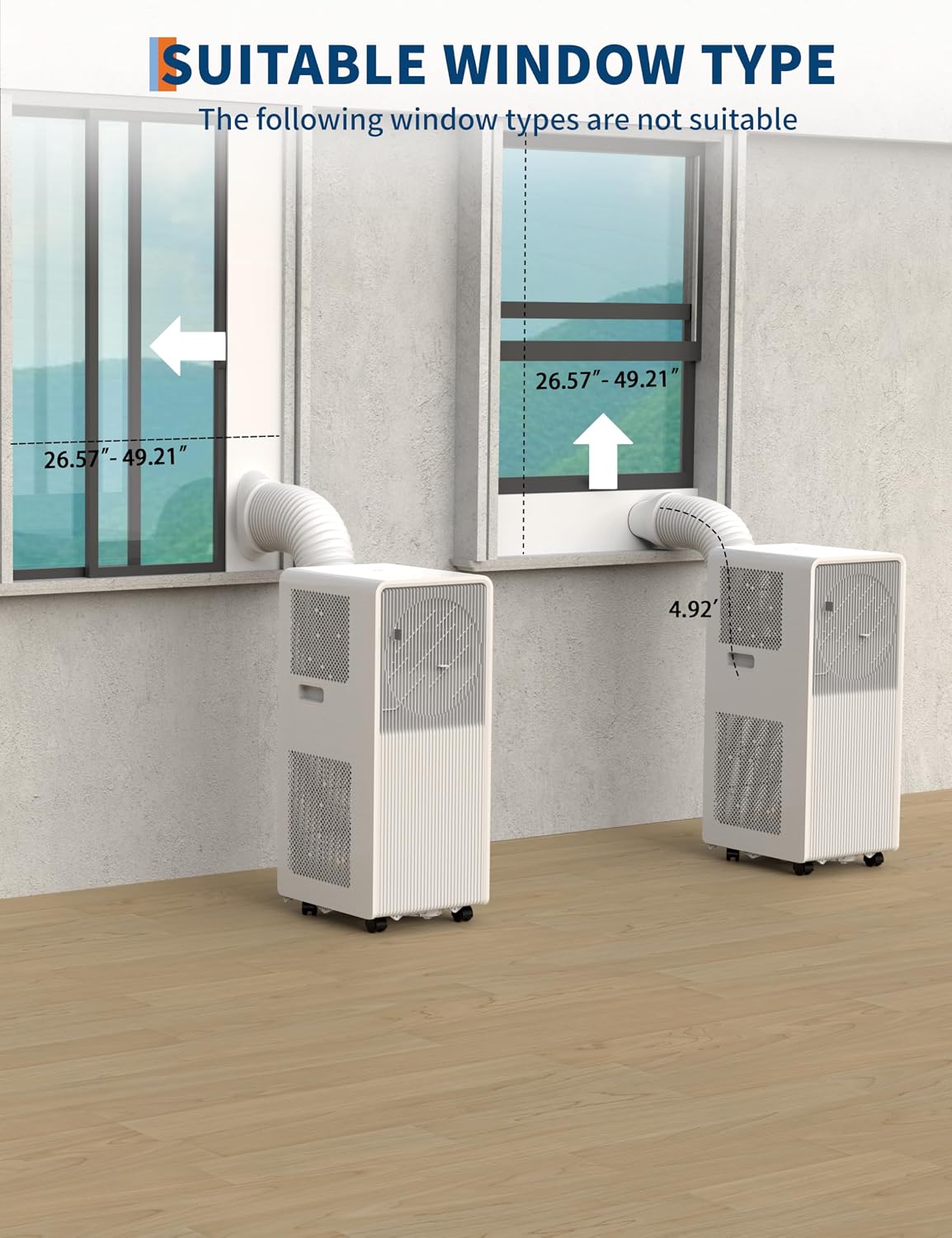
Description: Ensure your window type is compatible with the provided installation kit for optimal performance.
5.3 Exhaust Hose Connection
- Attach the exhaust hose adapter to one end of the exhaust hose.
- Connect the other end of the exhaust hose to the exhaust outlet on the back of the air conditioner unit.
- Insert the exhaust hose adapter into the opening of the window sealing plate. Ensure a secure fit to prevent hot air from re-entering the room.
Description: Proper installation of the exhaust hose is crucial for effective heat expulsion.
5.4 Power Connection
Plug the power cord into a grounded 115V/60Hz electrical outlet. Do not use extension cords or power strips.
6. Operating Instructions
6.1 Control Panel Overview
The unit features an intuitive LED touch display on the top panel.

Description: The unit features an intuitive top-panel LED touch display and a convenient remote control for easy operation.
- Power Button: Turns the unit ON or OFF.
- Mode Button: Cycles through Cool, Dry (Dehumidify), and Fan modes.
- Fan Speed Button: Adjusts fan speed (Low, High).
- Temperature Up/Down Buttons: Adjusts the desired temperature in Cool mode.
- Timer Button: Sets the auto ON/OFF timer.
- Sleep Button: Activates Sleep Mode for quieter operation.
6.2 Remote Control
The remote control provides convenient access to all functions from a distance of up to 23 feet. Ensure there are no obstructions between the remote and the unit's receiver.
6.3 Operating Modes
- Cool Mode: Provides powerful cooling. Set your desired temperature using the Up/Down buttons.
- Dry (Dehumidify) Mode: Removes excess moisture from the air. The fan speed is fixed in this mode.
- Fan Mode: Circulates air without cooling. Choose between Low and High fan speeds.
- Sleep Mode: Reduces noise levels for comfortable sleep. The temperature may gradually increase slightly in this mode.
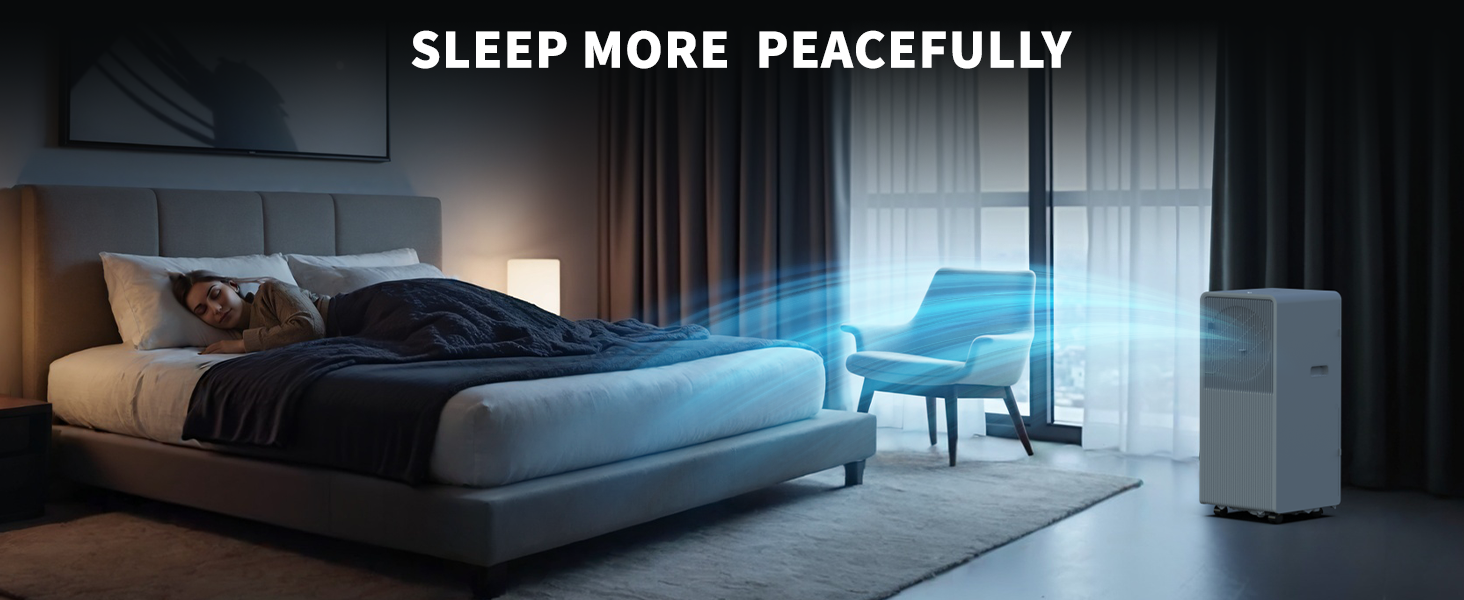
Description: Sleep mode ensures quiet operation for undisturbed rest.
6.4 Timer Function
Press the Timer button to set the desired auto-on or auto-off time (1-24 hours). The timer indicator will illuminate when active.
7. Maintenance
Regular maintenance ensures optimal performance and extends the lifespan of your air conditioner.
7.1 Air Filter Cleaning
The multilayer air filter should be cleaned every two weeks, or more frequently depending on usage and air quality.
- Unplug the unit from the power outlet.
- Locate and remove the air filter from the back or side of the unit.
- Wash the filter with warm, soapy water. Rinse thoroughly.
- Allow the filter to air dry completely before reinserting it into the unit. Do not use a dryer or direct heat.
7.2 Water Drainage
The unit features a self-evaporation system, which typically eliminates the need for manual drainage. However, in areas of high humidity or when operating in Dry mode, the internal water tank may fill up. The unit will indicate when drainage is required.
- Unplug the unit.
- Place a shallow pan or tray under the drain port located at the bottom rear of the unit.
- Remove the drain plug to allow water to flow out.
- Once drained, replace the drain plug securely.
7.3 Storage
If storing the unit for an extended period:
- Drain all accumulated water.
- Clean the air filter.
- Run the unit in Fan mode for a few hours to dry the interior.
- Unplug the power cord and coil it neatly.
- Store the unit in a cool, dry place, covered to protect it from dust.
8. Troubleshooting
Before contacting customer service, please refer to the following table for common issues and solutions.
| Problem | Possible Cause | Solution |
|---|---|---|
| Unit does not turn ON | No power; Power cord not plugged in; Circuit breaker tripped. | Ensure unit is plugged into a grounded outlet; Check circuit breaker; Test outlet with another appliance. |
| Unit does not cool effectively | Window kit not properly installed; Exhaust hose blocked or detached; Air filter dirty; Room size too large; Doors/windows open. | Check window kit and exhaust hose installation; Clean air filter; Close all doors and windows; Ensure room size is within unit's capacity. |
| Unit is noisy | Unit not on a level surface; Air filter dirty; Internal components vibrating. | Place unit on a flat, stable surface; Clean air filter; If noise persists, contact support. |
| Water leakage | Drain plug not securely closed; Unit tilted; Internal water tank full (in high humidity). | Ensure drain plug is tight; Place unit on a level surface; Drain water if tank is full. |
| Remote control not working | Batteries dead; Obstruction between remote and unit. | Replace batteries; Remove any obstructions. |
9. Specifications
Detailed technical specifications for the GarveeTech Portable Air Conditioner.
| Feature | Specification |
|---|---|
| Model Number | A027G-05C |
| Cooling Capacity (ASHRAE) | 8,000 BTU |
| Cooling Capacity (SACC) | 5,000 BTU |
| Coverage Area | 130-175 sq ft |
| Airflow | 260 m³/h |
| Dehumidification Capacity | 40 pints/day |
| Noise Level | 52 dB (Normal), <49 dB (Sleep Mode) |
| Refrigerant | R32 |
| Voltage / Frequency | 115 V / 60 Hz |
| Power Consumption | 850 W |
| Annual Energy Consumption | ~600 kWh/yr |
| Product Dimensions (D x W x H) | 13.19" x 11.22" x 27.48" |
| Item Weight | 45.64 lbs |
| Window Kit Adjustment Range | 26.6" - 49.2" (Vertical/Horizontal) |
| Power Cord Length | 5.9 ft |
| Exhaust Hose Length | 4.9 ft |
10. Warranty and Support
10.1 Manufacturer's Warranty
This GarveeTech Portable Air Conditioner is covered by a 1-year manufacturer's warranty from the date of purchase. This warranty covers defects in materials and workmanship under normal use. It does not cover damage resulting from misuse, accident, modification, or unauthorized repair.
10.2 Customer Support
For technical assistance, warranty claims, or any questions regarding your GarveeTech product, please contact our customer support team. Refer to the product packaging or the official GarveeTech website for the most current contact information.