1. Introduction
This manual provides essential information for the safe and efficient operation of your TELEFUNKEN TE24900B53I2D 24-inch Smart TV. Please read these instructions thoroughly before using the television and retain them for future reference.
Important Safety Information: Always follow basic safety precautions to reduce the risk of fire, electric shock, and injury. Do not expose the TV to rain or moisture. Do not open the TV casing. Refer all servicing to qualified personnel.
2. Package Contents
Please check that the following items are included in your product packaging:
- TELEFUNKEN TE24900B53I2D 24-inch Smart TV
- Remote Control
- TV Stand (Base and Screws)
- Power Cable
- User Manual (this document)
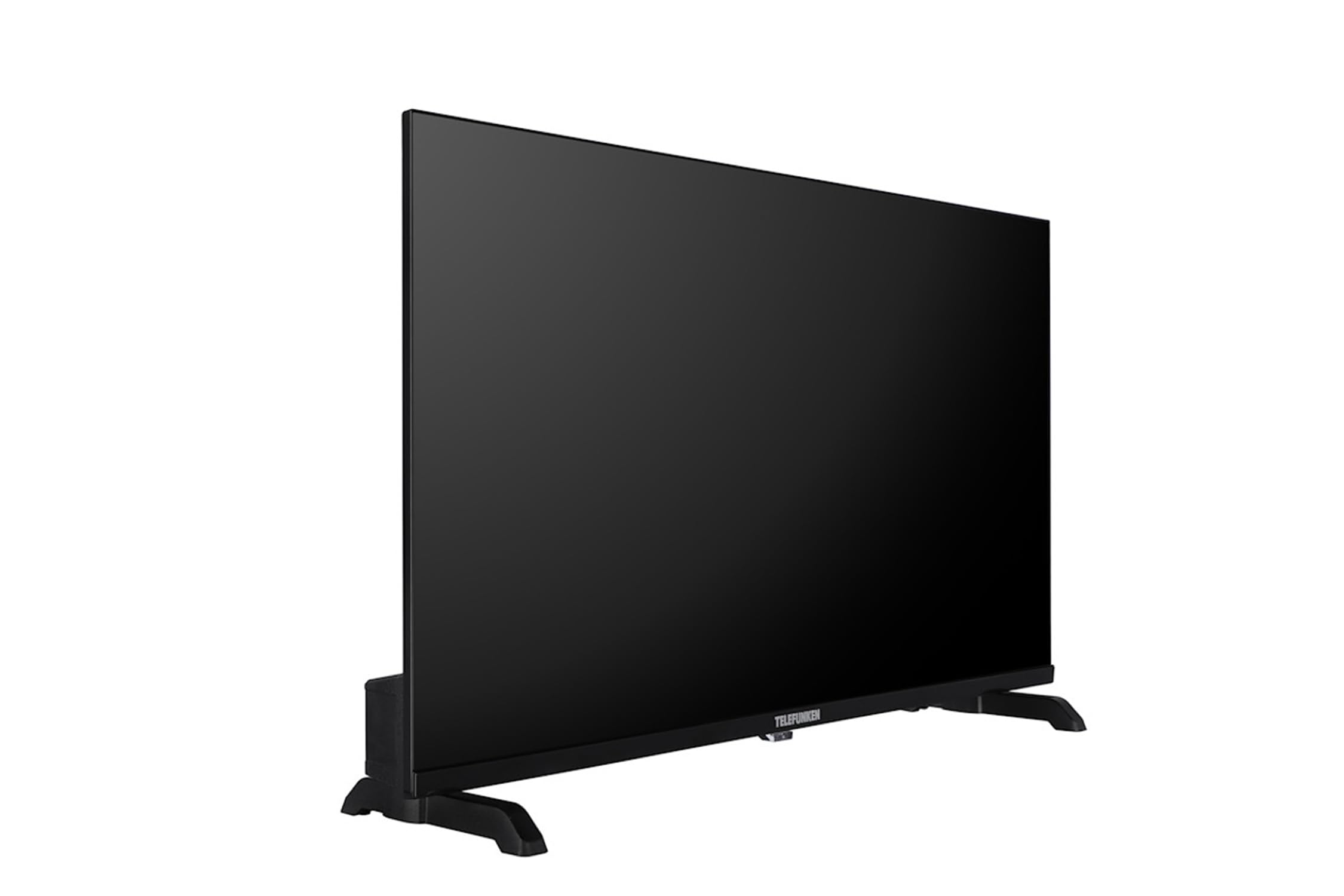
An image of the TELEFUNKEN TE24900B53I2D 24-inch Smart TV, showcasing its display and sleek design.
3. Setup
3.1 Attaching the Stand
- Carefully place the TV face-down on a soft, flat surface to prevent screen damage.
- Align the stand base with the mounting holes on the bottom of the TV.
- Secure the stand using the provided screws. Ensure it is firmly attached.
3.2 Connecting Peripherals
Connect your external devices to the appropriate ports on the TV:
- Antenna/Cable: Connect your DVB-T2/C/S2 antenna or cable to the 'ANT IN' or 'SAT IN' port.
- HDMI Devices: Use HDMI cables to connect devices like Blu-ray players, game consoles, or set-top boxes to the HDMI ports.
- USB Devices: Insert USB drives for media playback into the USB port.
- Ethernet: For wired internet access, connect an Ethernet cable to the 'LAN' port.
- Headphones: Connect headphones to the 3.5mm audio output jack.
3.3 First Power On
- Plug the power cable into the TV and then into a wall outlet.
- Press the power button on the TV or the remote control to turn on the TV.
- Follow the on-screen instructions for initial setup, including language selection, network connection, and channel scanning.
4. Operating
4.1 Remote Control Overview
The remote control allows you to access all TV functions. Familiarize yourself with buttons for power, volume, channel selection, input source, Smart TV access, and menu navigation.
4.2 Channel Tuning
After initial setup, if you need to rescan for channels:
- Press the 'Menu' button on your remote.
- Navigate to 'Channel' or 'Setup' settings.
- Select 'Auto Scan' or 'Automatic Channel Search' for DVB-T2/C/S2.
- The TV will search and store available channels.
4.3 Smart TV Features
Your TELEFUNKEN TE24900B53I2D is a Smart TV with TiVo OSD and advanced electronic program guide. Connect your TV to the internet via Wi-Fi or Ethernet to access streaming services, apps, and online content.
- Press the 'Smart TV' or 'Home' button on your remote to access the Smart TV interface.
- Navigate through the available applications and services.
- Use the on-screen keyboard or remote control to search for content.
4.4 Media Playback via USB
To play media files from a USB storage device:
- Insert your USB drive into the TV's USB port.
- The TV may automatically detect the USB and prompt you to open the Media Player. If not, select 'Media Player' from the Smart TV interface or input source menu.
- Browse and select your desired files (MP3, WMA, MPG, MPEG, MP4, MOV, AVI, JPG, PNG, GIF are supported).
5. Maintenance
5.1 Cleaning the TV
- Screen: Gently wipe the screen with a soft, lint-free cloth. For stubborn marks, use a screen cleaning solution specifically designed for TVs, applied to the cloth, not directly to the screen.
- Casing: Use a soft, dry cloth to wipe the TV casing. Do not use abrasive cleaners or solvents.
- Always unplug the TV before cleaning.
5.2 Storage
If storing the TV for an extended period, ensure it is unplugged, clean, and stored in a dry, dust-free environment. Use original packaging if available.
6. Troubleshooting
Refer to the following table for common issues and their solutions:
| Problem | Possible Solution |
|---|---|
| No power | Check if the power cable is securely connected to the TV and the wall outlet. Ensure the outlet is working. |
| No picture, but sound is present | Check the input source. Ensure external devices are powered on and connected correctly. |
| No sound, but picture is present | Check volume levels. Ensure 'Mute' is not activated. Check audio settings and external speaker connections. |
| Remote control not working | Replace batteries. Ensure there are no obstructions between the remote and the TV's IR sensor. |
| Cannot connect to Wi-Fi | Check your router and internet connection. Re-enter the Wi-Fi password. Try restarting the TV and router. |
7. Technical Specifications
| Feature | Specification |
|---|---|
| Model Name | TE24900B53I2D |
| Screen Size | 24 inches (61 cm) |
| Resolution | 1366 x 768 (HD Ready / 720p) |
| Panel Type | D-LED |
| Smart TV Functionality | Yes, with TiVo OSD and advanced EPG |
| Contrast Ratio | 1200:1 |
| Brightness | 250 (typical) |
| Response Time | 8 ms |
| Tuner Type | HD DVB-T2/C/S2 |
| HEVC (H.265) Decoder | Yes |
| Electronic Program Guide (EPG) | Yes |
| HDMI Ports | Yes |
| USB Ports | 1 |
| Component Input (YPbPr) | Via VGA |
| Composite Video/Audio Input | Yes |
| Ethernet (LAN) | Yes |
| Audio Output Power (RMS) | 2 x 2.5 W (10% THD) |
| Dolby Audio | Yes (Dolby Digital Plus) |
| DTS Decoder | No |
| Equalizer | 5 Band |
| Headphone Output | Yes |
| Media Player | Yes |
| Supported USB Files | MP3, WMA, MPG, MPEG, MP4, MOV, AVI, JPG, PNG, GIF |
| Sleep Timer | Yes |
| TeleText (Fast Text) | Yes |
| Parental Lock | Yes |
| Hotel Mode (Passive) | Yes |
| Zoom Mode | Yes |
| Power Supply | 220-240V AC, 50 Hz |
| Dimensions without Stand (LxDxH) | 53.7 x (approx. 4-7) x 31.6 cm |
| Dimensions with Stand (LxDxH) | 53.7 x 14.7 x 34 cm |
| Net Weight | 2.15 kg |
| VESA Mounting | M4 75x75 |
8. Warranty and Customer Support
Your TELEFUNKEN TE24900B53I2D Smart TV comes with a standard manufacturer's warranty. Please refer to the warranty card included in your packaging for specific terms and conditions, including warranty period and coverage details.
For technical assistance, troubleshooting beyond this manual, or warranty claims, please contact TELEFUNKEN customer support. Contact details can typically be found on the official TELEFUNKEN website or on your product's warranty documentation.


