
1. Introduction
Thank you for choosing the Cuifati MP3 Player. This device is designed to provide a versatile portable audio experience, featuring Bluetooth connectivity, HiFi sound quality, a voice recorder, FM radio, and e-book functionality. This manual will guide you through the setup, operation, and maintenance of your new MP3 player.
2. Package Contents
Please check the box for the following items:
- Cuifati MP3 Player
- USB Cable (Type-C)
- User Manual
- Optional: Small Memory Card (16G/32G/64G, depending on purchase)
3. Product Overview
Familiarize yourself with the device's layout and controls.

Image: Cuifati MP3 Player displaying its main menu interface with various function icons.

Image: Front view of the Cuifati MP3 Player, highlighting its screen and control buttons.
The device features a 2.01-inch screen and intuitive navigation buttons for easy access to its functions.
4. Setup
4.1 Initial Power On
To turn on the device for the first time, press and hold the power button located on the side or top of the player until the screen illuminates.
4.2 Charging the Device
Before first use, fully charge the MP3 player. Connect the provided USB Type-C cable to the charging port on the device and the other end to a USB power adapter (not included) or a computer's USB port. A full charge typically takes approximately 2 hours and provides up to 48 hours of battery life.

Image: MP3 Player with its USB Type-C charging cable.
4.3 Expanding Storage
The MP3 player supports memory card expansion up to 128GB. Insert a compatible microSD card into the designated slot to store more music, videos, and other files.
5. Operating Instructions
5.1 Basic Navigation
Use the circular navigation buttons to move through menus and select options. The central button typically acts as 'Enter' or 'Play/Pause', while the surrounding buttons control direction (Up, Down, Left, Right). A dedicated 'M' button often accesses menu options, and a 'Return' button navigates back.
5.2 Music Playback
The player supports various music formats including MP3, WMA, WAV, APE, FLAC, AAC-LC, M4A, and OGG. Navigate to the 'Music' icon on the main menu to browse and play your audio files. The device features HiFi lossless sound quality for an enhanced listening experience.
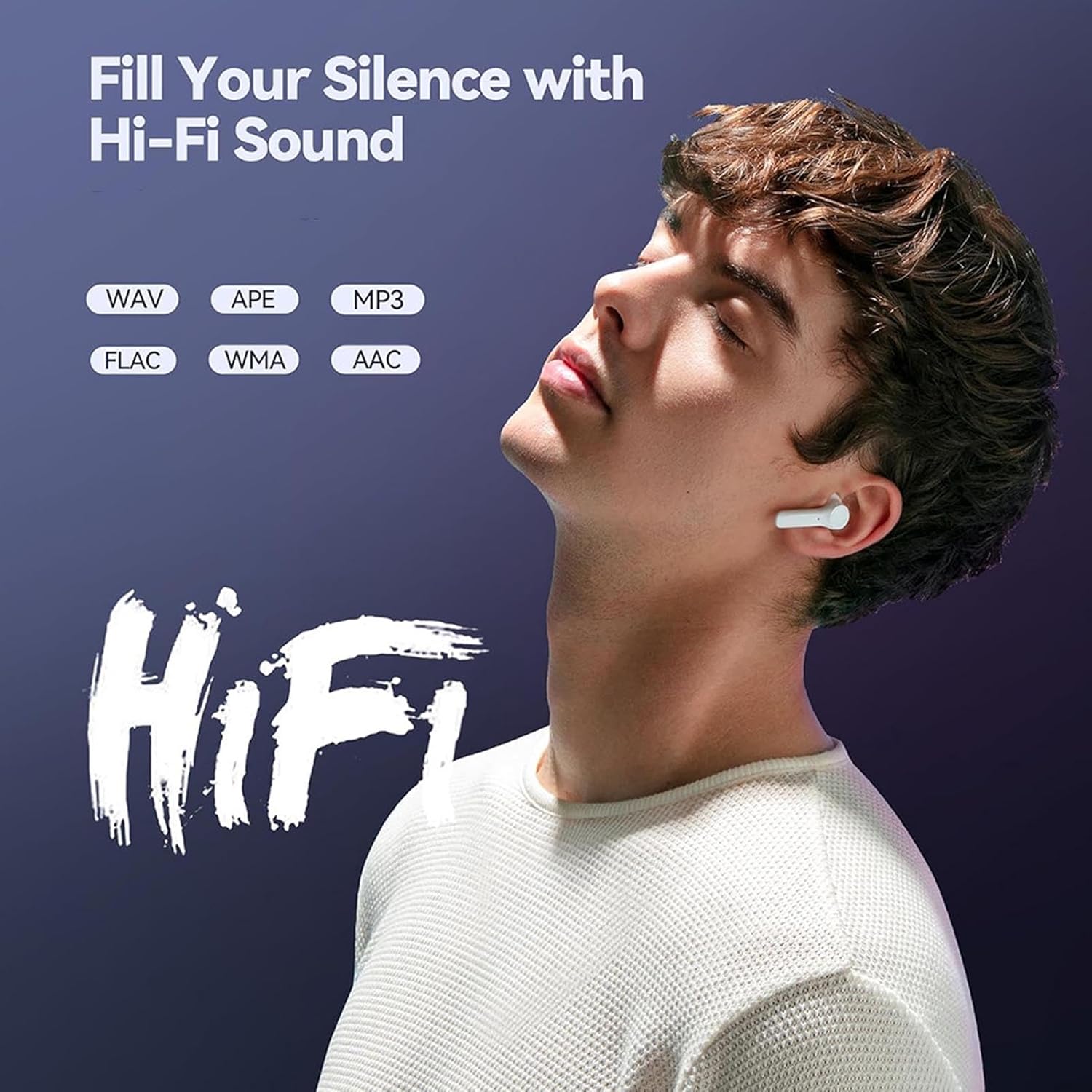
Image: Illustrates the HiFi sound quality feature of the MP3 player.
5.3 Bluetooth Connection
The MP3 player is equipped with Bluetooth 5.4 for stable wireless audio transmission. To connect to Bluetooth headphones or speakers:
- Go to the 'Bluetooth' menu on the player.
- Ensure your Bluetooth headphones or speaker are in pairing mode.
- Select 'Search for devices' on the MP3 player.
- Choose your device from the list to pair.
Note: The Bluetooth function only supports connection to Bluetooth headphones and Bluetooth speakers. It does not support file transfer or connection to smartphones.
5.4 FM Radio
To use the FM radio function, connect wired headphones to the 3.5mm headphone jack. The wired headphones act as an antenna. Navigate to the 'FM' icon on the main menu to access radio functions, scan for stations, and listen.

Image: Demonstrates listening to FM radio with wired headphones.
5.5 Voice Recorder
The device includes a voice recording function with lossless sound quality. Select the 'Record' icon to start, pause, and save audio recordings. This feature is useful for meetings, interviews, or personal notes.
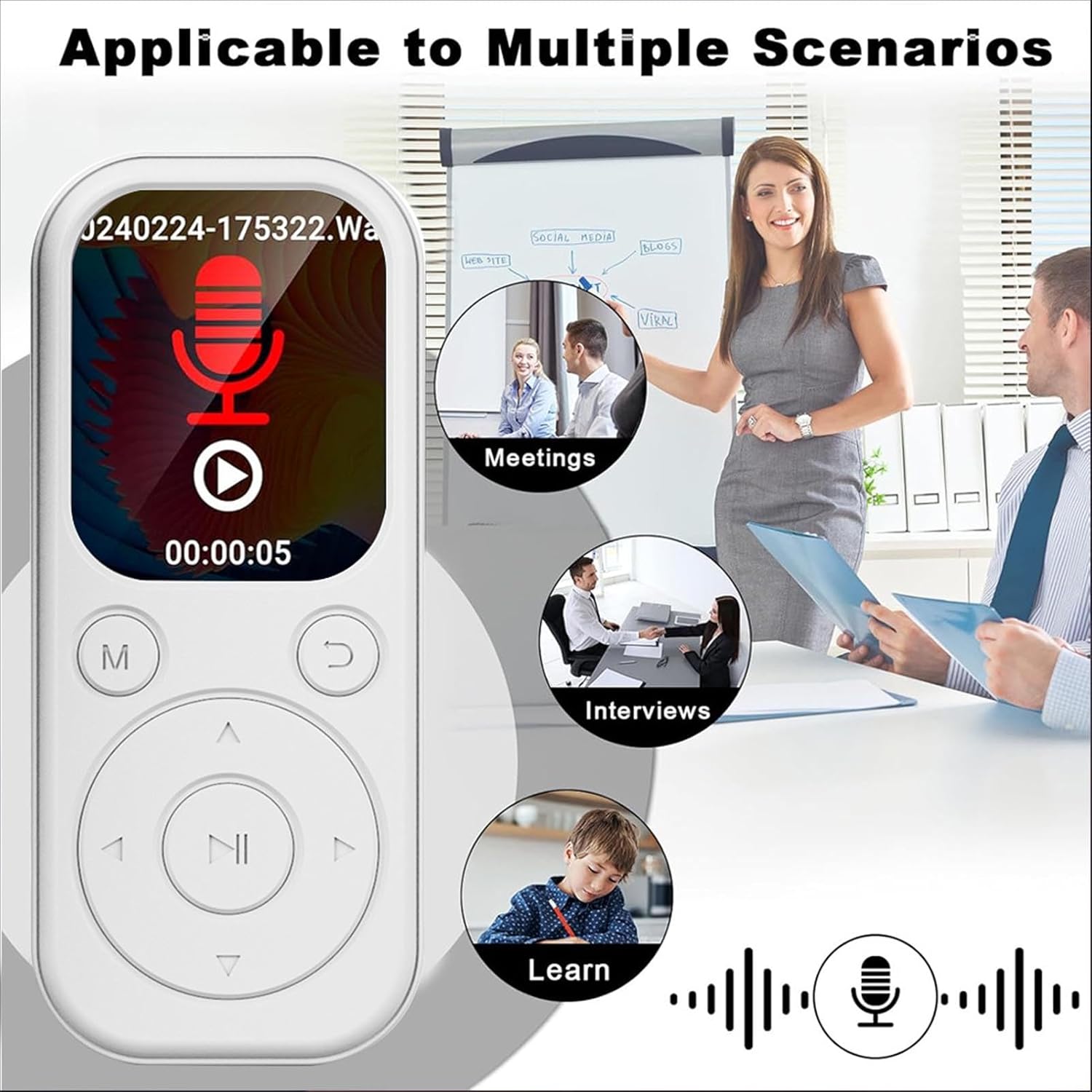
Image: MP3 Player showing its recording function, suitable for various scenarios.
5.6 E-Book Reader
The MP3 player supports TXT format e-books. Transfer your TXT files to the device's storage and select the 'Ebook' icon to read them on the 2.01-inch screen.
5.7 Video and Picture Viewer
The device can play videos with a resolution of 240x288 in AVI format and display pictures. Use the 'Video' and 'Picture' icons to access these functions.
6. Maintenance
- Keep the device dry. Avoid exposure to moisture or liquids.
- Clean the screen and body with a soft, dry cloth. Do not use abrasive cleaners.
- Avoid extreme temperatures. Do not expose the device to direct sunlight or very cold environments.
- Handle with care. Do not drop or subject the device to strong impacts.
- Store in a safe place when not in use.
7. Troubleshooting
7.1 Device Will Not Turn On
- Ensure the battery is charged. Connect the device to a power source and allow it to charge for at least 15 minutes before attempting to power on again.
- If the device is unresponsive, try performing a soft reset (refer to the device's specific reset procedure if available, or hold the power button for an extended period).
7.2 Cannot Connect to Bluetooth Device
- Ensure both the MP3 player and the Bluetooth audio device are in pairing mode.
- Verify that the Bluetooth audio device is within range (typically 10 meters or 33 feet).
- Confirm that the Bluetooth function on the MP3 player is enabled.
- Remember that the MP3 player's Bluetooth only connects to headphones and speakers, not other devices like phones.
7.3 No Sound from Headphones
- Check if the volume is turned up.
- Ensure headphones are properly plugged into the 3.5mm jack.
- Test with another pair of headphones to rule out a faulty headphone issue.
8. Specifications
| Item Type | MP3 Player |
| Model Number | CUIFATIu1wiqvc6xd-13 |
| Material | ABS |
| Dimensions (LxWxT) | 92 x 39.8 x 8mm / 3.62 x 1.57 x 0.31in |
| Weight | 26g / 0.9 oz (approx.) |
| Color | White |
| Battery | Built-in 500mAh Li-ion battery |
| Screen | 2.01 inch |
| Bluetooth Version | 5.4 |
| Charging Port | Type-C |
| Headphone Jack | 3.5mm |
| Video Resolution | 240x288 |
| Video Format | AVI |
| E-book Format | TXT |
| Supported Operating Systems | For Vista, for OS X 10, 12 above |
| Software Language | English, French, German, Russian, Spanish, Korean |
9. Warranty and Support
For warranty information and customer support, please refer to the documentation provided with your purchase or contact the retailer. Specific warranty terms may vary by region and seller.