
Introduction
Thank you for choosing the Ortizan Portable Bluetooth Speaker X10. This manual provides essential information for setting up, operating, and maintaining your speaker to ensure optimal performance and longevity. Please read it thoroughly before use.
What's in the Box
- 1 x Bluetooth Speaker
- 1 x USB-C Charging Cable
- 1 x Lanyard
- 1 x 3.5mm AUX Cable
- 1 x Quick Start Guide
Product Features
- Hi-Fi Stereo Sound and Dual Pairing: Equipped with 24W (2 x 12W) stereo audio drivers, an advanced digital signal processor, and two passive radiators for enhanced bass. Supports Dual Pairing for a surround sound experience.
- RGB Colorful Light Show: Features unique color-changing LED lights that pulse, phase, and shine to the beat of your music, creating a party atmosphere. Can also be used as a standalone night light.
- IPX7 Waterproof Design: Provides protection against rain, dust, snow, and spills. Can be fully immersed up to 3ft (1 meter) for approximately 30 minutes, making it suitable for shower, beach, pool, hiking, and camping.
- Up to 30-Hour Playtime: Offers an unbeatable 30 hours of continuous music playtime (at around 65dB) or call time with its built-in microphone.
- Upgraded Bluetooth 5.3 Signal: Ensures a stable connection up to 66 unobstructed feet away, even in challenging conditions. Easily connects to smartphones, TVs, laptops, and other Bluetooth-enabled devices.
Setup
1. Charging the Speaker
Before first use, fully charge the speaker. Connect the provided USB-C charging cable to the speaker's charging port (located under the waterproof seal) and to a compatible USB power source. The charging time is approximately 3 hours.

Image: Ortizan Portable Bluetooth Speaker X10, showcasing its cylindrical design and control panel.
2. Powering On/Off
Press and hold the Power button (①) on the side of the speaker for 2-3 seconds to power it on or off. An audible prompt will confirm the action.
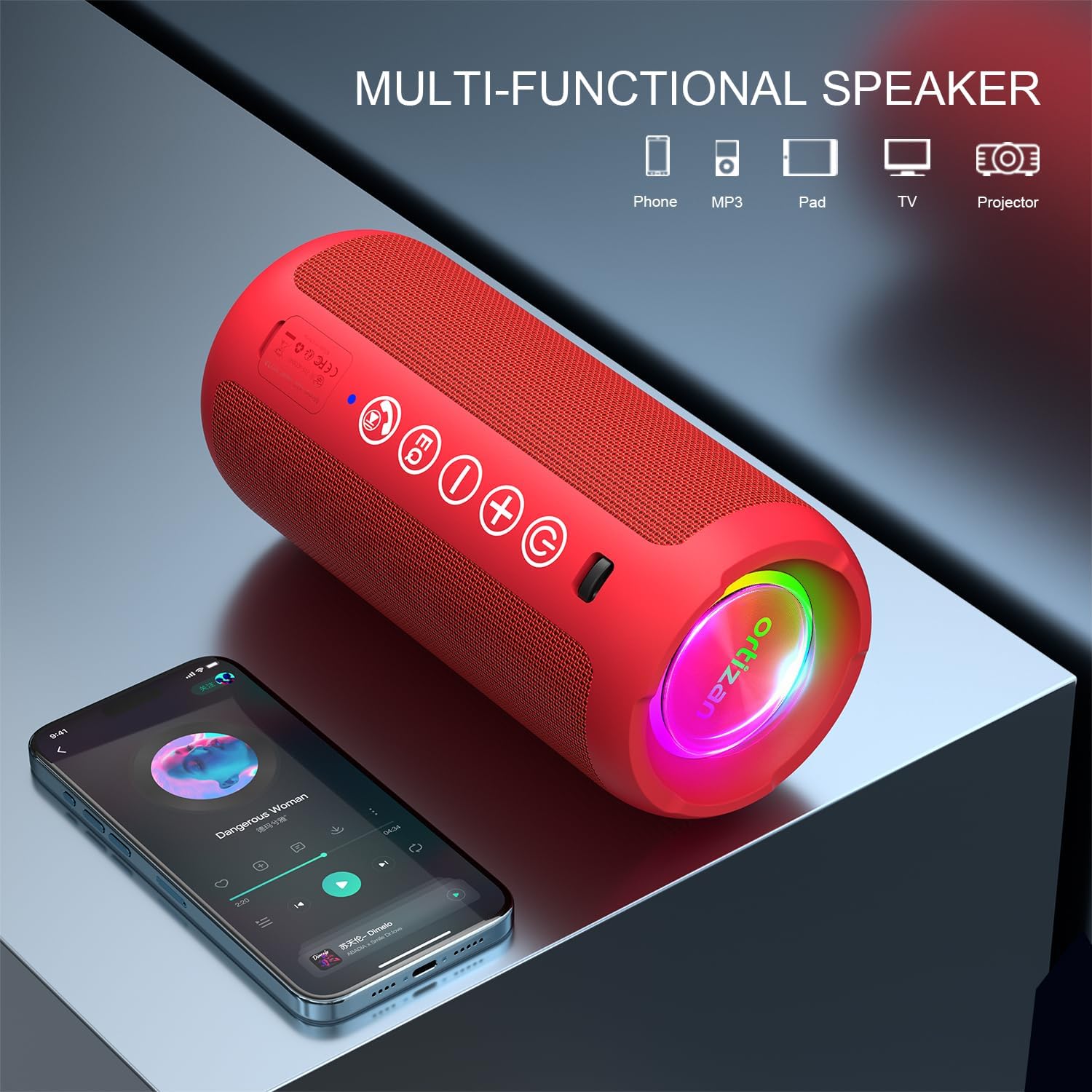
Image: Close-up view of the speaker's control buttons, including Power, Volume, EQ, and Bluetooth/Call buttons.
3. Bluetooth Pairing
- Ensure the speaker is powered on. The Bluetooth indicator light will flash, indicating it's in pairing mode.
- On your device (smartphone, tablet, etc.), enable Bluetooth and search for available devices.
- Select "Ortizan X10" from the list. An audible prompt will confirm successful pairing, and the Bluetooth indicator light will turn solid blue.
Operating Instructions
Volume Control
Press the '+' button to increase volume and the '-' button to decrease volume.
Music Playback
Once connected via Bluetooth, control music playback (play/pause, next/previous track) directly from your connected device.
EQ Modes
The speaker features 3 EQ modes. Press the 'EQ' button to cycle through different sound equalization settings (e.g., Bass Boost, Vocal, 3D Sound).
Answering Calls
With the built-in microphone, you can answer incoming calls. Press the Call button (☎) to answer or end a call.
Dual Pairing (True Wireless Stereo)
To achieve a true wireless stereo experience, you can pair two Ortizan X10 speakers together:
- Ensure both speakers are powered on and not connected to any other Bluetooth device.
- On one speaker, press and hold the Bluetooth button (☎) for 2-3 seconds until you hear a pairing tone. This speaker will become the primary unit.
- The primary speaker will automatically search for the secondary speaker. Once connected, you will hear a confirmation tone.
- Now, connect your device to the primary speaker via Bluetooth. Both speakers will play audio in stereo.
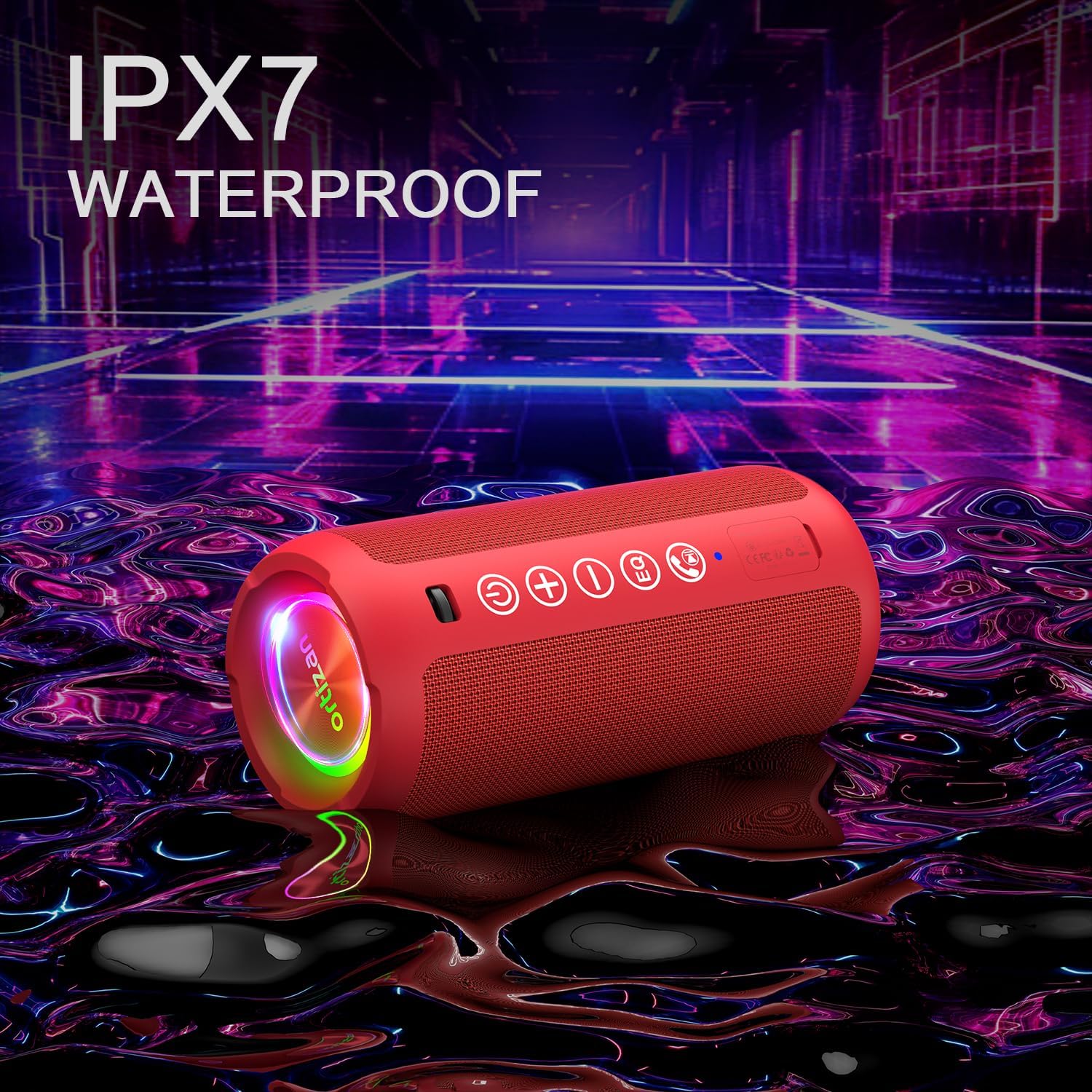
Image: Two Ortizan X10 speakers positioned for wireless stereo pairing, enhancing the audio experience from a television.
RGB Colorful Light Show
The speaker features dynamic RGB LED lights. These lights can pulse, phase, and shine to the beat of your music. The lights can also be used independently as a night theme light without playing music.
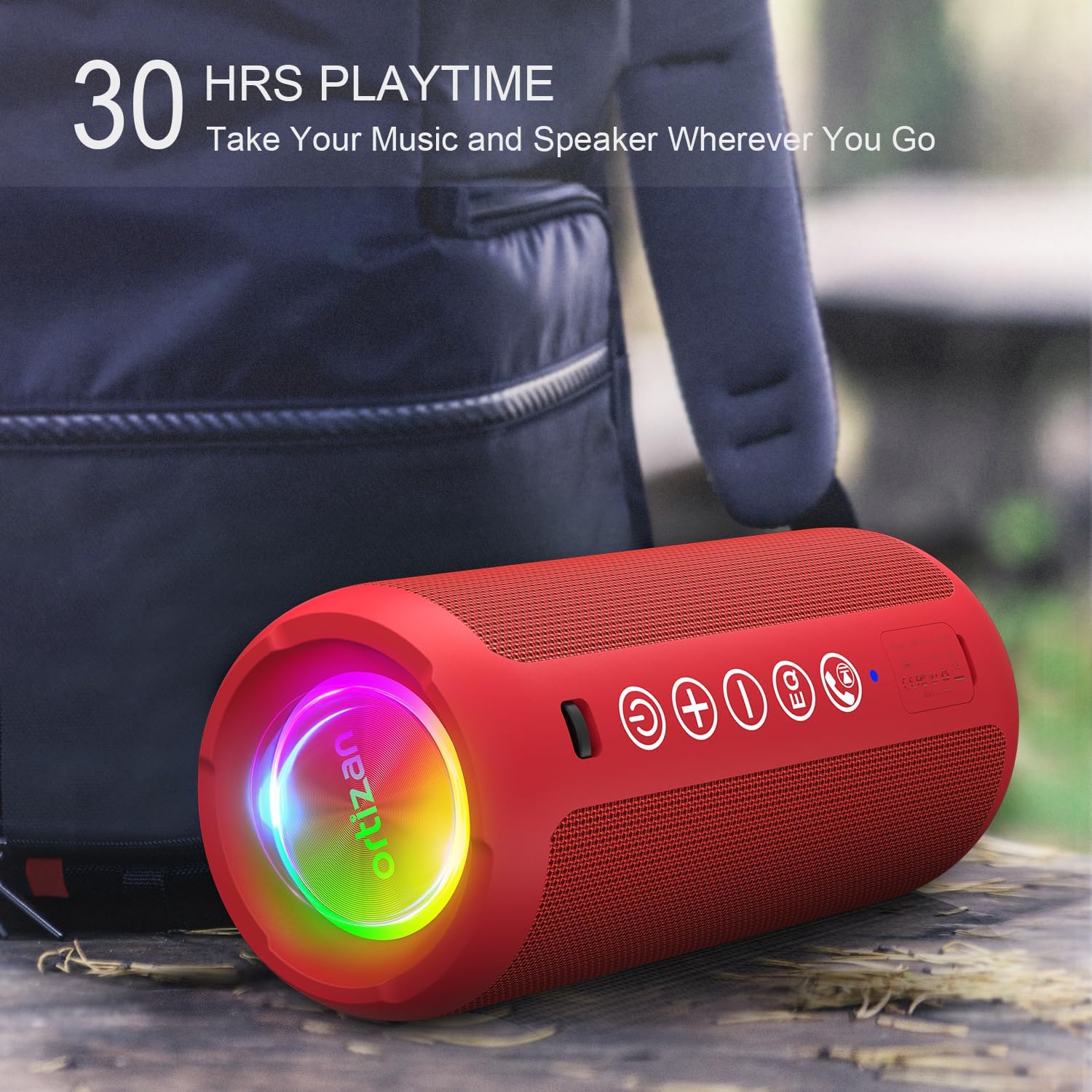
Image: The Ortizan X10 speaker displaying its vibrant, color-changing LED lights, synchronized with music.
Waterproof Design (IPX7)
The Ortizan X10 speaker is IPX7 rated, meaning it is protected against immersion in water up to 1 meter (3 feet) for up to 30 minutes. This makes it ideal for use in wet environments like showers, beaches, pools, or during outdoor activities.

Image: The Ortizan X10 speaker demonstrating its IPX7 waterproof capability in a water-splashed setting.
Battery Life and Charging
The speaker offers up to 30 hours of playtime on a single charge (at 65dB volume). To charge, use the provided USB-C cable. The charging port is located under a protective waterproof seal. Ensure the seal is properly closed after charging to maintain its waterproof integrity.

Image: The Ortizan X10 speaker in an outdoor setting, highlighting its 30-hour playtime feature.
Connectivity
The Ortizan X10 utilizes Bluetooth 5.3 for a stable and efficient wireless connection up to 66 feet. It also supports auxiliary input via a 3.5mm AUX cable and playback from a TF Card (MicroSD card) for versatile audio sources.
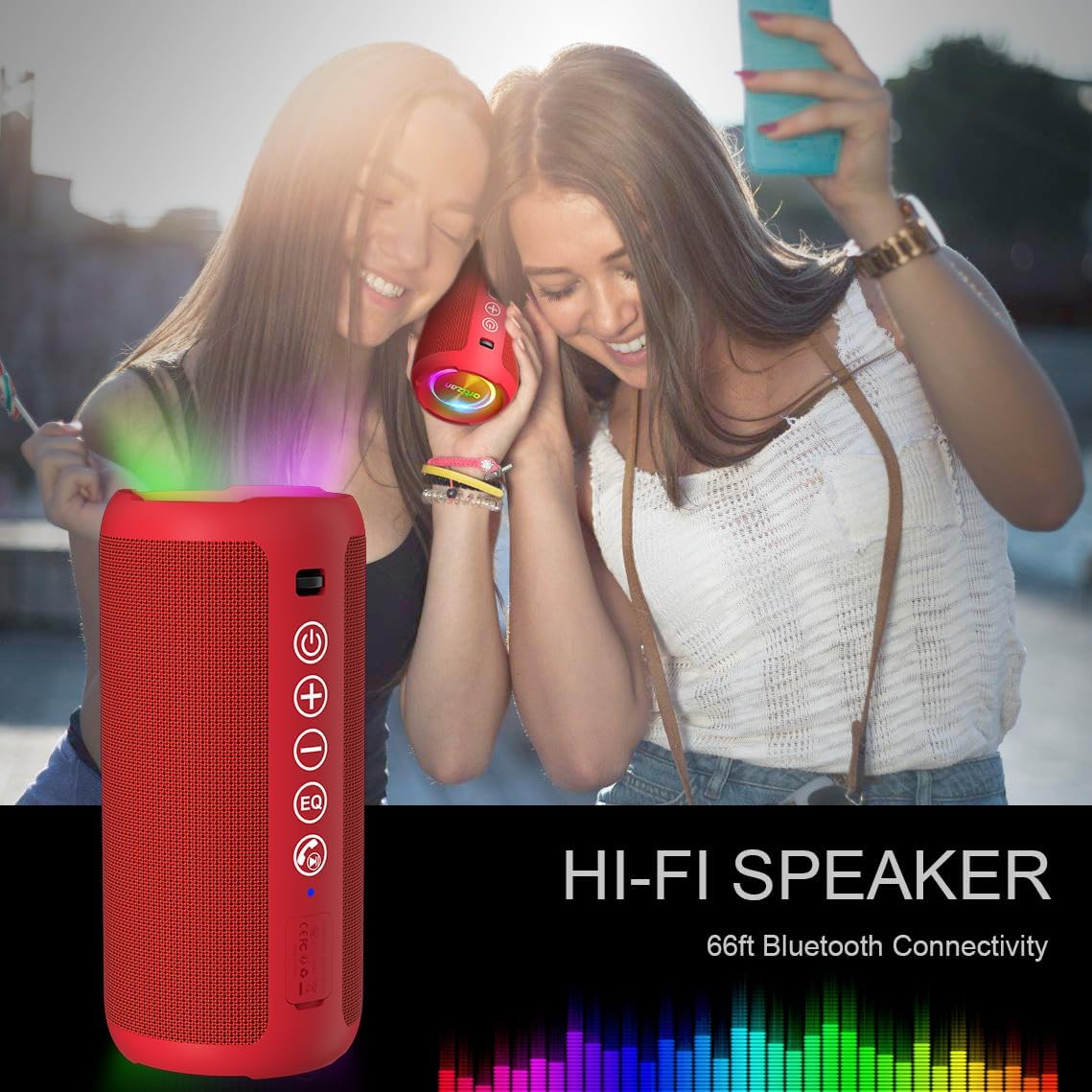
Image: The Ortizan X10 speaker highlighting its Hi-Fi sound and 66ft Bluetooth connectivity range.
Maintenance
- Cleaning: Wipe the speaker with a soft, damp cloth. Do not use harsh chemicals or abrasive cleaners.
- Storage: Store the speaker in a cool, dry place away from direct sunlight and extreme temperatures.
- Waterproof Seal: Always ensure the waterproof seal covering the charging and AUX ports is securely closed when not in use, especially before exposing the speaker to water.
Troubleshooting
- Speaker does not power on: Ensure the battery is charged. Connect the speaker to a power source using the USB-C cable.
- Cannot connect via Bluetooth: Make sure the speaker is in pairing mode (flashing blue light). Ensure your device's Bluetooth is enabled and within the 66ft range. Try forgetting the device on your phone and re-pairing.
- No sound: Check the volume levels on both the speaker and your connected device. Ensure the speaker is properly paired.
- Poor sound quality: Ensure the speaker is within Bluetooth range and there are no obstructions. Try adjusting the EQ modes.
Specifications
| Feature | Detail |
|---|---|
| Model Name | X10 |
| Brand | Ortizan |
| Connectivity Technology | Bluetooth, Wireless, Auxiliary, TF Card |
| Wireless Communication Technology | Bluetooth 5.3 |
| Maximum Range | 66 Feet |
| Speaker Maximum Output Power | 30 Watts (24W RMS) |
| Audio Output Mode | Stereo |
| Special Features | Bass Boost, AUX, Hi-Res Audio, 3 EQ Modes, 30-Hour Playtime, IPX7 Waterproof, TF Card Port, Dual Passive Radiators, Hands-free, True Wireless Stereo, Shockproof, Stereo pairing |
| Water Resistance Level | Waterproof (IPX7) |
| Battery Capacity | 2600 Milliamp Hours |
| Charging Time | 3 Hours |
| Item Weight | 1.15 pounds (0.52 Kilograms) |
| Product Dimensions | 3"D x 3"W x 6.69"H |
Warranty and Support
The Ortizan Portable Bluetooth Speaker X10 comes with a limited warranty. For detailed warranty information, product support, or technical assistance, please refer to the contact information provided in your Quick Start Guide or visit the official Ortizan website.


