Introduction
This manual provides instructions for the USARemote 6-Button Key Fob Remote Replacement. This product is designed as an aftermarket replacement shell for your original key fob. It is crucial to understand that this product is a replacement shell and does not include the internal electronics or transponder chip. Professional programming is required for the remote to function with your vehicle.
Compatible Vehicles:
- 2015-2020 Chevrolet Tahoe
- 2015-2020 Chevrolet Suburban
- 2015-2020 GMC Yukon
Please ensure your original key fob matches the FCC ID: M3N32337100 or 13577766 and has a 6-button layout before proceeding.

Image: Front view of two USARemote 6-button key fob replacements, showing the lock, unlock, remote start, panic, trunk, and glass hatch buttons.
Setup: Transferring Internal Components
This section details how to transfer the internal circuit board and battery from your existing key fob into the new USARemote replacement shell. This process does not program the remote to your vehicle; it only prepares the physical remote.
- Disassemble Your Original Key Fob: Carefully open your existing key fob. Most fobs have a small slot or seam where you can gently pry them open using a small flat-head screwdriver or a specialized pry tool. Remove the internal circuit board and any existing battery.
- Insert Battery (if applicable): If your circuit board requires a new battery or if the new shell has a dedicated battery slot, insert a CR2032 lithium metal battery (included with the product) into the designated compartment. Ensure correct polarity.
- Place Circuit Board into New Shell: Carefully align and place your original circuit board into the new USARemote shell. Ensure it sits securely and the buttons align with the rubber pad of the new shell.
- Reassemble the New Shell: Close the two halves of the new key fob shell, ensuring they snap together firmly.
- Insert Emergency Key Blade: If your original fob had an emergency key blade, transfer it to the designated slot in the new shell.
Video: Step-by-step guide on how to transfer the internal components and emergency key blade from an old key fob into the new 6-button replacement shell.
Important: Professional programming is required for this key fob to function with your vehicle. This product will not self-program.

Image: Visual guide highlighting that the product includes the key fob with electronics and battery, but professional programming is required for vehicles 2011 or newer.
Operating the Key Fob
Once professionally programmed to your vehicle, the 6-button key fob provides full access to your vehicle's keyless entry and remote functions. The buttons are designed for intuitive use:
- Lock Button: Press once to lock all vehicle doors.
- Unlock Button: Press once to unlock the driver's door, press twice to unlock all doors.
- Remote Start Button (Circular Arrow): Press and hold to remotely start your vehicle. Refer to your vehicle's owner's manual for specific remote start procedures.
- Panic Button (Red Horn): Press and hold to activate the vehicle's alarm system. Press again to deactivate.
- Trunk Release Button: Press to open the vehicle's trunk or liftgate.
- Glass Hatch Release Button (x2): Press twice to open the vehicle's glass hatch.

Image: Back view of two USARemote 6-button key fob replacements, showing the sleek design and key ring attachment point.
Maintenance and Battery Replacement
The key fob is powered by a CR2032 lithium metal battery. If the remote's range decreases or it stops responding, the battery may need replacement.
- Disassemble the Fob: Use a small flat-head screwdriver or pry tool to carefully separate the two halves of the key fob shell.
- Remove Old Battery: Locate the CR2032 battery within the circuit board assembly. Gently pry out the old battery.
- Insert New Battery: Insert a new CR2032 battery, ensuring the positive (+) side faces up.
- Reassemble the Fob: Align the two halves of the key fob shell and press them together until they snap securely.
Video: Demonstration of opening a key fob, removing the circuit board, replacing the battery, and reassembling the shell.
Cleaning: To clean the exterior of the key fob, use a soft, damp cloth. Avoid using harsh chemicals or abrasive materials.
Troubleshooting
- Remote Not Working After Component Transfer:
Ensure the circuit board is correctly seated within the new shell and the battery is properly installed with correct polarity. Verify that the buttons on the rubber pad align with the contacts on the circuit board. - Remote Not Operating Vehicle Functions:
This key fob requires professional programming to your vehicle. If it is not working, it likely has not been programmed correctly. Contact a qualified automotive locksmith or dealership for programming services. - Reduced Remote Range:
Check the battery. A weak battery can significantly reduce the remote's operating range. Replace with a new CR2032 battery if necessary. - Buttons Feel Stiff or Unresponsive:
Ensure the internal rubber button pad is correctly aligned and not misaligned or pinched during reassembly.
Specifications
| Brand | USARemote |
| Model Number | USAR-GCM-6B-HATCH-2X |
| Compatible FCC IDs | M3N32337100, 13577766 |
| Number of Buttons | 6 (Lock, Unlock, Remote Start, Panic, Trunk, Glass Hatch) |
| Battery Type | 1 Lithium Metal battery (CR2032) |
| Item Weight | 1 Ounce |
| Package Dimensions | 3 x 3 x 2 inches |
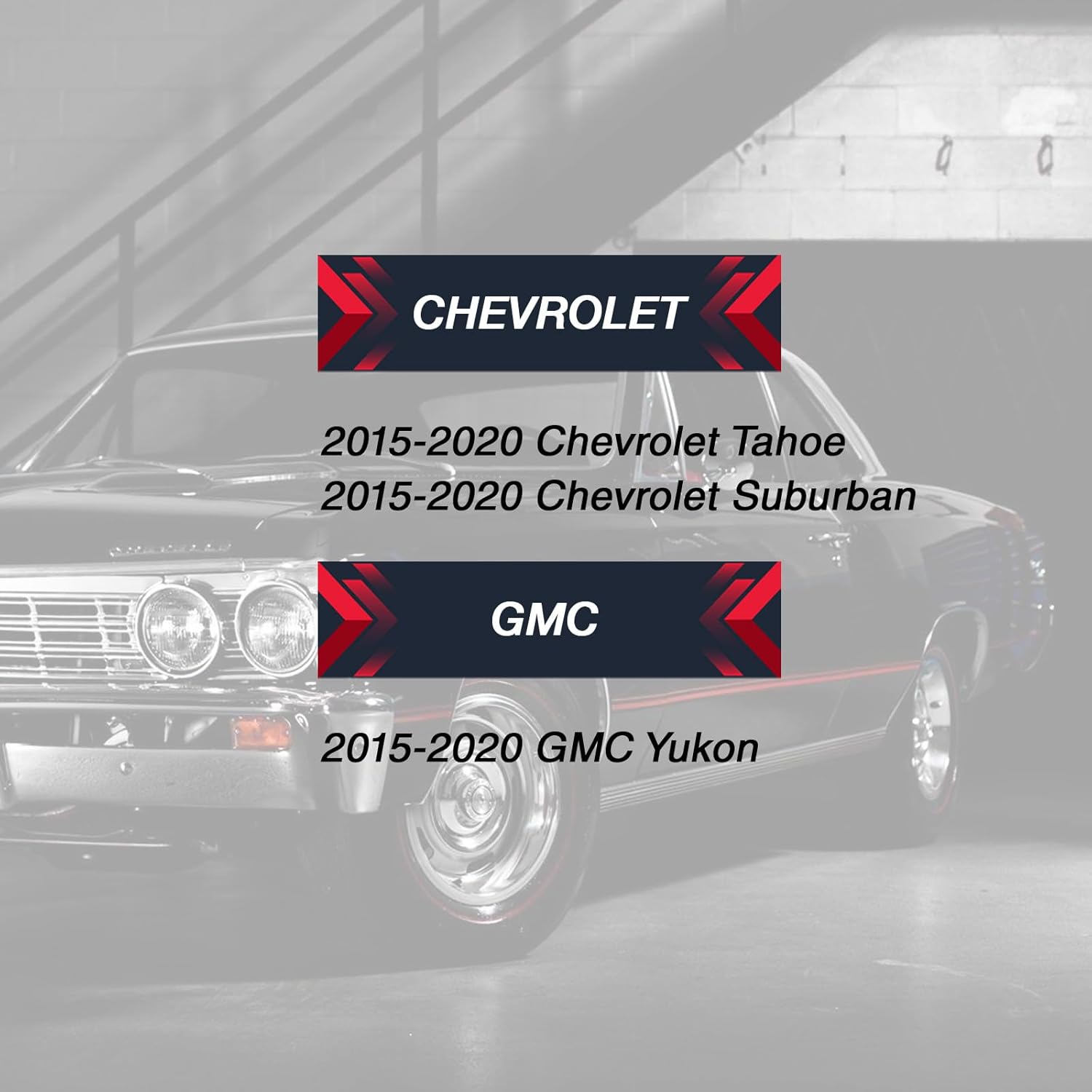
Image: List of compatible vehicle models: 2015-2020 Chevrolet Tahoe, 2015-2020 Chevrolet Suburban, and 2015-2020 GMC Yukon.
Warranty Information
This USARemote key fob is an aftermarket replacement part. For specific warranty details, please refer to the product packaging or contact USARemote directly through their official channels. As a small business, USARemote is committed to customer satisfaction.
Customer Support
For any questions regarding the installation, functionality, or programming requirements of your USARemote key fob, please contact USARemote customer support. It is highly recommended to seek assistance from a qualified automotive locksmith for programming the key fob to your vehicle.
You can visit the USARemote Store on Amazon for additional information or to contact the seller.


