
Kuulaa KL-YD82
Kuulaa 10000mAh Magsafe Power Bank
Model: KL-YD82
Brand: Kuulaa
1. Introduction
This manual provides essential information for the safe and effective use of your Kuulaa 10000mAh Magsafe Power Bank. This portable charger is designed to provide convenient wireless and wired charging for compatible devices, including iPhone 16/15/14/13/12 series.

Image: The Kuulaa 10000mAh Magsafe Power Bank, highlighting its slim design and magnetic attachment capability.

Image: An illustrative graphic emphasizing the power bank's slim profile and efficient performance.
2. Safety Information
Please read and understand all safety instructions before using this product. Failure to follow these instructions may result in fire, electric shock, or injury.
- Do not expose the power bank to extreme temperatures (above 45°C/113°F or below 0°C/32°F).
- Do not disassemble, open, or attempt to repair the power bank.
- Keep away from water, moisture, and flammable materials.
- Avoid dropping or subjecting the power bank to strong impacts.
- Use only certified charging cables and adapters.
- Keep out of reach of children.
- Dispose of the power bank responsibly according to local regulations.

Image: Internal smart digital chip with real-time monitoring for safe charging, illustrating various protection mechanisms.
3. Package Contents
Verify that all items are present in the package:
- 1 x Kuulaa 10000mAh Portable Charger
- 1 x USB-A to USB-C Charging Cable
- 1 x User Manual

Image: Contents of the product package, including the power bank, charging cable, and user manual.
4. Product Features
- High Capacity: 10,000mAh battery provides multiple charges for smartphones.
- Magnetic Wireless Charging: Compatible with MagSafe for iPhone 16/15/14/13/12 series.
- PD20W USB-C Fast Charging: Offers rapid wired charging for various devices.
- Ultra-Slim Design: Compact and portable, ideal for travel.
- Tempered Glass Design: Features an upgraded aluminum band and glass back for durability and aesthetics.
- Advanced Safety Features: Built-in protections against over-current, over-heat, short circuit, and overcharge.

Image: Illustration of the power bank's 10,000mAh capacity and its ability to provide multiple charges for compatible iPhones.

Image: The power bank attached to a phone, demonstrating its portable and compact form factor.
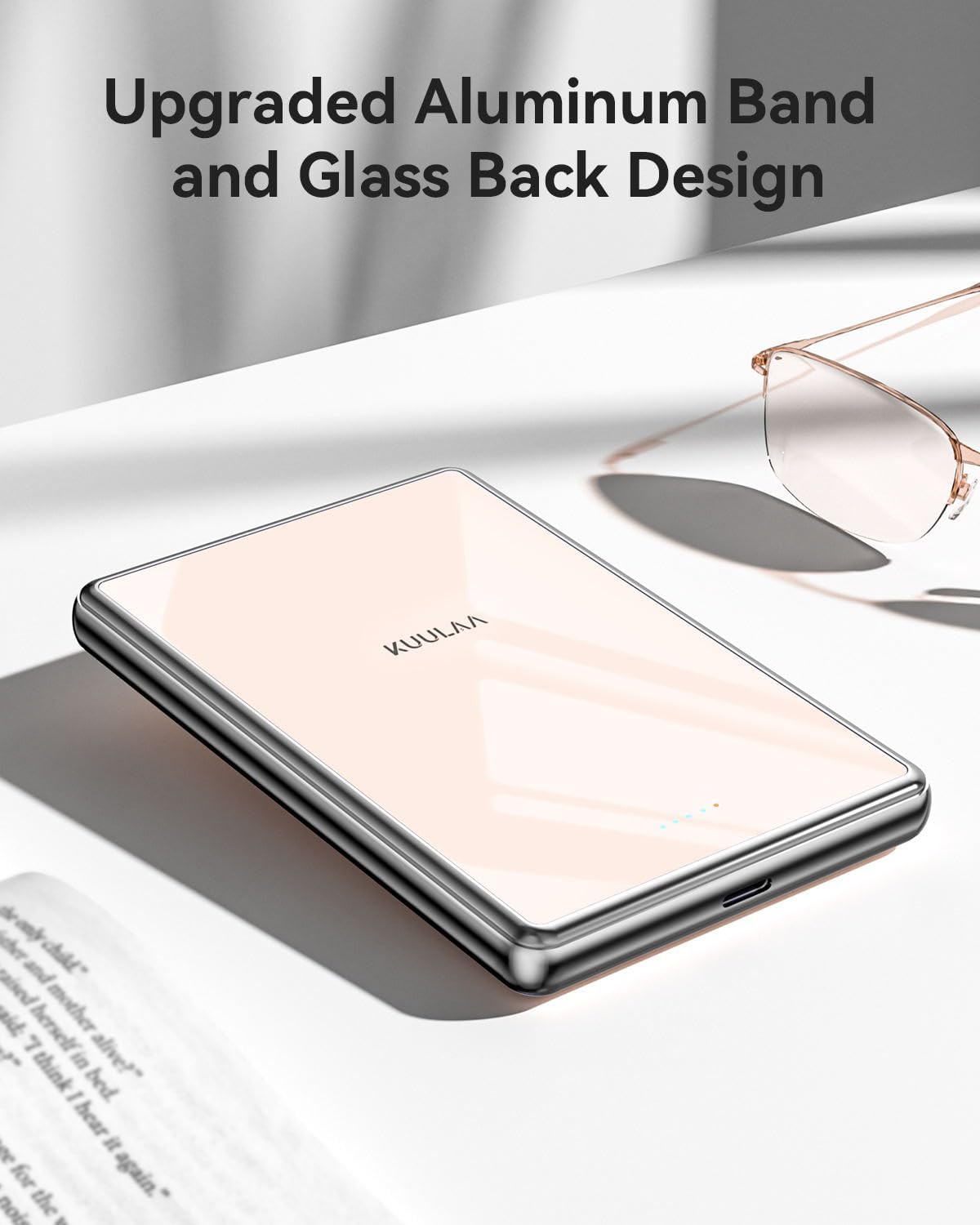
Image: A detailed view of the power bank, showcasing its premium tempered glass and aluminum band construction.

Image: The power bank positioned among various devices, illustrating its broad compatibility.
5. Setup
Before first use, fully charge your Kuulaa 10000mAh Magsafe Power Bank.
- Connect the provided USB-A to USB-C charging cable to the USB-C port on the power bank.
- Plug the USB-A end of the cable into a compatible USB wall adapter (not included) or a computer's USB port.
- The indicator lights on the power bank will illuminate to show charging status. All lights will be solid when fully charged.
6. Operating Instructions
6.1 Charging the Power Bank
Follow the steps in the Setup section to charge the power bank. Ensure the power bank is fully charged for optimal performance.
6.2 Wireless Charging (MagSafe Compatible)
For iPhone 16/15/14/13/12 series:
- Ensure your iPhone is MagSafe compatible or has a MagSafe-compatible case.
- Align the power bank with the back of your iPhone. The strong magnets will snap it into place.
- Wireless charging will begin automatically. The wireless charging indicator light on the power bank will illuminate.
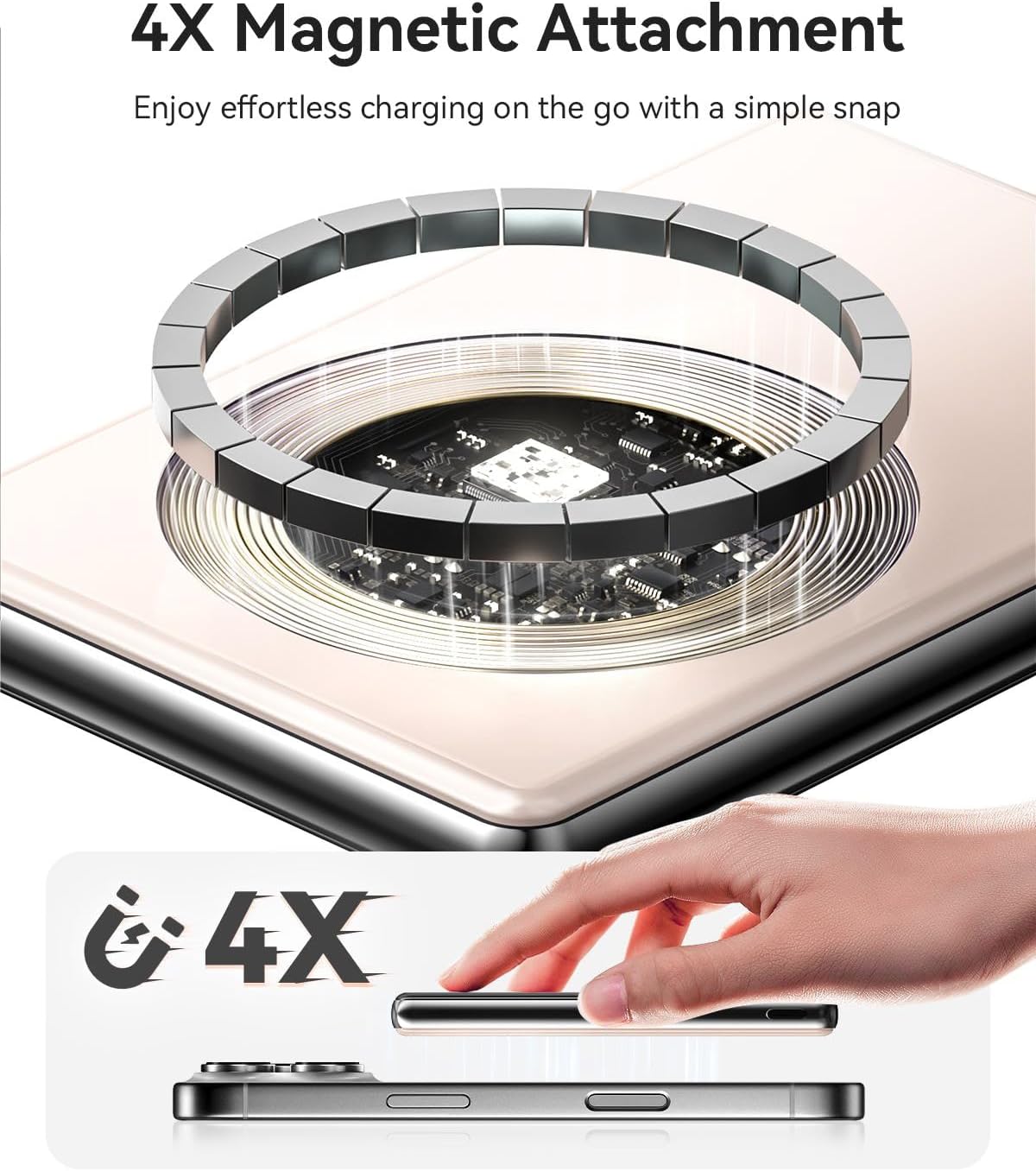
Image: A visual representation of the power bank's strong magnetic attachment to a compatible iPhone.
6.3 Wired Charging (USB-C Output)
For devices requiring wired charging:
- Connect one end of a USB-C to USB-C cable (or your device's charging cable) to the USB-C port on the power bank.
- Connect the other end of the cable to your device's charging port.
- Charging will begin automatically. The power bank supports PD20W fast charging via the USB-C port.

Image: The power bank demonstrating both wireless and wired charging capabilities simultaneously.

Image: A visual guide to the two primary charging methods supported by the power bank: wireless and wired.
6.4 Indicator Lights
The power bank features indicator lights to show its battery level and charging status:
- Battery Indicator Lights: Typically four LED lights indicate the remaining battery capacity.
- Wireless Charging Indicator: A dedicated light (often blue) indicates active wireless charging.

Image: A close-up view of the power bank's LED indicators, showing how they display wireless charging activity and current battery level.
7. Maintenance
- Clean the power bank with a soft, dry cloth. Do not use abrasive cleaners or solvents.
- Store the power bank in a cool, dry place away from direct sunlight and extreme temperatures.
- If not used for extended periods, charge the power bank at least once every three months to maintain battery health.
8. Troubleshooting
8.1 Power Bank Not Charging
- Ensure the charging cable is securely connected to both the power bank and the power source.
- Try a different USB wall adapter or USB port.
- Test with a different USB-C charging cable.
8.2 Device Not Charging Wirelessly
- Ensure your device is MagSafe compatible or has a MagSafe-compatible case.
- Verify the power bank is sufficiently charged.
- Ensure proper alignment of the power bank with your device's charging coil.
- Remove any thick cases or metallic objects between the power bank and your device.
8.3 Device Not Charging Via USB-C
- Ensure the USB-C cable is securely connected to both the power bank and your device.
- Verify the power bank is sufficiently charged.
- Try a different USB-C cable.
- Ensure your device's charging port is clean and free of debris.
9. Specifications
| Feature | Detail |
|---|---|
| Model Number | KL-YD82 |
| Battery Capacity | 10000mAh |
| Product Dimensions | 4 x 2.1 x 0.45 inches |
| Item Weight | 8.4 ounces |
| Wireless Charging Output | Up to 15W (7.5W for iPhone) |
| USB-C Output | PD 20W Max |
| Special Features | Over Charging Protection, Slim Design, Wireless Charging |
| Color | Pink |
| Manufacturer | Shenzhen KulaTechnology Co.,Ltd. |

Image: A detailed compatibility chart for the power bank, listing various iPhone models and accessories.
10. Warranty and Support
Your Kuulaa 10000mAh Magsafe Power Bank comes with a 24-month worry-free warranty.
For product support, technical assistance, or warranty claims, please contact Kuulaa customer service through the retailer where the product was purchased or visit the official Kuulaa website for contact information.
Seller: KuulaaUS
For additional information and support, you may visit the Kuulaa Store on Amazon.
Related documentsKL-YD82


Ask a question about this manual
Ask about setup, troubleshooting, compatibility, parts, safety, or missing instructions. Manuals+ will review the question and use this page’s manual context to help answer it.