
SANSUI W26
SANSUI W26 Wireless Earphones User Manual
Model: W26
Introduction
Thank you for choosing the SANSUI W26 Wireless Earphones. This manual provides detailed instructions for the proper use, maintenance, and troubleshooting of your device. Please read this manual carefully before use and retain it for future reference.
Package Contents
Ensure all items are present in the package:
- SANSUI W26 Wireless Earphones (Left and Right)
- Charging Case
- USB Type-C Charging Cable
- User Manual (this document)
Product Overview
The SANSUI W26 earphones feature an open-ear design, Bluetooth 5.4 connectivity, and ENC noise cancellation for clear calls. They are designed for comfort and stability during extended use.

Image: SANSUI W26 Wireless Earphones and Charging Case. This image displays the open-ear design of the earphones and their transparent charging case, highlighting the "ears not blocked" feature, surround effect, directional sound, call noise reduction, and 36 hours of playback.

Image: Illustration of Directional Driver Technology. This image shows how the directional driver guides sound into the ear, preventing sound leakage. It features the "DIRECTIN TONE" and "PeakStroy" logos.
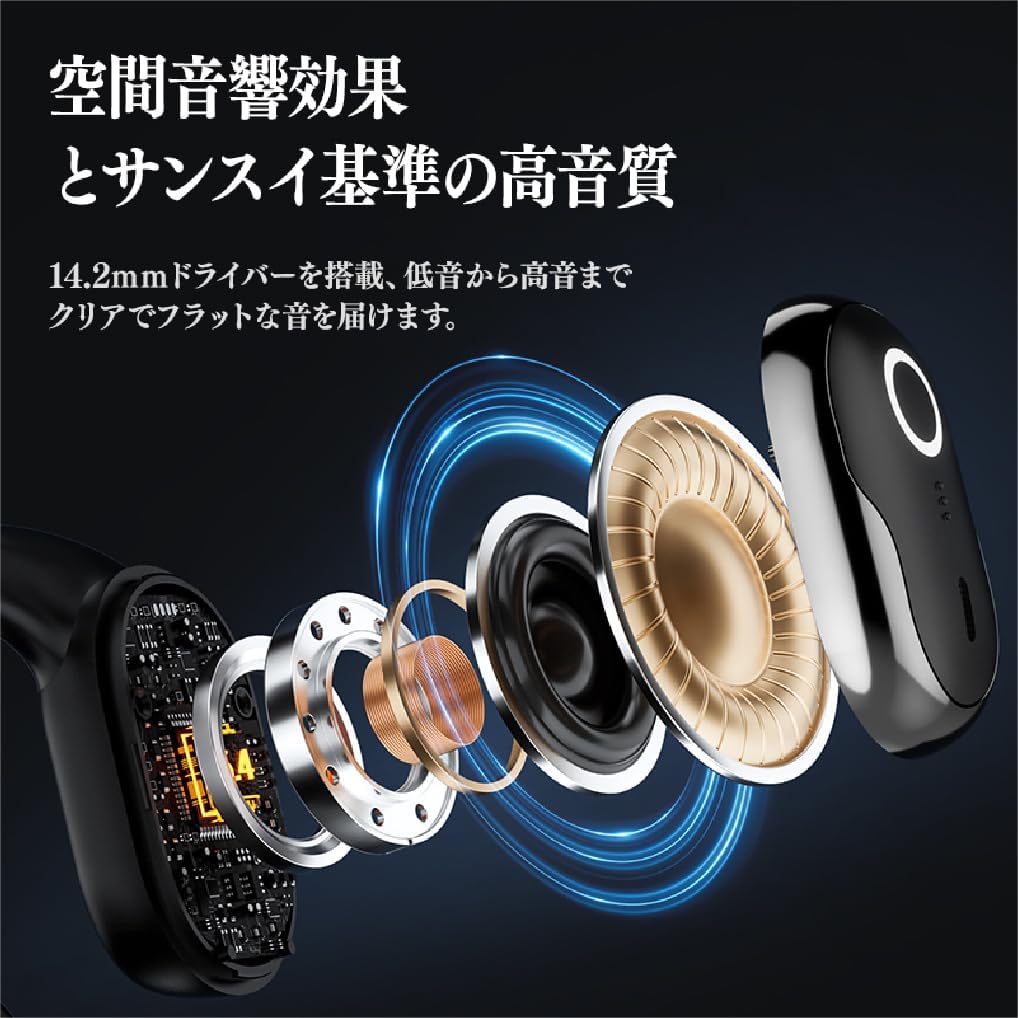
Image: Exploded view of SANSUI W26 Earphone Internal Components. This image illustrates the internal structure, including the 14.2mm driver, which contributes to spatial acoustic effects and high-quality sound.
Setup
1. Charging the Earphones and Case
Before first use, fully charge the earphones and charging case.
- Place the earphones into the charging case.
- Connect the provided USB Type-C cable to the charging port on the case and a power source (e.g., USB wall adapter, computer USB port).
- The indicator lights on the case will show the charging status. Once fully charged, the lights will indicate completion.
A full charge provides up to 12 hours of playback for the earphones alone, and up to 36 hours with the charging case.
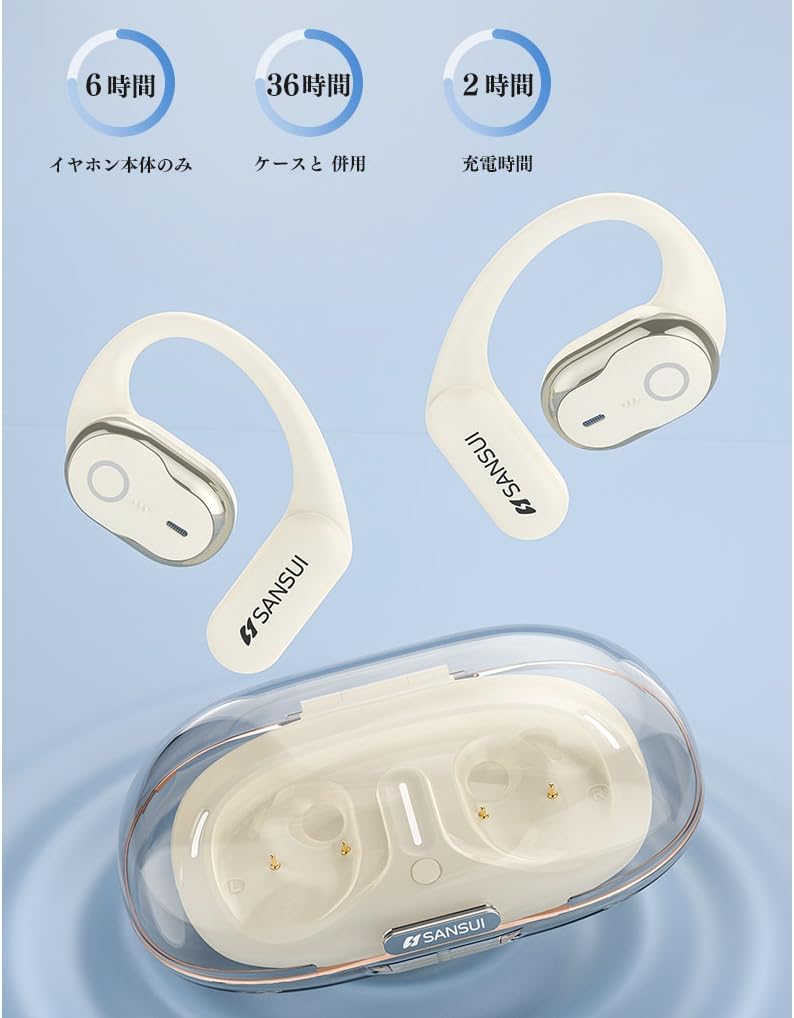
Image: SANSUI W26 Earphone Battery Life and Charging. This image illustrates the battery life: 6 hours for earphones only, 36 hours with the charging case, and a 2-hour charging time for the case.
2. Bluetooth Pairing
The earphones support Bluetooth V5.4 for a stable and low-latency connection.
- Open the charging case. The earphones will automatically enter pairing mode.
- On your device (smartphone, tablet, etc.), enable Bluetooth and search for available devices.
- Select "SANSUI W26" from the list of found devices.
- Once connected, a voice prompt will confirm successful pairing.
- The earphones will automatically reconnect to the last paired device when taken out of the case.
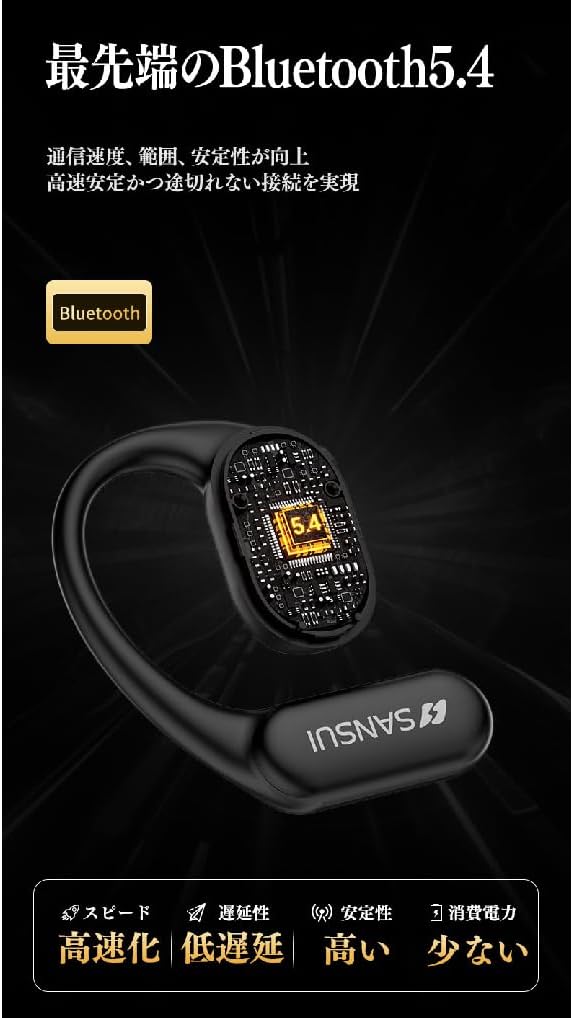
Image: SANSUI W26 Bluetooth 5.4 Connectivity. This image highlights the advanced Bluetooth 5.4 technology, emphasizing improved communication speed, range, stability, low latency, and reduced power consumption.
Operating Instructions
1. Wearing the Earphones
The SANSUI W26 features an ergonomic ear-hook design for secure and comfortable fit.
- Identify the left (L) and right (R) earphones.
- Gently hook the earphone over your ear, ensuring the speaker part is positioned correctly near your ear canal without blocking it.
- Adjust for a snug and comfortable fit. The design allows you to hear ambient sounds while enjoying audio.

Image: SANSUI W26 Ear-Hook Design. This image demonstrates the stable and non-falling ear-hook design, showing how it fits securely with three support points and features skin-friendly silicone material.
2. Touch Controls
The earphones are equipped with touch-sensitive controls for various functions. Refer to the table below for common operations:
| Function | Action |
|---|---|
| Play/Pause Music | Single tap on either earphone |
| Next Track | Double tap on the right earphone |
| Previous Track | Double tap on the left earphone |
| Answer/End Call | Single tap on either earphone |
| Reject Call | Long press on either earphone |
| Activate Voice Assistant | Triple tap on either earphone |
3. Call Functions (ENC Noise Cancelling)
The built-in ENC (Environmental Noise Cancellation) engine separates your voice from ambient noise, ensuring clear communication during calls and online meetings.
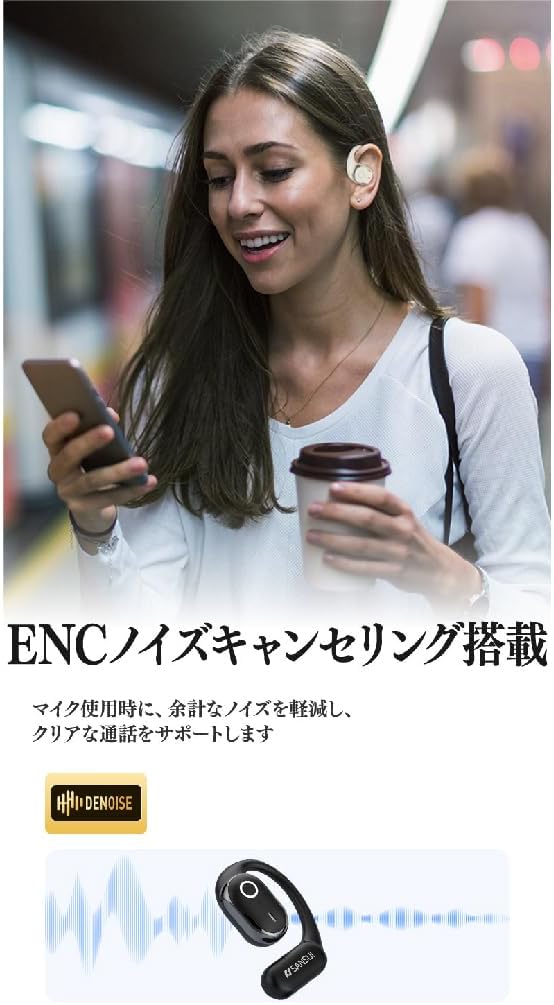
Image: SANSUI W26 ENC Noise Cancelling Feature. This image shows a person using the earphones in a busy environment, illustrating how the ENC technology reduces background noise for clearer calls.
Maintenance
- Cleaning: Regularly clean the earphones and charging case with a soft, dry cloth. For stubborn dirt, a slightly damp cloth can be used, but ensure no moisture enters the charging ports or speaker grilles. The earphones are IPX5 waterproof, allowing for rinsing under tap water if needed, but avoid prolonged submersion.
- Storage: When not in use, store the earphones in their charging case to protect them from dust and damage. Store in a cool, dry place away from direct sunlight and extreme temperatures.
- Battery Care: To prolong battery life, avoid fully discharging the earphones frequently. Charge them regularly, even if not used for extended periods.
Troubleshooting
If you encounter issues with your SANSUI W26 earphones, refer to the following common problems and solutions:
- Earphones not pairing:
- Ensure Bluetooth is enabled on your device.
- Make sure the earphones are charged.
- Place the earphones back in the case, close it, then open it again to re-enter pairing mode.
- Forget "SANSUI W26" from your device's Bluetooth list and try pairing again.
- No sound:
- Check the volume level on both your device and the earphones.
- Ensure the earphones are properly connected to your device.
- Try playing audio from a different application or source.
- Poor call quality:
- Ensure the microphone is not obstructed.
- Move closer to your connected device to improve signal strength.
- Check for excessive background noise in your environment.
- Earphones not charging:
- Ensure the charging cable is securely connected to both the case and the power source.
- Check if the charging contacts on the earphones and inside the case are clean.
- Try using a different USB Type-C cable or power adapter.
Specifications
| Feature | Detail |
|---|---|
| Brand | SANSUI |
| Model Name | W26 |
| Connectivity Technology | Wireless (Bluetooth V5.4) |
| Headphone Style | Ear-hook, Open-ear |
| Color | White |
| Noise Cancellation | ENC (Environmental Noise Cancellation) for calls |
| Water Resistance | IPX5 equivalent |
| Audio Codecs | AAC, SBC |
| Earphone Playback Time | Up to 12 hours |
| Total Playback Time (with case) | Up to 36 hours |
| Charging Port | USB Type-C |
| Country of Origin | China |
Warranty and Support
Manufacturer Warranty: The SANSUI W26 Wireless Earphones come with a 1-year manufacturer warranty from the date of purchase. This warranty covers defects in materials and workmanship under normal use.
Exclusions: The warranty does not cover damage caused by misuse, accidents, unauthorized modifications, or normal wear and tear.
Customer Support: For warranty claims, technical assistance, or any questions regarding your SANSUI W26 earphones, please contact your retailer or the official SANSUI customer support channel. Refer to the product packaging or official website for contact information.
Related documentsW26


Ask a question about this manual
Ask about setup, troubleshooting, compatibility, parts, safety, or missing instructions. Manuals+ will review the question and use this page’s manual context to help answer it.