
1. Product Overview
The PRUNUS J-211 is a compact and portable AM/FM/SW transistor radio designed for ease of use and reliable performance. It offers versatile power options, including a built-in rechargeable battery and support for AA batteries, making it suitable for both home and outdoor use. Key features include strong signal reception, clear audio output, a headphone jack for private listening, and an integrated flashlight for added utility.
Key Features:
- Dual Power Options: Operates on a built-in 1200mAh rechargeable battery (USB-C charging) or 2 x AA batteries (not included).
- User-Friendly Controls: Features large, intuitive knobs for power, volume, and tuning.
- Excellent Signal Reception: Covers FM (87–108 MHz), AM (520–1730 kHz), and Shortwave (SW 3.2–22 MHz) bands with a 16-inch antenna and smart DSP chip.
- Clear Audio: Equipped with a loud and clear speaker, and a 3.5mm headphone jack for personal listening.
- Compact and Portable: Measures approximately 5 x 2.9 x 1.3 inches and weighs 5.2 oz, with a wrist strap and back clip for easy carrying.
- Built-in Flashlight: Provides illumination for convenience in low-light conditions.

Image: Front and side view of the PRUNUS J-211 Portable Radio, highlighting its compact design and integrated flashlight.
2. What's in the Box
Upon opening the package, please verify that all the following items are included:
- PRUNUS J-211 Radio
- Owner's Manual
- USB-C Charging Cable
- Lanyard
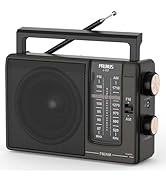
Image: A visual representation of the items included in the PRUNUS J-211 product package.
3. Product Components and Controls
Familiarize yourself with the various parts and controls of your PRUNUS J-211 radio for optimal operation.
- Tuning Knob: Located on the side, used to select radio frequencies.
- Power/Volume Knob: A large knob for turning the radio on/off and adjusting the sound level.
- FM/AM/SW Switch: A slide switch to select the desired radio band.
- Telescopic Antenna: Extendable antenna for improved signal reception, especially for FM and SW bands.
- Headphone Jack (3.5mm): For connecting headphones for private listening.
- USB-C Charging Port: For recharging the internal battery.
- Battery Compartment: Located on the back, for inserting AA batteries.
- Power Source Switch: A small switch on the side to select between internal rechargeable battery and AA batteries.
- Flashlight: Integrated LED light on the top of the radio.
- Back Clip: For attaching the radio to a belt or pocket.
- Lanyard Attachment Point: For securing the included wrist strap.

Image: Detailed view of the PRUNUS J-211 radio, pointing out its main controls and features for easy identification.
4. Setup
4.1 Powering the Radio
The PRUNUS J-211 offers two power options: the built-in rechargeable battery or two AA batteries.
Using the Built-in Rechargeable Battery:
- Ensure the power source switch on the side of the radio is set to the internal battery (Li-ion) position.
- Connect the included USB-C charging cable to the radio's USB-C port and the other end to a standard USB power adapter (not included) or a computer's USB port.
- The charging indicator light will illuminate during charging and turn off when fully charged.
Using AA Batteries:
- Open the battery compartment cover on the back of the radio.
- Insert two (2) AA batteries (not included) into the compartment, ensuring correct polarity (+/-) as indicated inside.
- Close the battery compartment cover securely.
- Flip the power source switch on the side of the radio to the AA battery position.
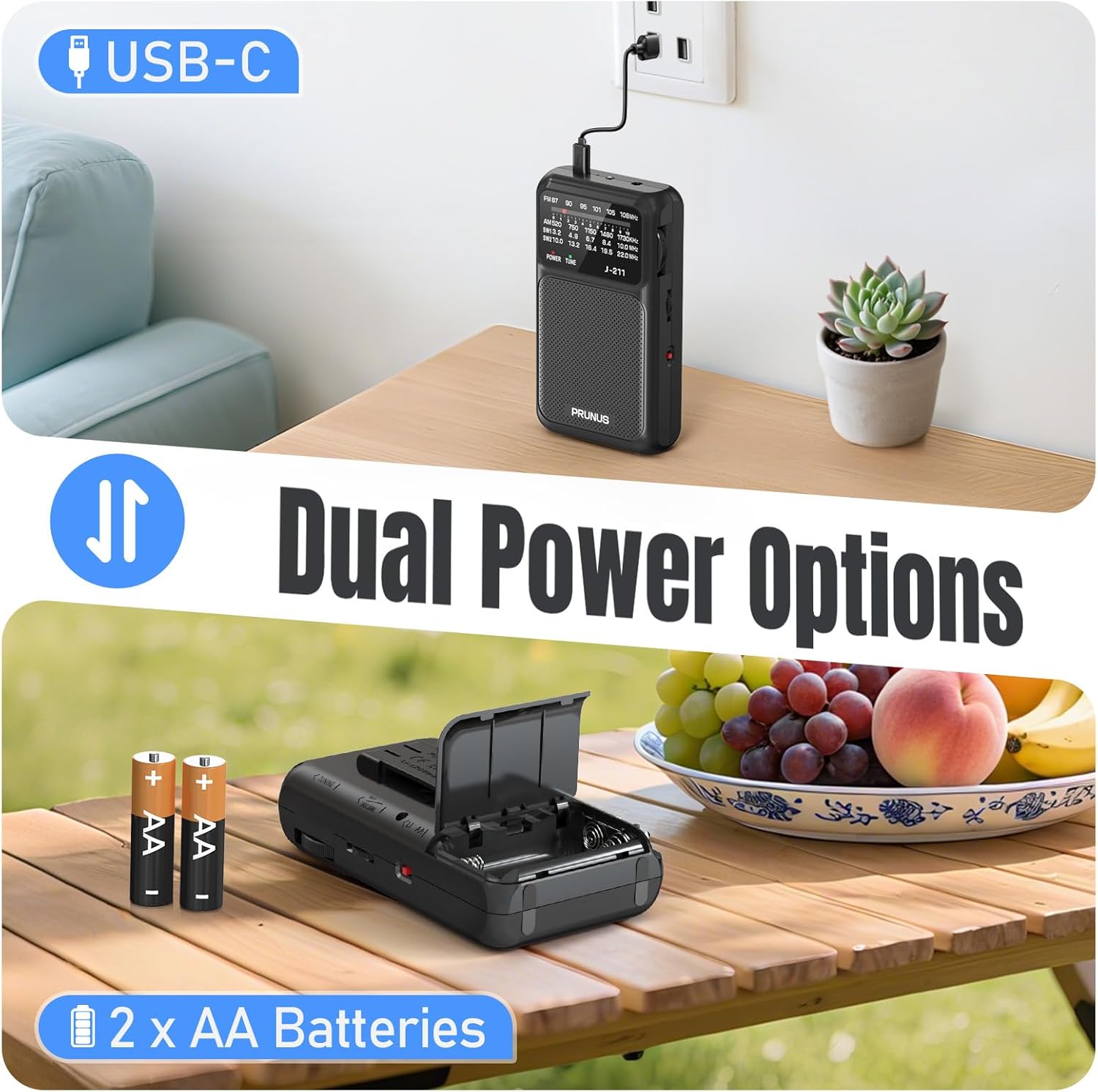
Image: Illustration of the two power options for the PRUNUS J-211 radio: USB-C charging and AA battery installation.
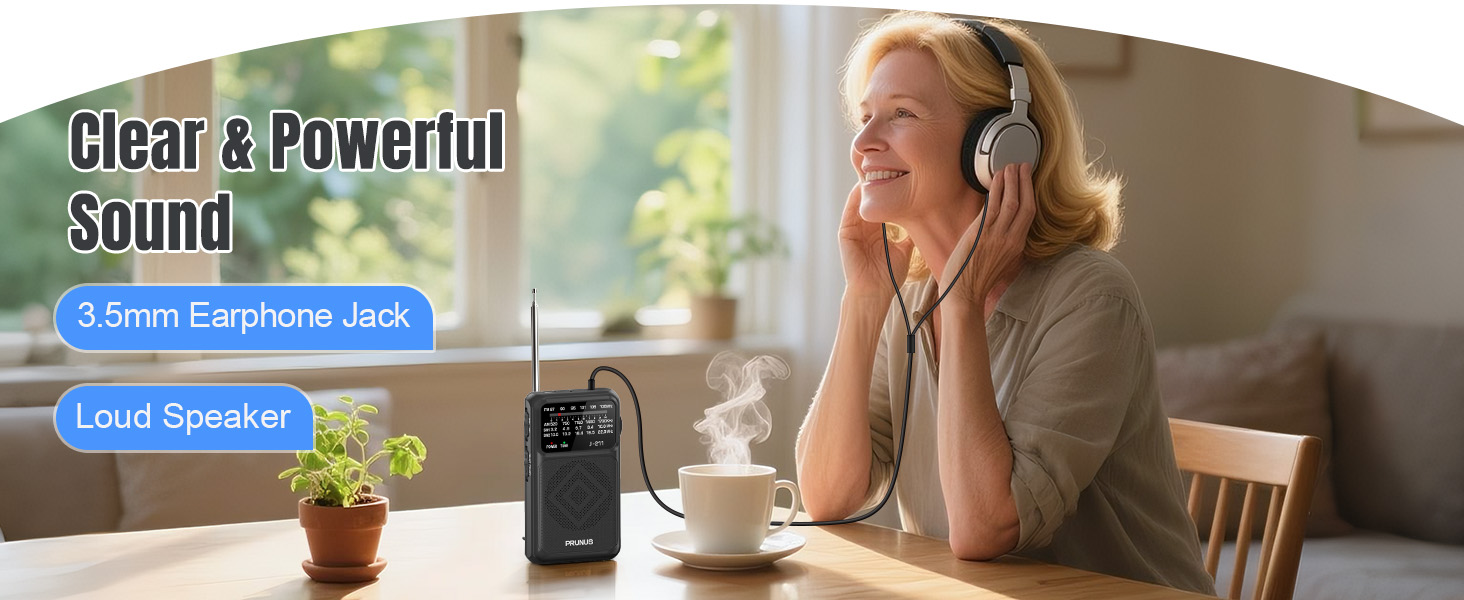
Image: Close-up of the power selector switch on the PRUNUS J-211, indicating the choice between internal rechargeable battery and AA batteries.
5. Operating Instructions
5.1 Power On/Off and Volume Control
- To turn the radio on, rotate the Power/Volume knob clockwise.
- Continue rotating the knob clockwise to increase the volume. Rotate counter-clockwise to decrease the volume.
- To turn the radio off, rotate the Power/Volume knob counter-clockwise until it clicks.
5.2 Tuning to a Station
- Extend the telescopic antenna for optimal reception, especially for FM and Shortwave bands. For AM, the radio has a built-in antenna, but extending the telescopic antenna can sometimes help.
- Slide the FM/AM/SW switch to select your desired band (FM, AM, SW1, or SW2).
- Slowly rotate the Tuning knob to scan through frequencies until you find a desired station. The frequency display will show the current tuning position.
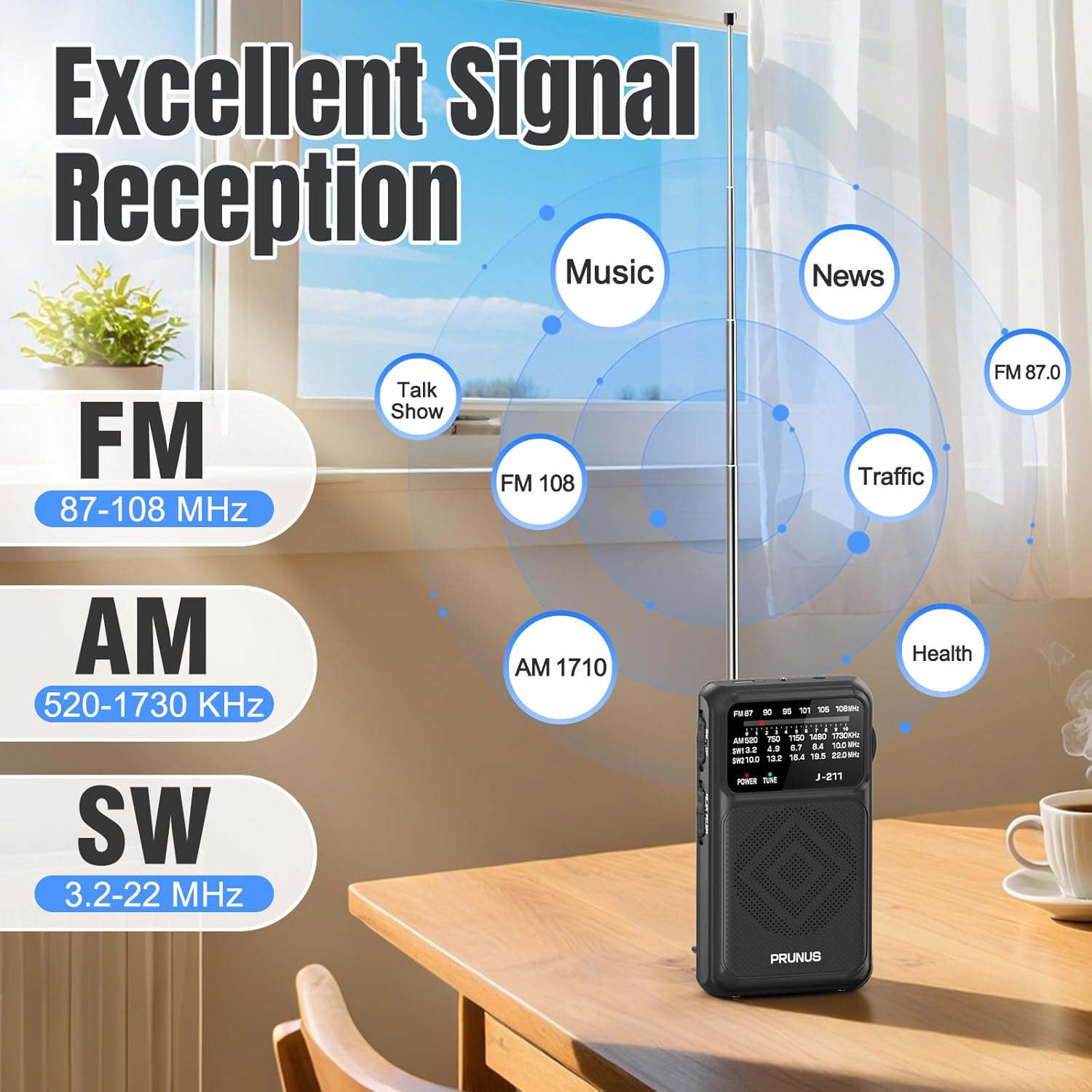
Image: The PRUNUS J-211 radio demonstrating its strong signal reception capabilities across FM, AM, and Shortwave frequencies.

Image: Visual representation of the radio's 16-inch antenna and its contribution to excellent signal reception for diverse content like music, news, and talk shows.
5.3 Using the Headphone Jack
For private listening, plug any standard 3.5mm headphones (not included) into the headphone jack located on the side of the radio. The internal speaker will automatically mute when headphones are connected.

Image: A user enjoying clear and powerful sound from the PRUNUS J-211 radio using headphones, highlighting the 3.5mm earphone jack.
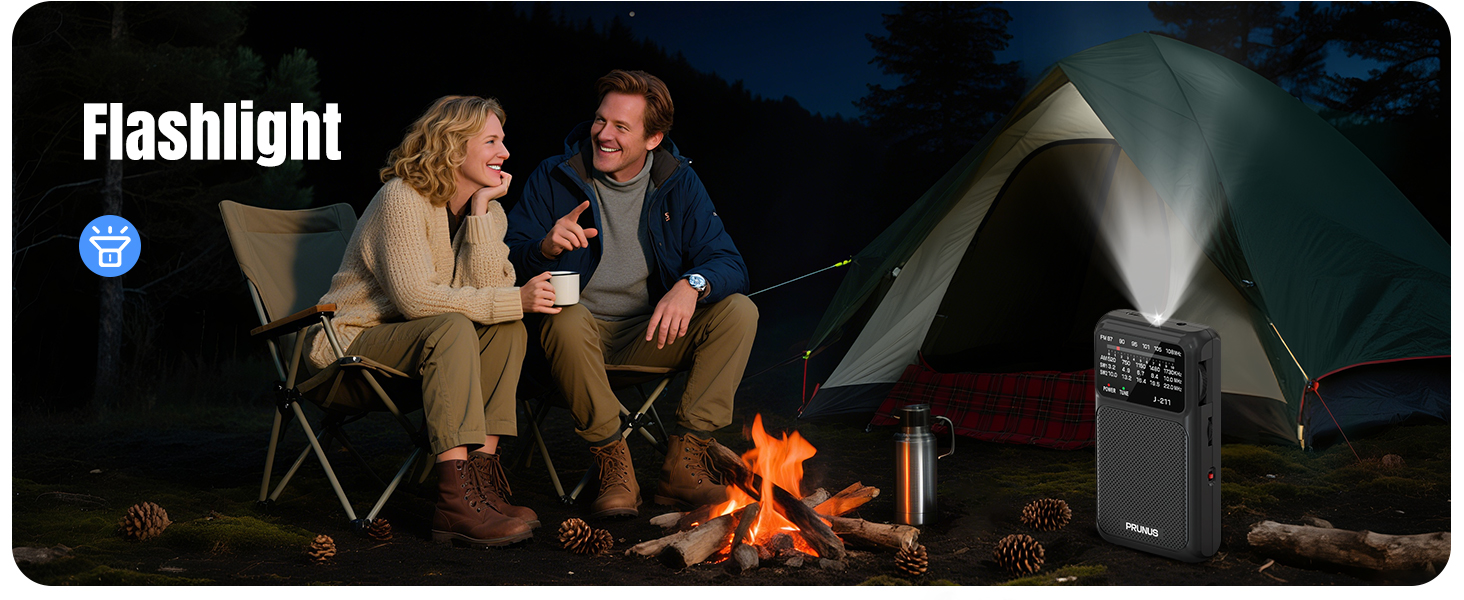
Image: A woman listening to the PRUNUS J-211 radio with headphones, demonstrating the clear and powerful sound output through the 3.5mm earphone jack.
5.4 Using the Flashlight
To activate the built-in flashlight, locate the small red switch on the side of the radio, near the top. Slide this switch to the 'ON' position to turn on the flashlight. Slide it back to 'OFF' to turn it off.
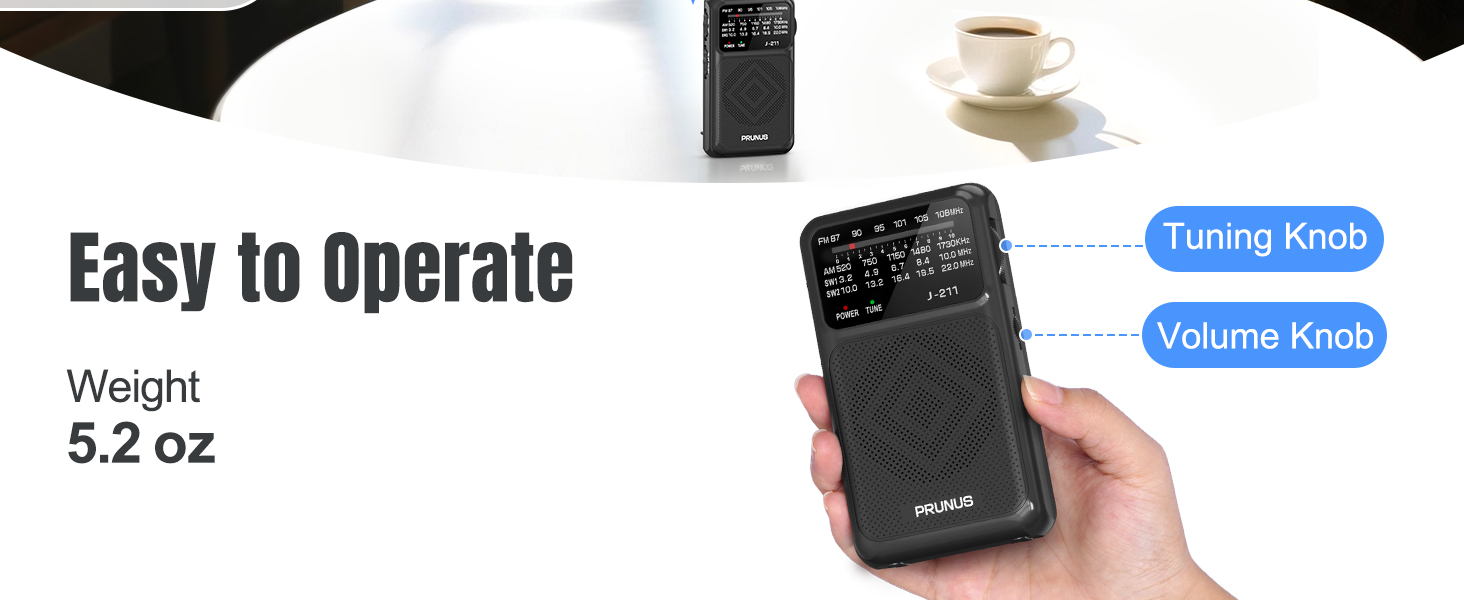
Image: The PRUNUS J-211 radio's flashlight in use during a nighttime camping scenario, demonstrating its utility.
6. Maintenance
Proper care and maintenance will ensure the longevity of your PRUNUS J-211 radio.
- Cleaning: Wipe the radio with a soft, dry cloth. Do not use abrasive cleaners, solvents, or strong chemicals, as they may damage the surface.
- Battery Care: If using AA batteries, remove them if the radio will not be used for an extended period to prevent leakage. For the built-in rechargeable battery, charge it regularly to maintain battery health, even if not in frequent use.
- Storage: Store the radio in a cool, dry place away from direct sunlight, extreme temperatures, and high humidity.
- Antenna Care: Handle the telescopic antenna gently to avoid bending or breaking. Do not force it when extending or retracting.
7. Troubleshooting
If you encounter issues with your PRUNUS J-211 radio, please refer to the following common problems and solutions:
| Problem | Possible Cause | Solution |
|---|---|---|
| Radio does not turn on. | Low or depleted battery; incorrect power source selected. | Charge the internal battery or replace AA batteries. Ensure the power source switch is in the correct position (Li-ion or AA). |
| Poor reception or static. | Antenna not extended; weak signal area; interference. | Fully extend the telescopic antenna. Try repositioning the radio or moving to an open area. Avoid sources of electronic interference. |
| No sound from speaker. | Volume too low; headphones connected; radio off. | Increase volume. Disconnect headphones if plugged in. Ensure radio is powered on. |
| Flashlight not working. | Flashlight switch off; low battery. | Ensure flashlight switch is in the 'ON' position. Charge the internal battery or replace AA batteries. |
8. Specifications
Detailed technical specifications for the PRUNUS J-211 Portable Radio:
| Feature | Detail |
|---|---|
| Model Number | J-211 |
| Product Dimensions | 4.9 x 1.3 x 2.8 inches (12.4 x 3.3 x 7.1 cm) |
| Item Weight | 5.2 ounces (147 grams) |
| Power Source | Built-in 1200mAh rechargeable battery (USB-C) or 2 x AA batteries (not included) |
| Tuner Technology | Analog DSP Chip |
| Radio Bands Supported | FM (87-108 MHz), AM (520-1730 kHz), SW (3.2-22 MHz) |
| Connectivity | USB-C for charging, 3.5mm headphone jack |
| Special Features | Built-in AM Antenna, Built-in Flashlight, Lightweight, Portable, Rechargeable |
| Included Components | Radio, USB-C Charging Cable, Lanyard, Owner's Manual |
9. Warranty and Support
PRUNUS is committed to providing high-quality products and excellent customer service. For any questions, concerns, or support needs regarding your J-211 Portable Radio, please contact PRUNUS customer support.
You can find more information and contact details by visiting the official PRUNUS store on Amazon: PRUNUS Store.
Please retain your purchase receipt for warranty purposes.