
1. Introduction
Thank you for purchasing the K&F CONCEPT KF-M01 Camera Flash Light. This manual provides detailed instructions for the safe and effective use of your new flash unit. Please read this manual thoroughly before use and retain it for future reference.
The KF-M01 is a compact and powerful speedlite designed to enhance your photography with reliable and consistent lighting. It features a standard hot shoe mount, a built-in rechargeable battery, and multiple flash modes for versatile use.
2. Product Overview
2.1 Package Contents

Figure 2.1: The KF-M01 flash unit, USB-C charging cable, diffuser, and storage pouch.
The package includes:
- K&F CONCEPT KF-M01 Camera Flash Light
- USB-C Charging Cable
- Flash Diffuser
- Storage Pouch
- User Manual (this document)
2.2 Key Features
- Standard Hot Shoe Mount: Compatible with most DSLR and mirrorless cameras from Canon, Sony, Nikon, Panasonic, Olympus, and Pentax. (Note: It is not compatible with Sony ZV-1F, Canon EOS Rebel SL3/250D, Rebel T7/1500D 2000D, Rebel T100/3000D 4000D 200DII.)
- Professional Lighting: Guide Number (GN) of 12, color temperature of 5600K.
- Fast Recycling: Rapid recycling times of 0.1-1.8 seconds.
- Adjustable Power: 8 levels of flash power adjustment from 1/1 to 1/128.
- User-Friendly Display: Built-in LCD screen shows flash mode, battery level, and flash power.
- Long Battery Life: Integrated 2000mAh battery provides up to 500 flashes at full power.
- Type-C Charging: Convenient and eco-friendly charging via USB-C.
- Compact and Portable: Measures 7.3x7x4.6cm and weighs 128g.

Figure 2.2: Visual representation of the flash's core features.
3. Setup
3.1 Charging the Battery
The KF-M01 features a built-in 2000mAh lithium-ion battery. Before first use, fully charge the battery.
- Locate the Type-C charging port on the side of the flash unit.
- Connect the provided USB-C cable to the flash unit and a compatible USB power adapter (not included).
- The LCD screen will indicate charging status. A full charge typically takes a few hours.

Figure 3.1: Charging the KF-M01 via its Type-C port.
3.2 Mounting to Camera
The KF-M01 uses a standard single-contact hot shoe mount.
- Ensure both the camera and flash unit are powered off.
- Slide the flash's hot shoe foot into your camera's hot shoe slot.
- Tighten the locking ring on the flash unit to secure it firmly to the camera.
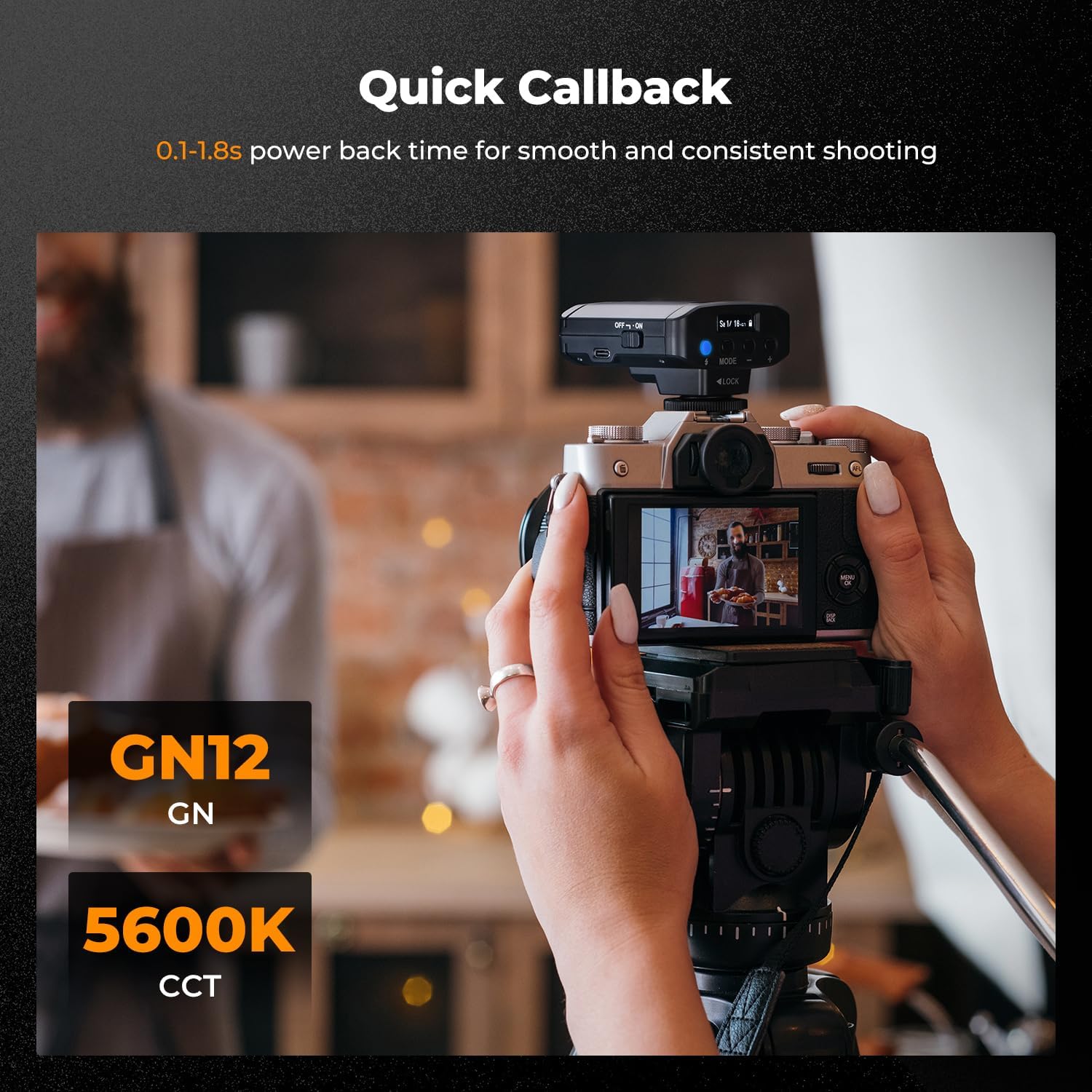
Figure 3.2: Proper hot shoe mounting technique.
Compatibility Note: This flash is compatible with most cameras featuring a standard hot shoe, including models from Canon, Sony (excluding ZV-1F), Nikon, Panasonic, Olympus, and Pentax. Please verify your camera's hot shoe type before use. Specific incompatible Canon models include EOS Rebel SL3/250D, Rebel T7/1500D 2000D, Rebel T100/3000D 4000D 200DII.

Figure 3.3: Examples of compatible camera brands and models.
4. Operation
4.1 Controls and Display

Figure 4.1: KF-M01 controls and LCD display.
- Power Switch: Slide to turn the flash ON or OFF.
- Type-C Connector: For charging the built-in battery.
- Test Flash Button: Press to fire a test flash.
- MODE Button: Press to cycle through flash modes (M, S1, S2).
- +/- Buttons: Adjust flash power output.
- LCD Screen: Displays current flash mode, battery level, and flash power.

Figure 4.2: The intuitive LCD screen provides clear operational feedback.
4.2 Flash Modes
Press the MODE button to switch between the following flash modes:
- M Mode (Manual): In manual mode, you set the flash output power directly. Use the +/- buttons to adjust the power from 1/1 (full power) to 1/128 in 1/3-stop increments. Long-pressing the +/- buttons allows for quick adjustment of stops.
- S1 Mode (Optical Slave): The flash will fire synchronously when it detects a flash from a master flash unit. This mode is suitable for manual flash environments.
- S2 Mode (Pre-flash Cancel Slave): Similar to S1 mode, but this mode ignores the pre-flash of a master flash unit (often used in TTL mode) and fires on the main flash.

Figure 4.3: Understanding the different flash modes.
4.3 Adjusting Flash Power
In M mode, use the +/- buttons to adjust the flash output. The LCD screen will display the current power setting (e.g., 1/1, 1/2, 1/4, ..., 1/128).

Figure 4.4: Visualizing flash power adjustments.
4.4 Using the Diffuser
The included diffuser can be attached to the flash head to soften the light output, reducing harsh shadows and creating a more natural illumination. Simply slide the diffuser over the flash head until it is securely in place.

Figure 4.5: Effect of using the flash diffuser.

Figure 4.6: The self-contained soft mask for even light diffusion.
5. Maintenance
5.1 Cleaning
- Use a soft, dry cloth to clean the flash unit.
- For stubborn dirt, slightly dampen the cloth with water and then wipe dry immediately.
- Do not use solvents, alcohol, or abrasive cleaners, as these can damage the surface.
- Keep the hot shoe contacts clean and free of debris.
5.2 Storage
- When not in use, store the flash unit in the provided storage pouch to protect it from dust and scratches.
- Store in a cool, dry place, away from direct sunlight and extreme temperatures.
- If storing for an extended period, ensure the battery is partially charged (around 50%) and recharge it every few months to maintain battery health.
6. Troubleshooting
| Problem | Possible Cause | Solution |
|---|---|---|
| Flash does not fire. |
|
|
| Flash output is too weak/strong. |
|
|
| Slow recycling time. |
|
|
| Flash does not sync with camera. |
|
|
7. Specifications
| Feature | Detail |
|---|---|
| Model Number | JPKF22.016 (KF-M01) |
| Guide Number (GN) | 12 |
| Color Temperature | 5600K |
| Recycling Time | 0.1-1.8 seconds |
| Flash Power Adjustment | 8 levels (1/1 to 1/128) |
| Battery Capacity | 2000mAh Lithium Ion (built-in) |
| Flashes per Charge | Up to 500 (at full power) |
| Charging Port | USB Type-C |
| Product Dimensions | 7.3 x 7 x 4.6 cm (2.87 x 2.76 x 1.81 inches) |
| Item Weight | 128g (4.5 oz) |
| Compatible Mountings | Standard Hot Shoe (Canon, Nikon, Olympus, Panasonic, Pentax, Sony) |
| Flash Sync Speed | 1/200s |

Figure 7.1: Compact dimensions of the KF-M01 flash.
8. Safety Information
Please observe the following safety precautions to prevent injury or damage to the product:
- Do not look directly into the flash when it fires, as it can cause temporary vision impairment.
- Keep the flash unit away from water and other liquids.
- Do not disassemble or attempt to repair the flash unit yourself. Refer to qualified service personnel.
- Keep out of reach of children.
- Use only the specified charging cable and compatible power sources.
- Avoid exposing the flash to extreme temperatures or direct sunlight for prolonged periods.
- If the flash unit emits smoke, unusual odors, or excessive heat, discontinue use immediately and disconnect from power.
9. Warranty and Support
K&F CONCEPT products are designed and manufactured to high-quality standards. For warranty information and customer support, please refer to the official K&F CONCEPT website or contact your local distributor. Please retain your proof of purchase for warranty claims.
For further assistance, visit the K&F CONCEPT Store on Amazon.