Introduction
Thank you for choosing the DEWENWILS Wireless Remote Control Outlet with Timer. This device provides convenient remote control and countdown timer functionality for your indoor appliances, enhancing safety and energy efficiency. Please read this manual thoroughly before use to ensure proper operation and to maximize the benefits of your new product.
Product Overview
The DEWENWILS Wireless Remote Control Outlet system includes two plug-in outlets and one remote control. It is designed for indoor use to manage power to various electrical devices.

Image: The remote control and two wireless outlets, along with a wall mount bracket for the remote.
Key Features:
- Precise Countdown Control: Offers 8 preset countdown options from 5 minutes to 60 minutes for automatic shutoff.
- Plug-and-Play Operation: No wiring or hub required. Simply plug into a standard outlet.
- Dual Outlets: Each receiver unit features two outlets that can be controlled together or independently.
- Extended Remote Range: Strong 433.92MHz RF signal provides up to 100 feet of control, even through walls.
- Versatile Application: Suitable for various indoor appliances such as lamps, fans, heaters, and holiday decorations.
- Safety and Energy Efficiency: Rated for 125V AC, 60Hz, 15A, 1875W resistive load, helping to conserve energy and prevent overloads.
Package Contents
- 1 x Wireless Remote Control
- 2 x Wireless Remote Control Outlets
- 1 x Wall Mount Bracket for Remote
- 1 x CR2032 Battery (pre-installed in remote)
Setup Instructions
- Unpack Components: Carefully remove all items from the packaging.
- Remote Battery: The CR2032 battery is pre-installed in the remote control. Ensure the plastic pull tab is removed if present.
- Plug in Outlets: Insert the wireless control outlets into any standard 125V AC wall receptacle.
- Connect Appliances: Plug your desired appliance(s) into the outlets on the wireless control unit. Ensure the appliance's power switch is in the "ON" position if it has one, so it can be controlled by the remote.
- Mount Remote (Optional): Use the provided wall mount bracket and screws to secure the remote control in a convenient location.
The remote and outlets are pre-programmed for immediate use. No additional pairing steps are typically required.
Operating Instructions
Remote Control Functions:
- The remote control has two sets of buttons, labeled "1" and "2", corresponding to the two outlets on the receiver unit.
- ON Button: Press the "ON" button (either for 1 or 2) to turn on the connected appliance(s).
- OFF Button: Press the "OFF" button (either for 1 or 2) to turn off the connected appliance(s).
- Countdown Timer Buttons:
- Press "5Min" to set a 5-minute countdown.
- Press "15Min" to set a 15-minute countdown.
- Press "30Min" to set a 30-minute countdown.
- Press "60Min" to set a 60-minute countdown.

Image: A DEWENWILS outlet plugged into a wall, with a phone charger connected. The remote control is visible, illustrating the timer function.
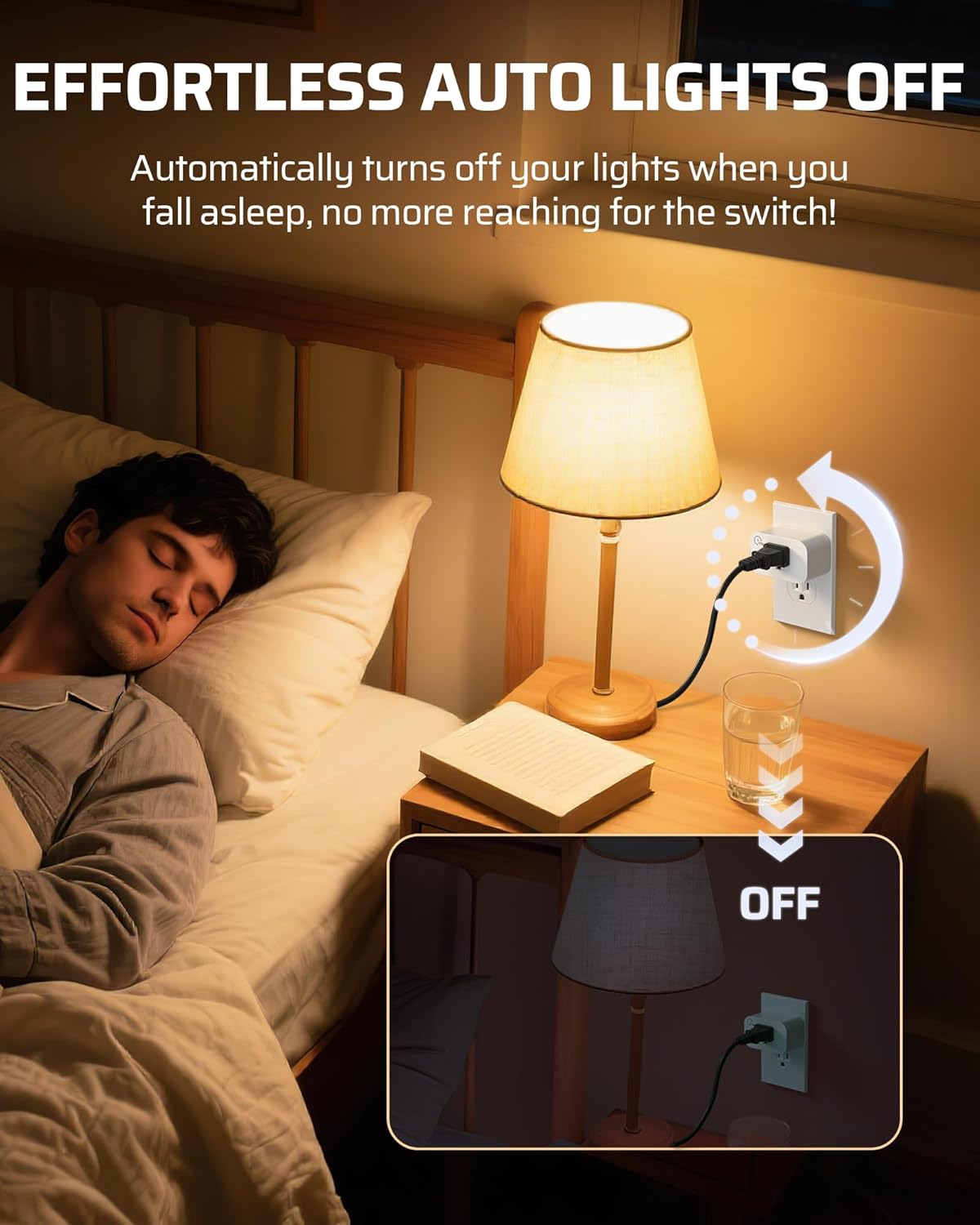
Image: A bedside lamp connected to a DEWENWILS outlet, demonstrating automatic shutoff for convenience.

Image: A person using the remote control to operate Christmas lights plugged into a DEWENWILS outlet, highlighting control over hard-to-reach switches.
Maintenance
- Cleaning: Wipe the device with a dry, soft cloth. Do not use abrasive cleaners or solvents.
- Battery Replacement: If the remote control's range decreases or it stops responding, replace the CR2032 battery. Open the battery compartment on the back of the remote, remove the old battery, and insert a new one with the positive (+) side facing up.
- Storage: Store the device in a cool, dry place when not in use.
Troubleshooting
| Problem | Possible Cause | Solution |
|---|---|---|
| Appliance does not turn ON/OFF via remote. |
|
|
| Countdown timer does not activate or turns off prematurely. |
|
|
Specifications
| Model Number | CLY801R+IT106 |
| Input Voltage | 125V AC, 60Hz |
| Max Current | 15A |
| Max Power | 1875W (Resistive Load) |
| Remote Frequency | 433.92MHz |
| Remote Range | Up to 100 feet (open area) |
| Remote Battery | 1 x CR2032 (included) |
| Material | Plastic |
| Plug Format | Type A |
| Item Weight | 6.4 ounces |
| Package Dimensions | 4.72 x 3.62 x 1.93 inches |

Image: Detailed dimensions of the wireless outlet and remote control for space planning.

Image: An illustration showing the 100-foot RF remote control range extending through walls within a multi-story house.
Warranty and Support
DEWENWILS products are designed for reliability and performance. For warranty information or technical support, please refer to the contact details provided with your purchase or visit the official DEWENWILS website.
Contact Information:
- Brand Store: DEWENWILS Amazon Store
- Please check the product packaging or the DEWENWILS website for the most current support contact methods.


