
XIAOMI L55MB-FPEU
XIAOMI TV F Pro 55 Instruction Manual
Model: L55MB-FPEU
1. Introduction
This manual provides detailed instructions for setting up, operating, and maintaining your XIAOMI TV F Pro 55. This 55-inch 4K UHD QLED Smart TV offers a vibrant visual experience with advanced features like Fire TV, integrated Alexa voice control, and Apple AirPlay compatibility. Please read this manual thoroughly before using your TV to ensure proper operation and safety.

Image 1.1: Front view of the XIAOMI TV F Pro 55.
2. Setup
2.1 Unboxing and Components
Carefully remove all components from the packaging. Ensure all items listed below are present:
- XIAOMI TV F Pro 55 Unit
- Power Cable
- Bluetooth Remote Control
- Base Components (TV Stands)
- Screw Kit for Stand Assembly
- Safety and Installation Instruction Manual (this document)
2.2 Physical Installation
You can install your TV using the included stands or by wall-mounting it (wall mount kit sold separately). For stand assembly, attach the base components to the TV using the provided screws, ensuring they are securely fastened. For wall mounting, refer to the wall mount kit's instructions and ensure proper VESA compatibility (200 x 300mm).

Image 2.1: TV dimensions and wall mount specifications.
2.3 Connecting Peripherals
Connect your devices to the TV using the appropriate ports. The TV features multiple HDMI ports, USB ports, Ethernet, and antenna/satellite inputs.
- HDMI: For connecting Blu-ray players, game consoles, soundbars, etc.
- USB: For connecting USB drives for media playback.
- Ethernet: For a wired internet connection.
- Antenna/Satellite: For connecting to terrestrial or satellite broadcast signals.

Image 2.2: Rear view showing connectivity ports.
2.4 Initial Power On and Network Setup
After connecting the power cable, press the power button on the remote control. Follow the on-screen instructions to complete the initial setup, including language selection, network connection (Wi-Fi or Ethernet), and channel scanning. A stable internet connection is recommended to fully utilize the Smart TV features.
3. Operating
3.1 Fire TV Interface
The XIAOMI TV F Pro 55 is powered by Fire TV, providing access to a vast library of streaming content. Navigate the intuitive home screen to find apps like Netflix, Prime Video, Disney+, and more. Personalized recommendations help you discover new content.
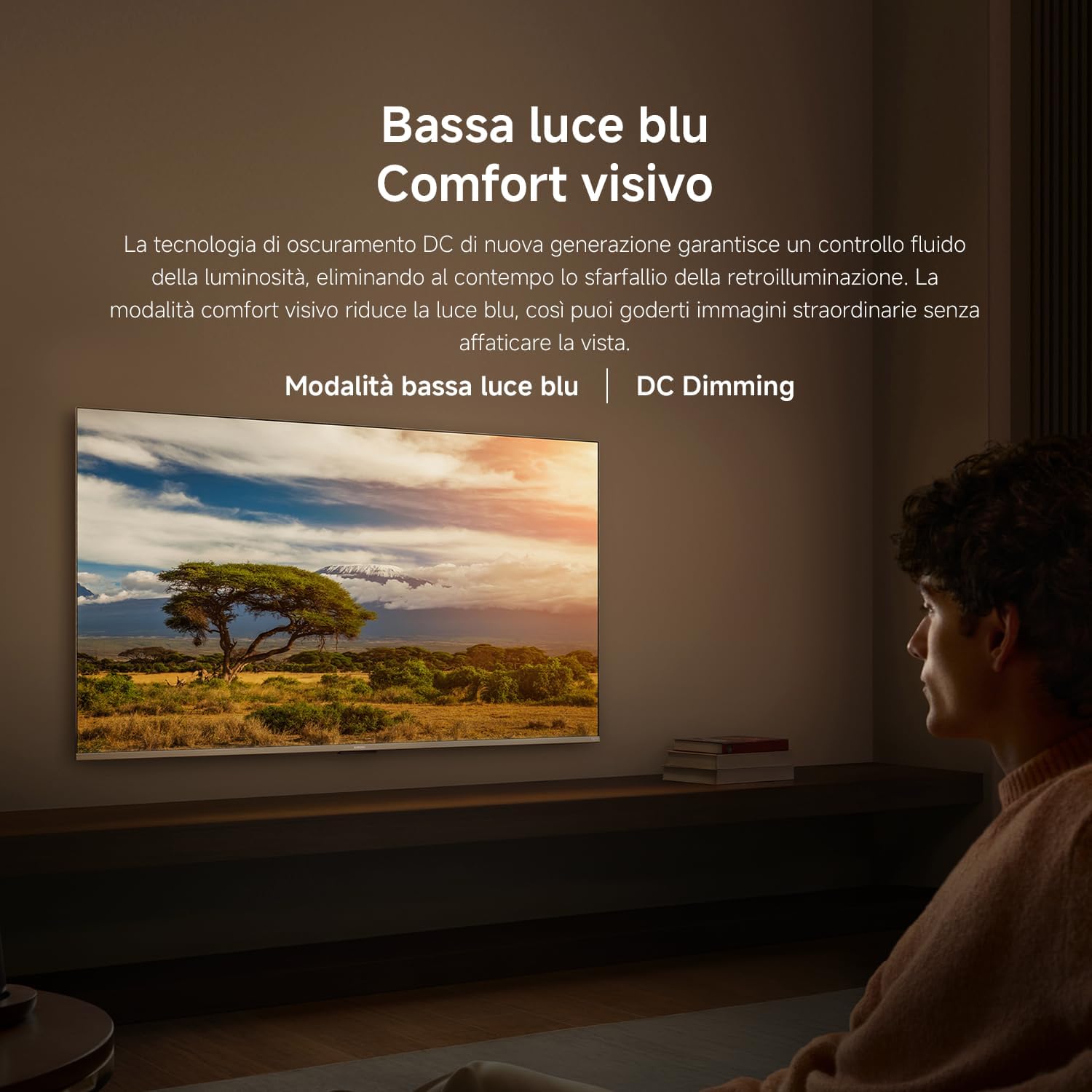
Image 3.1: Fire TV home screen displaying various streaming apps.
3.2 Alexa Voice Control
The included Bluetooth remote control features a dedicated Alexa button. Press and hold this button to use voice commands for searching content, adjusting volume, changing channels, or controlling compatible smart home devices.

Image 3.2: Using Alexa voice control with the remote.
3.3 Apple AirPlay
Easily stream content from your iPhone, iPad, or Mac directly to your TV using Apple AirPlay. Share photos, watch videos, or mirror your entire screen wirelessly in seconds.

Image 3.3: Content streaming from an Apple device via AirPlay.
3.4 Picture and Sound Settings
Your TV offers advanced picture and sound technologies for an immersive viewing experience:
- QLED Technology: Delivers vibrant colors and deep contrasts with over a billion realistic colors.
- 4K UHD Resolution: Provides ultra-sharp images with exceptional detail.
- HDR10+: Dynamically adjusts brightness and contrast for deeper blacks and brighter whites.
- Game Boost 120Hz: Increased refresh rate (from 60Hz) via HDMI for smoother and sharper images in fast-moving scenes, ideal for gaming.
- MEMC (Motion Estimation, Motion Compensation): High-speed technology that eliminates lag and blur for fluid viewing of sports and movies.
- Low Blue Light & DC Dimming: Reduces blue light emission and provides smooth brightness control for visual comfort.
- Dolby Audio & DTS:X: High-power dual speakers deliver rich highs and deep bass for an immersive and cinematic sound experience.

Image 3.4: Illustration of QLED Quantum Dot display with vibrant colors.

Image 3.5: Visual representation of 4K resolution detail.

Image 3.6: Comparison showing enhanced contrast with HDR.

Image 3.7: Visualizing the smoothness of 120Hz Game Boost mode.

Image 3.8: MEMC technology improving motion clarity.

Image 3.9: TV displaying content with reduced blue light.
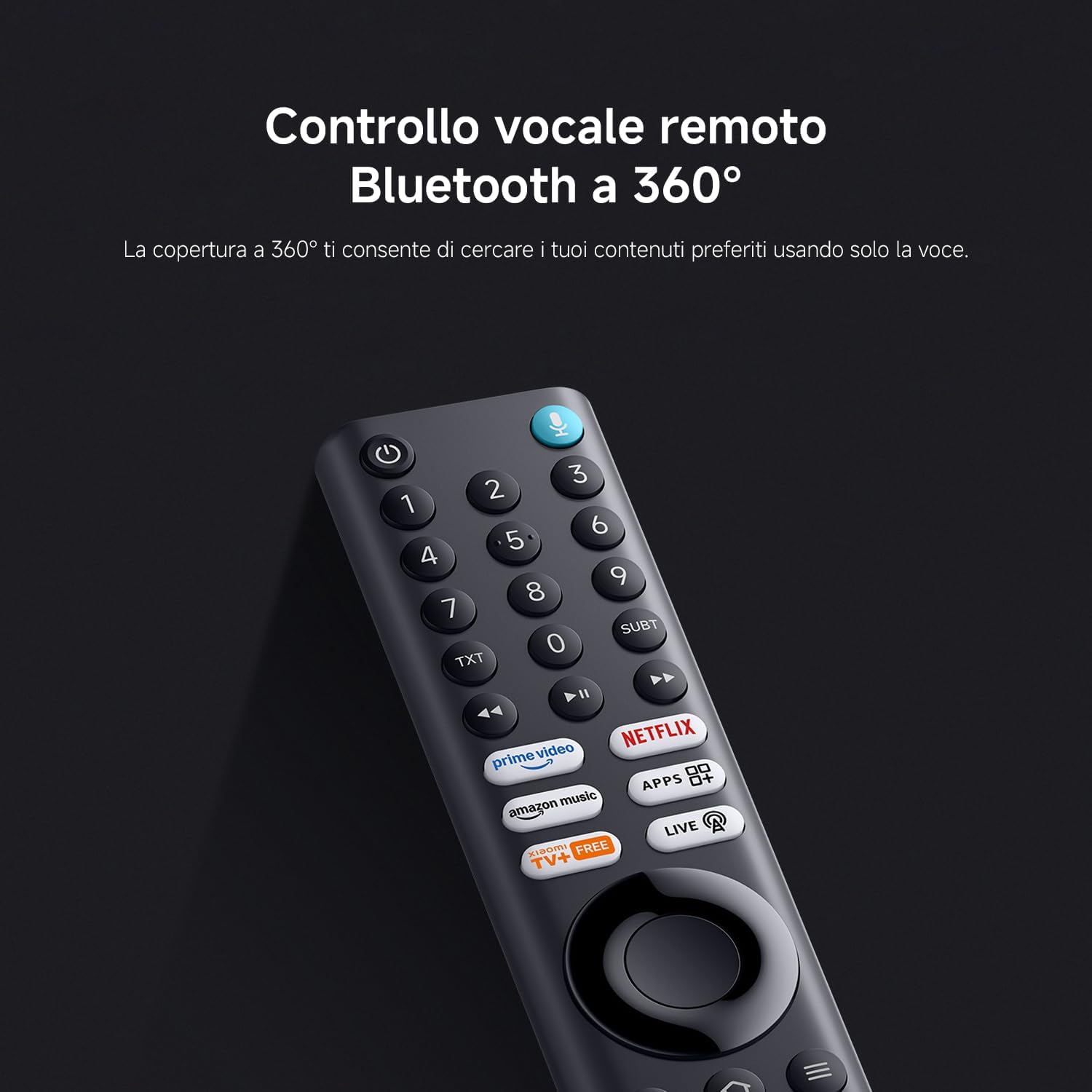
Image 3.10: Illustration of immersive audio with Dolby Audio and DTS:X.
3.5 Xiaomi TV+
Access a continuously expanding catalog of live channels, movies, entertainment, and reality shows for free. No subscription is required.

Image 3.11: Xiaomi TV+ interface showing free live TV channels.
4. Maintenance
4.1 Cleaning the TV
To clean the screen, gently wipe it with a soft, lint-free cloth. For stubborn marks, slightly dampen the cloth with water or a screen-specific cleaning solution. Avoid using harsh chemicals or abrasive materials. For the TV body, use a dry, soft cloth to remove dust.
4.2 Software Updates
Ensure your TV's software is up to date for optimal performance and new features. The TV will typically notify you of available updates. You can also manually check for updates in the settings menu.
5. Troubleshooting
If you encounter issues with your XIAOMI TV F Pro 55, refer to the common problems and solutions below:
| Problem | Possible Cause | Solution |
|---|---|---|
| TV does not turn on | No power supply | Check if the power cable is securely plugged into the TV and the power outlet. Try a different outlet. |
| No picture, but sound is present | Incorrect input source or faulty cable | Press the 'Input' button on the remote to select the correct source. Check HDMI/AV cables for secure connection or damage. |
| Remote control not working | Dead batteries or pairing issue | Replace batteries. If it's a Bluetooth remote, try re-pairing it according to the TV's settings menu. Ensure no obstructions between remote and TV. |
| No internet connection | Wi-Fi signal issue or router problem | Check Wi-Fi settings on the TV. Restart your router and modem. Ensure the TV is within range of your Wi-Fi network. Try a wired Ethernet connection if possible. |
| Picture is blurry or distorted | Low-quality source or picture settings | Ensure the content source is high-definition. Adjust picture settings (e.g., sharpness, resolution) in the TV menu. |
6. Specifications
Below are the technical specifications for the XIAOMI TV F Pro 55:
| Feature | Detail |
|---|---|
| Model Number | L55MB-FPEU |
| Screen Size | 55 Inches (140 cm) |
| Display Technology | QLED |
| Resolution | 4K UHD (3840 x 2160) |
| Refresh Rate | 60 Hz (up to 120Hz in Game Boost mode via HDMI at 1080p) |
| HDR Support | HDR10+ |
| Operating System | Fire TV |
| Voice Assistant | Built-in Alexa |
| Memory (RAM + ROM) | 2GB + 32GB |
| Connectivity | Bluetooth 5.0, Dual-band Wi-Fi, Ethernet, HDMI, USB |
| Tuners | Triple Tuner DVB-C/S/S2/T/T2 |
| Audio Technology | Dolby Audio, DTS:X, DTS Virtual:X |
| Dimensions (W x D x H) | 122.6 x 31.2 x 77 cm (with stand) |
| Weight | 13 kg |
| Energy Efficiency Class | G |
7. Warranty and Support
7.1 Warranty Information
This product is covered by a warranty. For specific details regarding the warranty period and terms, please refer to the documentation provided with your purchase or visit the official XIAOMI support website. In general, if you wish to return a product within 30 days of receipt because you have changed your mind, please consult the return policy of your retailer. If you have received a defective or damaged product, please consult the specific return policy for such cases.
7.2 Customer Support
For further assistance, technical support, or service inquiries, please visit the official XIAOMI support website or contact their customer service. You can also find more information and FAQs on the XIAOMI Store on Amazon.
Related documentsL55MB-FPEU


Ask a question about this manual
Ask about setup, troubleshooting, compatibility, parts, safety, or missing instructions. Manuals+ will review the question and use this page’s manual context to help answer it.