
1. Introduction
Thank you for choosing the AIRMATE FB20187 Standing Fan. This fan is designed to provide efficient air circulation, adjustable lighting, and quiet operation for your home or office. Please read this manual thoroughly before use to ensure proper operation and maintenance.
2. Safety Information
- Always ensure the fan is placed on a stable, level surface to prevent tipping.
- Do not insert fingers or any objects into the fan grille when it is operating.
- Keep the fan away from water or other liquids. Do not use in wet environments.
- Unplug the fan from the power outlet before cleaning or performing any maintenance.
- Do not operate the fan with a damaged cord or plug. Contact customer support for assistance.
- This appliance is not intended for use by persons (including children) with reduced physical, sensory or mental capabilities, or lack of experience and knowledge, unless they have been given supervision or instruction concerning use of the appliance by a person responsible for their safety.
- Children should be supervised to ensure that they do not play with the appliance.
3. Package Contents
Verify that all components are present in the package:
- Fan Head Assembly
- Adjustable Stand Pole (multiple sections for height adjustment)
- Base
- Power Adapter
- Remote Control
- User Manual (this document)
4. Assembly Instructions
The AIRMATE FB20187 fan is designed for quick and easy assembly. Follow these steps:
- Attach the Base: Securely connect the base to the bottom of the adjustable stand pole. Ensure it clicks into place or is tightened with the provided fastener.
- Assemble the Stand Pole: Depending on your desired height (12" to 39"), connect the appropriate sections of the stand pole.
- Mount the Fan Head: Attach the fan head assembly to the top of the assembled stand pole. Ensure it is firmly seated and locked.
- Connect Power: Plug the power adapter into the fan and then into a suitable electrical outlet.
5. Operating Instructions
The AIRMATE FB20187 fan offers multiple control options and features for customized comfort.
5.1. Control Panel and Remote Control
The fan can be operated using the digital touch display on the unit or the included remote control. The remote control features a magnetic backing for convenient storage on the fan itself.

5.2. Power On/Off
- Press the Power button on the control panel or remote to turn the fan on or off.
5.3. Fan Speed Adjustment
The fan offers 16 precision speed settings.
- Use the 'Fan Speed' buttons on the control panel or remote to increase or decrease the airflow.
- A 'Storm Mode' button may be available for maximum airflow with a single press.
5.4. Oscillation Settings
The fan supports both horizontal and vertical oscillation for wide area coverage.
- Horizontal Oscillation: Select from 60°, 90°, or 120° oscillation angles using the 'Oscillation' button on the control panel or remote.
- Vertical Oscillation: The fan head can be manually adjusted vertically up to 90°.

5.5. LED Light Function
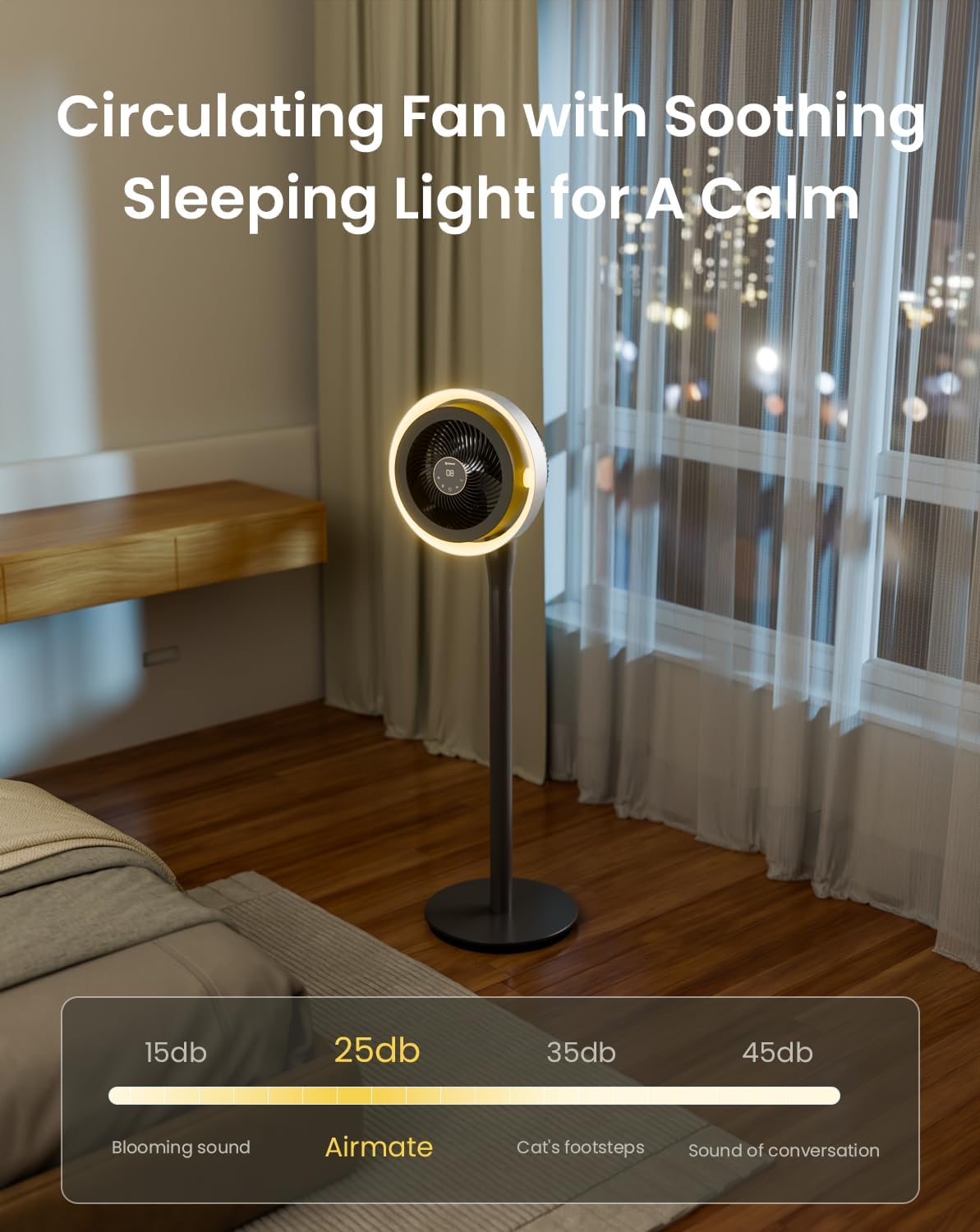
The integrated LED light offers three color temperature options and adjustable brightness.
- Press the 'Light' button on the control panel or remote to cycle through light colors: Warm, Neutral, and Cool White.
- Hold the 'Light' button to adjust the brightness level.

5.6. Timer Function
Set the fan to operate for a specific duration using the 12-hour programmable timer.
- Press the 'Timer' button on the remote control to set the desired operating time. The fan will automatically turn off after the set period.
5.7. Mute Mode
- The fan features a mute mode to silence button presses for undisturbed use, especially during sleep.
6. Maintenance
Regular cleaning and maintenance will ensure the longevity and optimal performance of your AIRMATE fan.
- Cleaning the Exterior: Wipe the exterior surfaces of the fan with a soft, damp cloth. Do not use abrasive cleaners or solvents.
- Cleaning the Fan Grille and Blades: Unplug the fan before attempting to clean the grille or blades. The fan head can be disassembled for easier access to the blades. Use a soft brush or vacuum cleaner to remove dust. Ensure all parts are dry before reassembly and use.
- Storage: When not in use for extended periods, store the fan in a cool, dry place, preferably in its original packaging.
7. Troubleshooting
If you encounter any issues with your fan, refer to the following common problems and solutions:
| Problem | Possible Cause | Solution |
|---|---|---|
| Fan does not turn on | No power supply; Power button not pressed; Damaged power cord/adapter | Check power connection; Press power button; Inspect cord for damage, contact support if damaged. |
| Weak airflow | Low speed setting; Dust accumulation on blades/grille | Increase fan speed; Clean fan blades and grilles. |
| Oscillation not working correctly | Obstruction; Internal mechanism issue | Ensure no obstructions; If issue persists, contact customer support. |
| Remote control not responding | Battery depleted; Obstruction between remote and fan; Remote out of range | Replace remote battery; Remove obstructions; Ensure remote is within operating range. |
| LED light not functioning | Light function not activated; Internal issue | Press the light button; If issue persists, contact customer support. |
If the problem persists after attempting these solutions, please contact AIRMATE customer support for further assistance.
8. Specifications
| Feature | Specification |
|---|---|
| Model Number | FB20187 |
| Brand | AIRMATE |
| Color | Darkgrey |
| Electric Fan Design | Floor Fan |
| Power Source | DC |
| Product Dimensions (D x W x H) | 33D x 33W x 121H Centimetres |
| Mounting Type | Free Standing |
| Controller Type | Remote Control, Touch |
| Material | ABS Plastic |
| Number of Speeds | 16 |
| Noise Level | 25 Decibels |
| Wattage | 20 watts |
| Number of Blades | 3 |
| Air Flow Capacity | 1000 Cubic Feet Per Minute |
| Speed | 1700 RPM |
| Voltage | 120 Volts |
| Indoor Outdoor Usage | Indoor |
| Blade Length | 12 Inches |
9. Warranty and Support
AIRMATE products are manufactured to high-quality standards. For warranty information, product support, or to report any issues, please contact AIRMATE customer service. Keep your purchase receipt as proof of purchase for warranty claims.
Manufacturer Contact Information: Airmate Electrical(Shenzhen)Co.,Ltd. Huang Feng Ling Industrial Zone, Shiyan Town, Baoan District, China.
