
1. Introduction
This manual provides detailed instructions for the installation, setup, operation, and maintenance of your ARPHA D289+H100-NEW WiFi Smart Lock with Camera and Handle Set. Please read this manual thoroughly before installation and use to ensure proper function and safety.

Image 1.1: Overview of the ARPHA Smart Lock features.
2. Important Safety Information
To prevent injury, electric shock, fire, or damage to the product, please observe the following safety precautions:
- Ensure all components are present and undamaged before beginning installation.
- Use only the specified battery type (4x AA batteries, not included). Do not mix old and new batteries or different types of batteries.
- Do not attempt to disassemble, repair, or modify the lock. Contact customer support for assistance.
- Keep backup mechanical keys in a secure location outside the property to avoid being locked out.
- Ensure your Wi-Fi router supports a 2.4GHz band for optimal performance, as 5GHz networks are not compatible.
- Avoid exposing the lock to extreme temperatures or direct sunlight for prolonged periods.
3. Package Contents
Please verify that all the following components are included in your package:
- Front and rear lock mechanism
- Handle set (interior/exterior)
- All necessary mounting screws
- Step-by-step installation guide (this manual)
- Backup keys (typically 2)

Image 3.1: Included components of the ARPHA D289+H100-NEW Smart Lock.
4. Product Specifications
| Feature | Detail |
|---|---|
| Model Name | D289+H100-NEW |
| Brand | ARPHA |
| Lock Type | Biometric, WIFI |
| Special Features | App Unlock, Camera, Fingerprint, Wifi |
| Material | Zinc |
| Item Dimensions (L x W x H) | 5.8 x 2.3 x 1.57 inches |
| Item Weight | 4 Pounds |
| Connectivity Protocol | Bluetooth (BLE), Wi-Fi (2.4GHz only) |
| Control Method | App |
| Power Source | 4x AA Batteries (not included) |
| Weather Resistance | IP65 rated, -31°F to 158°F tolerance |
| Camera Angle | 150° Wide Angle |
| Certifications | ANSI Grade 3 certified |

Image 4.1: Product dimensions and door compatibility.

Image 4.2: ANSI Grade 3 certification and durability tests.

Image 4.3: Camera wide-angle comparison.

Image 4.4: Weather resistance features.
5. Installation Guide
The ARPHA D289+H100-NEW smart lock is designed for easy installation on standard doors without complex wiring. It fits standard door holes of 2-1/8" (54mm) and is compatible with both left and right-handed doors.
Installation Steps:
- Prepare the Door: Ensure your door meets the required dimensions for the lock and handle set. The backset should be 2.36" or 2.75" (60mm or 70mm).
- Install the Deadbolt: Follow the detailed instructions in the included paper guide to install the deadbolt mechanism into the door edge.
- Install the Exterior Assembly: Mount the exterior keypad and camera unit onto the door.
- Install the Interior Assembly: Attach the interior unit, ensuring proper cable connection between the exterior and interior components.
- Install the Handle Set: Secure the handle set according to the provided diagrams, ensuring it operates smoothly.
- Test Functionality: After installation, manually test the deadbolt and handle for smooth operation from both inside and outside.

Image 5.1: Installation of the smart lock.

Image 5.2: Compatibility with left and right doors.
6. Initial Setup and App Configuration
To utilize the smart features of your ARPHA lock, download the Tuya Smart app and connect the lock to your home Wi-Fi network (2.4GHz only).
App and Connectivity Setup:
- Install Batteries: Insert 4 AA batteries into the interior unit of the lock.
- Download App: Search for "Tuya Smart" in your mobile app store (iOS or Android) and install it.
- Create Account: Register or log in to your existing Tuya Smart account.
- Add Device: Follow the in-app instructions to add your ARPHA D289+H100-NEW lock. Ensure your phone is connected to a 2.4GHz Wi-Fi network during this process. The lock connects directly to your router.
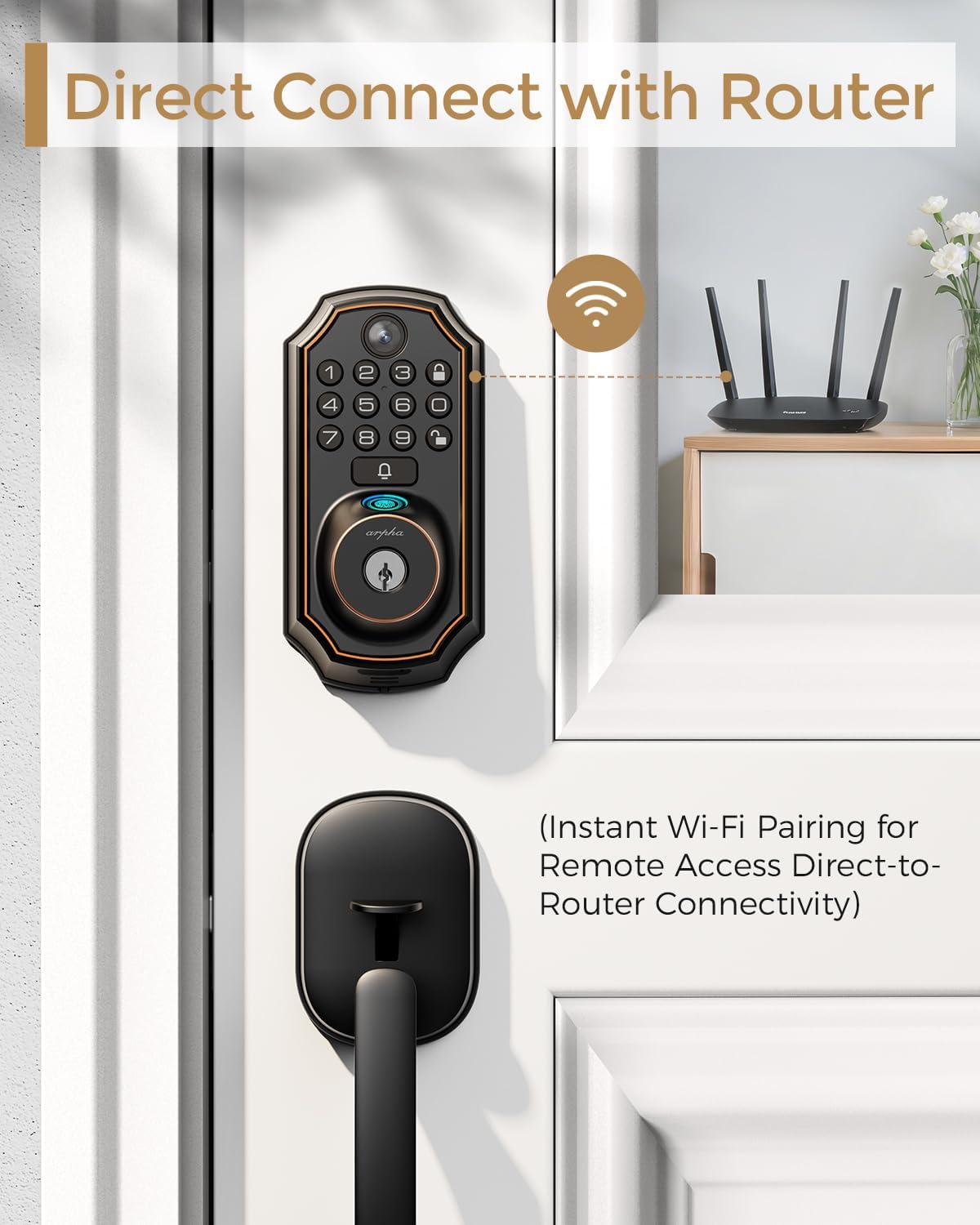
Image 6.1: Direct Wi-Fi connectivity with router.
Access Method Configuration:
- Set Up Fingerprints: Register up to 50 unique fingerprints for quick and secure access via the app.
- Create Passcodes: Generate temporary or permanent passcodes for keypad entry through the app.
- Configure Auto-Lock: Set the auto-lock timer (adjustable from 10 seconds to 30 minutes) via the app for added security.
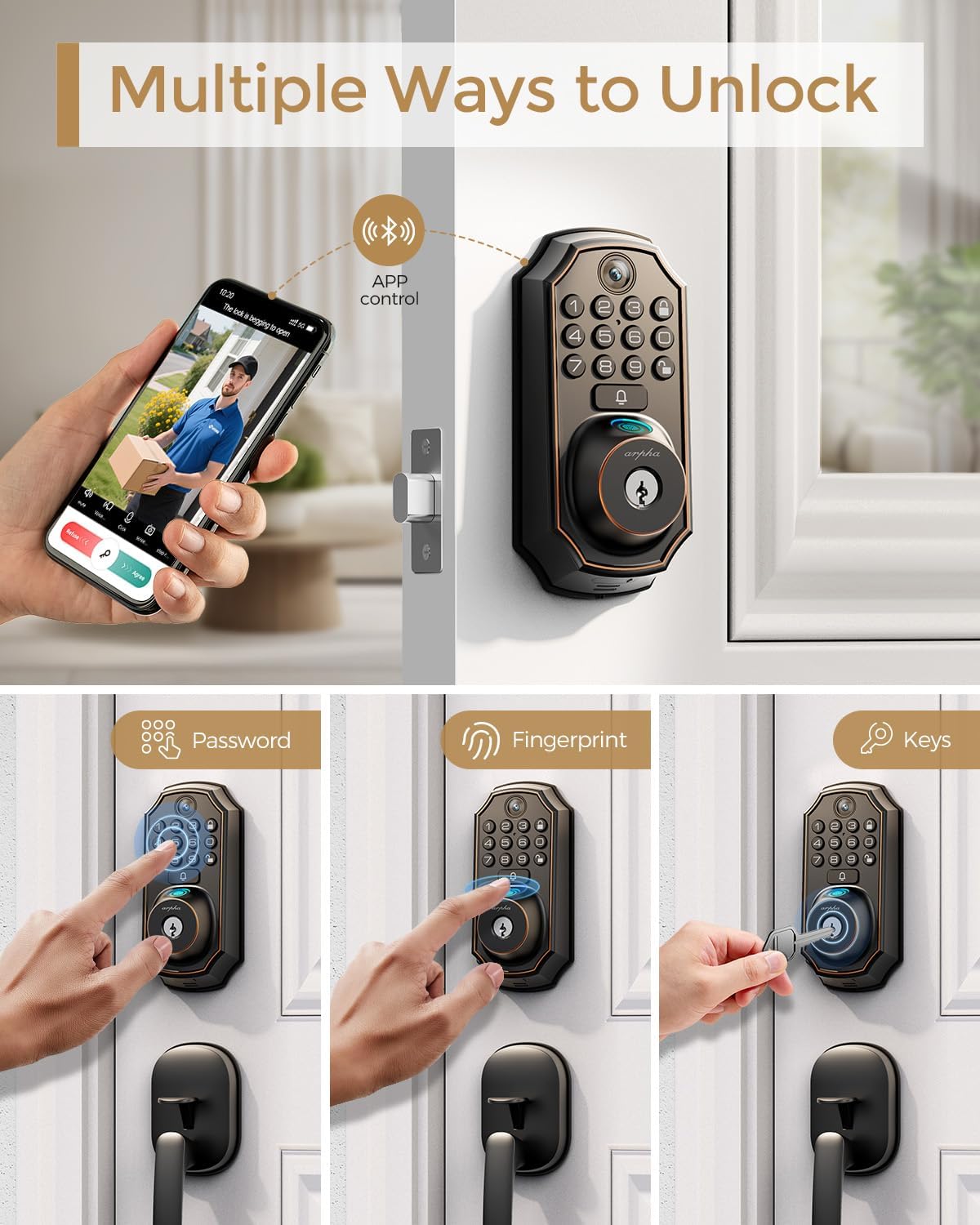
Image 6.2: Multiple unlocking methods.

Image 6.3: Fingerprint recognition features.
7. Operating Your Smart Lock
The ARPHA D289+H100-NEW offers multiple convenient ways to unlock and monitor your door.
Unlocking Methods:
- Fingerprint: Place your registered finger on the scanner for instant access.
- Keypad PIN: Enter your programmed passcode on the keypad, followed by the '#' key.
- Mobile App: Use the Tuya Smart app to remotely unlock the door from anywhere with an internet connection.
- Physical Key: Use the backup mechanical key for traditional unlocking in case of battery depletion or other issues.
Doorbell and Camera Functionality:
When the doorbell button on the lock is pressed, you will receive a real-time notification on your Tuya Smart app. The integrated camera activates upon doorbell press, allowing you to view visitors in 4:3 HD video and engage in two-way audio communication.
Note: The camera and remote unlock features require the doorbell button to be pressed to activate Wi-Fi connectivity for live streaming and communication. Continuous 24/7 streaming is not supported to conserve battery life.

Image 7.1: Real-time doorbell notification and live view.

Image 7.2: Convenient two-way audio communication.

Image 7.3: Access logs and notifications in the Tuya app.
8. Maintenance
Proper maintenance ensures the longevity and optimal performance of your ARPHA smart lock.
- Battery Replacement: The lock uses 4 AA batteries. Replace them promptly when the low battery indicator appears in the app or on the lock's display. Typically, batteries last 6+ months.
- Cleaning: Wipe the lock's exterior with a soft, dry cloth. Avoid using abrasive cleaners, solvents, or harsh chemicals, as these can damage the finish and electronic components.
- Fingerprint Sensor: Keep the fingerprint sensor clean and dry for optimal recognition performance. Gently wipe it with a soft, lint-free cloth if needed.
- Key Cylinder: If the mechanical key feels stiff, apply a small amount of graphite lubricant to the key cylinder. Do not use oil-based lubricants.
9. Troubleshooting
If you encounter issues with your ARPHA smart lock, refer to the following common problems and solutions:
- Lock not responding:
- Check battery levels and replace if necessary.
- Ensure the lock is properly installed and all cables are securely connected.
- Perform a factory reset if the issue persists (refer to the app for instructions).
- Fingerprint not recognized:
- Ensure your finger is clean and dry.
- Try different angles or re-register your fingerprint through the app.
- Wi-Fi connection issues:
- Verify your router is broadcasting a 2.4GHz Wi-Fi signal (5GHz is not compatible).
- Ensure the lock is within Wi-Fi range.
- Restart your router and the lock, then attempt to reconnect via the app.
- App notifications delayed or not received:
- Check your phone's notification settings for the Tuya Smart app.
- Ensure your phone has a stable internet connection.
- Doorbell not activating camera:
- Ensure the doorbell button is pressed firmly.
- Check app settings for camera activation and notification preferences.
10. Warranty Information
The ARPHA D289+H100-NEW Smart Lock comes with an 18-month warranty from the date of purchase. This warranty covers manufacturing defects and ensures your product is free from material and workmanship flaws under normal use.
Please retain your proof of purchase (receipt or order confirmation) for all warranty claims. The warranty does not cover damage caused by improper installation, misuse, unauthorized modification, or natural disasters.
11. Customer Support
For any questions, technical assistance, or warranty claims regarding your ARPHA D289+H100-NEW Smart Lock, please contact ARPHA customer support. We are committed to providing excellent service with 24/7 online support and aim for a 2-hour fast response.
Visit the official ARPHA website or refer to the contact information provided in your product packaging for the most up-to-date support channels.
Image 11.1: ARPHA customer support services.


