1. Introduction
This manual provides essential instructions for the installation, operation, and maintenance of your BIVOL IM C3510 Toner Cartridge. This cartridge is designed to be compatible with Ricoh IM C3510 and IM C3010 printer models, ensuring clear and sharp printing results for both text and images.

Image 1.1: The BIVOL IM C3510 Toner Cartridge packaging and the cartridge unit. This image displays the product as it appears when unboxed, highlighting its design and branding.
2. Compatible Printer Models
The BIVOL IM C3510 Toner Cartridge is specifically engineered for compatibility with the following printer models:
- Ricoh IM C3510
- Ricoh IM C3010
Ensure your printer model matches one of the listed compatible devices to guarantee optimal performance and avoid installation issues.

Image 2.1: A visual representation confirming the compatibility of the toner cartridge with Ricoh IM C3510 and IM C3010 printer models. This graphic helps users quickly identify if their printer is supported.
3. Setup and Installation
The BIVOL IM C3510 Toner Cartridge is designed for easy installation. Follow these general steps to replace or install a new cartridge. Specific steps may vary slightly depending on your printer model; refer to your printer's manual for detailed instructions.
- Preparation: Turn off your printer and unplug it from the power source. Open the printer's front cover or access panel to expose the toner cartridge area.
- Remove Old Cartridge (if applicable): Carefully grasp the handle of the old toner cartridge and pull it straight out of the printer. Place it in a protective bag for proper disposal.
- Unpack New Cartridge: Remove the new BIVOL IM C3510 Toner Cartridge from its packaging. Gently shake the cartridge horizontally 5-6 times to distribute the toner evenly.
- Remove Protective Seals: Carefully remove any protective tapes, seals, or covers from the cartridge as indicated in the packaging. Avoid touching the drum or chip.
- Insert New Cartridge: Align the new toner cartridge with the guides inside the printer and push it firmly until it clicks into place. Ensure it is seated securely.
- Close Printer Cover: Close the printer's front cover or access panel.
- Power On: Plug in the printer and turn it on. The printer will typically perform a self-test or calibration.
If you encounter any difficulties during installation, please refer to the troubleshooting section or contact customer support.
4. Operating Instructions
Once the BIVOL IM C3510 Toner Cartridge is correctly installed, your printer is ready for operation. This cartridge is designed to deliver excellent print quality for various document types.
- Clear Printing Effect: The cartridge provides clear and sharp text and image output. Whether printing documents or pictures, professional quality results are achievable.
- High Capacity Design: The high yield design reduces the frequency of cartridge replacement, contributing to efficient workflow in office or home environments.
- Print Volume: Expect approximately 40,000 pages for black prints and 28,000 pages for color prints (at 5% coverage on A4 paper).

Image 4.1: An illustration demonstrating the clarity and realism of black and white prints produced using the BIVOL IM C3510 Toner Cartridge.

Image 4.2: An illustration showcasing the vividness and detail of color prints achieved with the BIVOL IM C3510 Toner Cartridge.
5. Maintenance
Proper maintenance and storage of your toner cartridge can extend its lifespan and ensure consistent print quality.
- Storage: Store unused toner cartridges in a dry and cool place, away from direct sunlight and extreme temperatures. Keep them in their original sealed packaging until ready for use.
- Handling: Avoid touching the drum unit or the chip on the cartridge, as oils from your skin can affect print quality.
- Disposal: Dispose of empty toner cartridges responsibly according to local regulations. Many manufacturers and retailers offer recycling programs.
6. Troubleshooting
If you encounter any issues with your BIVOL IM C3510 Toner Cartridge, consider the following common solutions:
- Poor Print Quality (faded, streaky, or uneven prints):
- Gently shake the toner cartridge horizontally to redistribute the toner.
- Ensure all protective seals and tapes have been completely removed from the cartridge.
- Check printer settings to ensure the correct paper type and print quality are selected.
- Clean the printer's drum unit or fuser assembly if recommended by your printer's manual.
- Printer Not Recognizing Cartridge:
- Remove and reinsert the cartridge to ensure it is properly seated.
- Check the cartridge's chip for any damage or debris. Gently wipe the chip with a dry, lint-free cloth.
- Ensure the cartridge is compatible with your specific printer model (Ricoh IM C3510 or IM C3010).
- Restart the printer and your computer.
- Toner Leakage or Paper Jams:
- Ensure the cartridge is installed correctly and securely.
- Inspect the cartridge for any visible damage.
- Refer to your printer's manual for instructions on clearing paper jams.
If these steps do not resolve the issue, please contact customer support for further assistance.
7. Specifications
| Feature | Detail |
|---|---|
| Brand | BIVOL |
| Model Number | IM C3510 |
| Compatible Devices | Ricoh IM C3510, Ricoh IM C3010 |
| Manufacturer Part Numbers (MPN) | 842550, 842553, 842552, 842551 |
| Page Yield (Black) | Up to 40,000 pages (at 5% coverage on A4 paper) |
| Page Yield (Color) | Up to 28,000 pages (at 5% coverage on A4 paper) |
| Product Dimensions | 10 x 5 x 5 inches |
| Item Weight | 2.2 pounds (approximately 1 kg) |
| Color | Black (for this specific product variant) |
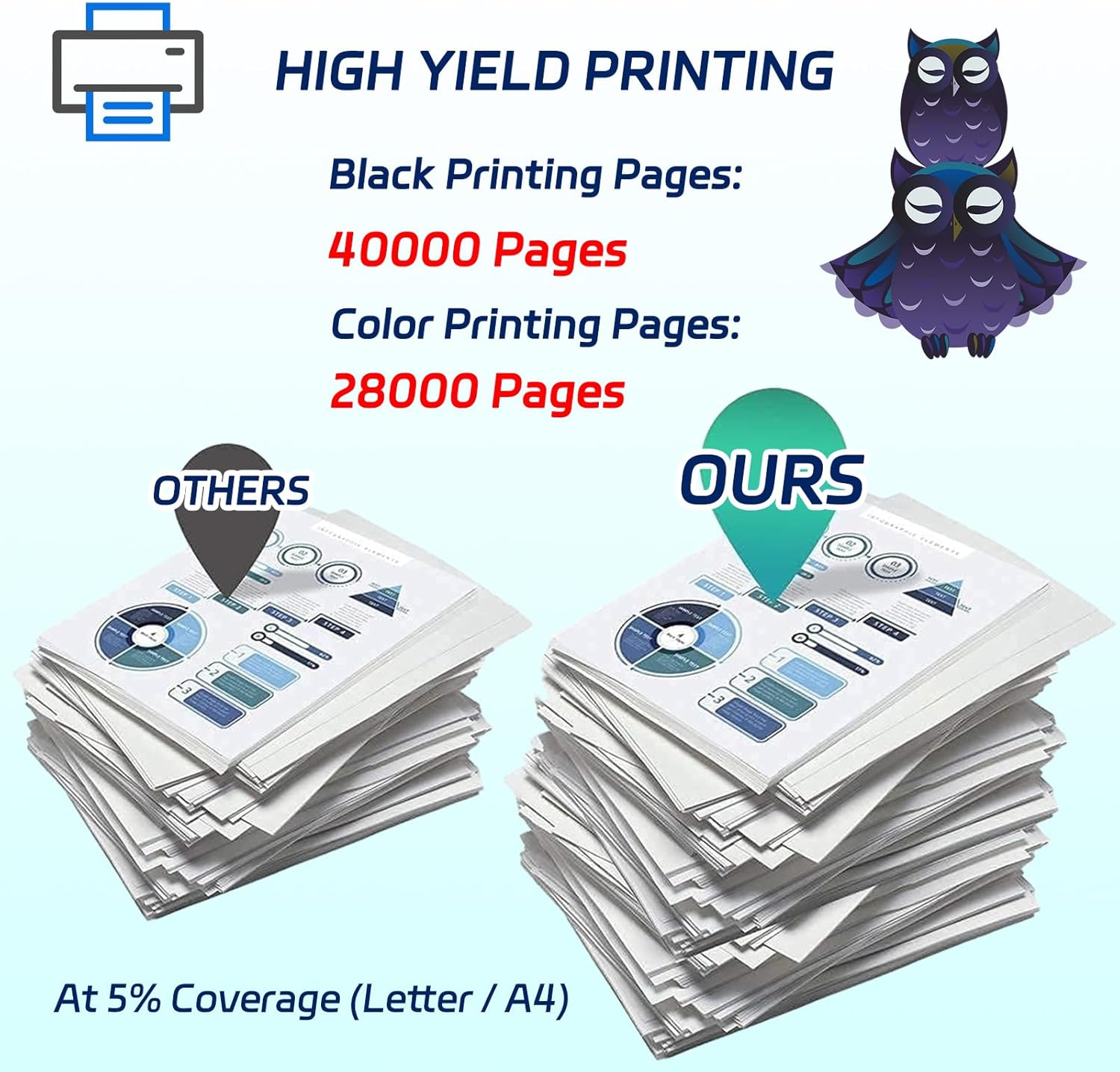
Image 7.1: A graphic detailing the high page yield of the BIVOL IM C3510 Toner Cartridge, showing 40,000 pages for black and 28,000 pages for color prints at 5% coverage.
8. Warranty and Support
For any questions regarding the BIVOL IM C3510 Toner Cartridge, including installation, performance, or troubleshooting, please contact the seller or manufacturer directly. Information regarding specific warranty terms may be provided with your purchase documentation.
If you have any questions after receiving your goods, please inform us, and we will assist you.