
Introduction
Thank you for choosing Groovz True Wireless Earbuds. This manual provides essential information for setting up, operating, and maintaining your earbuds to ensure a high-quality audio experience. Please read these instructions carefully before use.
What's in the Box
Your Groovz True Wireless Earbuds package includes:
- Groovz True Wireless Earbuds (Left and Right)
- Wireless Charging Case
- USB-C Charging Cable
- Multiple Ear Tip Sizes (S, M, L)
- Instruction Manual
Product Overview
The Groovz True Wireless Earbuds are designed for seamless audio and communication, featuring advanced technology and a comfortable fit.
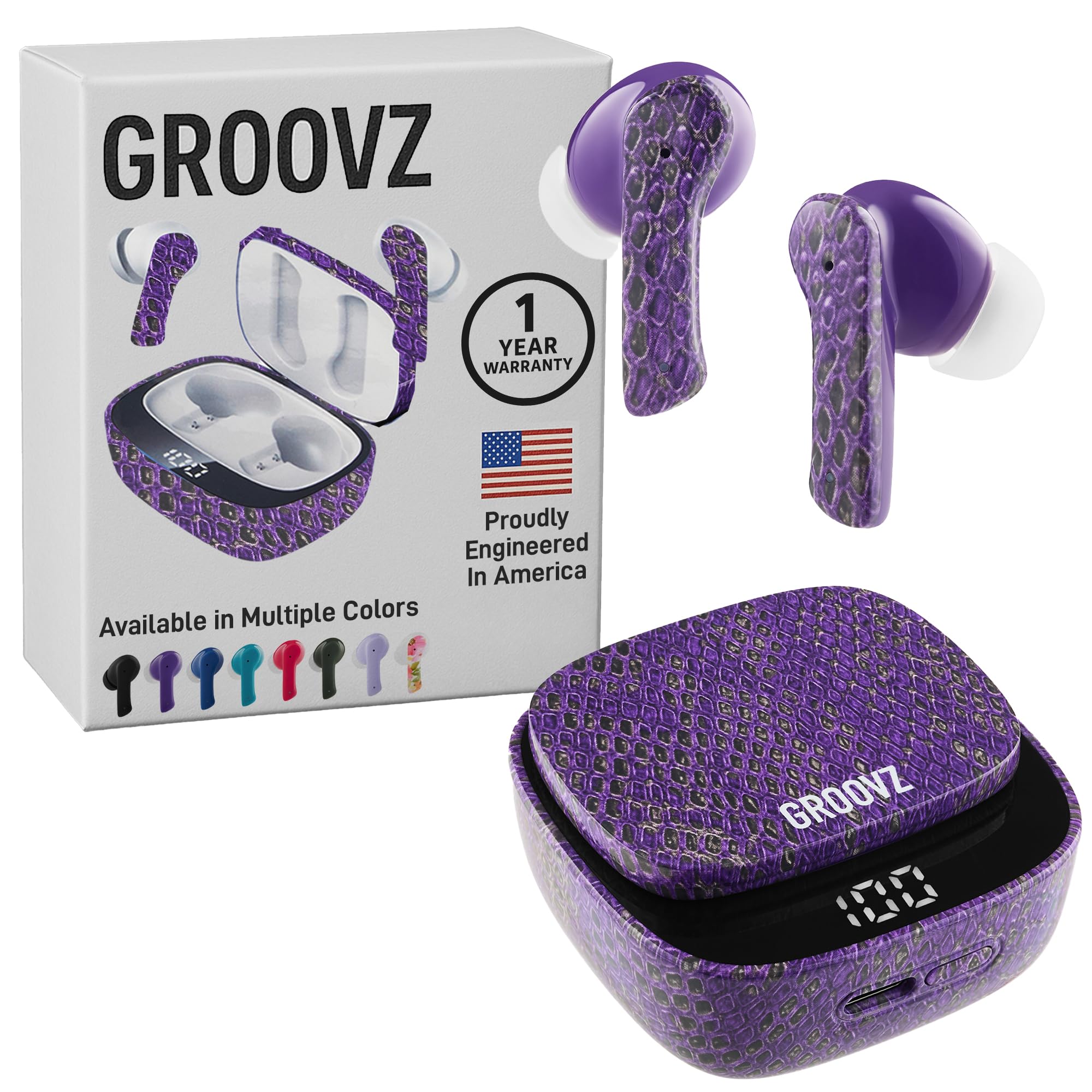
Image: Groovz True Wireless Earbuds in Purple Python with their matching charging case, showcasing the product's design.
Key Features:
- True Wireless Freedom: Enjoy music and calls without tangled wires. Features instant pairing with Bluetooth 5.3 and smart touch controls.
- High-Definition Audio: Experience clear sound with powerful bass from 13mm speakers.
- Crystal Clear Conversations: Dual microphones with advanced noise reduction ensure clear calls in various environments.
- Extended Battery Life: Up to 27 hours of total playtime (5 hours from earbuds, 22 hours from charging case).
- LED Battery Display: The charging case features an LED display to show real-time battery charge.
- IPx4 Water Resistance: Designed to withstand splashes and sweat, suitable for active lifestyles.
- Ergonomic Design: Includes three ear tip sizes (S, M, L) for a secure and comfortable fit.

Image: Groovz earbuds and charging case illustrating 4 hours of single charge playtime and 22 hours with the charging case, along with a 'Fast Charge' icon.

Image: A close-up of the Groovz charging case, highlighting its digital power display that shows the charge percentage.

Image: A man wearing Groovz earbuds, looking content, with text indicating 'Your Ultimate Sound Partner, Anytime, Anywhere'.
Official Product Video: Groovz True Wireless Earbuds with Charging Case
Video: An official overview of the Groovz True Wireless Earbuds and their charging case, demonstrating features and usage scenarios.
Setup
1. Charging the Earbuds and Case
Before first use, fully charge your Groovz earbuds and charging case.
- Connect the provided USB-C charging cable to the charging port on the case and to a USB power source.
- The LED display on the charging case will show the current battery percentage. Allow the case to charge until it displays 100%.
- Place the earbuds into the charging case. The earbuds will begin charging automatically. The LED indicators on the earbuds (if present) or the case display will show their charging status.

Image: A collection of Groovz earbuds and their charging cases in various colors, highlighting the product's design and aesthetic options.
2. Pairing with Your Device
Groovz earbuds utilize Bluetooth 5.3 for quick and stable connections.
- Open the charging case. The earbuds will automatically enter pairing mode.
- On your smartphone, tablet, or other Bluetooth-enabled device, go to the Bluetooth settings.
- Search for available devices and select "Groovz Earbuds" from the list.
- Once connected, you will hear an audio prompt, and the earbuds will be ready for use.

Image: Hands holding a pink Groovz charging case with earbuds, illustrating the Bluetooth 5.3 connectivity feature for seamless pairing.
Operating Instructions
Touch Controls
The Groovz earbuds feature intuitive touch controls for managing your audio and calls:
| Action | Control |
|---|---|
| Play/Pause Music | Single tap on either earbud |
| Next Track | Double tap on the right earbud |
| Previous Track | Double tap on the left earbud |
| Answer/End Call | Single tap on either earbud |
| Reject Call | Press and hold either earbud for 2 seconds |
| Activate Voice Assistant (Siri/Google Assistant) | Triple tap on either earbud |
Making and Receiving Calls
With dual microphones and noise reduction, your calls will be clear.
- Answering Calls: Tap either earbud once.
- Ending Calls: Tap either earbud once during a call.
- Rejecting Calls: Press and hold either earbud for 2 seconds.

Image: A woman engaged in a phone call, wearing Groovz earbuds, demonstrating the clear call feature in an outdoor setting.
Maintenance
Cleaning
- Regularly clean your earbuds and charging case with a soft, dry, lint-free cloth.
- Remove ear tips and clean them with mild soap and water if necessary. Ensure they are completely dry before reattaching.
- Avoid using abrasive materials or harsh chemicals.
Storage
- Always store the earbuds in their charging case when not in use to protect them and keep them charged.
- Store the case and earbuds in a cool, dry place, away from extreme temperatures and direct sunlight.
Water Resistance (IPx4)
The Groovz earbuds are IPx4 water resistant, meaning they are protected against splashing water from any direction. This makes them suitable for workouts and light rain. They are not designed for submersion in water.
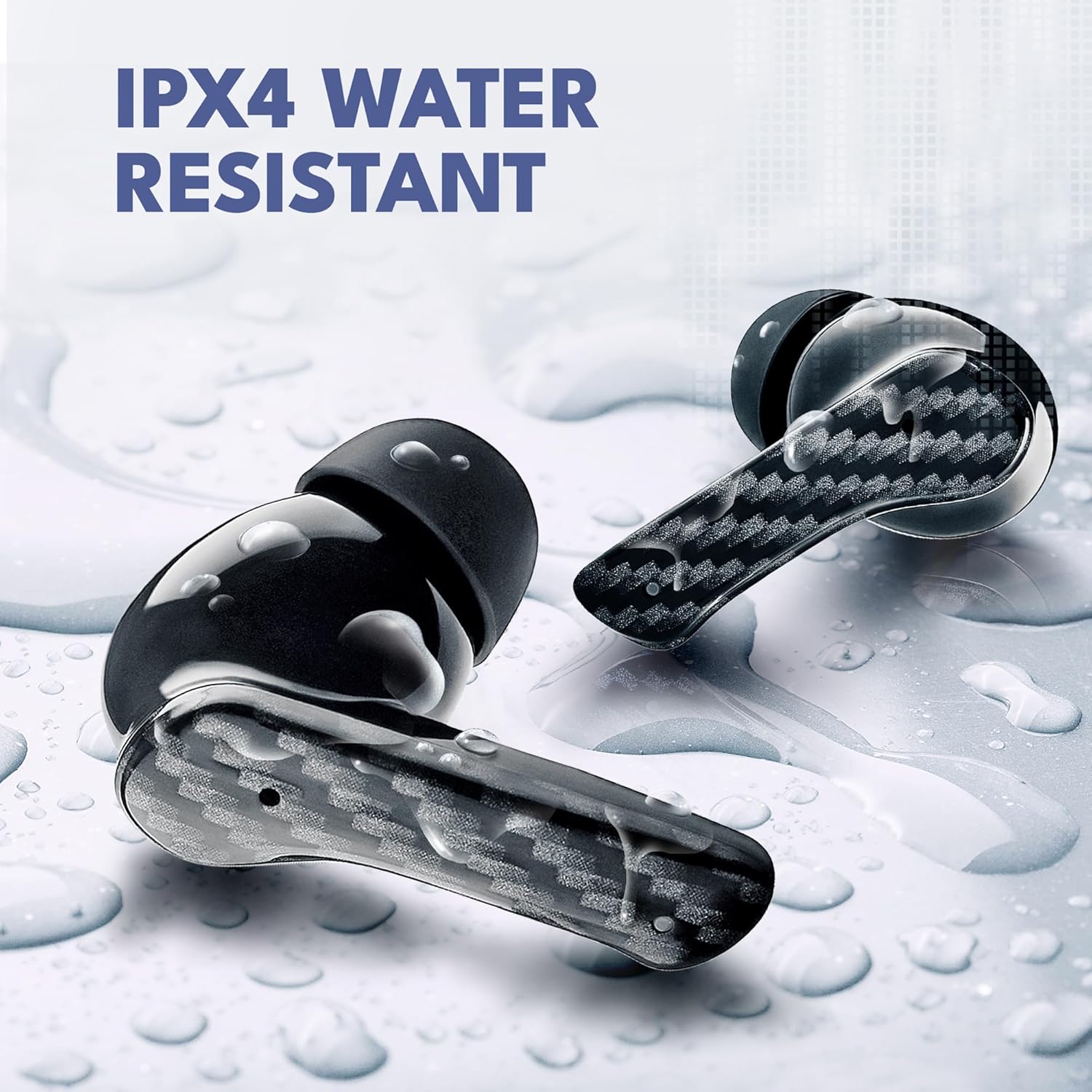
Image: Groovz earbuds with water droplets on them, visually representing their IPX4 water-resistant rating.
Troubleshooting
Earbuds Not Pairing/Connecting
- Ensure both earbuds are charged and removed from the charging case.
- Turn off and then turn on Bluetooth on your device.
- Forget/delete "Groovz Earbuds" from your device's Bluetooth list and attempt to pair again.
- Place earbuds back in the case, close the lid, wait 10 seconds, then open to reset pairing mode.
No Sound or Low Volume
- Check the volume levels on both your device and the earbuds.
- Ensure earbuds are properly seated in your ears and the correct ear tip size is used.
- Clean any debris from the earbud speakers.
Charging Issues
- Verify the charging cable is securely connected to both the case and the power source.
- Ensure the charging contacts on the earbuds and inside the case are clean and free of debris.
- Try a different USB-C cable or power adapter.
Specifications
| Feature | Detail |
|---|---|
| Model Name | 810186690182 |
| Connectivity Technology | Wireless (Bluetooth) |
| Bluetooth Version | 5.3 |
| Audio Driver Type | Dynamic Driver |
| Control Method | Touch |
| Water Resistance Level | IPx4 (Water Resistant) |
| Noise Control Features | Active Noise Cancellation |
| Battery Life (Earbuds) | Up to 5 hours |
| Battery Life (with Charging Case) | Up to 27 hours |
| Charging Interface | USB-C |
| Compatible Devices | Smartphones, Tablets, Laptops, Desktops (Apple & Android compatible) |
| Material | Plastic |
| Item Weight | 4.6 ounces |
| Manufacturer | Groovz |
Warranty and Support
Groovz products are designed and engineered in the USA, ensuring quality and reliability. For warranty information, technical support, or any inquiries regarding your Groovz True Wireless Earbuds, please refer to the official Groovz website or contact their customer service directly. Keep your proof of purchase for warranty claims.
For further assistance, please visit the Groovz Store on Amazon.


