
1. Introduction
The Canslab Turbo Electric Can Opener is designed for effortless and safe can opening. This rechargeable, hands-free device features an LED battery life display, automatic shut-off, and a side-cut mechanism that leaves a smooth, touchable edge. Its compact design allows for easy storage, including wall-mounting. This manual provides essential information for the proper use and maintenance of your can opener.
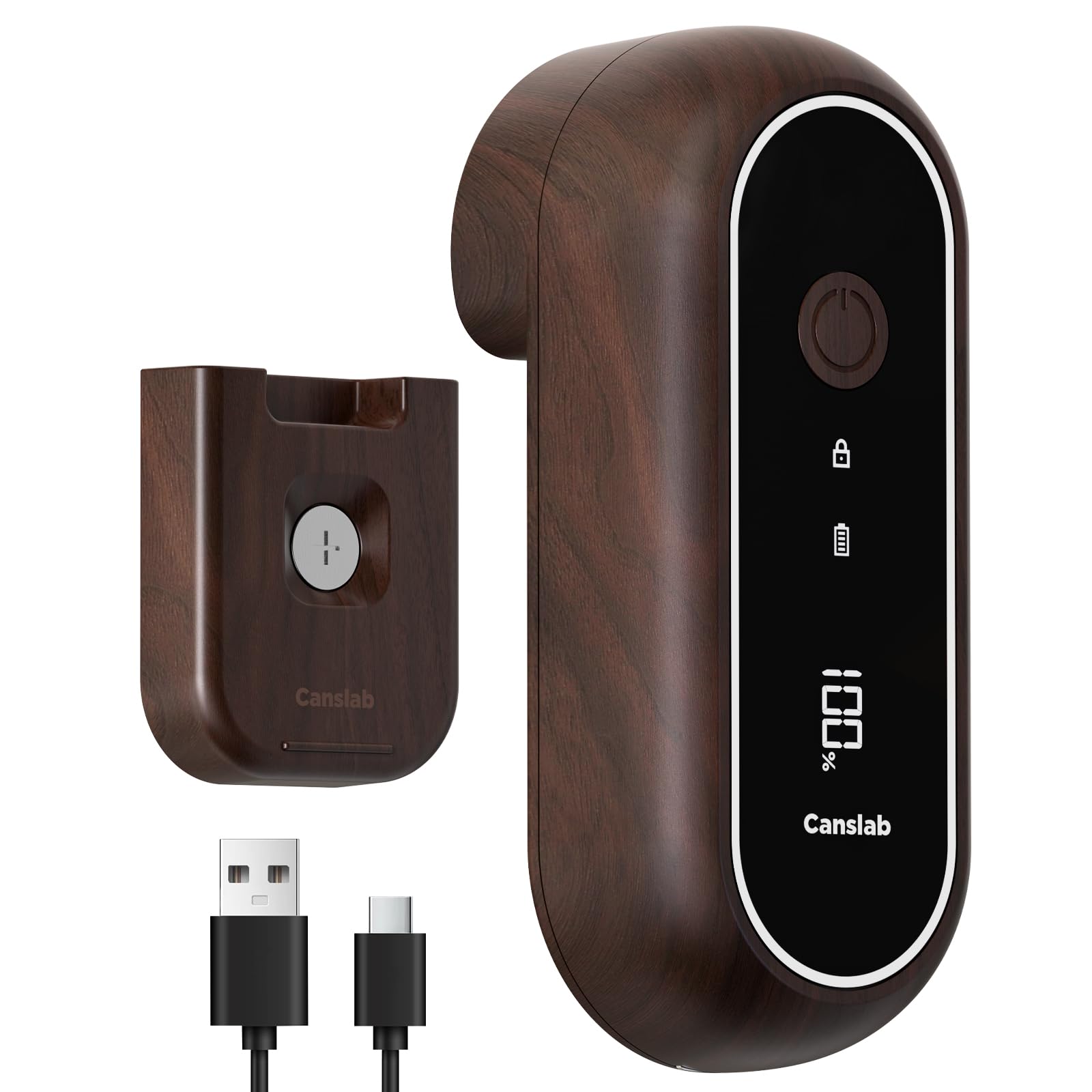
The Canslab Turbo Rechargeable Electric Can Opener in its elegant walnut wood pattern finish.
2. What's in the Box
- 1 x Canslab Turbo Can Opener
- 1 x Magnetic Holder
- 1 x USB-C Charging Cable (wall plug not included)
- 1 x Use Instructions Manual
3. Product Features
- Turbo Performance: Cuts through small and extra-large cans efficiently with reduced noise.
- One-Touch Operation with Auto Shut-off: Simply press the button, and the opener automatically stops when the cut is complete.
- LED Battery Life Indicator: Provides a real-time display of the remaining battery charge.
- Long-Lasting Battery: Built-in 2000mAh rechargeable battery opens approximately 100 standard-sized cans on a 1.5-hour charge.
- Side Cut Technology: Cuts along the side of the lid, leaving a safe, smooth edge without touching the food.
- Retractable Lid Lifter: An integrated tool helps easily remove lids from cans.
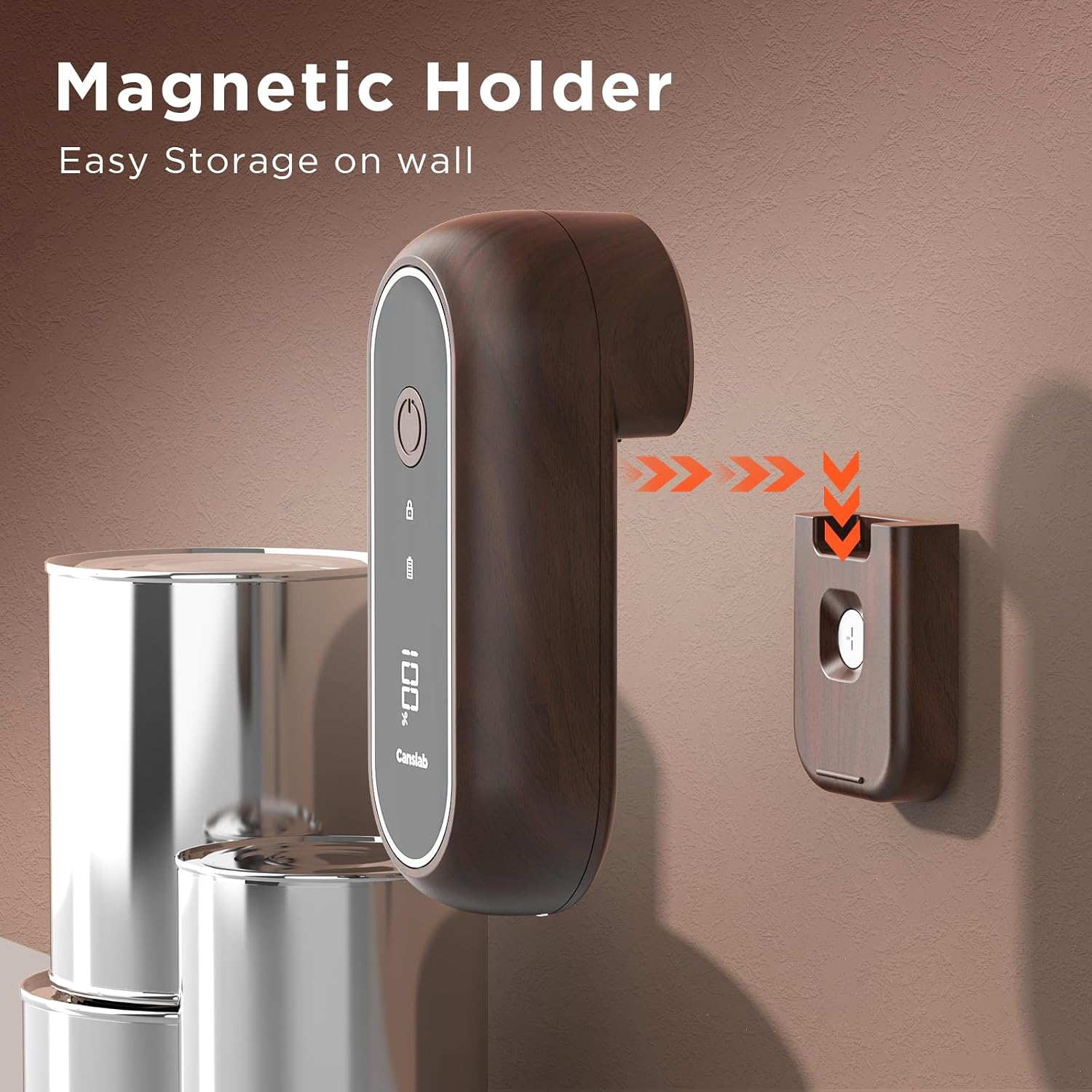
- Magnetic Holder: For convenient wall-mountable storage, keeping the opener clean and accessible.

Diagram illustrating the easy one-touch button, lock mode, charging indicator, and battery life indicator on the Canslab Turbo.
A hand touching the smooth, safe edge of a can after being opened by the Canslab Turbo.
4. Safety Information
- Read all instructions before use.
- Keep out of reach of children.
- Do not immerse the can opener in water or other liquids.
- Avoid contact with moving parts.
- Do not attempt to open rimless soda cans or cans with unusual shapes.
- Use only the provided USB-C cable for charging.
- Do not operate if the can opener is damaged.
5. Setup
Initial Charging
- Before first use, fully charge the can opener.
- Connect the provided USB-C charging cable to the can opener and a USB power source (e.g., computer, wall adapter).
- The charging indicator will show solid white during charging and turn off when fully charged. The LED display will show battery percentage.
- A full charge takes approximately 1.5 hours.

The Canslab Turbo can opener being charged via its USB-C port.
Wall Mounting (Optional)
- Choose a clean, smooth, and dry surface for the magnetic holder.
- Remove the protective film from the adhesive backing of the magnetic holder.
- Press the holder firmly onto the desired surface for 30 seconds.
- Wait 24 hours before hanging the can opener to ensure strong adhesion.

The Canslab Turbo can opener stored on its magnetic wall-mountable holder.
6. Operating Instructions
- Place on Can: Position the can opener flat on top of the can, ensuring the cutting blade and gear are aligned with the can's rim.
- Start Operation: Press the power button once. The can opener will automatically grip the can and begin cutting along the side.
- Hands-Free Cutting: Allow the can opener to rotate around the can. It will automatically stop once the cutting cycle is complete.
- Remove Opener: Once stopped, gently lift the can opener from the can.
- Remove Lid: Use the built-in retractable lid lifter (located at the bottom of the opener) to safely remove the cut lid. The lid will have a smooth, safe edge.
An official seller video showcasing the Canslab Turbo's LED battery display, its rechargeable nature, and the automatic shut-off feature after opening a can.

The Canslab Turbo can opener positioned on a can, ready for operation.

Demonstrating the use of the retractable lid lifter to remove a can lid.
7. Charging
The Canslab Turbo features a rechargeable battery with an LED display to indicate battery life. When the battery is low, the charging indicator will flash white. Connect the USB-C cable to charge. The indicator will be solid white during charging and turn off when fully charged. A 1.5-hour charge provides enough power to open approximately 100 standard-sized cans.
Close-up of the Canslab Turbo's LED display showing real-time battery percentage.
8. Maintenance
Cleaning
- Wipe the exterior of the can opener with a damp cloth.
- Do not use abrasive cleaners or immerse the unit in water.
- Clean the cutting blade and gear area with a small brush or damp cloth after each use to remove any food particles.
- Ensure the unit is completely dry before storing.
9. Troubleshooting
| Problem | Possible Cause | Solution |
|---|---|---|
| Can opener does not start. | Low battery; Lock mode engaged. | Charge the unit; Ensure lock mode is disengaged (refer to control panel diagram). |
| Can opener stops mid-cycle. | Low battery; Can is dented or irregularly shaped. | Recharge the unit; Reposition the opener or try a different can. |
| Lid is not fully cut or has rough edges. | Improper placement on can; Worn blade (unlikely for new unit). | Ensure the opener is placed flat and securely on the can's rim before starting. |
| Lid is difficult to remove. | Lid suction; Food residue. | Use the retractable lid lifter to pry off the lid. |
10. Specifications
| Feature | Detail |
|---|---|
| Model Number | Turbo |
| Color | Wood (Walnut Wood Pattern) |
| Material | Plastic body, Stainless Steel blade |
| Battery | 2000mAh Rechargeable |
| Charging Time | Approx. 1.5 hours |
| Cans per Charge | Approx. 100 (standard 10.75oz cans) |
| Dimensions (W x H) | 2.48" x 1.97" |
| Weight | 10.72 ounces |
| Operation Mode | Automatic |
11. Warranty and Support
For warranty information or product support, please refer to the contact details provided with your purchase or visit the official Canslab website. Keep your purchase receipt for warranty claims.