
Introduction
Welcome to the Groovz True Wireless Earbuds user manual. These earbuds are designed to provide a high-quality audio experience with convenience and comfort. This manual will guide you through the setup, operation, and maintenance of your new earbuds.

Image: Groovz True Wireless Earbuds and Charging Case in white, showcasing the product packaging and the earbuds within their charging case.
What's in the Box
Your Groovz True Wireless Earbuds package includes the following items:
- Groovz True Wireless Earbuds (Left and Right)
- Wireless Charging Case with LED Battery Display
- USB Charging Cable
- Three sets of ear tips (Small, Medium, Large) for a customized fit
- User Guide
Setup
1. Initial Charge
Before first use, ensure your charging case and earbuds are fully charged. Connect the provided USB charging cable to the charging port on the case and a power source. The LED display on the case will show the current battery percentage.
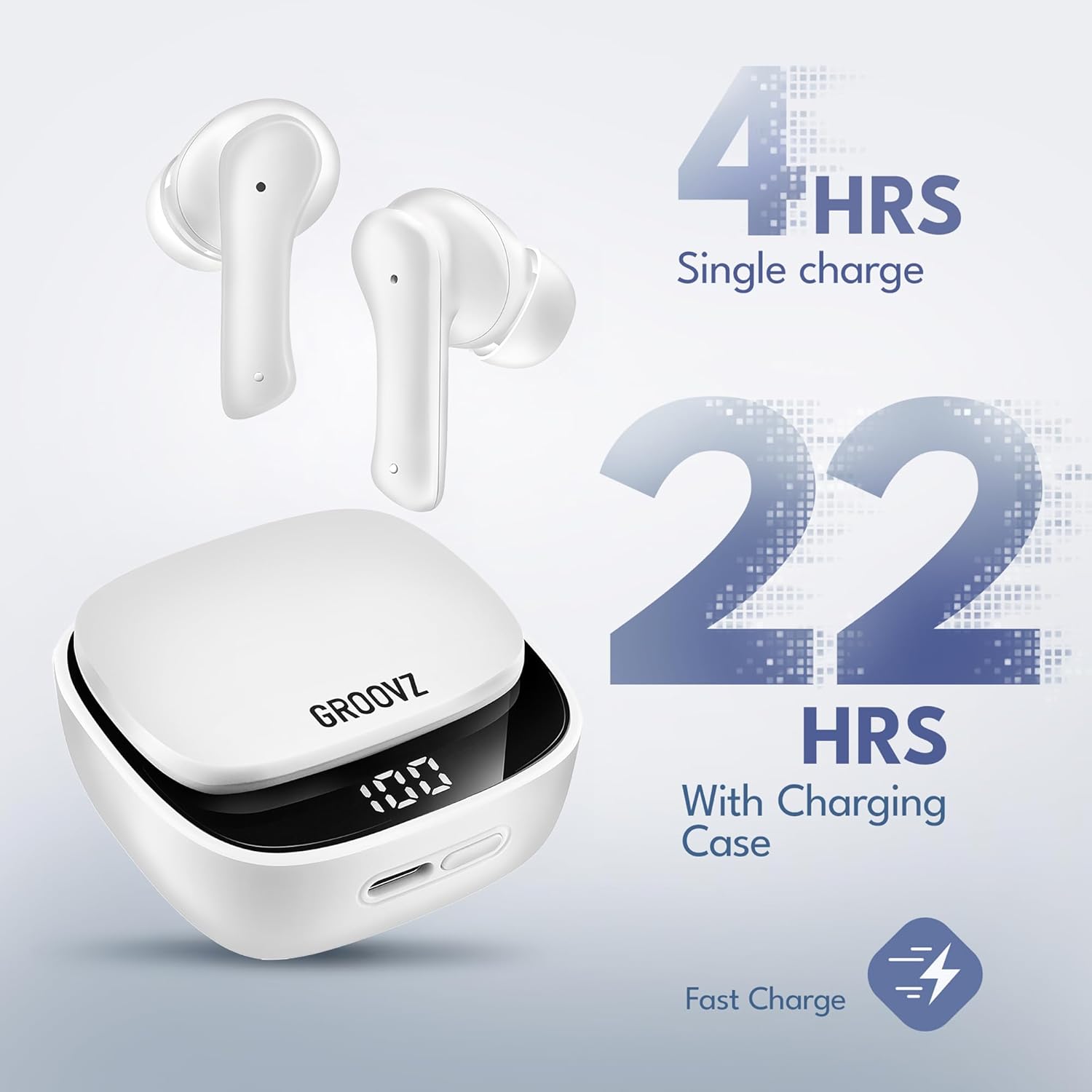
Image: Graphic illustrating the battery life of Groovz earbuds: 4 hours on a single charge and 22 hours with the charging case, totaling 27 hours.
2. Pairing with Your Device
- Open the charging case. The earbuds will automatically enter pairing mode.
- On your smartphone or other Bluetooth-enabled device, go to the Bluetooth settings.
- Select "Groovz Earbuds" from the list of available devices.
- Once connected, you will hear an audio prompt, and the earbuds are ready for use.
The earbuds feature Bluetooth 5.3 for instant and stable pairing.
3. Selecting Ear Tips
Choose the ear tips (Small, Medium, Large) that provide the most comfortable and secure fit for your ears. A proper fit is essential for optimal sound quality and noise cancellation.
Operating Instructions
Smart Touch Controls
The Groovz earbuds are equipped with smart touch controls for easy management of your audio and calls. Specific functions may vary slightly by device, but common controls include:
- Play/Pause: Single tap on either earbud.
- Answer/End Call: Single tap on either earbud.
- Reject Call: Press and hold on either earbud.
- Next Track: Double tap on the right earbud.
- Previous Track: Double tap on the left earbud.
- Activate Voice Assistant: Triple tap on either earbud.
Battery Life and LED Display
The charging case features an LED display that shows the exact battery percentage, allowing you to monitor the charge level in real-time. The earbuds provide up to 5 hours of playtime on a single charge, and the charging case extends this to a total of 27 hours.

Image: Close-up of the Groovz charging case displaying the digital battery percentage, highlighting the convenience of knowing the exact charge level.
Water Resistance (IPx4)
Your Groovz earbuds are IPx4 water-resistant, meaning they are protected against splashing water from any direction. This makes them suitable for workouts and outdoor activities where they might be exposed to sweat or light rain. They are not designed for submersion in water.
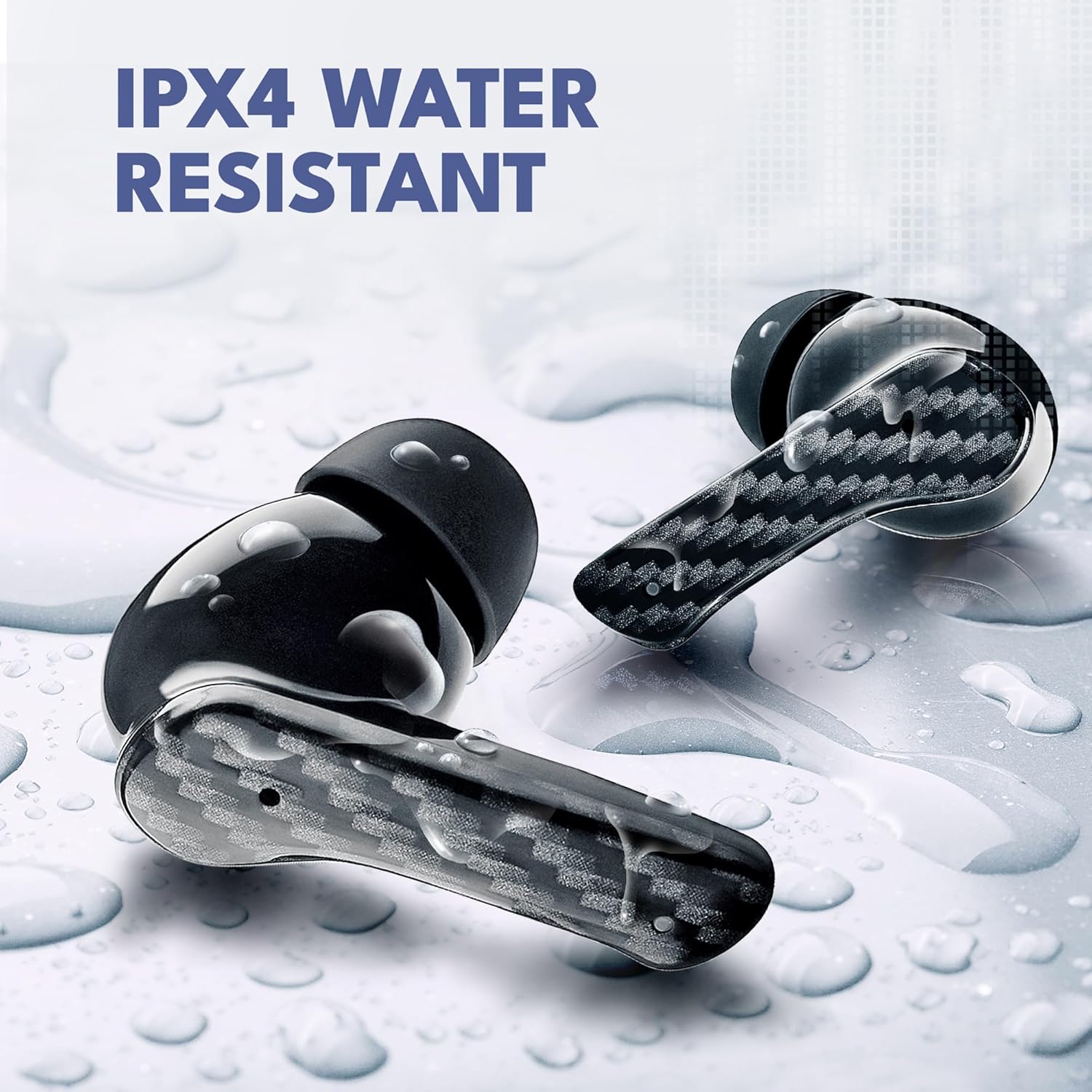
Image: Groovz earbuds with water droplets, illustrating their IPx4 water-resistant feature, suitable for active lifestyles.
Crystal Clear Calls and Sound Quality
Equipped with dual microphones and advanced noise reduction technology, these earbuds ensure clear conversations even in noisy environments. Experience high-definition audio with balanced clarity and powerful bass for an immersive listening experience.
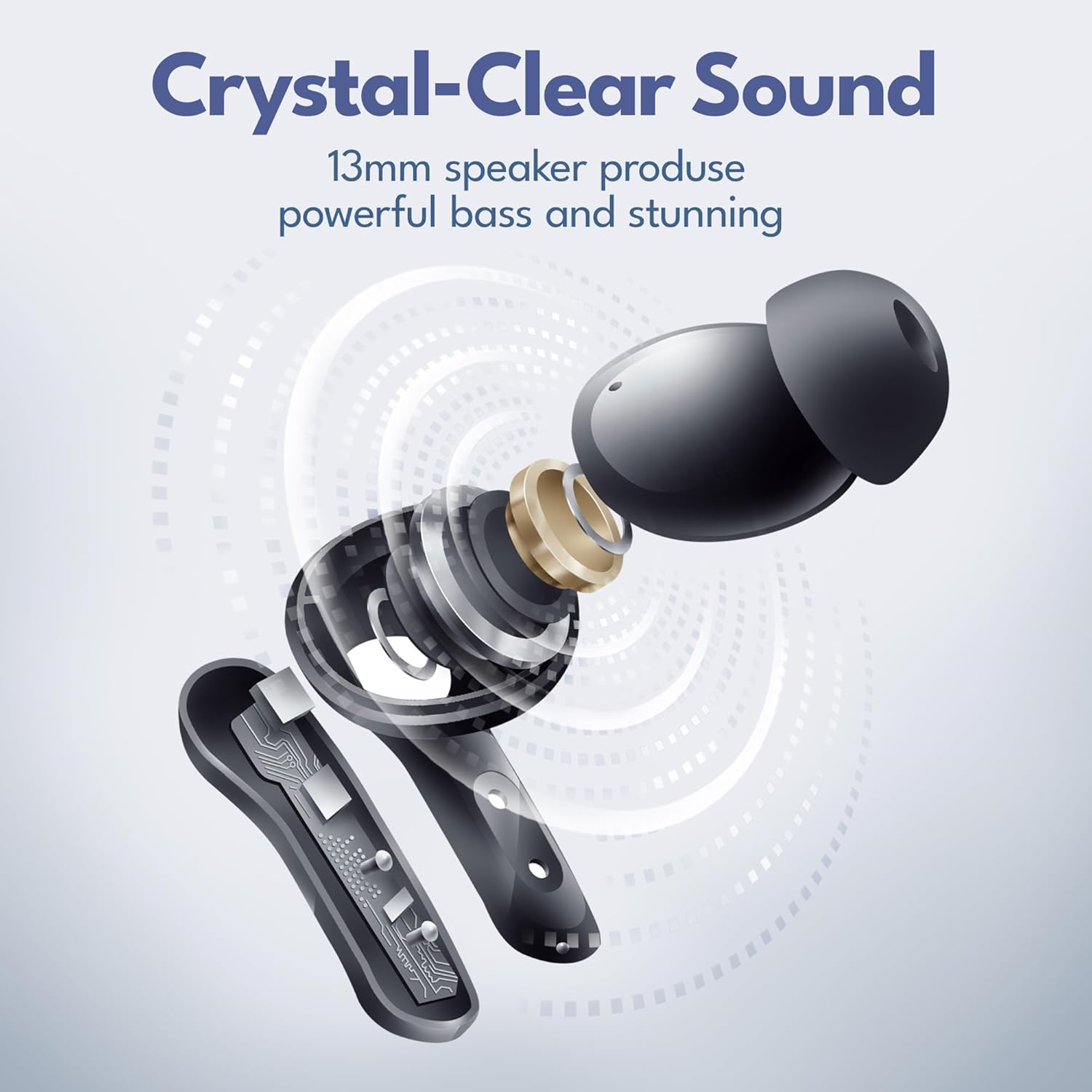
Image: Diagram showing the internal components of a Groovz earbud, highlighting the 13mm speaker for powerful bass and clear sound.

Image: A woman wearing a Groovz earbud, demonstrating the AI-enhanced call feature via dual microphones in an urban setting.
Maintenance
To ensure the longevity and optimal performance of your Groovz earbuds, follow these maintenance tips:
- Cleaning: Regularly clean the earbuds and charging case with a soft, dry, lint-free cloth. Avoid using harsh chemicals or abrasive materials.
- Ear Tips: Remove and clean the ear tips periodically with mild soap and water. Ensure they are completely dry before reattaching.
- Storage: When not in use, store the earbuds in their charging case to protect them from dust and damage.
- Charging: Use only the provided charging cable or a certified equivalent. Avoid exposing the charging port to moisture.
Troubleshooting
If you encounter any issues with your Groovz earbuds, refer to the following common solutions:
- Earbuds not pairing: Ensure both earbuds are in the charging case, then open the lid to initiate pairing mode. Check your device's Bluetooth settings to ensure it's discoverable and select "Groovz Earbuds."
- No sound from one earbud: Place both earbuds back into the charging case, close the lid, wait a few seconds, then open it again. This often resets the connection.
- Charging issues: Verify that the charging cable is securely connected to both the case and the power source. Check the LED display for charging indicators.
- Poor sound quality: Ensure the ear tips are correctly sized and properly seated in your ears. Clean any debris from the earbud speakers.
Specifications
| Feature | Specification |
|---|---|
| Brand | Groovz |
| Model Name | 810186690106 |
| Connectivity Technology | Wireless (Bluetooth 5.3) |
| Water Resistance Level | IPx4 Water Resistant |
| Battery Life | Up to 27 Hours (5 hrs earbuds + 22 hrs charging case) |
| Control Method | Touch |
| Special Feature | Noise Cancellation, Water Resistant |
| Included Components | Wireless Charging Case |
| Material | Plastic, Silicone |
| Item Weight | 0.07 Kilograms (2.39 ounces) |
Official Product Videos
Groovz True Wireless Earbuds with Charging Case
Video: An official product video showcasing the Groovz True Wireless Earbuds and their charging case, highlighting various features and design aspects.
Groovz True Wireless Earbuds
Video: A promotional video for Groovz True Wireless Earbuds, demonstrating their use in different scenarios and highlighting key benefits.
Warranty and Support
Groovz True Wireless Earbuds come with a 1-year warranty from the date of purchase, covering manufacturing defects. For warranty claims, technical support, or any inquiries, please refer to the contact information provided in the packaging or visit the official Groovz website.
For additional information and support, you can visit the Groovz Store on Amazon.


