Introduction
This manual provides essential information for the installation, operation, and maintenance of your Gaoxyzthy 15.6 Inch Laptop LCD Screen Replacement. This product is designed to replace worn or damaged laptop displays, offering a 1920x1080 FHD resolution for clear visuals. Please read this manual thoroughly before attempting any installation or use.
Product Features
- Crisp Visuals: Features a 1920x1080 FHD resolution for stunning clarity and an enhanced viewing experience.
- Durable Construction: Made from superior LCD material, designed for wear and tear resistance, ensuring long-lasting performance.
- Energy Efficient: Utilizes a 40PIN non- interface, contributing to minimal power consumption and extended laptop battery life.
- Lightweight Design: The lightweight and convenient design facilitates easier installation.
- Wide Compatibility: Suitable for various laptops requiring a 15.6-inch screen replacement, ideal for both home users and repair professionals.
Package Contents
Upon opening the package, please verify that all components are present and undamaged:
- 1 x Gaoxyzthy 15.6 Inch Laptop LCD Screen (Model: LQ156M1JW26)
Important Notes and Warnings
Please observe the following critical information before proceeding:
- Professional Installation Recommended: Replacing a laptop screen requires specialized tools and technical expertise. Non-professionals are strongly advised against attempting installation without proper knowledge and equipment to prevent damage to the screen or the laptop.
- Model and Resolution Verification: Before purchase and installation, meticulously verify your laptop's original screen model and resolution to ensure compatibility and avoid acquiring an incorrect replacement. The model for this screen is LQ156M1JW26 with 1920x1080 FHD resolution.
- Static Electricity: Always take precautions against static electricity when handling electronic components. Use an anti-static wrist strap or frequently touch a grounded metal object.
- Power Disconnection: Ensure the laptop is completely powered off and disconnected from all power sources (including battery) before beginning any installation.
Setup and Installation
Due to the technical nature of laptop screen replacement, detailed step-by-step instructions are beyond the scope of this general manual. It is highly recommended to consult a qualified technician or refer to specific service manuals for your laptop model. The following provides general guidance:
- Preparation: Gather necessary tools (e.g., small screwdrivers, plastic prying tools, anti-static mat/wrist strap). Ensure a clean, well-lit workspace.
- Disassembly: Carefully disassemble the laptop bezel and remove the old screen. Pay close attention to cable routing and connector types.
- Connector Handling: The screen connects via a 40PIN non- interface. Handle the connector and cable with extreme care to avoid bending pins or damaging the ribbon cable.
- Installation: Gently connect the new LCD screen, ensuring the connector is fully seated and secured. Position the new screen within the laptop lid.
- Testing: Before reassembling the entire laptop, perform a preliminary test by connecting the power and turning on the laptop to verify the new screen functions correctly.
- Reassembly: If the screen functions, carefully reassemble the laptop, ensuring all screws and clips are properly secured.

Image: The 15.6-inch LCD screen being prepared for installation into a laptop chassis. This screen is made of durable LCD material, designed for longevity and clear display.

Image: A detailed view of the 40PIN connector located on the back of the LCD screen, which is crucial for connecting to the laptop's motherboard. Handle this connector with care during installation.
Operating
Once installed, the LCD screen operates as the primary display for your laptop. No specific operational steps are required for the screen itself beyond standard laptop usage. Ensure your laptop's display drivers are up-to-date for optimal performance and resolution settings.
Maintenance
Proper maintenance can extend the lifespan and maintain the clarity of your LCD screen:
- Cleaning: Use a soft, lint-free microfiber cloth specifically designed for electronics. For stubborn smudges, slightly dampen the cloth with distilled water or a screen-safe cleaning solution. Never spray liquid directly onto the screen.
- Avoid Pressure: Do not press or poke the screen with sharp objects, as this can cause permanent damage to the LCD panel.
- Temperature: Avoid exposing the screen to extreme temperatures or direct sunlight for prolonged periods.
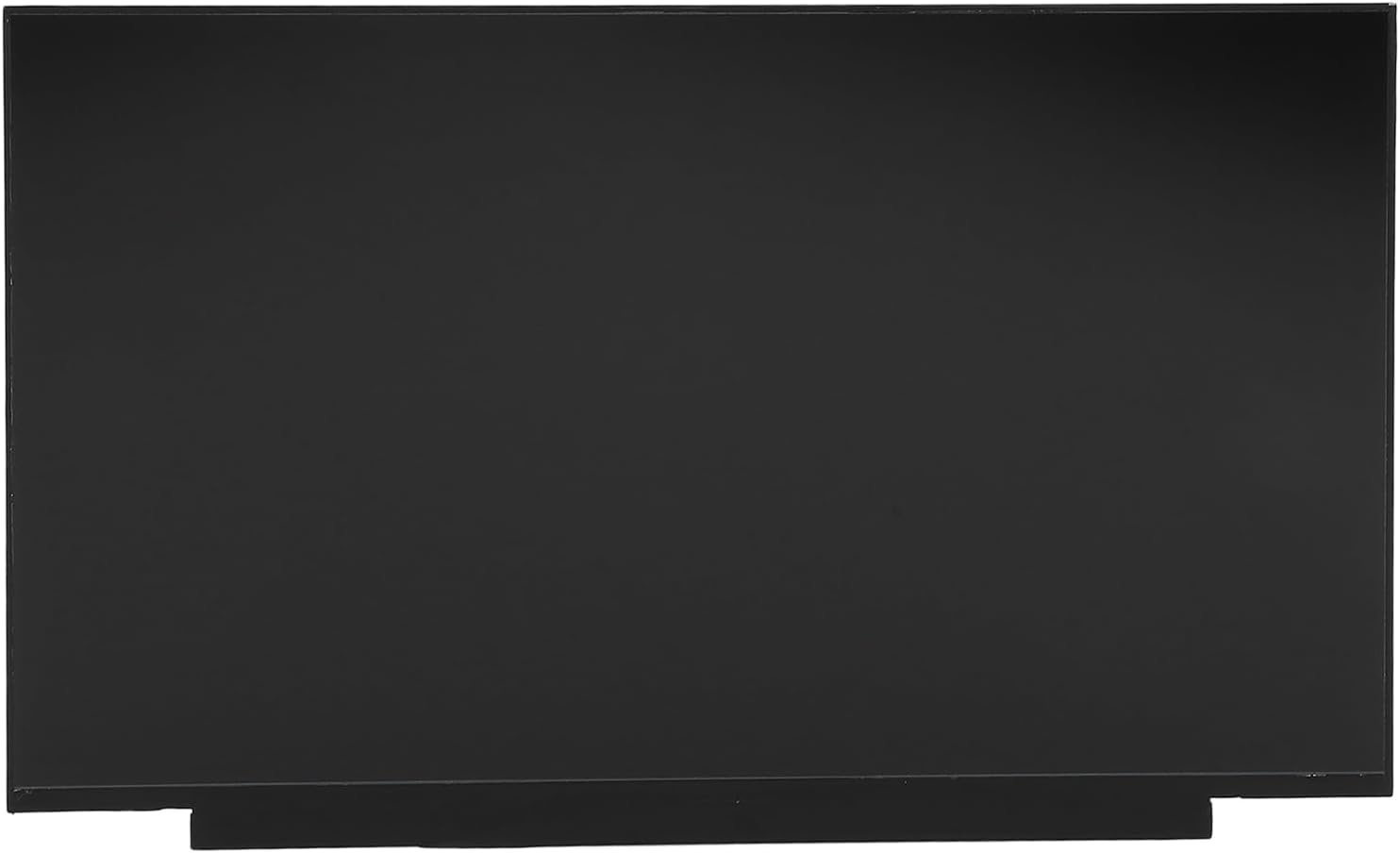
Image: The front surface of the 15.6-inch LCD screen, showcasing its sleek, black design. Regular gentle cleaning is recommended to maintain its clear display.
Troubleshooting
If you encounter issues with your new LCD screen, consider the following troubleshooting steps:
| Problem | Possible Cause | Solution |
|---|---|---|
| No display / Black screen | Loose or improperly connected display cable; Incorrect screen model; Faulty backlight. |
|
| Flickering or distorted image | Loose cable connection; Driver issues; Electromagnetic interference. |
|
| Dead pixels or lines on screen | Manufacturing defect; Physical damage during installation. |
|
Specifications
| Attribute | Detail |
|---|---|
| Item Type | Laptop LCD Screen |
| Material | LCD |
| Screen Size | 15.6 inches |
| Resolution | 1920x1080 FHD |
| Connector Type | 40PIN Non- |
| Model Number (Screen) | LQ156M1JW26 |
| Item Model Number (Product) | Gaoxyzthy30cok4bf68 |
| Package Dimensions | 16.93 x 11.81 x 2.76 inches |
| Item Weight | 1.77 pounds |
| Manufacturer | Gaoxyzthy |
| ASIN | B0F3ZP5CRL |
| Date First Available | April 7, 2025 |

Image: An angled perspective of the 15.6-inch LCD screen, highlighting its slim profile and black border.

Image: The rear side of the LCD screen, revealing the protective backing and the location of the internal circuitry and connectors.
Warranty and Support
For warranty information and technical support, please refer to the documentation provided with your purchase or contact Gaoxyzthy customer service directly. Ensure you have your product model number (LQ156M1JW26) and ASIN (B0F3ZP5CRL) ready when seeking support.
For further assistance, please visit the official Gaoxyzthy support website or contact their customer service channels.