
1. Introduction
Thank you for choosing the Hwagol Military Smartwatch. This device is designed to enhance your daily life with smart features, fitness tracking, and communication capabilities. This manual provides essential information for setting up, operating, and maintaining your smartwatch. Please read it carefully before use to ensure optimal performance and longevity of your device.
2. Safety Information
- Do not attempt to disassemble, repair, or modify the device. This may cause damage, electric shock, or fire.
- Keep the device away from extreme temperatures, direct sunlight, and high humidity.
- Avoid exposing the device to strong impacts or drops.
- Use only the provided charging cable. Using unauthorized chargers may damage the device or cause safety hazards.
- This device is water-resistant, but not waterproof. Avoid prolonged submersion or use in hot water.
- Consult a medical professional before starting any new exercise regimen, especially if you have pre-existing health conditions. The health data provided by the watch is for reference only and should not be used for medical diagnosis or treatment.
3. Package Contents
Verify that all the following items are included in your package:
- Hwagol Military Smartwatch
- Silicone Strap
- Charging Cable
- User Manual
If any items are missing or damaged, please contact customer support.
4. Product Overview
The Hwagol Military Smartwatch features a robust design with a round digital display and intuitive controls.
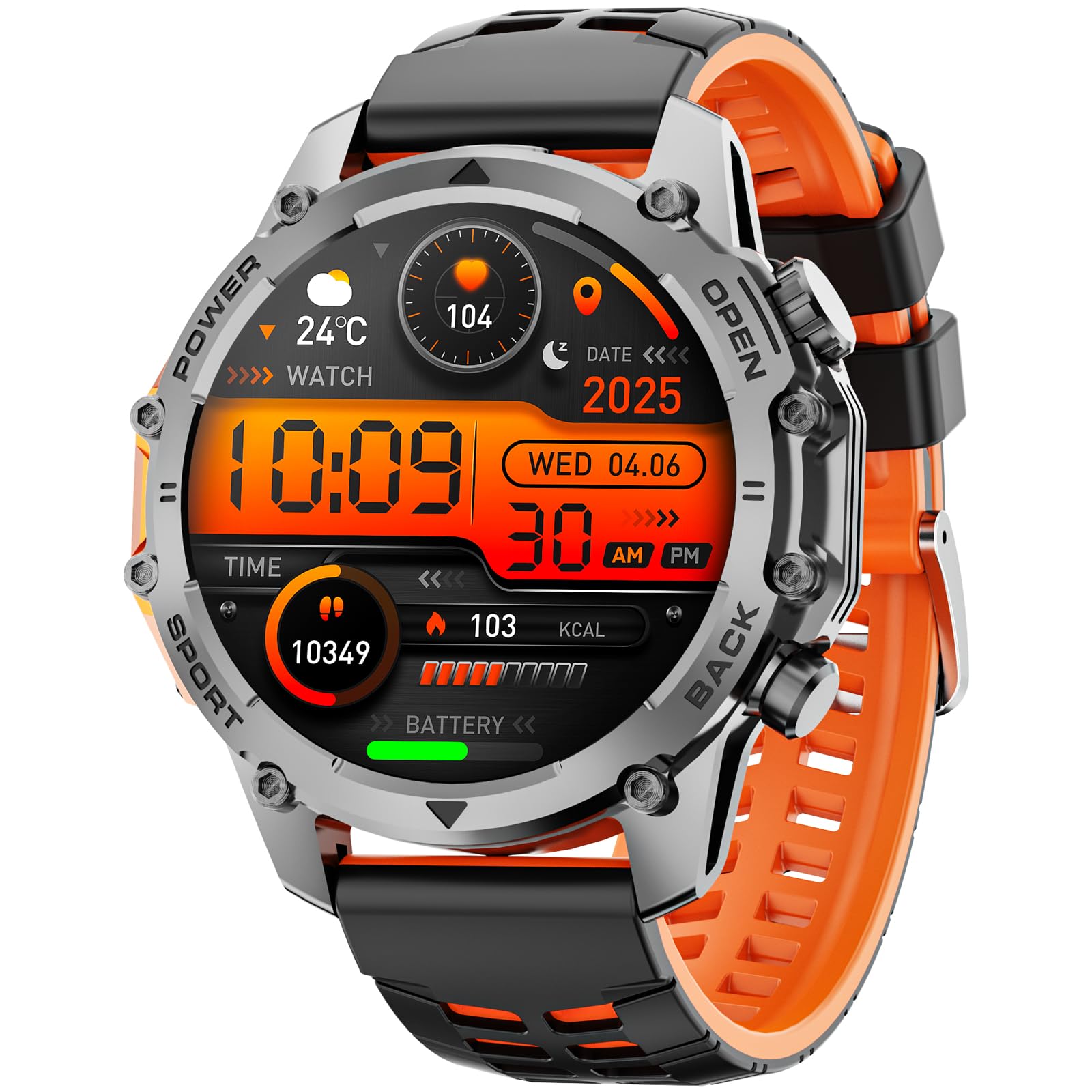
Image: Front view of the Hwagol Military Smartwatch, showcasing its round display and rugged design.
4.1 Physical Components
- Display: Digital touchscreen for interactive control and information display.
- Buttons: Side buttons for power, menu navigation, and quick access to functions.
- Sensors: Located on the back for heart rate monitoring and other health tracking.
- Charging Ports: Magnetic charging pins on the back of the watch.
- Strap: Durable silicone strap for comfortable wear.
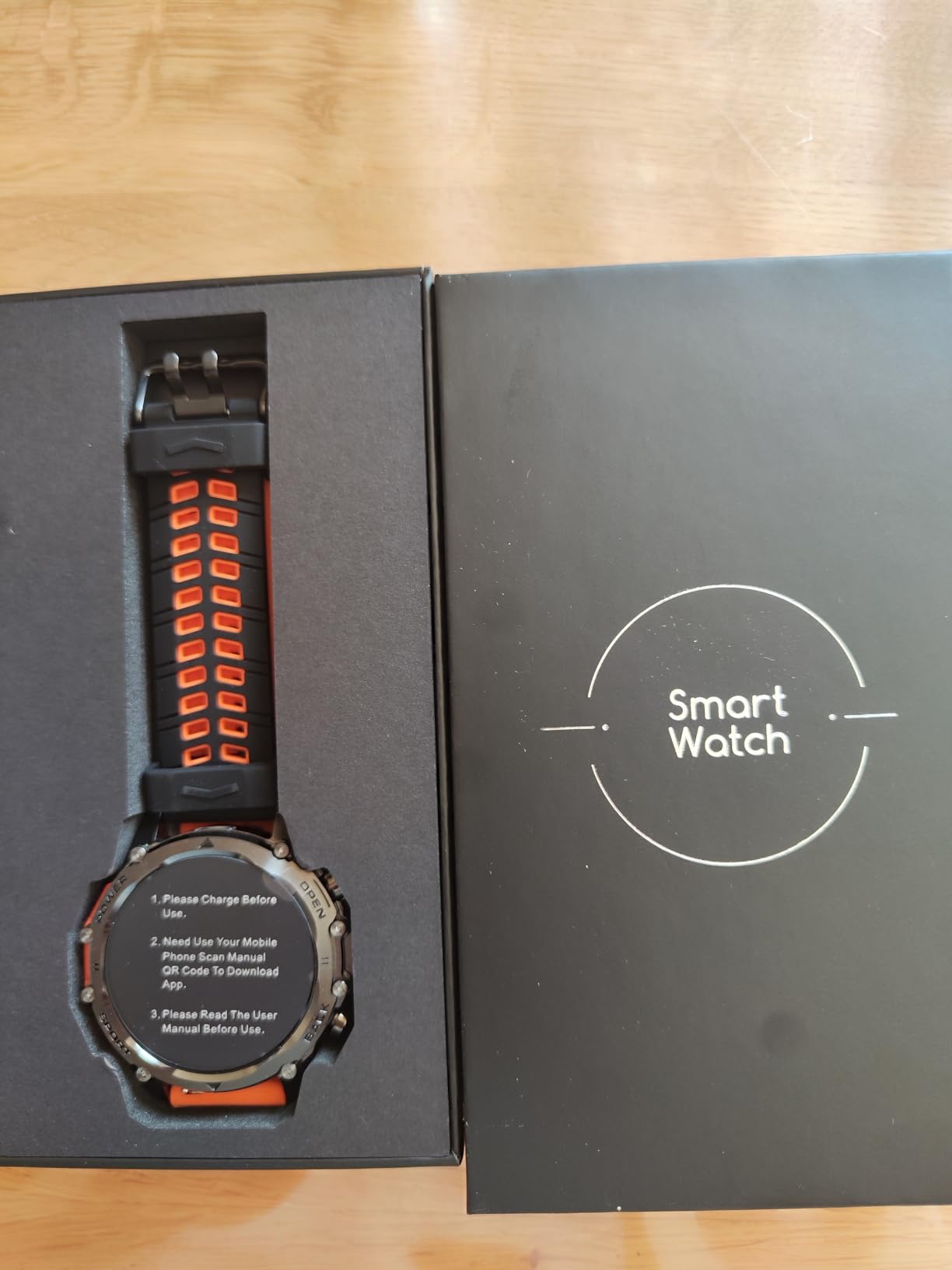
Image: Back view of the Hwagol Military Smartwatch, showing the heart rate sensors and charging contacts.
5. Setup
5.1 Charging the Smartwatch
- Connect the USB end of the charging cable to a power adapter (5V/1A recommended) or a computer's USB port.
- Align the magnetic pins of the charging cable with the charging contacts on the back of your smartwatch. The cable will snap into place.
- The watch display will show a charging indicator. A full charge typically takes approximately 2 hours.
- Once fully charged, disconnect the charging cable.
A full charge provides approximately 5-7 days of typical use, depending on feature usage.
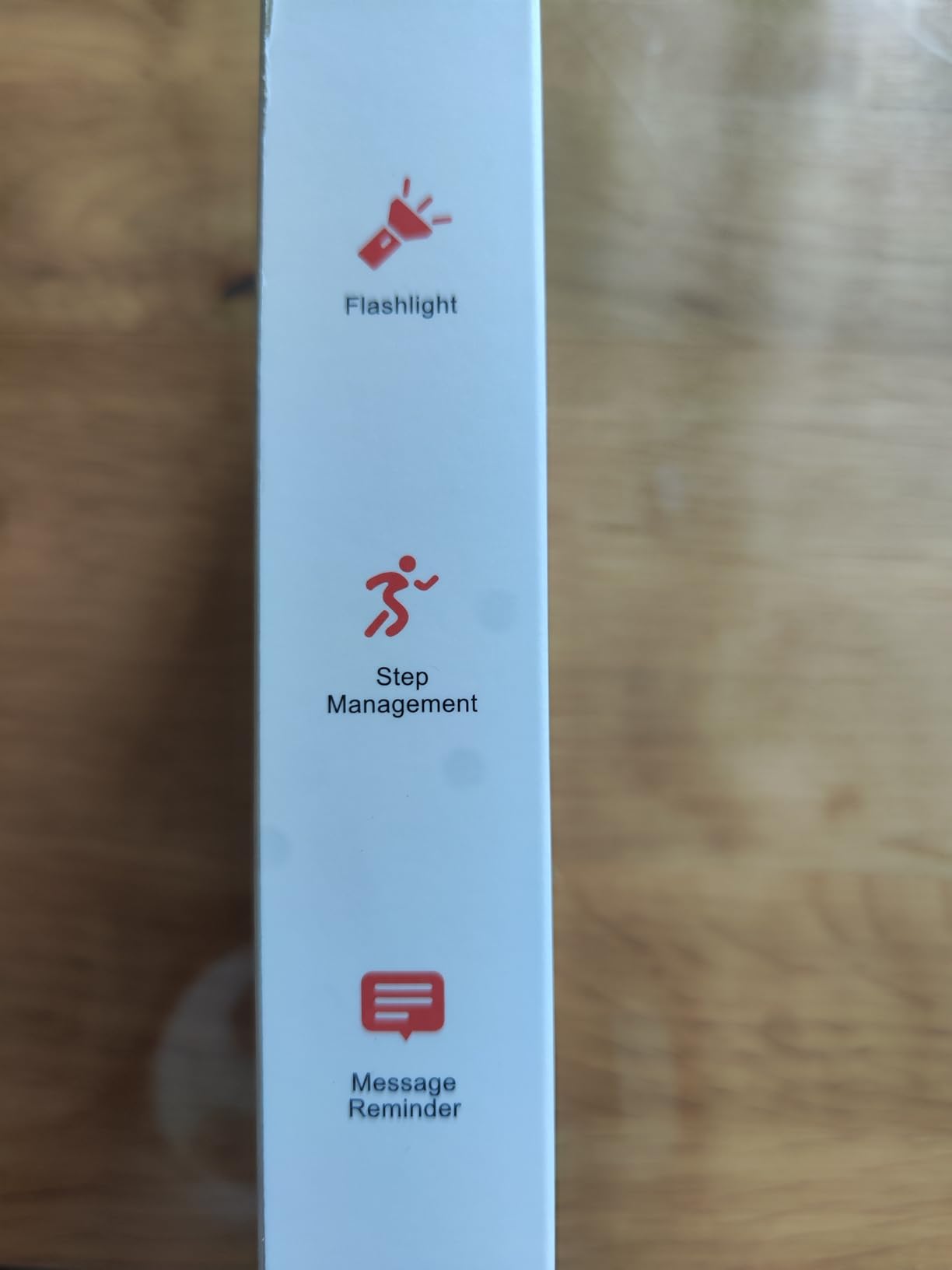
Image: The magnetic charging cable for the Hwagol Military Smartwatch.
5.2 Downloading and Installing the App
To unlock the full functionality of your smartwatch, you need to install the companion application, Fitcloudpro, on your smartphone.
- Scan the QR code provided in the user manual (if available) or search for "Fitcloudpro" in your smartphone's app store (Google Play Store for Android, Apple App Store for iOS).
- Download and install the "Fitcloudpro" application.
- Open the app and follow the on-screen instructions to create an account or log in.
5.3 Pairing with Your Smartphone
Ensure your smartphone's Bluetooth is enabled before proceeding.
- Open the Fitcloudpro app on your smartphone.
- Navigate to the "Device" or "Add Device" section within the app.
- The app will search for available devices. Select "Hwagol Smartwatch" or a similar device name from the list.
- Confirm the pairing request on both your smartphone and the smartwatch if prompted.
- Once successfully paired, the app will synchronize data with your smartwatch.
6. Operating Instructions
6.1 Basic Navigation
- Power On/Off: Press and hold the power button (usually the top right button) to turn the watch on or off.
- Wake Screen: Raise your wrist or press any button to wake the screen.
- Touchscreen Gestures:
- Swipe Up/Down: Scroll through menus or notifications.
- Swipe Left/Right: Access quick panels or different function screens.
- Tap: Select an item or confirm an action.
- Button Functions: Buttons provide shortcuts to specific functions or return to the home screen. Refer to the watch's on-screen prompts for specific button assignments.
6.2 Communication Features
- Making/Receiving Calls: Once paired via Bluetooth, you can make and receive calls directly from your smartwatch. The watch acts as a Bluetooth speaker and microphone for your phone.
- Notifications: Receive notifications for calls, SMS messages, and various app alerts directly on your watch. Ensure notification permissions are enabled in the Fitcloudpro app.
- Message Display: Short messages can be read directly on the watch screen.
6.3 Fitness and Health Tracking
The smartwatch tracks various health and fitness metrics:
- Step Counter (Pedometer): Records your daily steps, distance, and calories burned.
- Heart Rate Monitoring: Continuously or periodically measures your heart rate.
- Sleep Tracking: Monitors your sleep patterns, including deep sleep, light sleep, and wake times.
- Sports Modes: Offers various sports modes to track specific activities. While the watch does not have built-in GPS, it can utilize your phone's GPS for route tracking during outdoor activities when connected.
- Other Functions: May include blood oxygen monitoring, breathing exercises, sedentary reminders, and more.
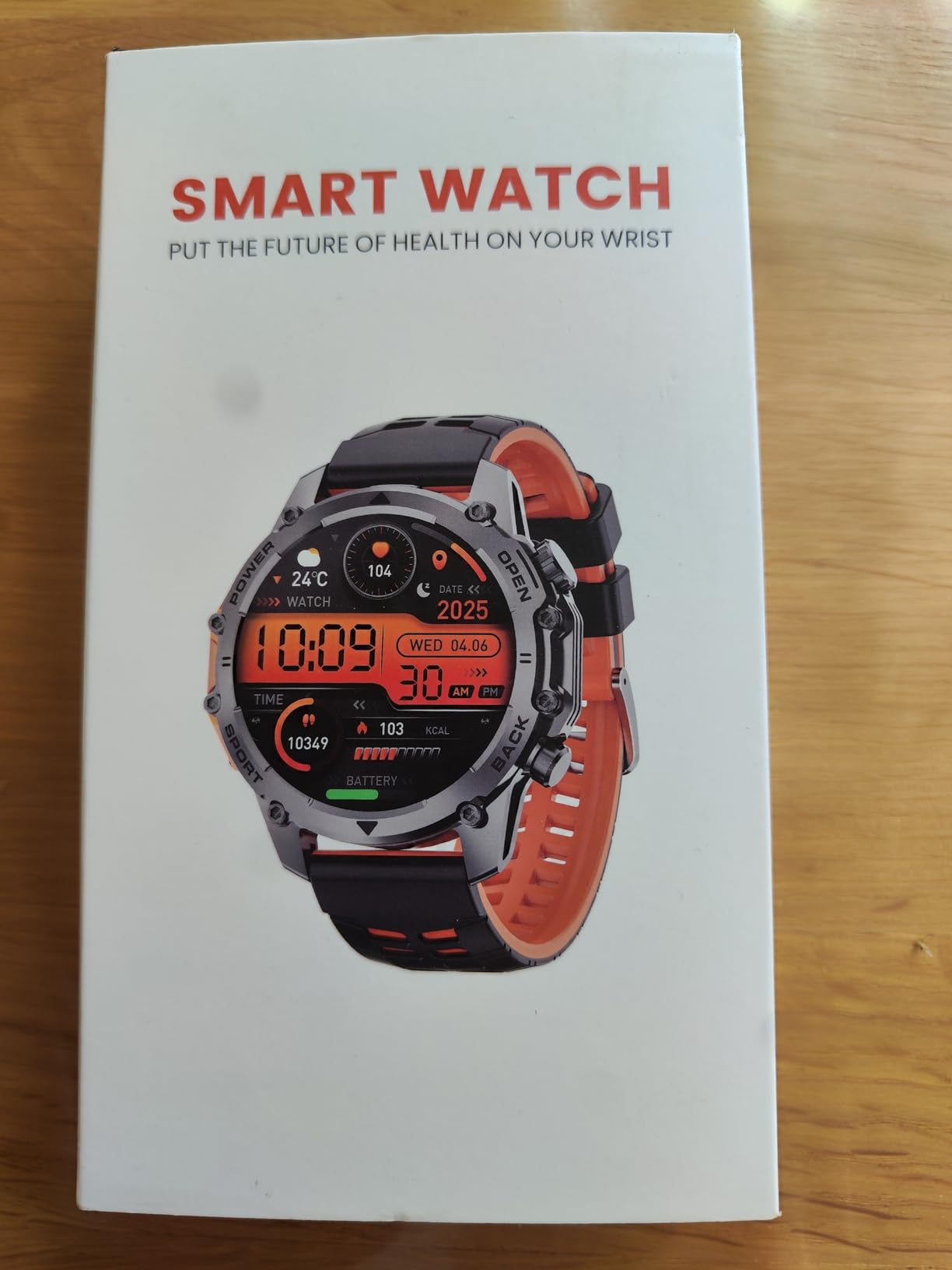
Image: The Hwagol Military Smartwatch worn on a wrist, showing a digital watch face.
6.4 Customization
- Watch Faces: Customize your watch face through the Fitcloudpro app. You can choose from a variety of pre-installed faces or download new ones from the app's watch face library.
- Alarms: Set alarms via the app or directly on the watch.
- Brightness: Adjust screen brightness for optimal visibility.
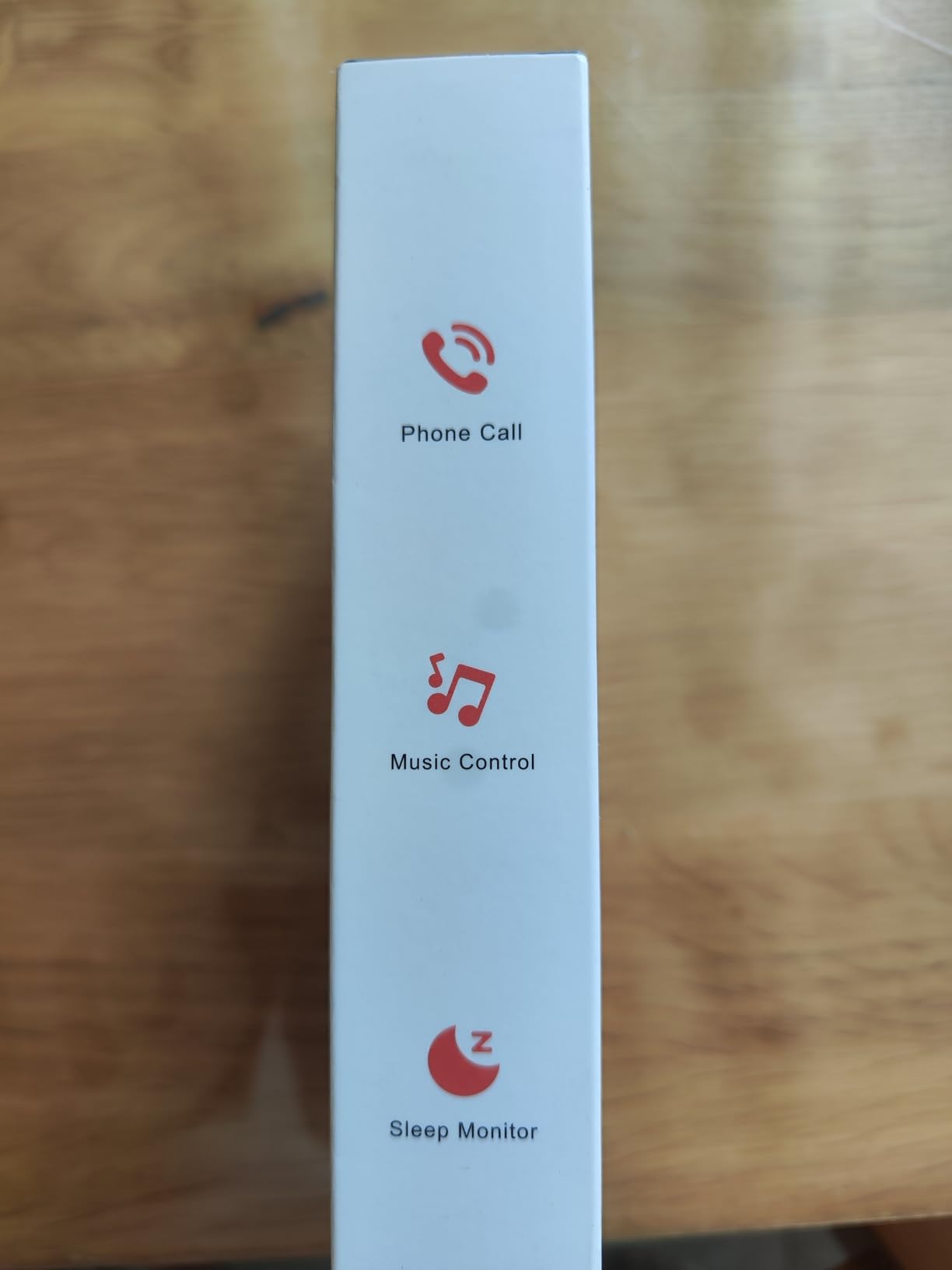
Image: The Hwagol Military Smartwatch displaying a customizable digital watch face.
7. Maintenance
7.1 Cleaning the Device
- Wipe the watch screen and body with a soft, lint-free cloth.
- For stubborn stains, dampen the cloth slightly with water. Do not use harsh chemicals or abrasive materials.
- Clean the charging contacts regularly to ensure proper charging.
7.2 Battery Care
- Avoid fully discharging the battery frequently.
- Charge the watch regularly, even if not in use for extended periods, to maintain battery health.
- Store the device in a cool, dry place when not in use.
8. Troubleshooting
| Problem | Possible Solution |
|---|---|
| Watch does not turn on | Ensure the watch is fully charged. Press and hold the power button for several seconds. |
| Cannot pair with smartphone | Ensure Bluetooth is enabled on your phone. Restart both the watch and phone. Make sure the Fitcloudpro app is open and searching for devices. Ensure the watch is not already paired with another device. |
| Inaccurate health data | Ensure the watch is worn snugly on your wrist, not too tight or too loose. Clean the sensors on the back of the watch. Note that data is for reference and not medical grade. |
| Notifications not received | Check notification permissions in the Fitcloudpro app and your phone's settings. Ensure the watch is connected via Bluetooth. |
| Short battery life | Reduce screen brightness, limit continuous heart rate monitoring, and disable unnecessary features. Ensure background app usage is optimized on your phone. |
9. Specifications
| Feature | Specification |
|---|---|
| Model Number | 607603238276 |
| Brand | Hwagol |
| Display Type | Digital |
| Shape | Round |
| Band Material | Silicone |
| Battery Composition | Lithium-ion |
| Charging Time | Approx. 2 hours |
| Typical Battery Life | 5-7 days |
| Connectivity | Bluetooth |
| GPS Functionality | No built-in GPS (supports connected GPS via smartphone) |
| Water Resistance Level | Water-resistant |
| Input Method | Buttons, Touchscreen |
| Supported Application | Fitcloudpro (for time display, fitness tracking) |
| Compatible Devices | Smartphones (iOS and Android) |
| Weight | 100 Grams |
10. Warranty and Support
Your Hwagol Military Smartwatch is covered by a standard manufacturer's warranty. Please refer to the warranty card included in your package or contact your retailer for specific warranty terms and conditions.
For technical support, troubleshooting assistance, or warranty claims, please contact Hwagol customer service through the contact information provided on the product packaging or the official Hwagol website.