
Introduction
This manual provides essential instructions for setting up, operating, maintaining, and troubleshooting your FOXIONO E66 3G Unlocked Smartphone. Please read this guide thoroughly to ensure proper use and to maximize your device's performance.
Setup Guide
1. Inserting SIM Cards and TF Card
The FOXIONO E66 supports dual SIM cards and one TF (microSD) card for expandable storage up to 32GB. Ensure your SIM card operates on the 3G WCDMA (850/2100MHZ) frequency band. Contact your telecom operator to confirm compatibility before insertion.

This image illustrates the smartphone display and the SIM card tray, indicating where to insert your SIM and TF cards.
- Locate the SIM card tray on the side of the phone.
- Use the provided SIM tray ejector tool to open the tray.
- Carefully place your 3G WCDMA compatible SIM cards and the TF card into their respective slots on the tray.
- Gently push the tray back into the phone until it is flush with the device body.
2. Charging the Device
Before initial use, fully charge your smartphone. Use the universal Android charger and cable provided or a compatible replacement.
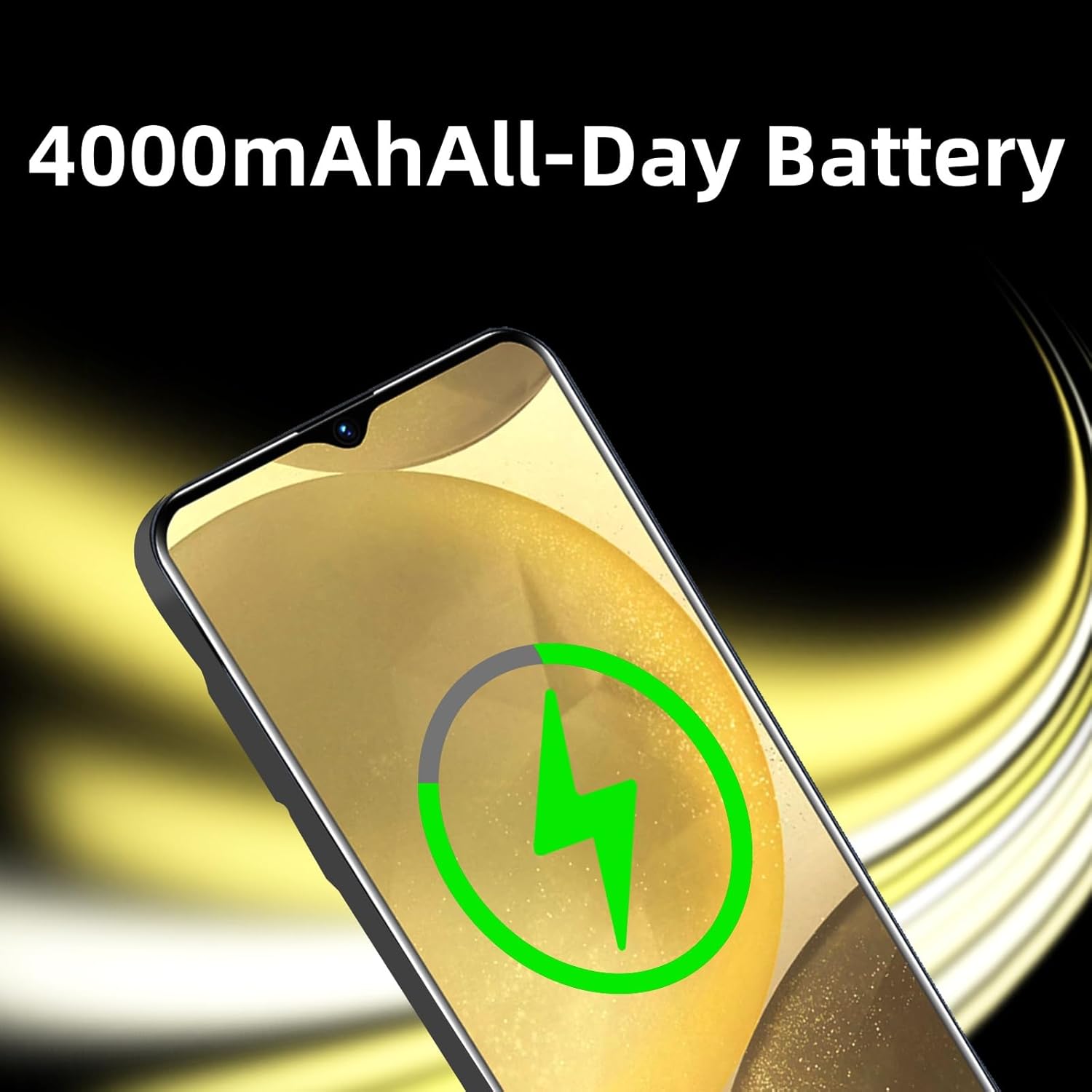
This image depicts the smartphone screen displaying a charging indicator, signifying the device is receiving power.
- Connect the charging cable to the Micro USB port at the bottom of the phone.
- Plug the other end of the cable into the power adapter, then into a wall outlet.
- The battery icon on the screen will indicate charging status.
3. Powering On/Off
To power on, press and hold the power button located on the side of the device until the screen illuminates. To power off, press and hold the power button, then select 'Power off' from the options.
Operating Instructions
1. Basic Navigation (Android OS)
Your FOXIONO E66 runs on the Android operating system. Navigate the interface using touch gestures on the 6.52-inch capacitive screen.
- Swipe: Move across screens, scroll through lists, or open notification panels.
- Tap: Select items, open apps, or confirm actions.
- Long Press: Access contextual menus or move app icons.
2. Camera Usage
The device is equipped with both front and rear cameras, allowing you to capture photos and videos.

This image highlights the multi-lens rear camera system of the smartphone, designed for capturing various types of photos.
- Open the Camera application from the home screen or app drawer.
- Switch between front and rear cameras using the icon on the screen.
- Tap the shutter button to take a photo or press the record button to start/stop video recording.
3. Dual SIM Functionality
With dual SIM support, you can manage two different phone numbers or network providers simultaneously. Settings for SIM management can be found in the 'Settings' menu under 'Network & Internet' or 'SIM cards'.
4. Storage and Memory
The phone features 1GB RAM and 16GB ROM. Expand storage up to 32GB using a TF card. Manage storage through 'Settings' > 'Storage'.
Maintenance
1. General Care
- Keep the device clean using a soft, dry cloth.
- Avoid exposing the phone to extreme temperatures, direct sunlight, or moisture. The device is not water resistant.
- Use the provided screen protector and phone case for added protection.
2. Battery Care
- Avoid fully discharging the battery frequently.
- Do not leave the phone charging for extended periods after it is fully charged.
- Use only approved chargers and cables.
3. Software Updates
Periodically check for system updates to ensure optimal performance and security. Navigate to 'Settings' > 'System' > 'System update' to check for available updates.
Troubleshooting
| Issue | Possible Solution |
|---|---|
| Phone does not power on or charge. | Ensure the charger and cable are properly connected and functional. Try a different compatible charger. If the battery is completely drained, it may take a few minutes for the charging indicator to appear. |
| SIM card not detected or no network. | Verify that your SIM card supports 3G WCDMA (850/2100MHZ). Reinsert the SIM card correctly. Contact your telecom operator to confirm network coverage and SIM card activation. |
| Wi-Fi or cellular data connectivity issues. | Restart the phone. Check Wi-Fi settings and ensure you are connected to the correct network. For cellular data, ensure mobile data is enabled and your plan is active. |
| Apps are outdated or not supported. | The device runs on Android 6.0. Some newer applications may require a more recent Android version and might not be compatible. Check the app's minimum system requirements. |
| Phone is slow or unresponsive. | Close unnecessary background applications. Clear cache from apps. Consider uninstalling unused apps to free up RAM and storage. Restart the device. |
Specifications
| Feature | Detail |
|---|---|
| Brand | FOXIONO |
| Model Name | E66 (also referred to as 3C in some specifications) |
| Operating System | Android 6.0 |
| RAM Memory | 1 GB |
| Internal Storage (ROM) | 16 GB |
| Expandable Storage | Up to 32 GB (TF card) |
| Screen Size | 6.52 Inches |
| Resolution | 720 x 1600 Pixels |
| CPU Model | 1.2GHz Cortex A8 Processor |
| Cellular Technology | 3G (WCDMA 850/2100MHZ) |
| SIM Card Support | Dual SIM |
| Rear Camera | 1 (Video Capture Resolution: 720p) |
| Front Camera | 1 |
| Battery Capacity | 4000 Milliamp Hours |
| Connector Type | Micro USB |
| Headphones Jack | 3.5 mm |
| Water Resistance Level | Not Water Resistant |
| Included Accessories | Headset, Phone Case, Power Adapter, Screen Protector, SIM Tray Ejector |
Warranty Information
The product comes with a warranty. For specific details regarding the warranty period and coverage, please refer to the documentation included with your purchase or contact the seller directly.
Support
For further assistance, technical support, or inquiries regarding your FOXIONO E66 smartphone, please contact the seller, Dong Jin 123, through the Amazon platform or refer to the contact information provided in your product packaging.
Product Videos
Smart Phone 3G Overview
This video provides a general overview of the FOXIONO E66 smartphone, showcasing its design, features, and user interface. It demonstrates the phone's physical appearance, camera functionality, and basic navigation.