
Devoko BUB0784-D3-L
Devoko 10ft Solar LED Patio Umbrella
Model: BUB0784-D3-L
Introduction
Thank you for choosing the Devoko 10ft Solar LED Patio Umbrella. This manual provides essential information for the safe and efficient use of your new outdoor umbrella. Please read all instructions carefully before assembly and operation.

Figure 1: The Devoko 10ft Solar LED Patio Umbrella, featuring a navy blue canopy and integrated lighting.
Key Features
- Integrated Crank and Grip: Effortlessly open and close the umbrella while adjusting the tilt with the ergonomic grip. The Crank Open System ensures smooth and hassle-free operation.
- Built-In Solar LED Lighting: 77 LEDs equipped with a 3600mAh Battery & Solar Panel, providing approximately 8-hour runtime.
- Four Tilt Adjustments: Customize the angle to shield yourself from the sun at any time of day, ensuring optimal coverage and sunburn protection.
- 360-Degree Rotation: Step on the pedal to rotate the umbrella 360°, allowing you to follow the sun’s movement for continuous shade easily.
- Sturdy Construction: 8 Heavy-Duty Ribs provide exceptional structural support, making the umbrella wind-resistant, rust-resistant, and ultra-durable.
- High-Quality Fabric: Made from dyed polyester fabric with PU coating for water repellency. Offers UV resistance and is fade-resistant.
- Stable Base: Includes a metal cross base (additional weight bases not included).
- Double Top Design: Provides UV resistance and allows air circulation.
Setup and Assembly
Before beginning assembly, ensure all parts are present and accounted for. It is recommended to have two people for assembly.
- Unpack Components: Carefully remove all parts from the packaging. Lay them out on a clean, flat surface to identify each component.
- Assemble the Cross Base: Attach the main pole to the metal cross base. Ensure all bolts are securely tightened.
- Attach the Umbrella Canopy: Carefully lift and attach the umbrella canopy assembly to the main pole. Follow the specific instructions provided in your packaging for securing the canopy.
- Secure the Umbrella: Once assembled, it is highly recommended to add weighted bases (e.g., sandbags, patio blocks) to the cross base for maximum stability, especially in windy conditions.

Figure 2: The sturdy steel cross base, designed for stability. Note: Additional weighted bases are not included and are recommended for secure placement.
Operating Instructions
Opening and Closing the Umbrella
- Release Strap: If the umbrella is secured with a strap, unfasten it.
- Crank Open: Locate the integrated crank handle on the main pole. Turn the crank clockwise to slowly open the umbrella canopy until it is fully extended.
- Closing: Turn the crank counter-clockwise to retract the canopy. Once fully closed, secure it with the strap to prevent it from blowing open.
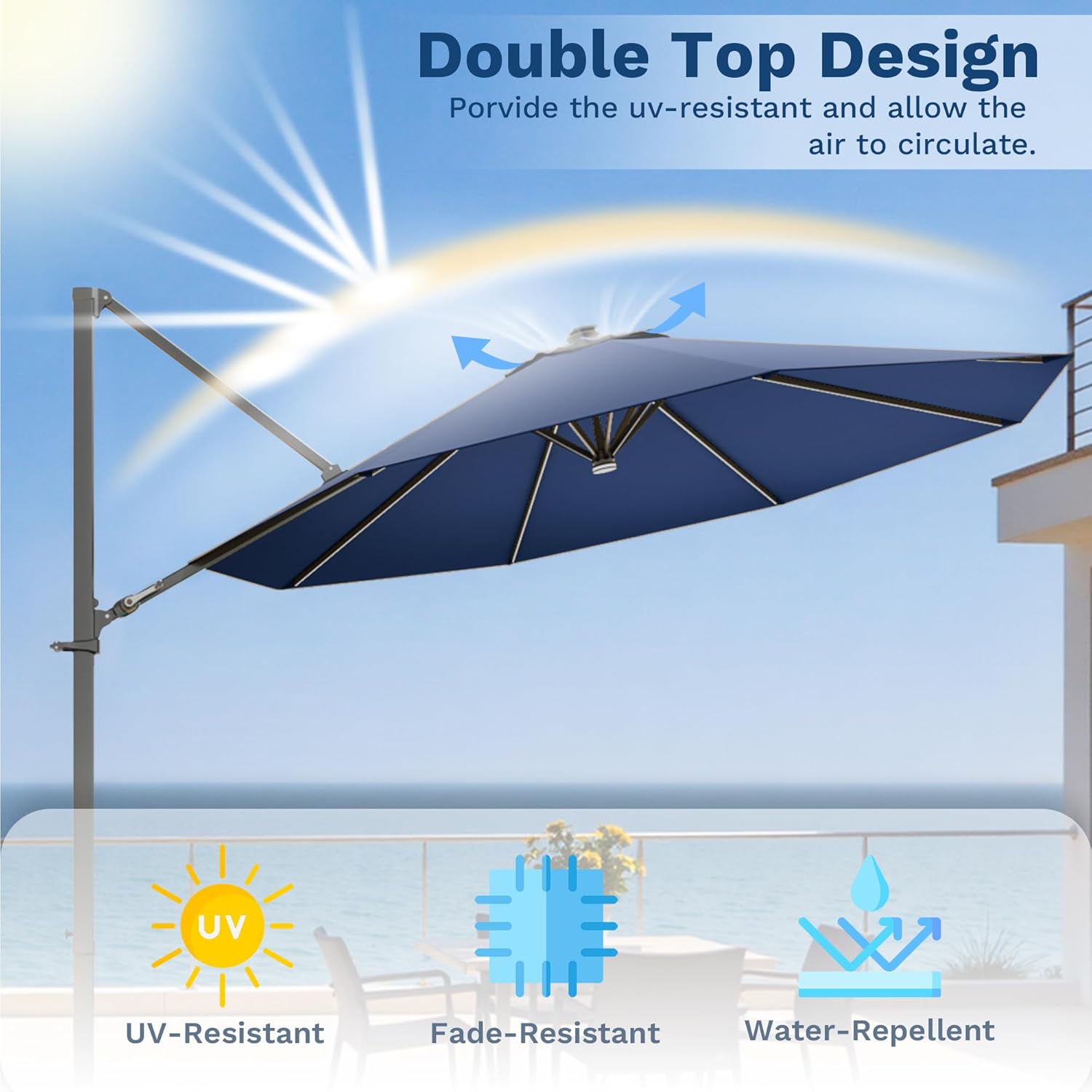
Figure 3: The ergonomic handle and individual crank system for easy opening and closing.
Adjusting Tilt
The umbrella features four tilt adjustments to provide optimal shade throughout the day.
- Engage Tilt Mechanism: Use the ergonomic handle to adjust the tilt angle. Push or pull the handle to select one of the four available tilt positions.

Figure 4: Illustration of the 5-position tilt adjustment for versatile shade.
360-Degree Rotation
To reposition the umbrella for continuous shade, utilize the 360-degree rotation feature.
- Unlock Rotation: Step on the pedal located at the base of the main pole to unlock the rotation mechanism.
- Rotate: Gently rotate the umbrella canopy to the desired position.
- Lock Rotation: Release the pedal to lock the umbrella in place.

Figure 5: The 360-degree rotating design allows for easy repositioning of shade.
Solar LED Lights
The umbrella is equipped with solar-powered LED lights for evening illumination.
- Charging: Ensure the solar panel located on top of the umbrella is exposed to direct sunlight during the day for optimal charging.
- Activate Lights: Locate the light switch (usually near the crank handle or on the main pole). Flip the switch to the "ON" position to activate the LED lights.
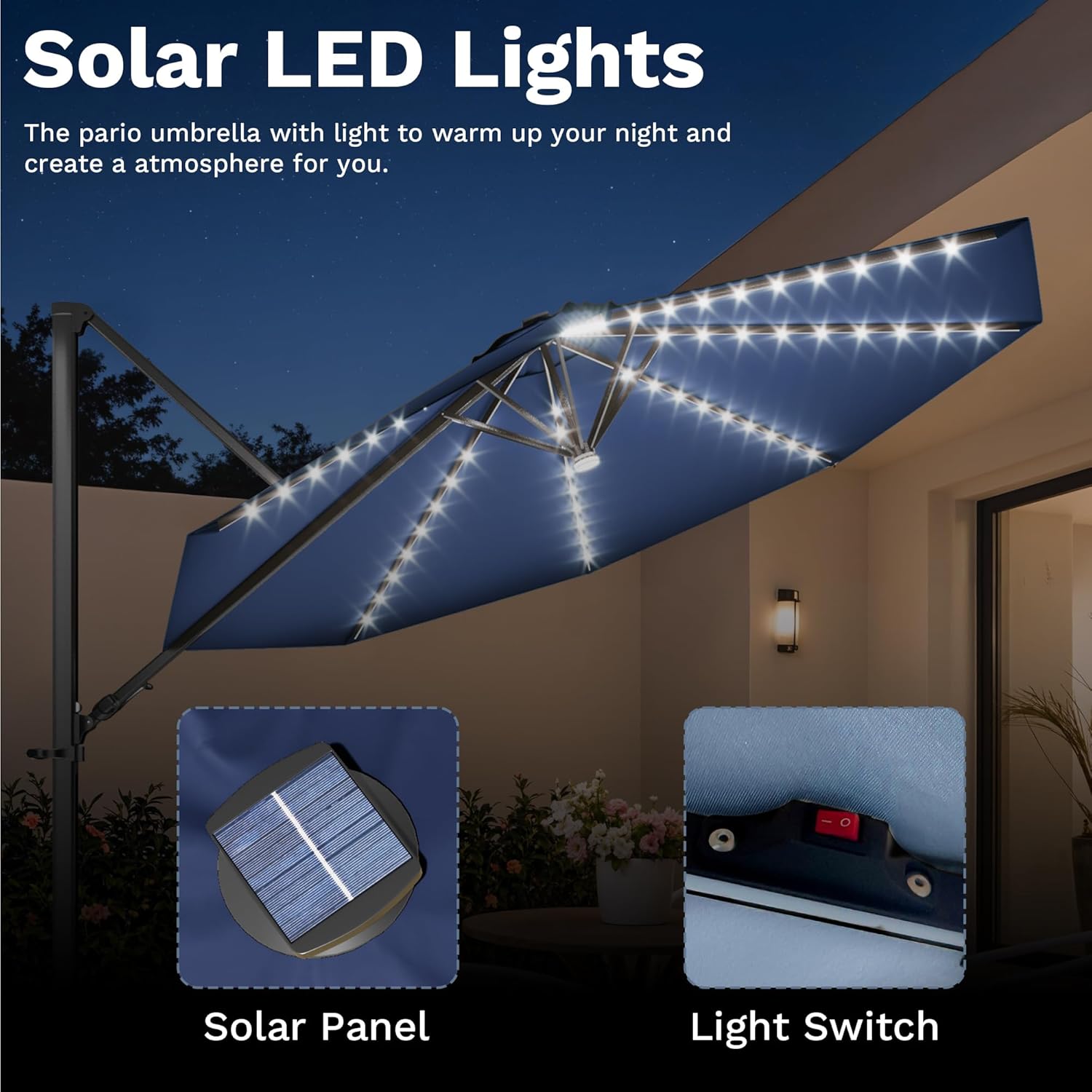
Figure 6: Solar panel on top of the umbrella and the light switch for activating LEDs.
Care and Maintenance
- Cleaning the Canopy: Clean the polyester fabric canopy with mild soap and water. Rinse thoroughly and allow to air dry completely before closing or storing. Do not use harsh chemicals or abrasive cleaners.
- Frame Care: Regularly inspect the aluminum frame for any signs of wear or damage. Clean the frame with a damp cloth. The powder-coated finish helps resist rust, but avoid scratching it.
- Storage: During periods of strong winds, heavy rain, or when not in use for extended periods, close the umbrella and secure it with the strap. For off-season storage, it is recommended to cover the umbrella or store it indoors in a dry place to prolong its lifespan.
- Solar Panel: Keep the solar panel clean from dust and debris to ensure efficient charging of the LED lights.
Troubleshooting
| Problem | Possible Cause | Solution |
|---|---|---|
| Umbrella won't open/close smoothly. | Mechanism is stiff or obstructed. | Apply a silicone-based lubricant to moving parts. Check for any debris or fabric caught in the mechanism. |
| LED lights not working. | Insufficient solar charge, switch off, or faulty battery/LED. | Ensure solar panel is clean and exposed to direct sunlight for at least 6-8 hours. Check if the light switch is in the "ON" position. If issues persist, contact customer support. |
| Umbrella is unstable. | Base not weighted sufficiently. | Add additional weighted bases (e.g., sandbags, patio blocks) to the cross base. Ensure the umbrella is fully closed and secured in windy conditions. |
Specifications
| Feature | Detail |
|---|---|
| Brand | Devoko |
| Model Number | BUB0784-D3-L |
| Dimensions (Canopy) | 10 feet (Round) |
| Canopy Material | Polyester fabric with PU coating |
| Frame Material | Powder-coated Aluminum |
| Ribs | 8 Heavy-Duty Ribs |
| Lighting | 77 Solar LED Lights (3600mAh Battery) |
| Rotation | 360-Degree Swivel with Foot Pedal |
| Tilt | 4-Position Tilt Adjustment |
| Base | Metal Cross Base (weights not included) |
| Item Weight | 46.8 pounds |
| Color | Navy Blue |
Warranty and Support
For warranty information, technical support, or to order replacement parts, please contact Devoko customer service. Refer to your purchase documentation for specific warranty terms and contact details.
You can also visit the official Devoko Store on Amazon for more information: Devoko Store
Ask a question about this manual
Ask about setup, troubleshooting, compatibility, parts, safety, or missing instructions. Manuals+ will review the question and use this page’s manual context to help answer it.