
1. Introduction
Thank you for choosing the Portronics Fynix 30W Portable Bluetooth Speaker. This manual provides essential information for the safe and efficient use of your device. Please read it thoroughly before operation and retain it for future reference.
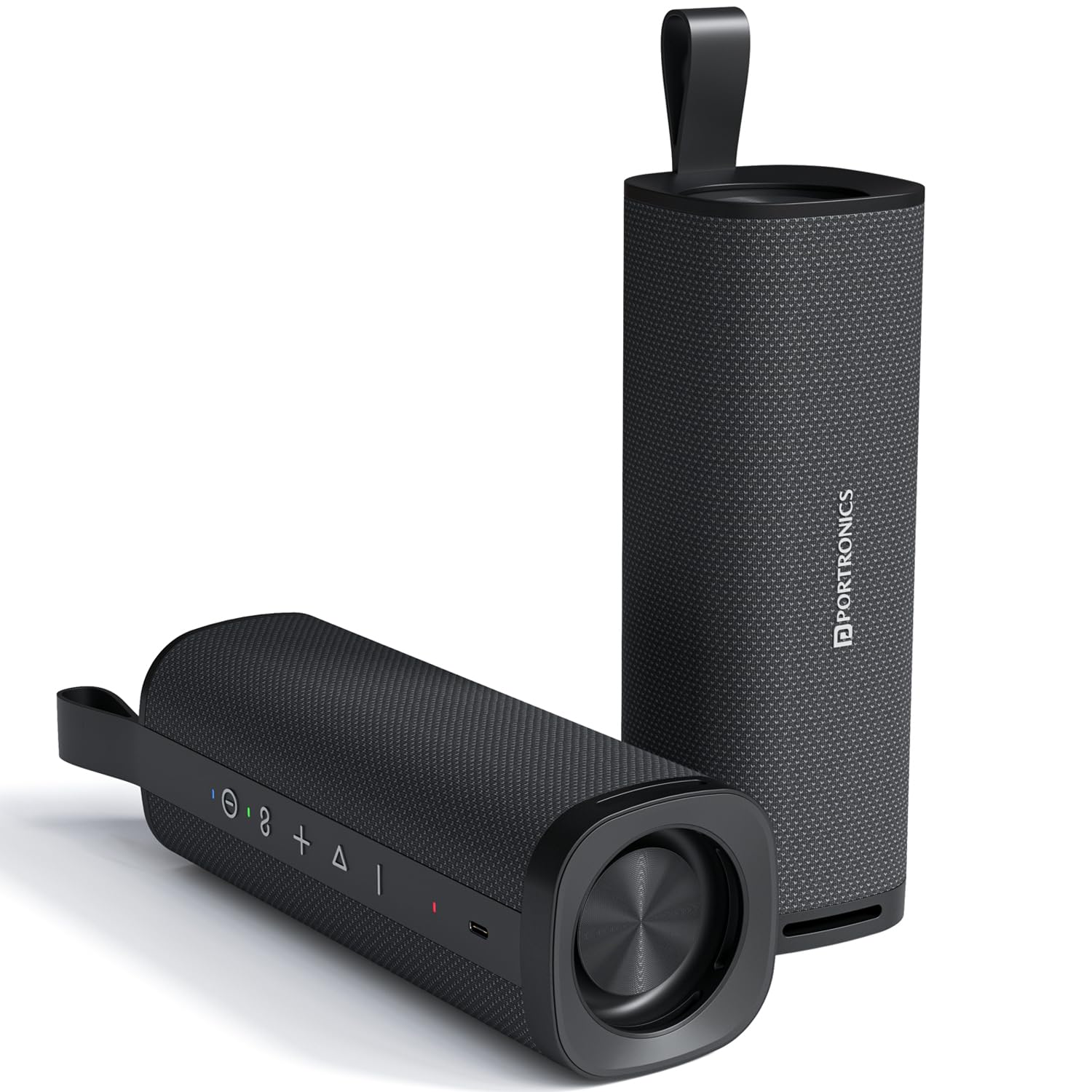
Image: The Portronics Fynix 30W Portable Bluetooth Speaker in black, showcasing its cylindrical design and control panel.
2. Package Contents
Ensure all items are present in the package:
- 1 x Portronics Fynix Portable Speaker
- 1 x Type-C Charging Cable
- 1 x User Documentation
3. Product Layout and Controls
Familiarize yourself with the speaker's buttons and ports for optimal use.

Image: A detailed view of the speaker's control panel, showing the power button, volume controls, and mode selection button.
- Power Button: Press and hold to turn the speaker on or off.
- Volume Down (-): Press to decrease volume. Press and hold for previous track.
- Volume Up (+): Press to increase volume. Press and hold for next track.
- Play/Pause Button: Press to play or pause audio. Answer/end calls.
- Mode Button: Press to switch between input modes (e.g., Bluetooth, AUX).
- Type-C Charging Port: For charging the speaker.
- LED Indicator: Displays charging status and Bluetooth connection status.
4. Setup
4.1 Charging the Speaker
Before first use, fully charge the speaker. Use the provided Type-C charging cable.
- Connect the Type-C end of the cable to the speaker's charging port.
- Connect the USB-A end to a compatible USB power adapter (not included).
- The LED indicator will show charging status and turn off or change color when fully charged.
4.2 Power On/Off
- To Power On: Press and hold the Power Button for approximately 3 seconds until the LED indicator lights up and you hear an audible prompt.
- To Power Off: Press and hold the Power Button for approximately 3 seconds until the LED indicator turns off and you hear an audible prompt.
5. Operating Instructions
5.1 Bluetooth Connection
The speaker uses Bluetooth 5.3 for stable and efficient wireless connection.
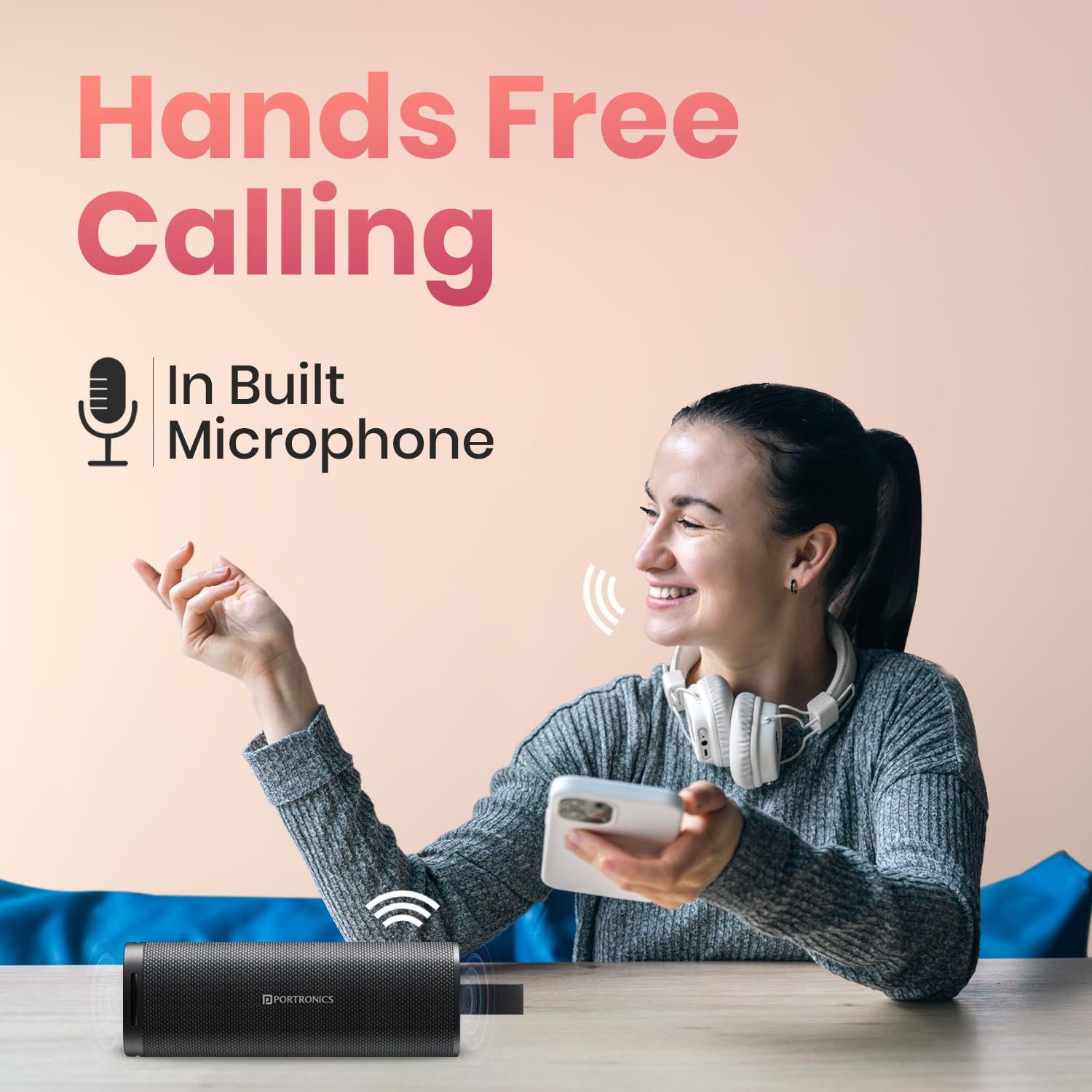
Image: An illustration highlighting the speaker's Bluetooth connectivity, showing a speaker and a smartphone.
- Turn on the speaker. The LED indicator will flash, indicating it is in pairing mode.
- On your device (smartphone, tablet, etc.), enable Bluetooth and search for available devices.
- Select "Portronics Fynix" from the list of devices.
- Once connected, the LED indicator will stop flashing and remain solid, and you will hear a confirmation sound.
5.2 True Wireless Stereo (TWS) Pairing
Pair two Portronics Fynix speakers for an immersive stereo sound experience.

Image: Two Portronics Fynix speakers shown paired via TWS mode, enhancing the audio experience for outdoor activities.
- Ensure both Portronics Fynix speakers are powered on and not connected to any other Bluetooth device.
- On one speaker (this will be the primary speaker), double-press the Play/Pause button. The speaker will enter TWS pairing mode.
- The two speakers will automatically connect to each other. You will hear a confirmation sound once TWS pairing is successful.
- Now, connect your device to the primary speaker via Bluetooth as described in section 5.1. Audio will play through both speakers in stereo.
5.3 Hands-Free Calling
The built-in microphone allows for hands-free calls when connected via Bluetooth.

Image: A user demonstrating hands-free calling with the Portronics Fynix speaker, highlighting its integrated microphone.
- Answer Call: Press the Play/Pause button once to answer an incoming call.
- End Call: Press the Play/Pause button once during a call to end it.
- Reject Call: Press and hold the Play/Pause button for 2 seconds to reject an incoming call.
6. Care and Maintenance
Proper care ensures the longevity of your speaker.
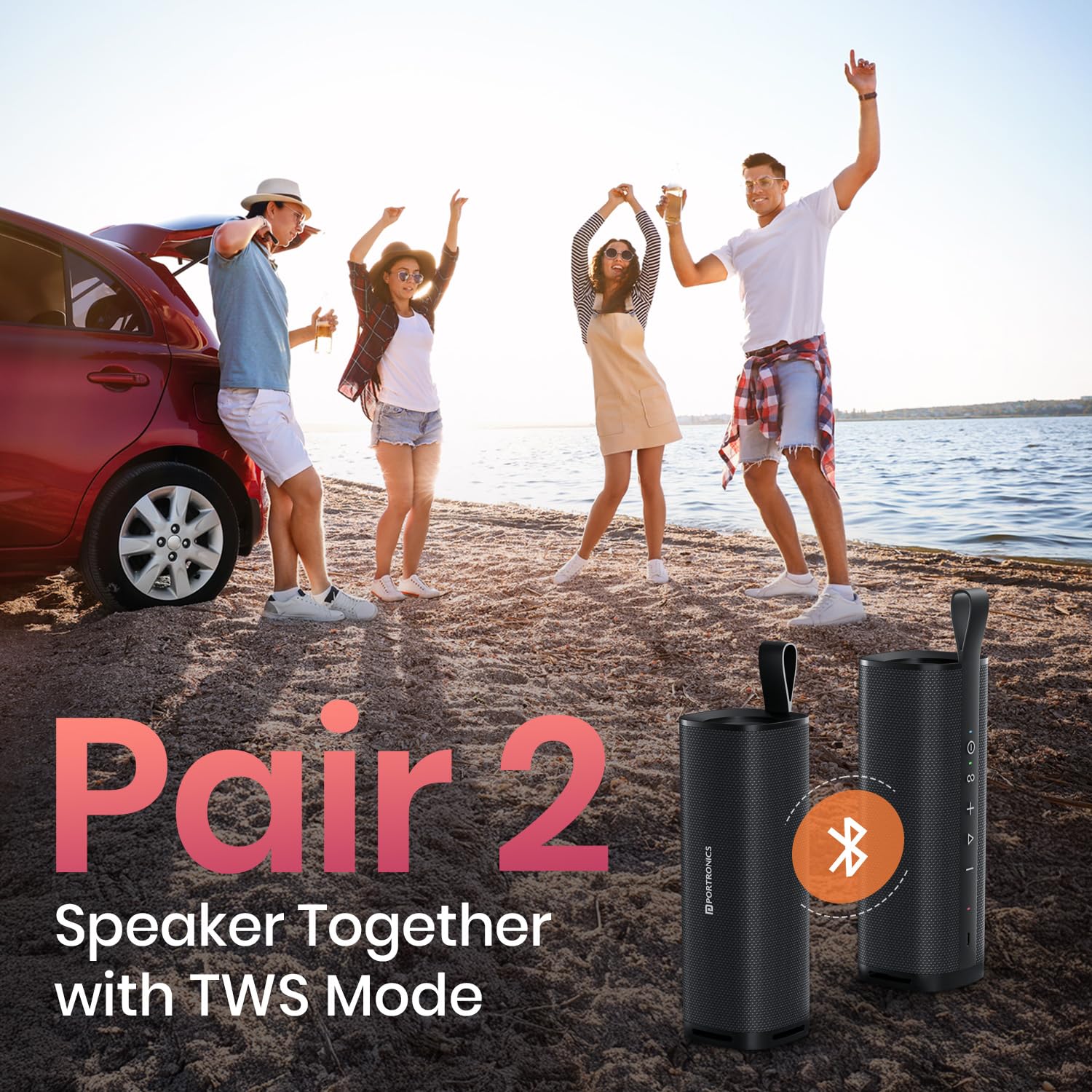
Image: The Portronics Fynix speaker shown with water splashes, illustrating its splash-resistant feature.
- Cleaning: Wipe the speaker with a soft, dry cloth. Do not use abrasive cleaners or solvents.
- Water Resistance: The speaker is splash-resistant. Avoid submerging it in water or exposing it to heavy rain.
- Storage: Store the speaker in a cool, dry place away from direct sunlight and extreme temperatures.
- Battery: To preserve battery life, charge the speaker regularly, even if not in use for extended periods.
7. Troubleshooting
If you encounter issues, refer to the following common problems and solutions:
| Problem | Solution |
|---|---|
| Speaker does not power on. | Ensure the speaker is charged. Connect it to a power source and try again. |
| Cannot pair via Bluetooth. | Ensure the speaker is in pairing mode (flashing LED). Turn off and on your device's Bluetooth. Make sure the speaker is not connected to another device. |
| No sound or low volume. | Increase volume on both the speaker and your connected device. Ensure the speaker is not muted. Check if the speaker is properly connected. |
| TWS pairing fails. | Ensure both speakers are fully charged and not connected to any other Bluetooth device before initiating TWS pairing. |
If the problem persists, please contact customer support.
8. Technical Specifications
Key specifications of the Portronics Fynix 30W Portable Bluetooth Speaker:
| Feature | Specification |
|---|---|
| Model Name | Fynix |
| Model Number | POR-2982 |
| Speaker Type | Portable Speaker |
| Output Power | 30 Watts |
| Bluetooth Version | 5.3V |
| Playtime | Up to 6 Hours |
| Charging Type | Type-C |
| Special Features | Dual Passive Radiator, Handsfree Calling, TWS Pairing |
| Material | ABS Plastic |
| Product Dimensions | 19D x 11W x 11H Centimeters |
| Item Weight | 2500 Grams (2.5 kg) |
| Battery Capacity | 2000 mAh (Lithium Polymer) |
9. Warranty and Support Information
Your Portronics Fynix speaker comes with a limited warranty. Please refer to the warranty card included in your package for specific terms and conditions.
- Manufacturer: Portronics Digital Pvt. Ltd.
- Contact Email: help@portronics.com
- Contact Phone: +91 9555-245-245
- Manufacturer Address: First Floor Property No D 8 Upper Basement Sector 8 Noida Uttar Pradesh 201301, India
For further assistance or to explore other products, visit the official Portronics Store on Amazon.
