Introduction
Thank you for purchasing the Gueray Y-01 Portable CD Player. This manual provides essential information for setting up, operating, and maintaining your device. Please read it thoroughly before use to ensure optimal performance and longevity.
Product Features
- All-in-One CD Player: Supports CD, CD-R, CD-RW, CD-MP3, and CD-WMA formats.
- Bluetooth 5.0: Functions as both a Bluetooth transmitter (connects to headphones/speakers) and receiver (connects to phones/tablets).
- FM Radio: Built-in FM radio with frequency range 76MHz to 108.0MHz.
- USB Flash Drive Player: Supports music playback from USB drives.
- 3.5mm AUX Jack: For audio input and output.
- Desktop & Wall Mountable Design: Includes a desk stand and wall-mounting plate.
- Rechargeable Battery: 1800mAh lithium battery for up to 10 hours of playback.
- Remote Control: For convenient operation.
- Removable Dust Cover: Protects the CD mechanism.
Package Contents
Please check the package for the following items:
- Gueray Y-01 Portable CD Player
- USB Charging Cable
- Remote Control
- Wall-Mounting Plate with Screws
- Desk Stand
- User Manual
Product Overview
Familiarize yourself with the components of your CD player:

Image: Diagram showing the Gueray Y-01 Portable CD Player with numbered labels for its various ports and buttons, including USB Port, Earphones port, Power indicator, Type-C charging port, Power switch, Mode button, Volume buttons, Previous/Next song buttons, Play/Pause button, and a removable dust cover.
- USB Port
- Earphones port
- Power indicator
- Type-C charging port
- Power switch
- Mode button
- Volume- button
- Volume+ button
- Previous song/fast back button
- Play/pause button
- Next song/fast forward button
- Dust cover (removable lid)
Setup
1. Charging the Device
Before first use, fully charge the CD player using the provided USB Type-C cable. Connect the cable to the Type-C charging port (4) on the device and a compatible USB power adapter (not included). The power indicator (3) will show charging status.

Image: A close-up of the Gueray CD Player showing the USB-C charging port with a cable inserted, indicating the charging process.
2. Powering On/Off
Slide the Power switch (5) to the "ON" position to power on the device. Slide it to "OFF" to power off.
3. Desktop Placement
Attach the included desk stand to the back of the CD player for stable placement on a table or desk.

Image: The Gueray CD Player positioned on a desk using its stand, ready for use.
4. Wall Mounting
To mount the CD player on a wall:
- Use the wall-mounting plate as a template to mark the screw positions on the wall.
- Drill holes and insert the included screws, ensuring they are securely fastened.
- Align the CD player with the mounted plate and slide it down to secure it.
Video: This video demonstrates the process of wall-mounting the Gueray Y-01 CD Player, showing how to fix the wall-mounted plate and then hang the player securely.
Operating Instructions
1. Mode Selection
Press the Mode button (6) on the device or the 'M' button on the remote control to cycle through available modes: CD, Bluetooth, FM Radio, USB, and AUX.
Video: This video provides a quick guide on how to use the Gueray Y-01 CD Player, demonstrating basic functions like mode switching and CD playback.
2. CD Playback
- Gently remove the dust cover (12).
- Place a CD (CD, CD-R, CD-RW, CD-MP3, CD-WMA) onto the spindle, ensuring it is centered.
- Replace the dust cover.
- Switch the device to CD Mode using the Mode button (6). The CD will begin playing automatically.
- Use the Play/Pause button (10) to pause or resume playback.
- Use the Previous song/fast back (9) and Next song/fast forward (11) buttons to navigate tracks.

Image: A close-up of the Gueray CD Player with the transparent dust cover removed, showing a CD being placed onto the spindle.
3. Bluetooth Mode (Receiver)
To use the CD player as a Bluetooth speaker:
- Switch the device to Bluetooth Mode. The indicator light will turn dark blue.
- On your mobile phone or tablet, activate Bluetooth and search for "Y-01".
- Select "Y-01" to pair. Once paired, you can stream audio from your device to the CD player.
Video: This video demonstrates how to activate Bluetooth receive mode on the Gueray Y-01 CD Player and pair it with a mobile device to play music.
4. Bluetooth Mode (Transmitter)
To connect to Bluetooth headphones or speakers:
- Ensure your Bluetooth headphones/speakers are in pairing mode.
- Switch the CD player to Bluetooth Mode. It will automatically search for nearby Bluetooth devices.
- Once connected, audio from the CD player will be transmitted to your paired device.
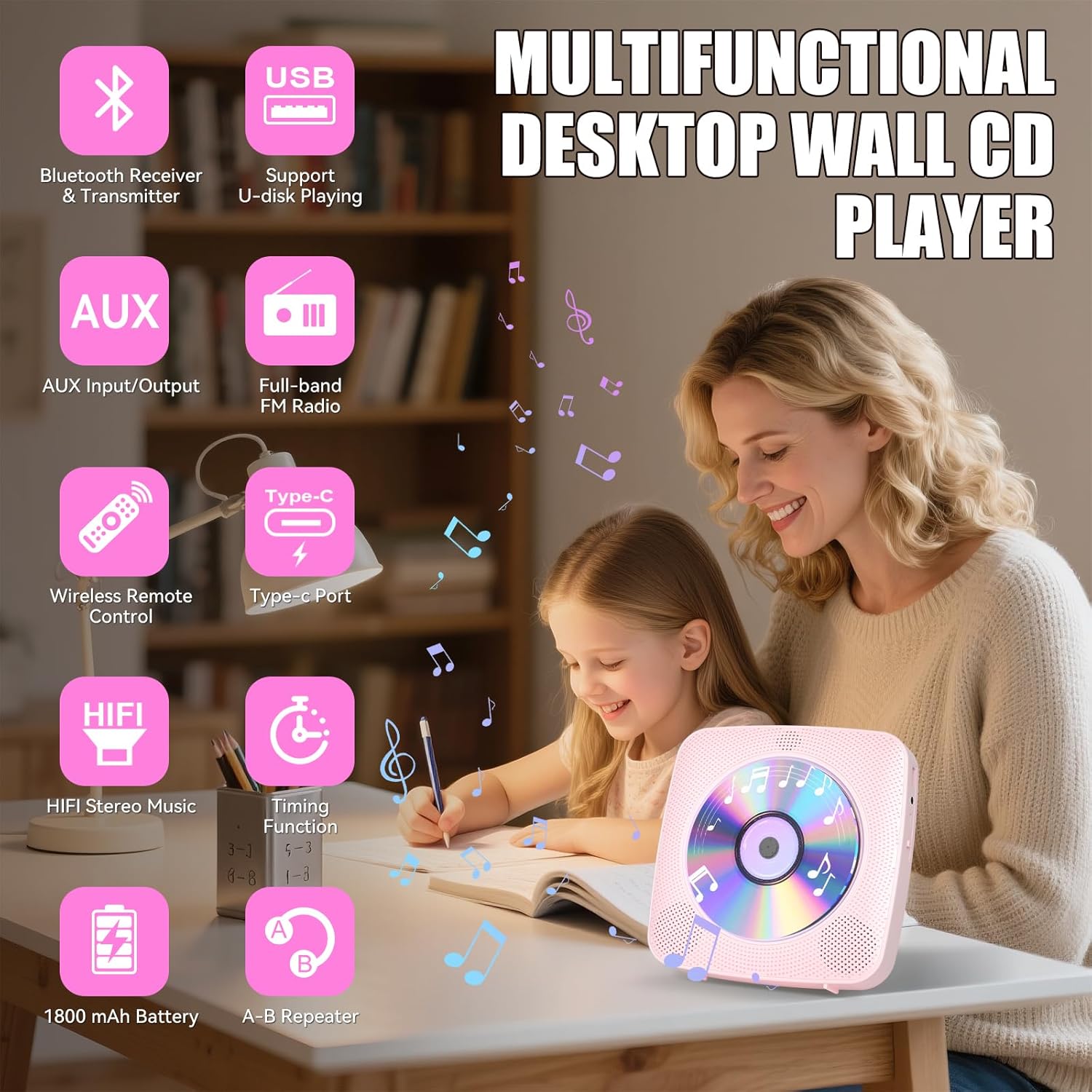
Image: A person wearing Bluetooth headphones, listening to music from the Gueray CD Player, illustrating its Bluetooth transmitter function.
5. FM Radio
To use the FM radio function:
- Switch the device to FM Radio Mode.
- Use the Previous song/fast back (9) and Next song/fast forward (11) buttons to scan for radio stations.
- The LCD screen will display the frequency.
6. USB Playback
To play music from a USB flash drive:
- Insert a USB flash drive into the USB Port (1).
- Switch the device to USB Mode. The player will automatically detect and play compatible audio files (e.g., MP3).
- Use the navigation buttons (9, 11) and Play/Pause button (10) for control.
7. AUX Input/Output
The 3.5mm audio jack (2) can be used for both input and output:
- AUX Input: Connect an external audio source (e.g., MP3 player, phone) to the AUX jack using a 3.5mm audio cable. Switch the CD player to AUX Mode to play audio from the external source through the CD player's speakers.
- AUX Output: Connect headphones or external speakers to the AUX jack to listen to audio from the CD player through the connected device.
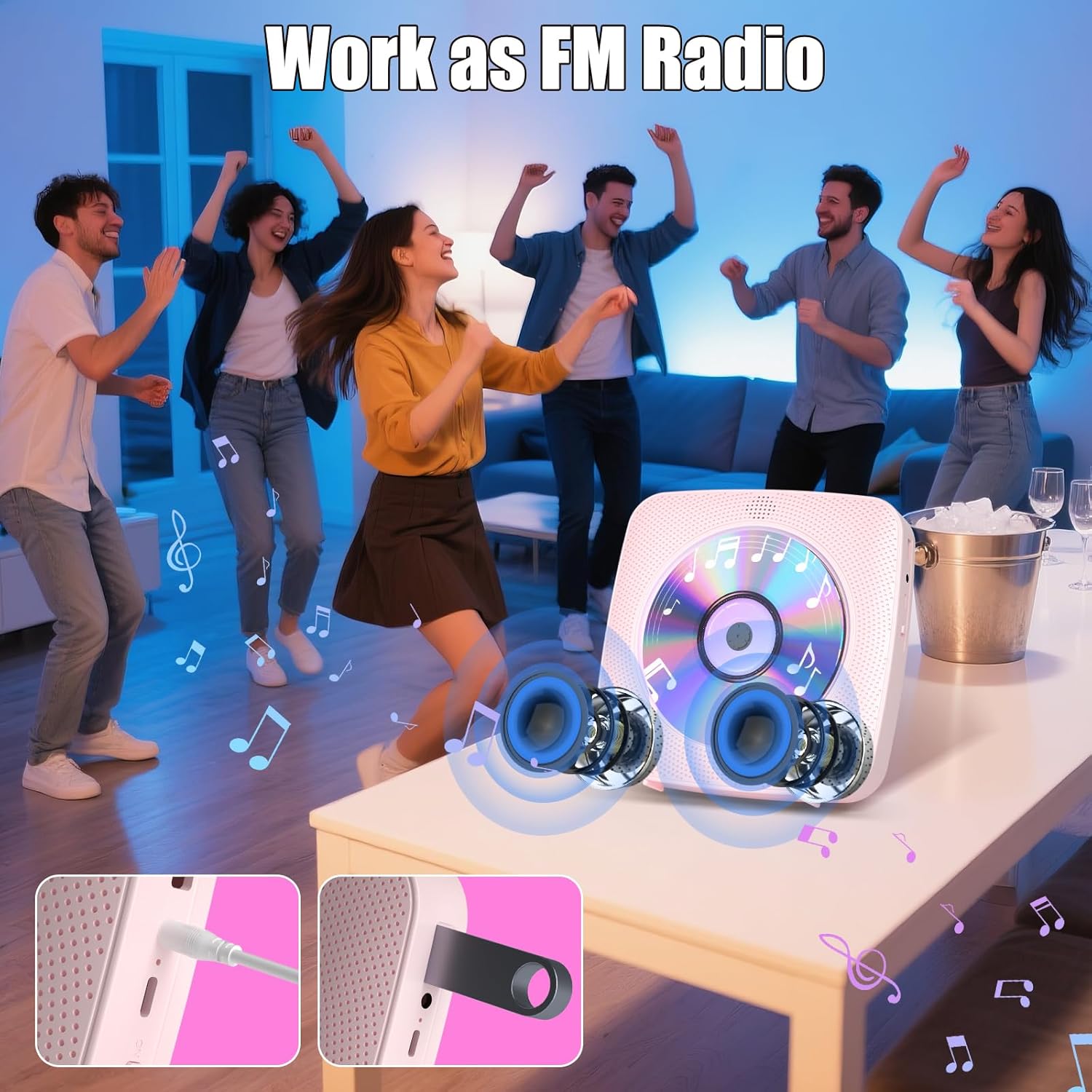
Image: The Gueray CD Player connected to a car's AUX input via a 3.5mm cable, demonstrating its use in a vehicle.
8. Volume Control
Adjust the volume using the Volume- (7) and Volume+ (8) buttons on the device or the corresponding buttons on the remote control.
Maintenance
- Cleaning: Use a soft, dry cloth to clean the exterior of the CD player. For the CD lens, use a specialized CD lens cleaning kit.
- Dust Cover: Keep the removable dust cover (12) in place when not inserting or removing a CD to prevent dust accumulation on the lens.
- Battery Care: To prolong battery life, avoid fully discharging the battery frequently. Charge the device regularly, even if not in use for extended periods.
- Storage: Store the CD player in a cool, dry place away from direct sunlight and extreme temperatures.
Video: This video demonstrates that the cover lid of the Gueray Y-01 CD Player is detachable, which is useful for cleaning or maintenance.
Troubleshooting
| Problem | Possible Cause | Solution |
|---|---|---|
| Device does not power on. | Battery is low or depleted. Power switch is OFF. | Charge the device. Slide the power switch to "ON". |
| CD does not play or skips. | CD is dirty, scratched, or inserted incorrectly. CD format is not supported. | Clean the CD. Ensure the CD is placed correctly. Check if the CD format (CD, CD-R, CD-RW, CD-MP3, CD-WMA) is supported. |
| Cannot pair Bluetooth device. | CD player is not in Bluetooth pairing mode. Device is too far. Interference. | Ensure the CD player is in Bluetooth Mode. Move devices closer. Reduce interference from other electronic devices. |
| No sound from speakers/headphones. | Volume is too low. Headphones/speakers not connected properly. Incorrect mode. | Increase volume. Reconnect headphones/speakers. Ensure correct mode is selected (e.g., CD, Bluetooth, AUX). |
| FM radio reception is poor. | Weak signal. Interference. | Relocate the device to an area with better reception. |
Specifications
| Feature | Detail |
|---|---|
| Brand | Gueray |
| Model Name | Y-01 |
| Connectivity Technology | Bluetooth 5.0 |
| Supported CD Formats | CD, CD-R, CD-RW, CD-MP3, CD-WMA |
| FM Radio Frequency | 76MHz to 108.0MHz |
| Battery Capacity | 1800mAh Lithium Battery |
| Playback Time | Up to 10 hours (approx.) |
| Charging Time | Approx. 3.5 hours |
| Audio Output | Built-in HiFi Speaker, 3.5mm Headphone Jack |
| Audio Input | 3.5mm AUX Jack |
| USB Support | USB Flash Drive Player (MP3 format) |
| Item Weight | 0.82 Kilograms |
Warranty and Support
This Gueray Y-01 Portable CD Player comes with a 12-month warranty from the date of purchase. For warranty claims or technical support, please contact Gueray customer service through the retailer where the product was purchased or visit the official Gueray website.
Please retain your proof of purchase for warranty purposes.
Safety Information
- Do not expose the device to water or excessive moisture.
- Avoid dropping or subjecting the device to strong impacts.
- Do not attempt to disassemble or repair the device yourself. Contact qualified personnel for service.
- Keep out of reach of children.
- Use only the provided charging cable.
- Avoid prolonged listening at high volumes to prevent hearing damage.


