
OSCAL Marine 2 Black 12GB+64GB Rugged Smartphone 2025
OSCAL Marine 2 Rugged Smartphone User Manual
Model: Marine 2 Black 12GB+64GB Rugged Smartphone 2025
Introduction
Welcome to the user manual for your new OSCAL Marine 2 Rugged Smartphone. This device is engineered for durability and high performance, featuring an 11000mAh battery, advanced AI capabilities, and robust protection against harsh environments. This manual will guide you through the setup, operation, maintenance, and troubleshooting of your device, ensuring you get the most out of its powerful features.

The OSCAL Marine 2 Rugged Smartphone, showcasing its durable design and sleek appearance.
1. Setup
1.1 Package Contents
Before you begin, please ensure all items are present in your package:
- 1 x OSCAL Marine 2 Rugged Smartphone
- 1 x Phone Charger
- 1 x Type-C Charging Cable
- 1 x Card Pin
- 1 x User Manual (this document)
- 1 x Phone Lanyard
1.2 SIM and MicroSD Card Installation
The Marine 2 supports dual Nano SIM cards and one MicroSD card for expandable storage up to 2TB. To install:
- Locate the SIM tray on the side of the device.
- Insert the provided card pin into the small hole next to the tray to eject it.
- Carefully place your Nano SIM cards and/or MicroSD card into the designated slots on the tray. Ensure they are correctly oriented.
- Gently push the tray back into the phone until it clicks into place.
1.3 Initial Charging
Your Marine 2 comes with an 11000mAh battery. For optimal performance, fully charge the device before first use.
- Connect the Type-C charging cable to the phone's charging port.
- Connect the other end of the cable to the phone charger, then plug the charger into a power outlet.
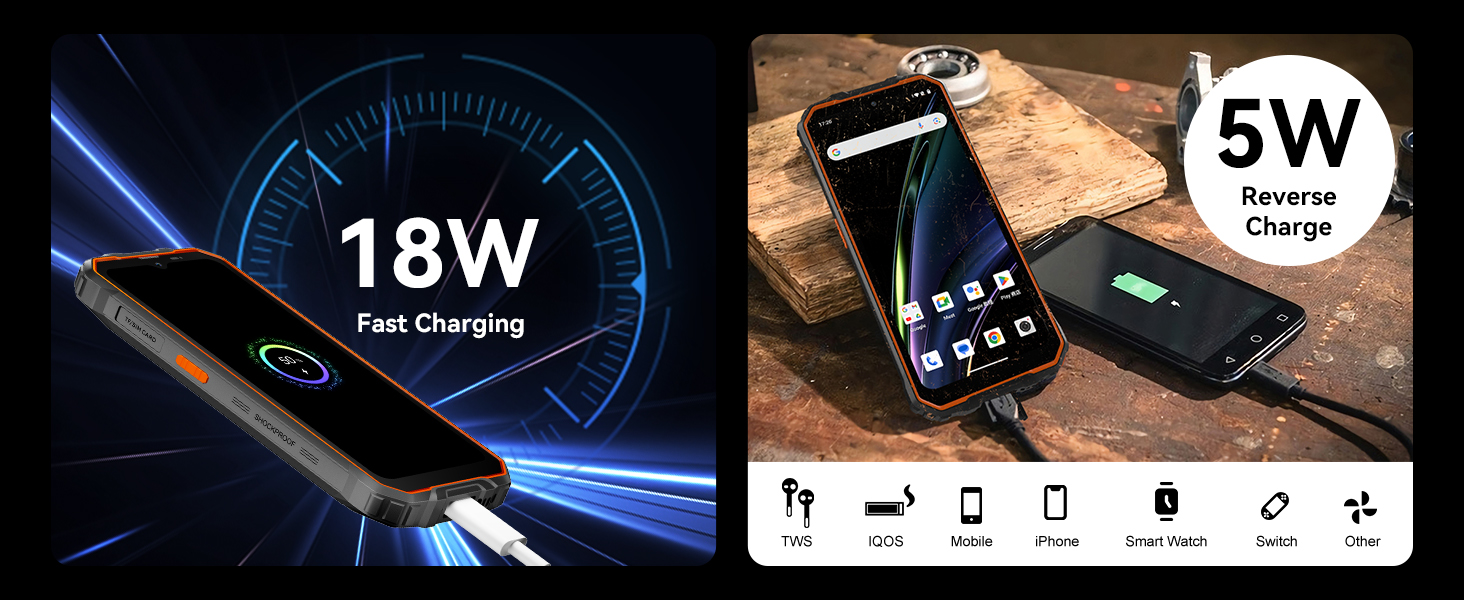
- The phone supports 18W fast charging. A full charge may take several hours.
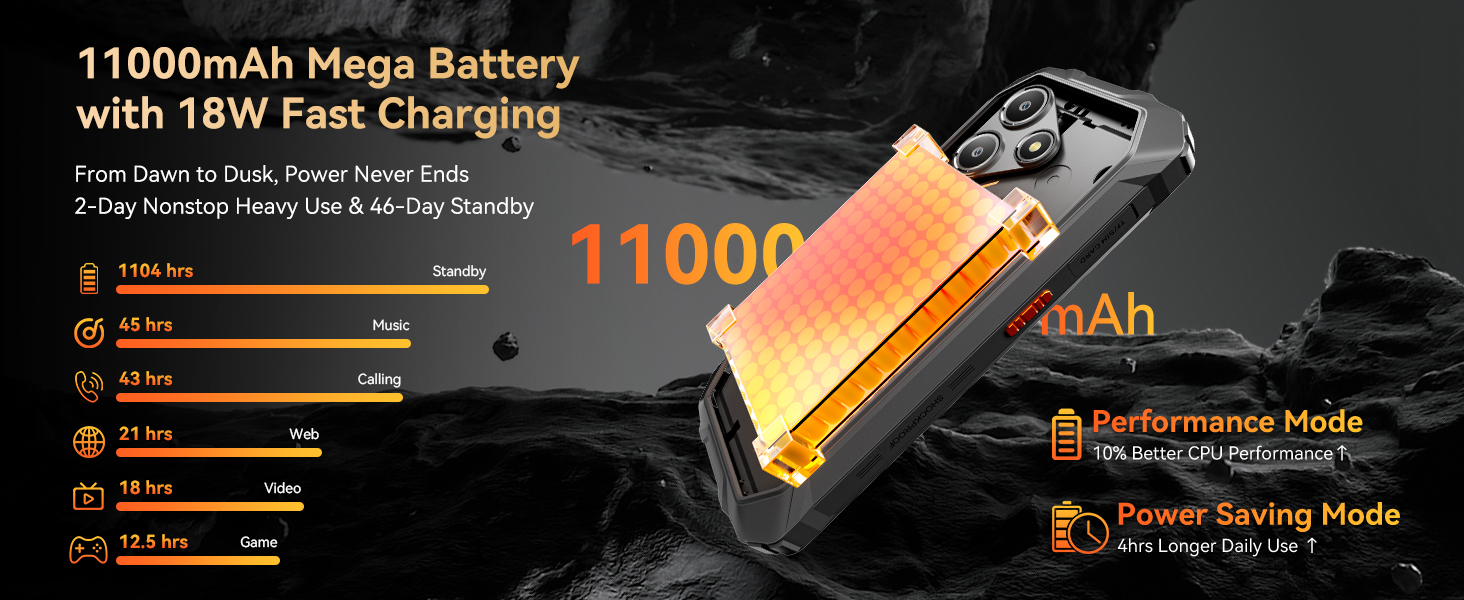
The OSCAL Marine 2 features an 11000mAh battery with 18W fast charging, providing extended usage times for video, gaming, web browsing, music, calling, and standby.
1.4 Powering On/Off
- To Power On: Press and hold the Power button (usually on the right side) until the OSCAL logo appears.
- To Power Off: Press and hold the Power button, then select 'Power off' from the options on the screen.
1.5 Initial Setup Wizard
Upon first power-on, the device will guide you through the initial setup process, including language selection, Wi-Fi connection, Google account login, and security settings. Follow the on-screen prompts.
2. Operating Your Device
2.1 Display and Navigation
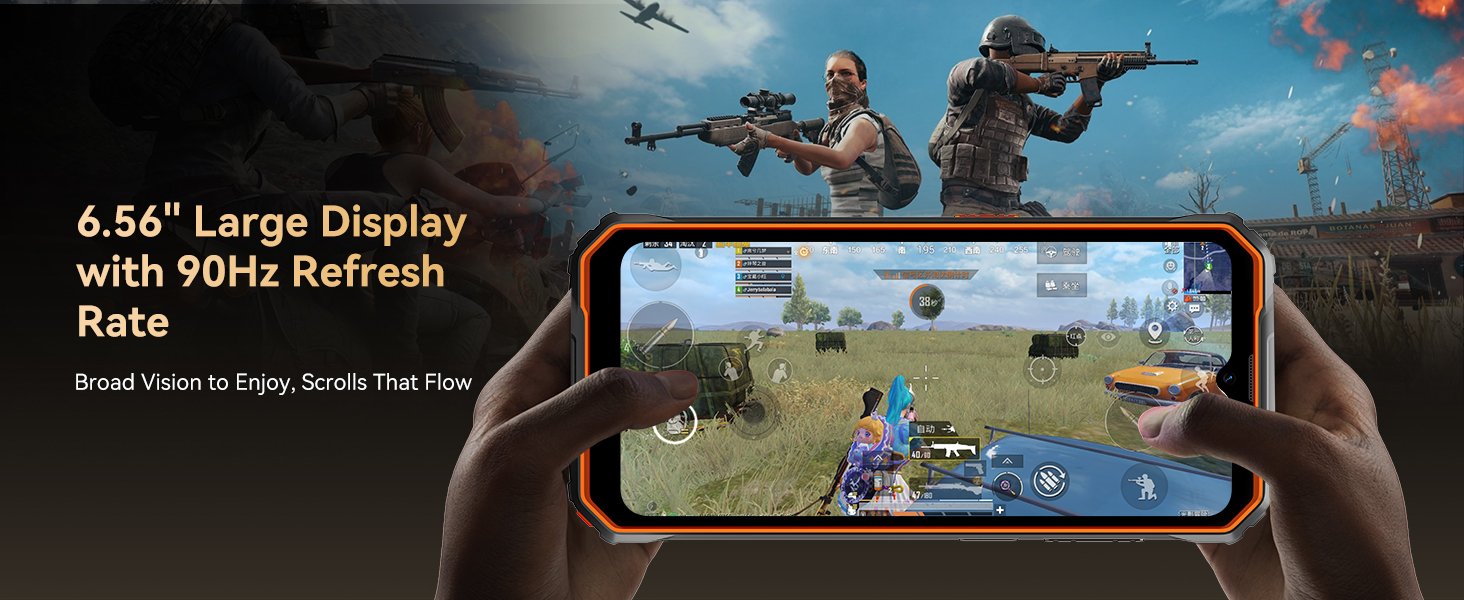
The Marine 2 features a 6.56-inch IPS Ultra-HD display with a 90Hz refresh rate for smooth visuals. Navigation is primarily touch-based.
- Touch Gestures: Tap, swipe, pinch-to-zoom, and long-press are standard Android gestures.
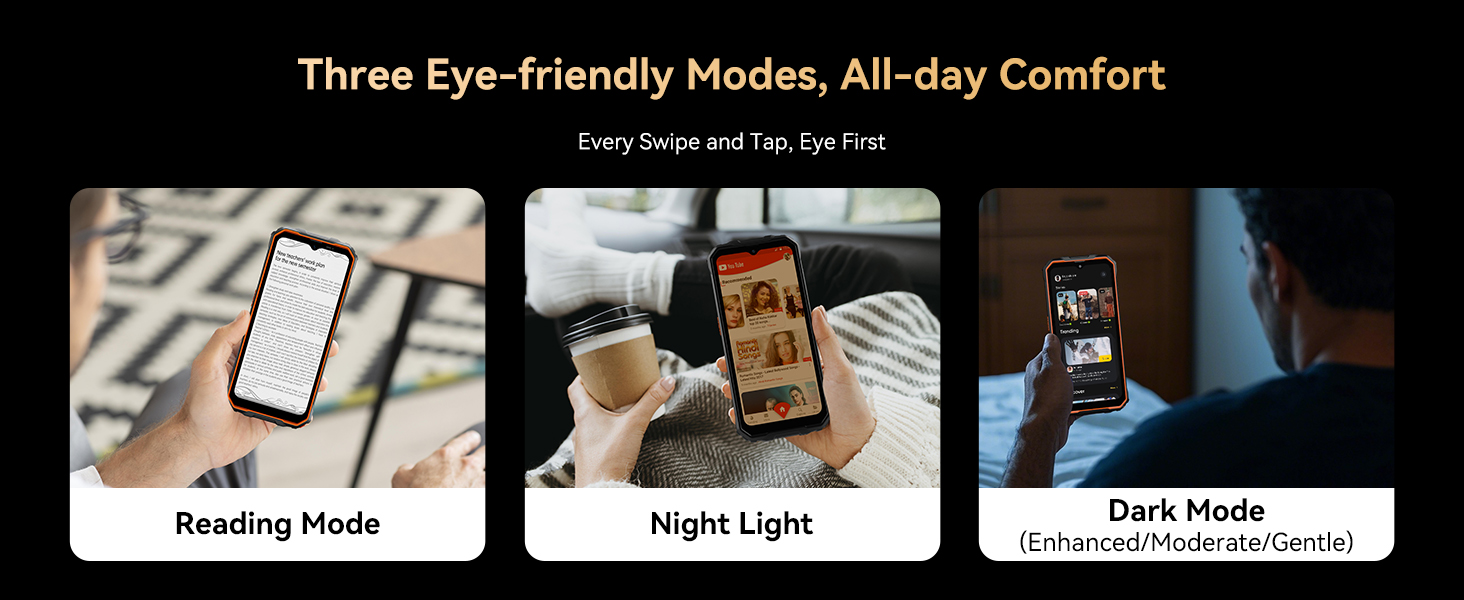
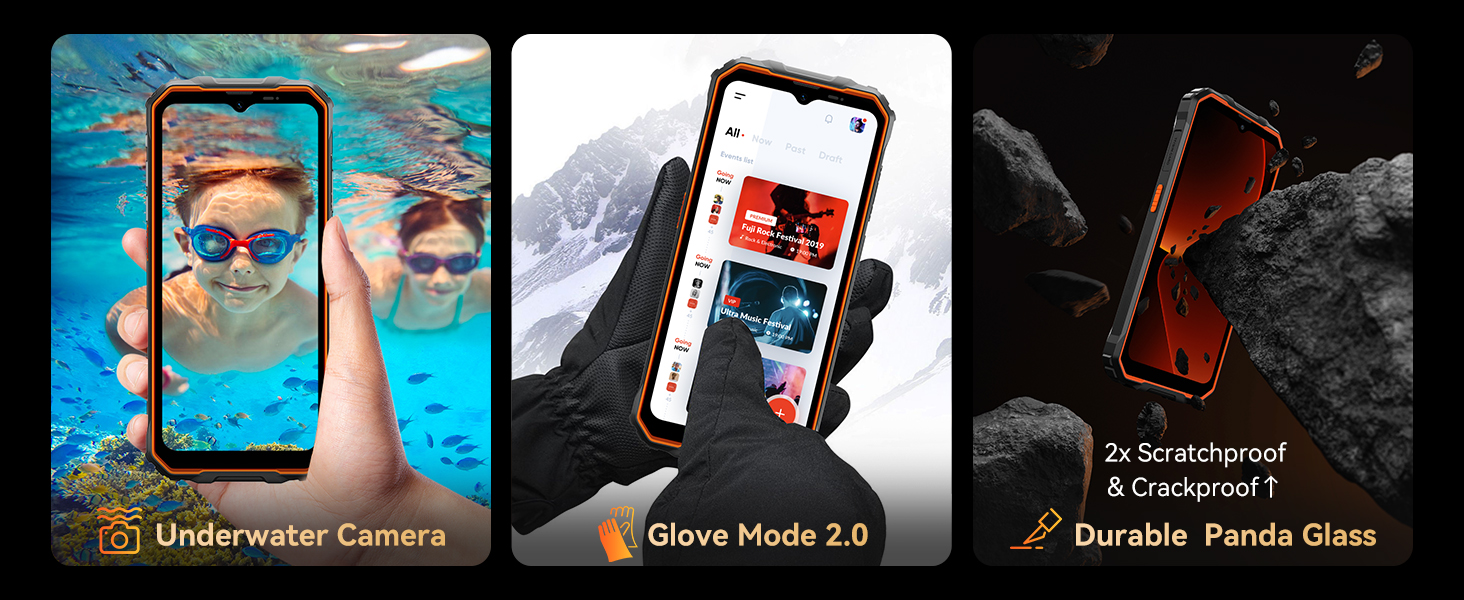
- Glove Mode: This feature allows for unaffected screen operation even when wearing gloves. Activate it in the display settings for convenience in cold or industrial environments.

The 6.56-inch IPS display offers a 90Hz refresh rate and 400 nits brightness for an immersive visual experience.
2.2 Camera Features
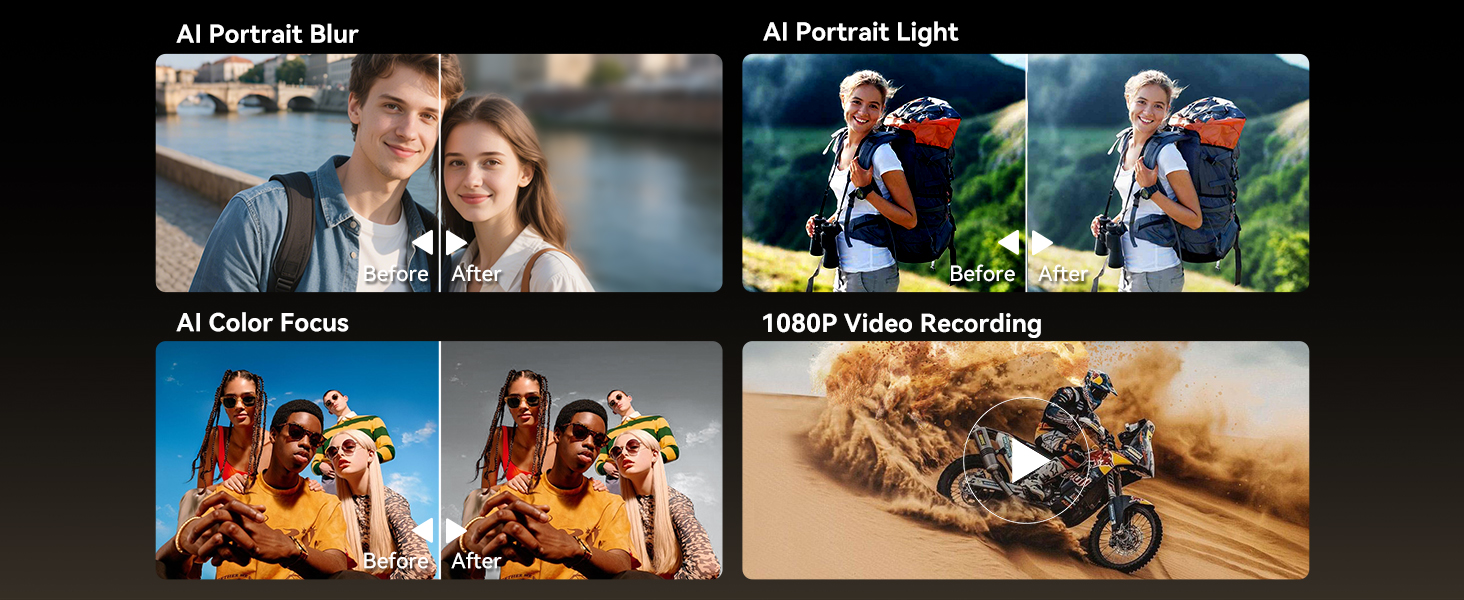
Capture moments with the 16MP AI main camera (ISOCELL JN1 sensor) and 8MP front camera.
- AI Beauty 2.0: Enhance your selfies with intelligent beautification.
- AI Smart Google Lens: Utilize visual searches, image text translation, object recognition, and video content summarization directly from your camera.
- Modes: Explore various modes like Pro, Time Lapse, Panorama, Portrait, and more.

The 16MP AI Rear Camera supports various modes including Pro, Time Lapse, and Panorama for versatile photography.
The 8MP AI Front Camera is ideal for selfies, featuring Beauty Mode and Portrait Mode.
2.3 Battery Management
The 11000mAh battery provides exceptional endurance. To optimize battery life:
- AI Power-Saving Mode: Enable this mode in settings to intelligently manage background app activity and extend battery life.
- OTG Reverse Charging: Use your Marine 2 to charge other devices like smartphones, tablets, or smartwatches. Connect the devices using an OTG cable (not included).
2.4 Security Features
Protect your data with multiple unlock options:
- Facial Recognition: Set up face unlock for quick and convenient access.
- Fingerprint Identification: Register your fingerprints for secure unlocking.
Unlock your device securely using Face Unlock or Fingerprint Identification.
2.5 Connectivity
The Marine 2 offers comprehensive connectivity options:
- NFC: For convenient payments, public transport, and data transfer.
- Navigation: Supports GPS, GLONASS, Galileo, and Beidou for accurate positioning.
- Dual SIM: Use two Nano SIM cards simultaneously for separate personal and work lines.
- Wi-Fi: Supports 5G Wi-Fi for faster download speeds.
- Bluetooth 5.2: For faster and more stable data transfer with compatible devices.
Utilize multi-function NFC for various contactless interactions.
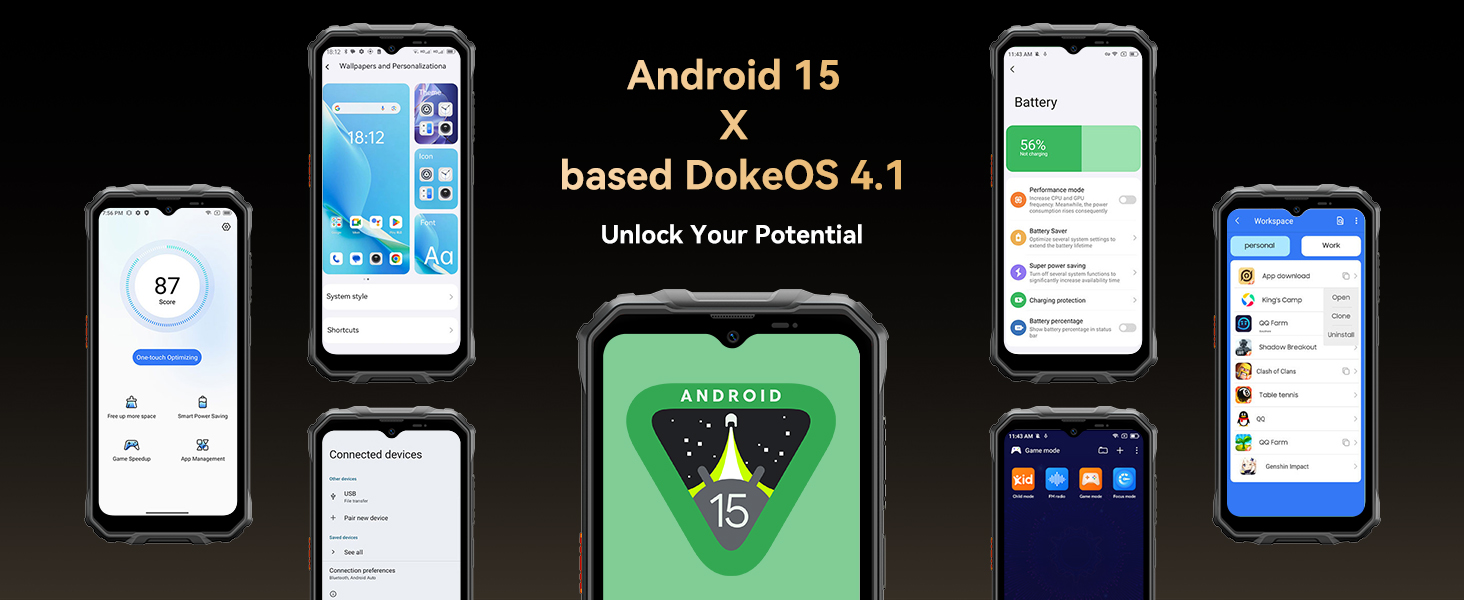
2.6 Software Features (DokeOS 4.1 & Android 15)
Experience enhanced user experience with DokeOS 4.1 based on Android 15:
- App Split-Screen: Multitask with ease by running two apps side-by-side.
- App Cloning: Operate multiple instances of the same application.
- Workspace App: Organize your apps for personal and work use.
- EasyShare App: Transfer files quickly and efficiently.
- APP Pairs: Create shortcuts for launching two apps in split-screen mode simultaneously.
- Atomized Memory 2.0: Optimizes memory usage for smoother performance.
- System Manager: Optimize device performance, manage battery, and clean storage.
- Partial Screen Recording & Sharing: Record specific parts of your screen and share them easily.
- Sensitive Notifications: Manage privacy settings for notifications.
DokeOS 4.1 on Android 15 offers enhanced personalization, convenience, efficiency, and privacy features.
2.7 Gemini AI 2.0
The Marine 2 integrates Gemini AI 2.0, your personal AI helper:
- AI Smart Control: Control your device and apps with intelligent commands.
- AI Voice-Enabled Smart Q&A: Get answers to your questions through voice commands.
- AI Voice Wake-Up: Activate your AI assistant with a voice command.
- AI Smart Voice Interaction: Engage in natural conversations with the AI.
- AI Real-Time Conversation: Facilitates dynamic and responsive interactions.
- AI Multi-Scenario Empowerment: Adapts to various situations to provide relevant assistance.
- AI Text to Image: Generate images based on your text descriptions.
Gemini AI 2.0 acts as your all-around AI assistant, understanding and simplifying your daily tasks.
3. Maintenance
3.1 Cleaning Your Device
To clean your OSCAL Marine 2:
- Use a soft, lint-free cloth to wipe the screen and body.
- For stubborn smudges, slightly dampen the cloth with water or a screen cleaner.
- Avoid using harsh chemicals or abrasive materials.
3.2 Water and Dust Resistance
The Marine 2 is built to withstand challenging conditions:
- IP69K Rating: Provides excellent protection against dust and high-pressure, high-temperature water jets.
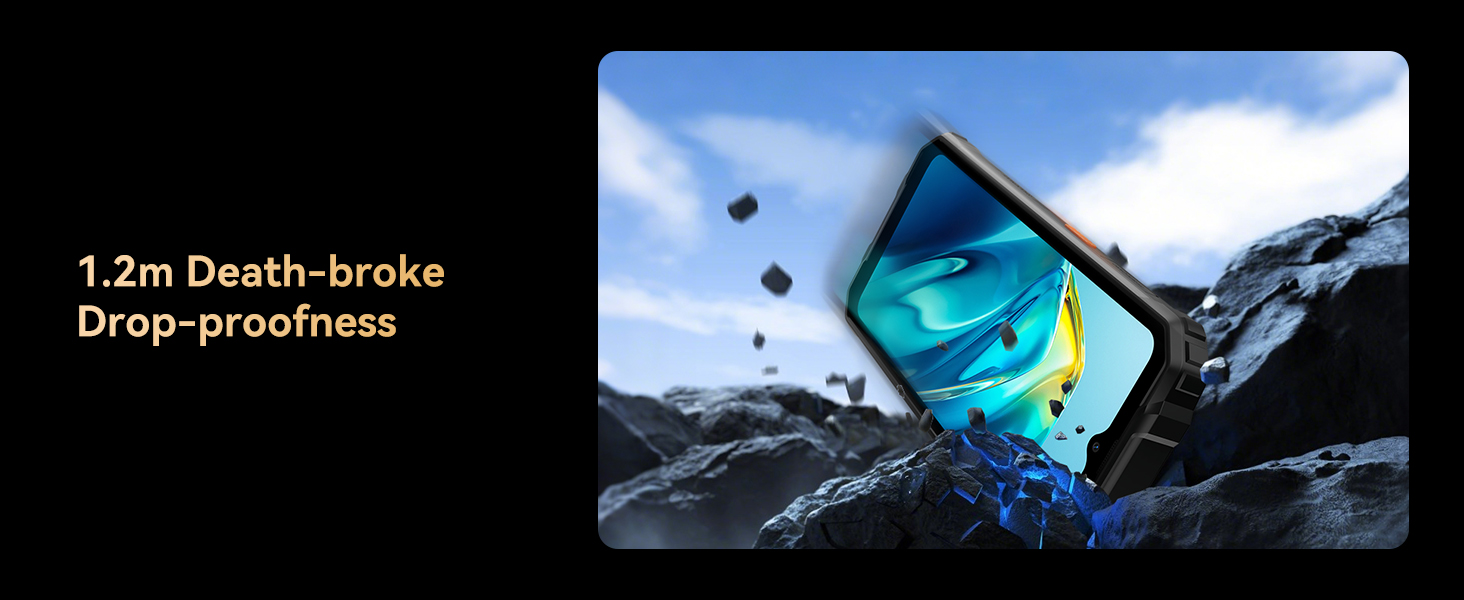
- MIL-STD 810H Certified: Meets military-grade standards for durability, including resistance to drops from up to 1.2 meters and immersion in water up to 1.5 meters deep for 30 minutes.
- Durable Panda Glass: The screen is designed for enhanced scratch and crack resistance.
The Marine 2 offers all-weather protection with MIL-STD 810H, IP68, and IP69K ratings, ensuring durability against water, dust, and drops.
The OSCAL Marine 2 is waterproof up to 1.5 meters deep for 30 minutes.
3.3 Software Updates
Regularly check for software updates to ensure your device has the latest features, security patches, and performance improvements. Updates are typically delivered over-the-air (OTA).
- Go to Settings > System > System update to check for available updates.
3.4 Storage Management
The Marine 2 comes with 64GB of internal storage, expandable up to 2TB via a MicroSD card. Manage your storage to maintain optimal performance:
- Regularly clear cache and unnecessary files using the built-in System Manager.
- Move large files like photos and videos to your MicroSD card.
- Uninstall unused applications.
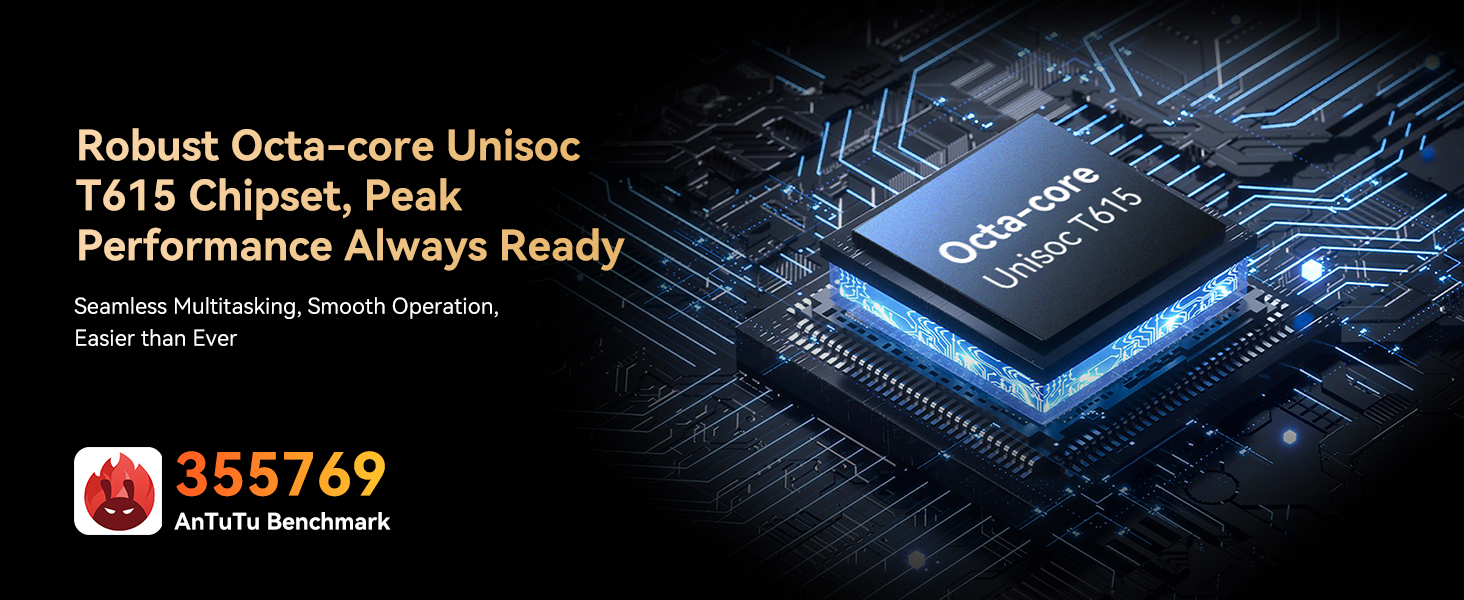
The OSCAL Marine 2 is powered by an Octa-core Unisoc T615 processor and offers up to 12GB RAM (4GB+8GB expansion) with 64GB internal storage, expandable to 2TB.
4. Troubleshooting
This section addresses common issues you might encounter with your OSCAL Marine 2.
4.1 Phone Not Turning On
- Ensure the battery is charged. Connect the phone to the charger and wait a few minutes before attempting to power on.
- Press and hold the Power button for at least 10-15 seconds to force a restart.
4.2 Charging Issues
- Verify that the charging cable and adapter are securely connected and undamaged.
- Try using a different power outlet.
- Clean the charging port gently with a soft, dry brush to remove any debris.
4.3 Connectivity Problems (Wi-Fi/Bluetooth/Mobile Data)
- Wi-Fi: Restart your Wi-Fi router. Forget the network on your phone and reconnect.
- Bluetooth: Ensure both devices are in pairing mode and within range. Toggle Bluetooth off and on.
- Mobile Data: Check if mobile data is enabled in settings. Ensure your SIM card is active and has a valid plan. Restart the phone.
4.4 Apps Crashing or Freezing
- Close the problematic app and reopen it.
- Clear the app's cache and data (Settings > Apps > [App Name] > Storage > Clear cache/Clear data).
- Ensure the app is updated to its latest version.
- If the issue persists, uninstall and reinstall the app.
4.5 Screen Unresponsive
- Restart the phone by holding the Power button until it reboots.
- Ensure your hands are clean and dry. If using gloves, activate Glove Mode.
If you encounter issues not covered here, please refer to the Warranty and Support section for assistance.
5. Specifications
Below are the key technical specifications for the OSCAL Marine 2 Rugged Smartphone:
| Feature | Specification |
|---|---|
| Brand | OSCAL |
| Model Name | Marine 2 Black 12GB+64GB Rugged Smartphone 2025 |
| Operating System | Android 15 (DokeOS 4.1) |
| Processor | Unisoc T615 Octa-core (1.8 GHz) |
| RAM Memory | 12 GB (4GB + 8GB Expansion) |
| Internal Storage | 64 GB |
| Expandable Storage | Up to 2 TB (MicroSD) |
| Screen Size | 6.56 Inches |
| Resolution | 720 x 1612 HD+ |
| Refresh Rate | 90 Hz |
| Brightness | 450 nits |
| Rear Camera | 16 MP AI Main Camera (ISOCELL JN1) |
| Front Camera | 8 MP AI Front Camera |
| Battery Capacity | 11000 mAh |
| Charging | 18W Fast Charging, OTG Reverse Charging |
| Protection | IP68, IP69K, MIL-STD 810H |
| Connectivity | Dual SIM (Nano), NFC, GPS+GLONASS+Galileo+Beidou, 5G Wi-Fi, Bluetooth 5.2 |
| Dimensions | 18 x 7 x 1.3 cm |
| Weight | 395 g |
6. Warranty and Support
OSCAL is committed to providing high-quality products and excellent customer service.
6.1 Warranty Information
Your OSCAL Marine 2 Rugged Smartphone comes with a 2-year warranty. This warranty covers manufacturing defects and ensures free software updates. For detailed terms and conditions, please refer to the official OSCAL website or contact customer support.

OSCAL provides a 2-year warranty and lifetime technical support for its products.
6.2 Customer Support
If you have any questions, concerns, or require technical assistance, our professional customer service team is available to help.
- 24/7 Online Call Support: Contact us anytime for personalized, high-quality support.
- 30-Day Free Return & Exchange: If you are not satisfied with your purchase, you may be eligible for a return or exchange within 30 days.

OSCAL's commitment to service includes 24/7 customer support, a 30-day return policy, and 2-year after-sales support.
For further information or to contact support, please visit the official OSCAL Store: OSCAL Store on Amazon
Related documentsMarine 2 Black 12GB+64GB Rugged Smartphone 2025


Ask a question about this manual
Ask about setup, troubleshooting, compatibility, parts, safety, or missing instructions. Manuals+ will review the question and use this page’s manual context to help answer it.