
Product Overview
The dwndpump DP6 Electric Portable Paddle Board Pump is a high-pressure, intelligent dual-stage pump designed for efficient inflation and deflation of various inflatable items, including paddleboards, inflatable boats, and tents. Featuring a built-in rechargeable battery, auto-off function, and LED display, it offers convenience and portability for outdoor enthusiasts.
What's in the Box
- Electric SUP Pump x1
- 39.36-inch Hose x1
- Type-C Cable x1
- Manual x1
- Valve Adapters x7
- Charging Plug x1
- Waterproof bag x1

Product Specifications
| Feature | Specification |
|---|---|
| Color | Orange |
| Brand | dwndpump |
| Material | Plastic |
| Item Weight | 1.63 Kilograms |
| Product Dimensions | 8.72"L x 3.19"W x 6.49"H |
| Power Source | Battery Powered |
| Air Flow Capacity | 430 Liters Per Minute |
| Maximum Pressure | 20 Pound per Square Inch |
| Operation Mode | Automatic |
| Hose Length | 3.28 Feet |
| Model Name | DP6 |
| Warranty Description | 2 year guarantee |
Setup
Charging the Pump
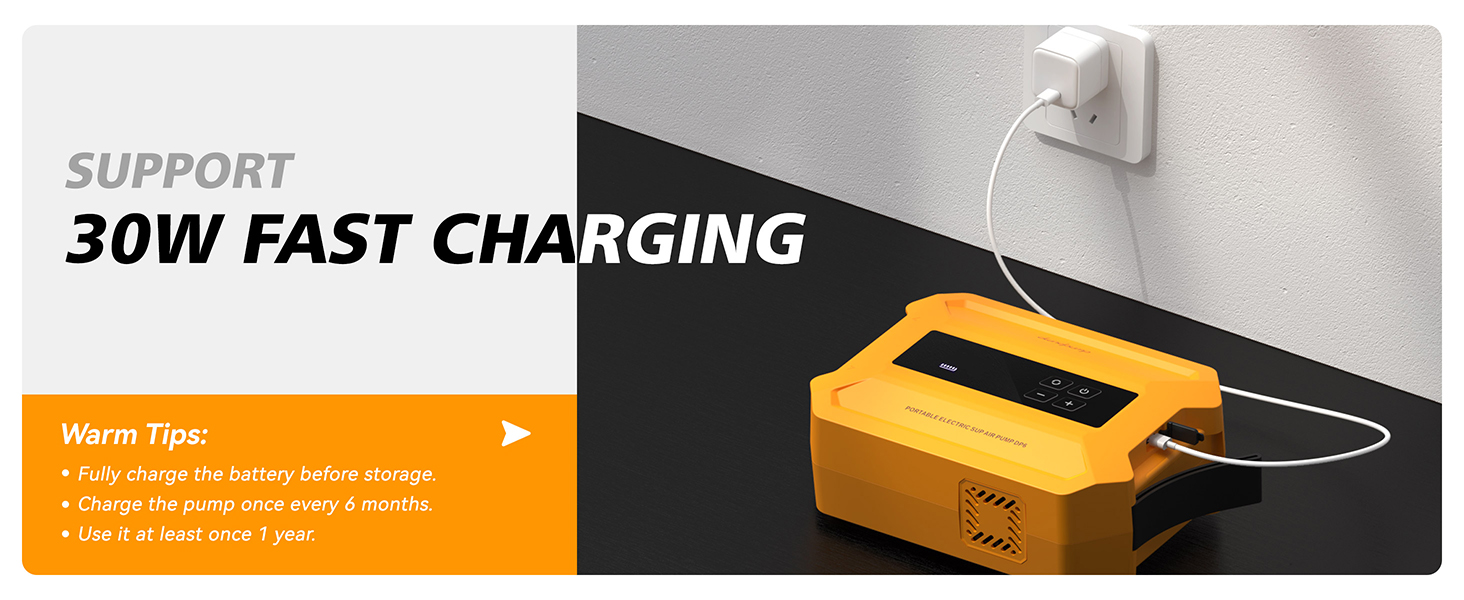
Before first use, fully charge the pump's internal battery using the provided Type-C cable and charging plug. The LED display will indicate charging status.
Attaching the Hose and Nozzle
- Select the appropriate valve adapter for your inflatable item. The pump comes with 7 different nozzles for various applications.
- Attach the selected nozzle to one end of the black corrugated hose.
- Connect the other end of the hose to the desired port on the pump (inflate or deflate).
Operating Instructions
Powering On/Off
To power on the pump, long-press the power button for 3 seconds. The LED display will illuminate. To power off, long-press the power button again.
Inflation
- Connect the hose with the appropriate nozzle to the "INFLATE" port on the pump and securely attach the nozzle to your inflatable's valve.
- Long-press the power button to turn on the pump.
- Use the + and - buttons to set your desired target pressure (PSI or Bar). The display shows "SET" for the target pressure and "REAL" for the current pressure.
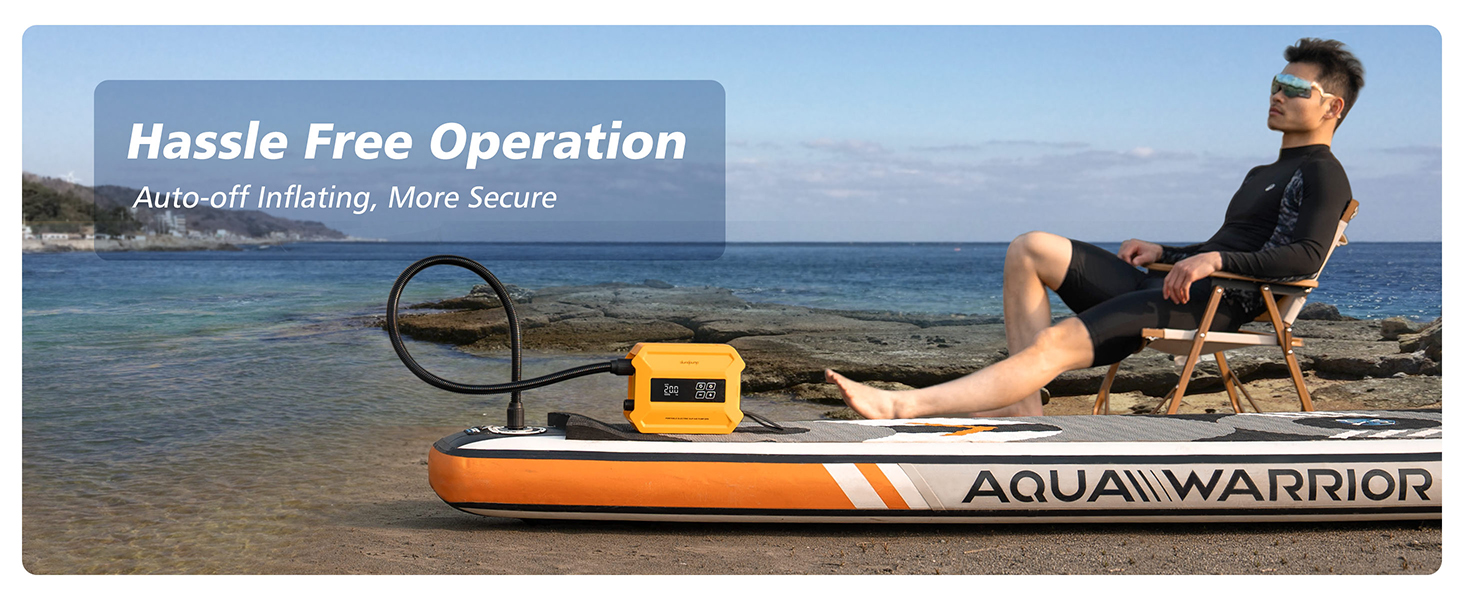
- Press the power button once to start the inflation process. The pump will automatically stop once the set pressure is reached.
- The pump features dual-stage inflation: a high-volume stage (430L/min) followed by a high-pressure stage (120L/min up to 20PSI).


Deflation
- Connect the hose with the appropriate nozzle to the "DEFLATE" port on the pump and securely attach the nozzle to your inflatable's valve.
- Long-press the power button to turn on the pump.
- Press the power button once to start the deflation process.
- The pump will deflate quickly. Turn it off manually once deflation is complete or the desired level is reached.

Mode Selection
Long-press the circular button with arrows (labeled as 'Alter Button' in some contexts) to switch between LOW, HIGH, and AUTO modes, or specific presets for SUP, tent, or pool inflatables.
Flashlight Function
The pump includes a built-in flashlight. Press the dedicated flashlight button (likely the first button on the left on the control panel) to turn it on or off.
Official Product Videos
Video: dwndpump Paddle Board Pump Electric Portable. This video demonstrates the portable electric pump in action, highlighting its ease of use for inflating paddleboards.
Video: dwndpump Paddle Board Pump Electric. A short video showcasing the electric pump's features and quick inflation capabilities for paddleboards.
Maintenance
- Cleaning: Wipe the pump exterior with a soft, dry cloth. Do not immerse in water.
- Storage: Fully charge the battery before storing the pump for extended periods. Store in a cool, dry place.
- Battery Care: Charge the pump at least once every 6 months to maintain battery health. Use it at least once a year.
- Overheating Protection: The pump features an independent active cooling system to prevent overheating during prolonged use.
Troubleshooting
Pump Not Turning On
- Ensure the battery is charged. Connect to the charger and check the battery indicator.
- Confirm the power button is long-pressed for 3 seconds.
Slow Inflation/Deflation
- Check for secure connections of the hose and nozzle to both the pump and the inflatable.
- Ensure the correct mode is selected for the inflatable type.
- Verify the inflatable's valve is fully open.
Pump Overheating
- The pump has an active cooling system. If it feels excessively hot, allow it to cool down before continuing use.
- Avoid operating in direct sunlight for extended periods.
Warranty & Support
The dwndpump DP6 Electric Portable Paddle Board Pump comes with a 2-year guarantee. For warranty claims, technical support, or any inquiries, please contact dwndpump customer service through the retailer where the product was purchased or visit the official dwndpump store.