Introduction
Welcome to the user manual for your new ASUS ROG Zephyrus G16 Gaming Laptop. This manual provides essential information for setting up, operating, maintaining, and troubleshooting your device. Please read it carefully to ensure optimal performance and longevity of your laptop.
The ASUS ROG Zephyrus G16 is a high-performance gaming laptop featuring an Intel Core Ultra 9 185H processor, NVIDIA GeForce RTX 4070 graphics, a 16-inch OLED QHD 240Hz display, 16GB LPDDR5X RAM, and a 2TB PCIe SSD, running on Windows 11 Pro.
Setup Guide
1. Unboxing and Initial Inspection
Carefully remove the laptop and all accessories from the packaging. Verify that all components listed in the "What's in the Box" section are present and undamaged.
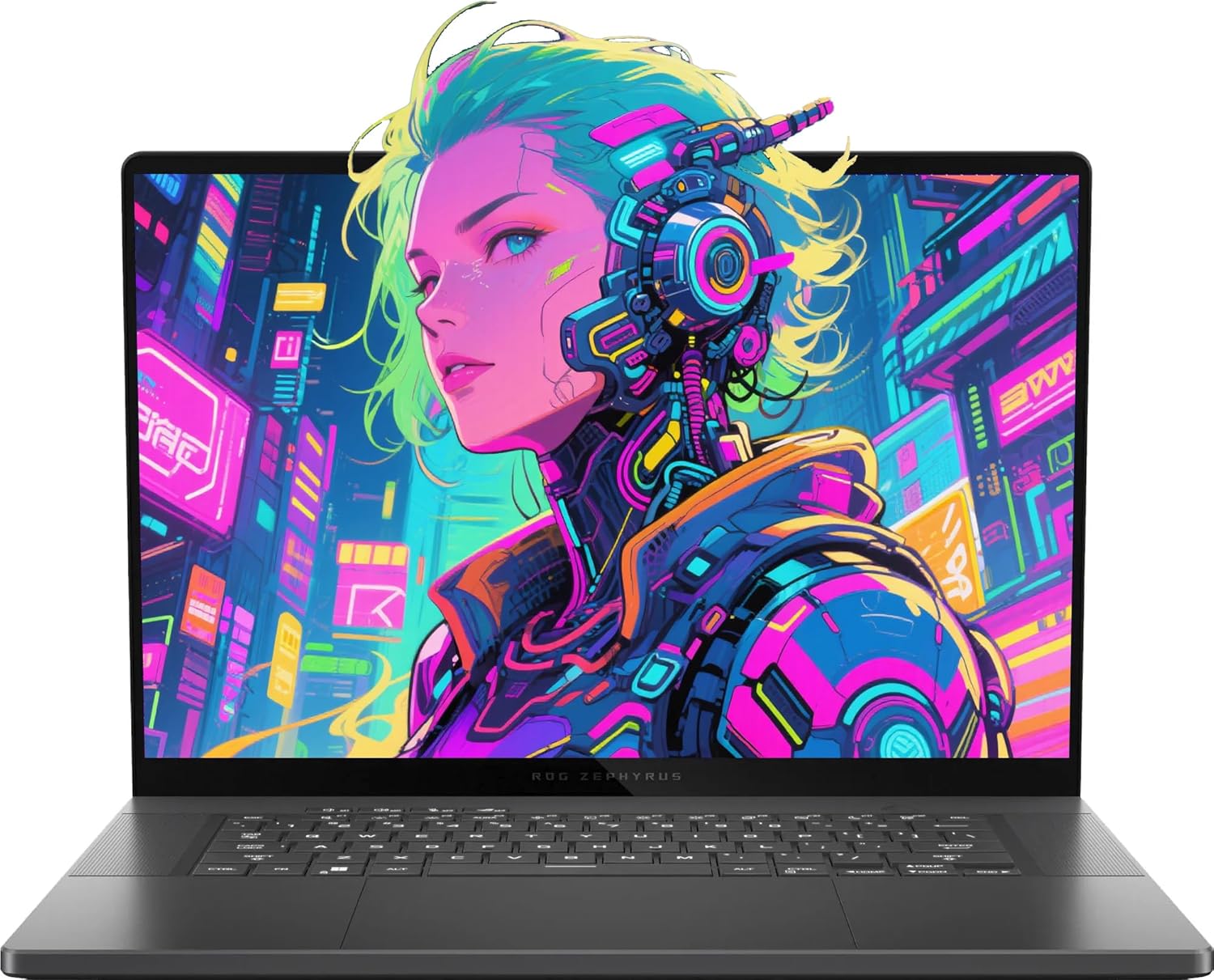
Image: The ASUS ROG Zephyrus G16 Gaming Laptop, showcasing its sleek design and vibrant display.
What's in the Box:
- ASUS ROG Zephyrus G16 Gaming Laptop
- Power Adapter
- Documentation (User Manual, Warranty Card)
- Additional Accessories (as included with your specific package):
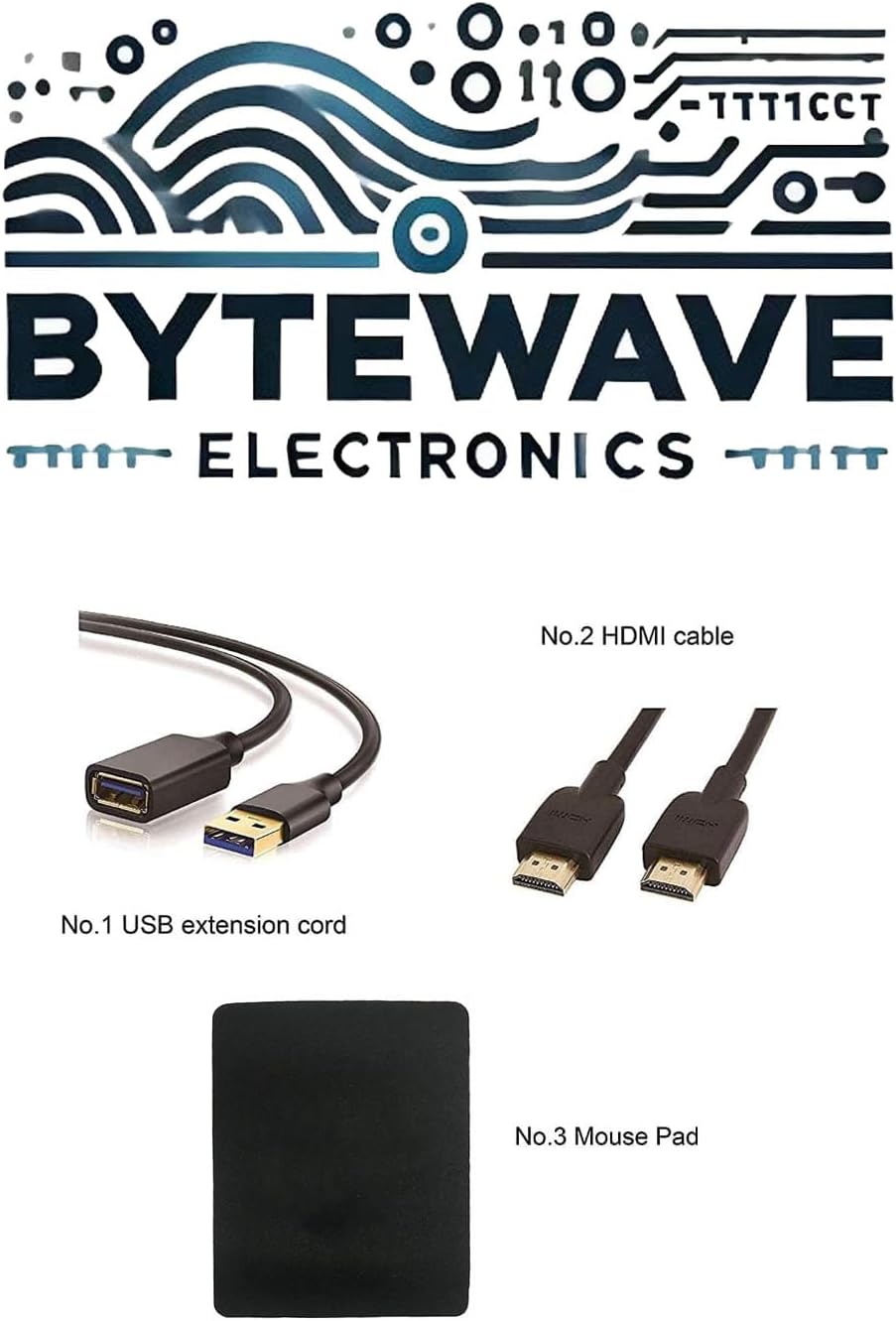
Image: Example of included accessories, which may vary by package: USB extension cord, HDMI cable, and mouse pad.
2. Connecting the Power Adapter
Connect the power adapter to the laptop's power input port (ASUS Slim Power Jack) located on the right side, and then plug the adapter into a wall outlet. It is recommended to fully charge the battery before the first use.

Image: Right side view of the laptop, showing the power input port and other connectivity options.
3. Initial Boot and Windows Setup
Press the power button, typically located on the keyboard deck, to turn on the laptop. Follow the on-screen instructions to complete the Windows 11 Pro setup process, including language selection, network connection, and user account creation.
Operating Your Laptop
Keyboard and Touchpad
The laptop features a Backlit Chiclet Keyboard with 1-Zone RGB lighting for comfortable typing in various environments. The precision touchpad supports multi-touch gestures for intuitive navigation.

Image: Top-down view of the laptop, highlighting the keyboard layout and large touchpad.
Display Features
The 16-inch OLED QHD (2560 x 1600) display offers a 240Hz refresh rate and 0.2ms response time, providing crisp visuals and smooth motion, ideal for gaming and content creation. It supports Dolby Vision HDR and covers 100% DCI-P3 color gamut.
Connectivity Ports
Your laptop is equipped with a variety of ports for connecting external devices:
- 1 x 3.5mm Combo Audio Jack: For headphones or headsets.
- 1 x HDMI 2.1 FRL: For connecting to external displays.
- 2 x USB 3.2 Gen 2 Type-A: For standard USB devices.
- 1 x Thunderbolt 4: Supports DisplayPort 2.1 for high-speed data transfer and display output.
- 1 x USB 3.2 Gen 2 Type-C: Supports DisplayPort 1.4.
- 1 x SD Card Reader (UHS-II, 312MB/s): For memory cards.

Image: A detailed diagram illustrating the location and type of each port on the laptop's sides.
Wireless Connectivity
The laptop features Wi-Fi 6E (802.11ax) for fast and reliable wireless internet access, and Bluetooth 5.3 for connecting wireless peripherals.
Maintenance and Care
Cleaning Your Laptop
- Use a soft, lint-free cloth to clean the screen. For stubborn smudges, slightly dampen the cloth with water or a screen-cleaning solution.
- Use a soft brush or compressed air to clean dust from the keyboard and ventilation grilles.
- Avoid using harsh chemicals or abrasive materials, as they can damage the laptop's surfaces.
Battery Care
To prolong battery life, avoid extreme temperatures and do not leave the laptop fully charged or fully discharged for extended periods. For long-term storage, charge the battery to about 50-60%.
Software Updates
Regularly update your Windows operating system, drivers (especially graphics drivers), and ASUS utilities to ensure optimal performance, security, and compatibility.
Troubleshooting
Common Issues and Solutions
| Problem | Possible Cause | Solution |
|---|---|---|
| Laptop does not power on. | Battery drained or power adapter not connected properly. | Ensure power adapter is securely connected and plugged into a working outlet. Allow battery to charge for a few minutes before attempting to power on again. |
| Screen is blank or black. | Display settings issue, external monitor connected, or system crash. | Press Fn + F7 (or the display toggle key) to cycle through display modes. Disconnect any external monitors. Perform a hard reset by holding the power button for 15 seconds. |
| Wi-Fi connection issues. | Wi-Fi disabled, driver issue, or router problem. | Ensure Wi-Fi is enabled in Windows settings. Restart your router. Update Wi-Fi drivers from the ASUS support website. |
| Laptop is running slow. | Too many background applications, low storage, or outdated drivers. | Close unnecessary applications. Free up disk space. Update drivers. Consider running a virus scan. |
Technical Specifications
| Component | Specification |
|---|---|
| Processor | Intel Core Ultra 9 185H (up to 5.1 GHz) |
| Graphics | NVIDIA GeForce RTX 4070 (115W TGP) |
| Display | 16-inch OLED QHD (2560 x 1600), 240Hz, 0.2ms, 100% DCI-P3, Dolby Vision HDR |
| RAM | 16GB LPDDR5X 7467 |
| Storage | 2TB NVMe SSD |
| Operating System | Windows 11 Pro |
| Ports | 1x 3.5mm Combo Audio Jack, 1x HDMI 2.1 FRL, 2x USB 3.2 Gen 2 Type-A, 1x Thunderbolt 4 (DisplayPort 2.1), 1x USB 3.2 Gen 2 Type-C (DisplayPort 1.4), 1x SD Card Reader (UHS-II) |
| Wireless | Wi-Fi 6E (802.11ax), Bluetooth 5.3 |
| Camera | 1080P FHD IR Camera for Windows Hello |
| Keyboard | Backlit Chiclet Keyboard 1-Zone RGB |
| Dimensions (WxDxH) | 13.94" x 9.69" x 0.59" ~ 0.65" |
| Weight | 4.08 lbs |
| Color | Eclipse Gray |
| Battery | 1 Lithium Ion battery (included) |
Warranty and Support
Product Warranty
Your ASUS ROG Zephyrus G16 Gaming Laptop comes with a standard manufacturer's warranty. For detailed information regarding warranty terms, conditions, and duration, please refer to the warranty card included with your product or visit the official ASUS support website.
Optional Protection Plans
Additional protection plans may be available for purchase to extend coverage beyond the standard warranty. These plans typically offer extended service and support for a specified period, including:
- 2-Year Protection Plan
- 4-Year Protection Plan
- Complete Protect (monthly billing option)
Return Policy
This product is eligible for a 30-day refund/replacement return policy from the date of purchase. Please consult your retailer's return policy for specific details and procedures.
Customer Support
For technical assistance, driver downloads, or further support, please visit the official ASUS support website or contact ASUS customer service. You can also visit the ASUS Store on Amazon for product information and resources.


