
1. Introduction
Thank you for choosing the KOSCHEAL C16R. This device is a versatile 3-in-1 solution, integrating a gimbal stabilizer, an extendable selfie stick, and a stable tripod. It features advanced AI facial tracking, an adjustable fill light, and a wireless remote control, designed to enhance your mobile photography and videography experience. This manual provides detailed instructions for setup, operation, maintenance, and troubleshooting to ensure optimal performance.
2. Safety Information
- Do not disassemble, repair, or modify the device.
- Keep the device away from water, fire, and high temperatures.
- Avoid dropping or subjecting the device to strong impacts.
- Use only the provided charging cable or a certified equivalent.
- Ensure your phone is securely mounted before operation.
3. Package Contents
- KOSCHEAL C16R Stabilizer/Selfie Stick
- Wireless Remote Control
- USB Charging Cable
- User Manual
4. Product Overview
The KOSCHEAL C16R integrates multiple functions into a compact design. Familiarize yourself with its components:
- Phone Clamp: Securely holds your smartphone.
- Gimbal Head: Provides stabilization and rotation.
- Extension Rod: Extends the device length for wider shots.
- Handle/Tripod Base: Serves as a grip or unfolds into a stable tripod.
- Fill Light: Integrated light with adjustable brightness and color temperature.
- Wireless Remote Control: Detachable remote for controlling shutter and gimbal functions.

Image 4.1: Overview of the KOSCHEAL C16R in various configurations, including the detachable remote control.

Image 4.2: Illustration of the 3-in-1 functionality: gimbal for anti-vibration, selfie stick for extended reach, and tripod for stable shots.
5. Setup
5.1 Unfolding the Device
- Hold the handle firmly.
- Gently pull the top part upwards to extend the selfie stick rod.
- To use as a tripod, spread the legs at the bottom of the handle until they are stable.
5.2 Attaching Your Smartphone
- Open the phone clamp.
- Carefully insert your smartphone into the clamp, ensuring it is centered and secure.
- For optimal balance, ensure the phone is positioned evenly.
5.3 Charging the Device
- Connect the USB charging cable to the charging port on the device.
- Connect the other end to a USB power adapter (not included).
- The indicator light will show charging status. A full charge provides approximately 8 hours of operation.
5.4 Pairing the Wireless Remote Control
- Ensure the remote control is charged (if applicable) or has a working battery.
- Turn on the KOSCHEAL C16R.
- Activate Bluetooth on your smartphone.
- Search for available devices and select "KOSCHEAL C16R" or a similar name.
- Once paired, the remote control can operate your phone's camera shutter and gimbal functions.

Image 5.1: The detachable wireless remote control allows for capturing photos and videos from up to 10 meters away.
6. Operating Instructions
6.1 Power On/Off
- To power on, press and hold the power button until the indicator light illuminates.
- To power off, press and hold the power button until the indicator light turns off.
6.2 Gimbal Stabilization Modes
The C16R offers various stabilization modes for different shooting scenarios:
- AI Tracking: Utilizes artificial intelligence to detect and follow faces or objects.
- Inception Mode: Creates a spinning effect for dynamic 360-degree shots.
- Semi-Follow Mode: Smoothly follows horizontal movements while maintaining vertical stability.
- Slow Rotation: Provides a controlled, gradual rotation for cinematic effects.
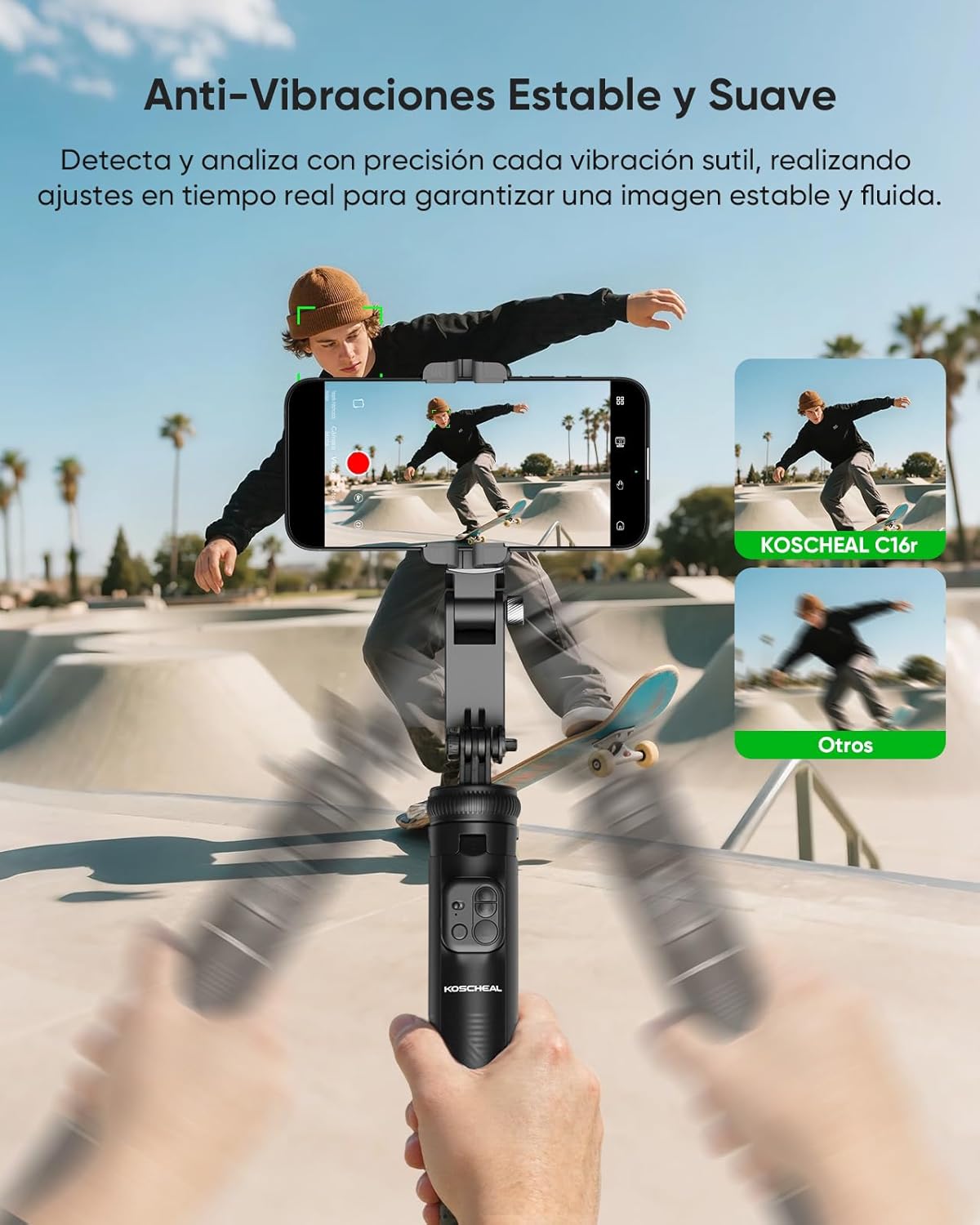
Image 6.1: The anti-vibration system detects and analyzes subtle vibrations, making real-time adjustments for stable and fluid images.

Image 6.2: The reinforced tripod allows for 360-degree rotation on horizontal and vertical axes, including Inception Mode for professional effects.
6.3 AI Facial Tracking and Gesture Control
For AI tracking, download the dedicated KOSCHEAL app (if required, check product packaging or official website). The device can detect faces and gestures:
- "OK" Gesture: Initiates facial tracking or protagonist mode.
- "PALM" Gesture: Initiates facial tracking.
- Double Click Remote Button: Disables gesture control.

Image 6.3: Enhanced AI facial tracking and object tracking with gesture control for intelligent capture.

Image 6.4: AI facial tracking with extended battery life, ensuring smooth and focused live streaming.
6.4 Using the Fill Light
The integrated fill light offers adjustable brightness and three color tones:
- Warm Light: For a soft, inviting glow.
- Natural Light: Mimics natural daylight.
- White Light: Bright, clear illumination.
Press the light button to cycle through color tones and adjust brightness levels (9 levels available).

Image 6.5: Adjustable fill lights with three color tones (Warm, Natural, White) to optimize lighting for any environment.
6.5 Remote Control Functions
The detachable remote control provides convenient access to key functions:
- Click: Switch between horizontal/vertical orientation.
- Long Press: Right rotation mode.
- Double Click: Automatic rotation mode.
- Click: POV mode.
- Long Press: Left rotation mode.
- Double Click: Slow rotation mode.
- Click: Photo/Video recording.

Image 6.6: Detailed functions of the wireless remote control for various gimbal and camera operations.
7. Maintenance
7.1 Cleaning
- Wipe the device with a soft, dry cloth.
- Do not use harsh chemicals or abrasive cleaners.
7.2 Storage
- Store the device in a cool, dry place away from direct sunlight.
- Ensure the device is folded and compact for storage.
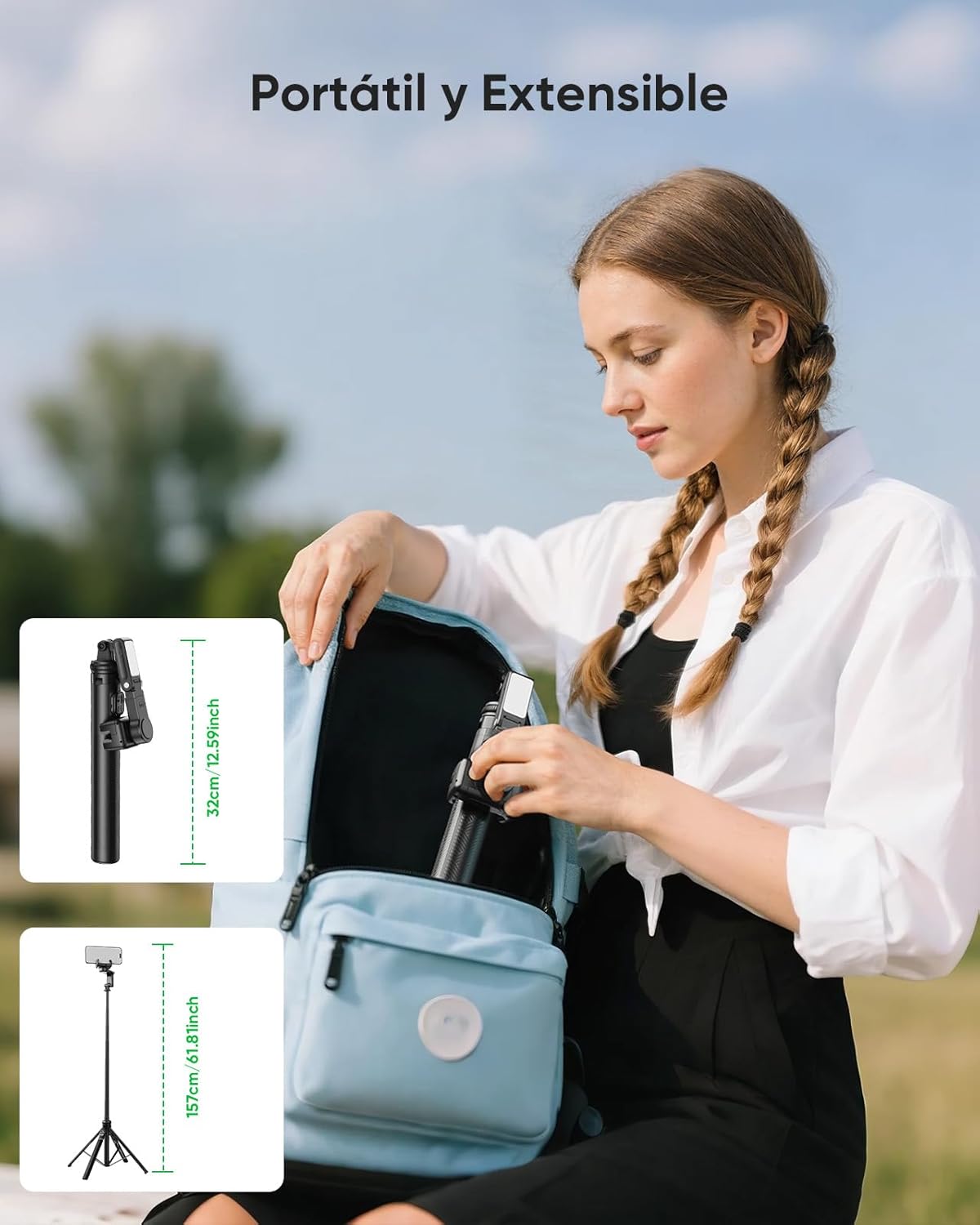
Image 7.1: The portable and extensible design allows for easy storage and transport in a backpack.
7.3 Battery Care
- Charge the device regularly, even if not in use, to maintain battery health.
- Avoid fully discharging the battery frequently.
8. Troubleshooting
| Problem | Possible Cause | Solution |
|---|---|---|
| Device does not power on. | Low battery. | Charge the device fully. |
| Remote control not connecting. | Not paired or out of range. | Ensure Bluetooth is on, re-pair, or move closer to the device. |
| Gimbal stabilization is not working. | Phone not balanced or mode incorrect. | Ensure phone is centered. Cycle through gimbal modes. |
| AI tracking is inaccurate. | Poor lighting or app issue. | Ensure adequate lighting. Restart the app and device. |
9. Specifications
- Model: C16R
- Brand: KOSCHEAL
- Folded Dimensions: 7.1 x 8.4 x 32 cm
- Extended Length: Up to 157 cm
- Weight: 535 g
- Material: Aluminum Alloy (extension rod)
- Battery Life: Approximately 8 hours (main unit)
- Battery Capacity: 480mAh (main unit)
- Wireless Remote Range: Up to 10 meters (33 feet)
- Compatibility: iOS and Android smartphones
- Fill Light: 3 color tones, 9 brightness levels
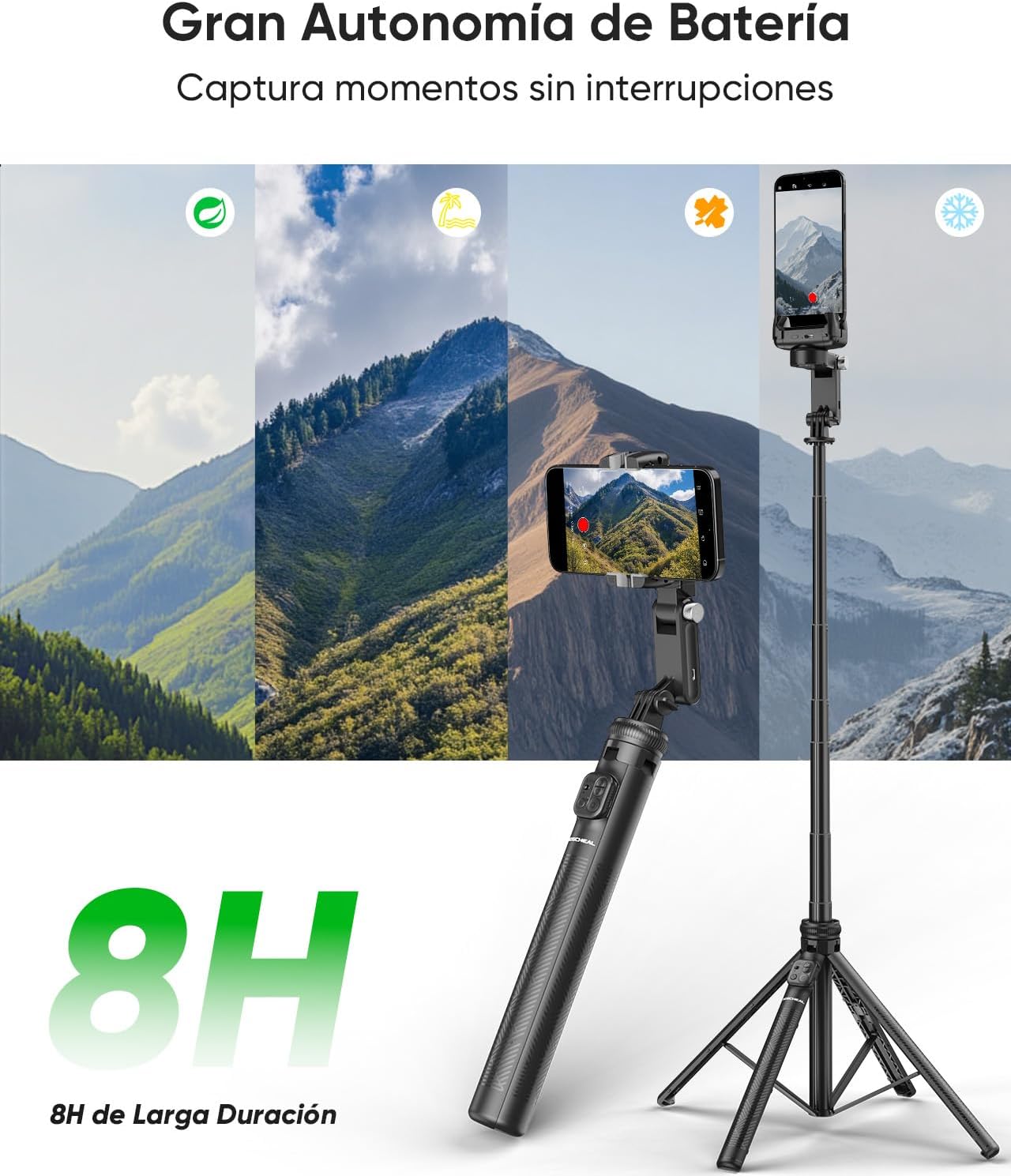
Image 9.1: The KOSCHEAL C16R offers up to 8 hours of battery life for extended use.

Image 9.2: The robust tripod features an aluminum alloy construction and an anti-slip silicone base for stability.
10. Warranty and Support
KOSCHEAL products are designed for reliability and performance. For warranty information, please refer to the warranty card included with your purchase or visit the official KOSCHEAL website. If you encounter any issues or require technical assistance, please contact KOSCHEAL customer support through the contact information provided on our website or your purchase platform.
We are committed to providing excellent service and support for your KOSCHEAL C16R.

