
4DRC Y10
4DRC Y10 Amphibious Waterproof RC Monster Truck Instruction Manual
Model: Y10 | Brand: 4DRC
Introduction
This manual provides essential information for the safe and effective operation of your 4DRC Y10 Amphibious Waterproof RC Monster Truck. Please read these instructions thoroughly before use and retain for future reference.
Safety Information
No specific safety warnings were provided beyond general product safety. Always supervise children during operation. Keep fingers, hair, and loose clothing away from moving parts. Do not operate near people, pets, or obstacles. Ensure the battery compartment is securely sealed before water play.
Package Contents

Image: The 4DRC Y10 RC Monster Truck, remote control, wristband controller, two rechargeable batteries, USB charging cable, and a screwdriver.
- 4DRC Y10 RC Monster Truck
- 2.4GHz Remote Control
- Wristband Controller (for simplified mode)
- 2 x 7.4V Rechargeable Batteries
- USB Charging Cable
- Screwdriver
- User Manual (this document)
Setup Guide
1. Battery Installation and Charging
- Truck Battery:
Locate the battery compartment on the underside of the RC truck. Use the provided screwdriver to open the compartment. Connect one of the 7.4V rechargeable batteries to the truck's power connector. Securely close the battery compartment, ensuring it is sealed for waterproof operation.

Image: Illustration of battery installation in the RC truck, showing the compartment and connection points.
- Remote Control Batteries:
The 2.4GHz remote control requires 2 AA batteries (not included). Open the battery cover on the back of the remote control and insert the batteries, observing correct polarity. Close the cover securely.
- Charging the Truck Battery:
Connect the 7.4V rechargeable battery to the USB charging cable. Plug the USB cable into a standard USB power adapter (e.g., phone charger, computer USB port). The indicator light on the USB cable will show charging status (typically red for charging, off or green for fully charged). Charging time is approximately 2-3 hours. Do not overcharge.

Image: The USB charging cable connected to a rechargeable battery, illustrating the charging process.
2. Pairing the Controller
To pair the remote control with the truck:
- Ensure the truck battery is installed and the truck is powered off.
- Install batteries in the remote control and power it on. The indicator light on the remote will flash.
- Turn on the RC truck. The truck's lights will flash.
- Within a few seconds, the remote control and truck lights will become solid, indicating successful pairing.
- If using the wristband controller, ensure the main remote is off. Power on the truck, then power on the wristband controller. The wristband controller will pair with the truck. Note: The truck can only be paired with one controller at a time.
Operating Instructions
Basic Controls (2.4GHz Remote Control)
- Left Joystick (Forward/Backward): Push forward to move the truck forward, pull backward to move backward.
- Right Joystick (Left/Right): Push left to turn the truck left, push right to turn right.
- Power Button: Turns the remote control on/off.

Image: The 2.4GHz remote control, highlighting the joysticks for movement and steering.
Dual Control Modes
The 4DRC Y10 offers two control methods:
- Remote Control Mode: Provides precise steering and speed control for experienced users.
- Wristband Controller Mode: A simplified control option, ideal for younger children. This mode typically offers basic forward/backward and turning functions, often activated by gestures or fewer buttons. Ensure the main remote is off when using the wristband controller.
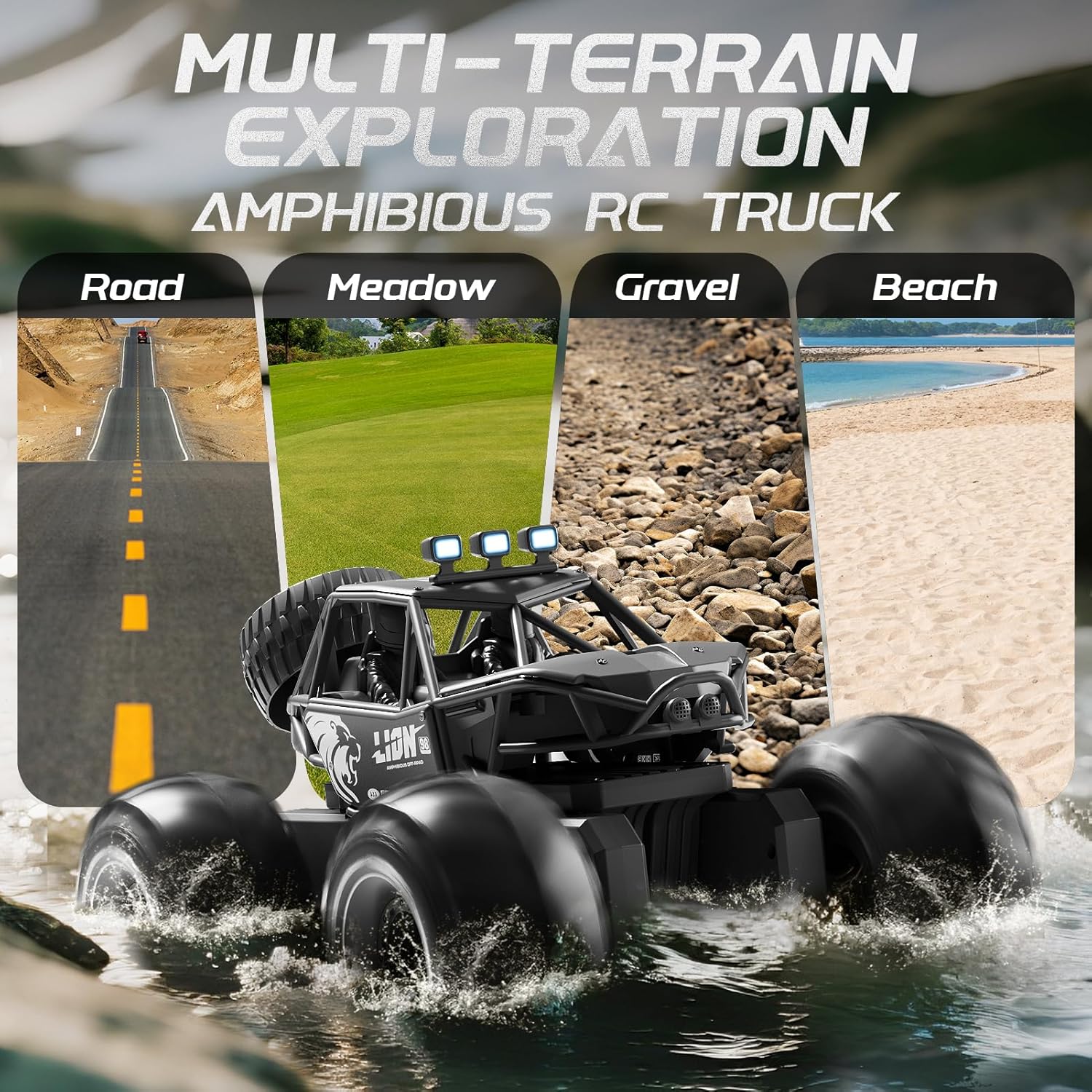
Image: The RC truck shown with both the traditional remote control and the wristband controller, illustrating the dual control options.
Amphibious and All-Terrain Operation
The 4DRC Y10 is designed for versatile use on various surfaces:
- Land: Operates effectively on road, meadow, gravel, and sand.
- Water: The fully sealed, waterproof body allows operation in shallow water, puddles, and pools. Ensure all compartments are securely closed before entering water.

Image: The 4DRC Y10 RC Monster Truck driving through water, demonstrating its amphibious capability.

Image: The 4DRC Y10 RC Monster Truck depicted on different terrains including road, meadow, gravel, and beach, showcasing its multi-terrain exploration capabilities.
360° Stunt Rotation
The truck can perform 360-degree rotations. Refer to the remote control's specific button or joystick combination for activating this stunt. This feature adds dynamic play to both land and water operations.
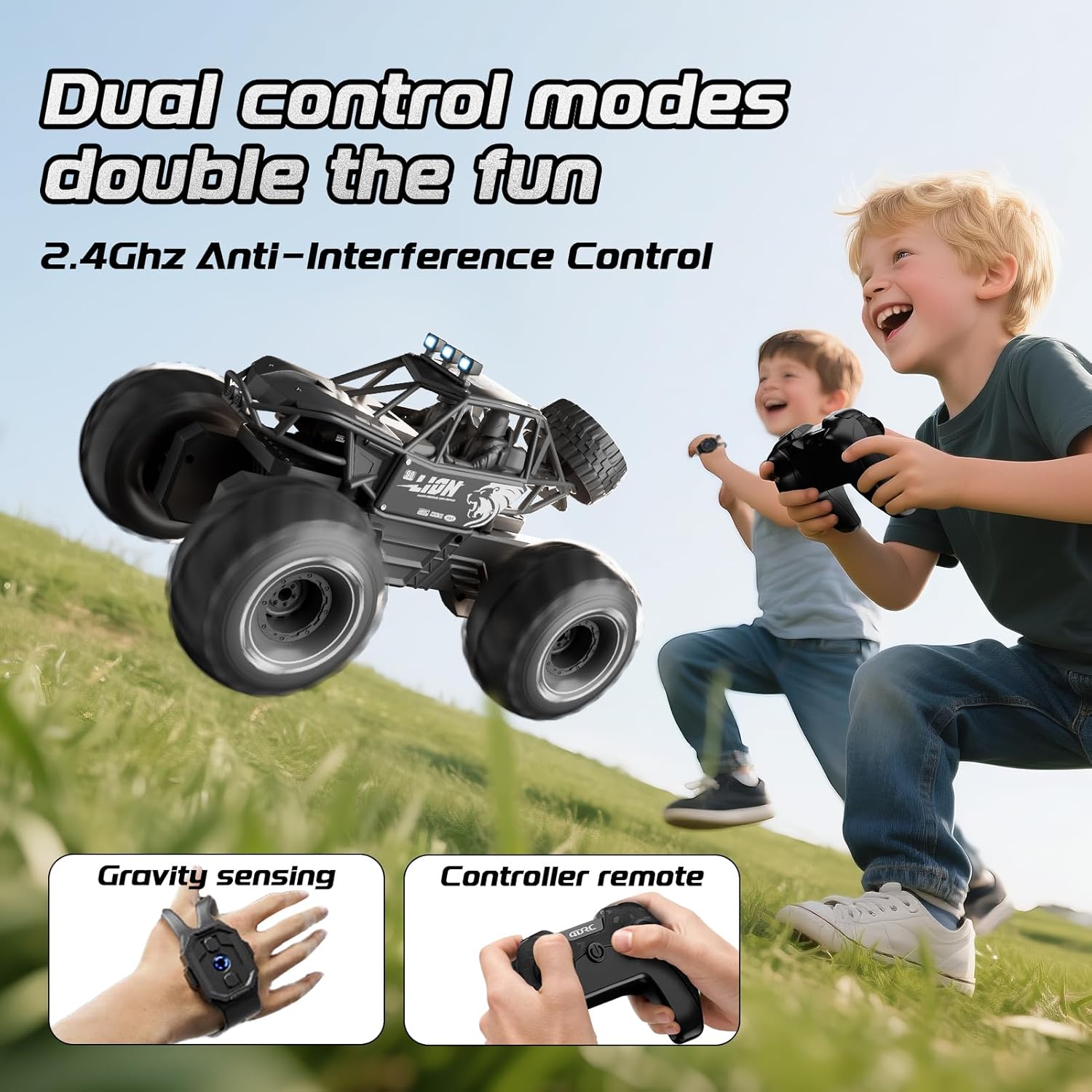
Image: The 4DRC Y10 RC Monster Truck shown in mid-rotation, illustrating its 360-degree stunt capability.
LED Headlights
The integrated LED headlights provide visibility and enhance the visual experience during operation, especially in low-light conditions.
Maintenance
- Cleaning: After use, especially in water or dirt, wipe the truck clean with a damp cloth. Ensure all water is drained and the truck is dry before storing.
- Battery Care: Always fully charge batteries before storage and recharge them periodically if not used for extended periods to maintain battery health. Remove batteries from the remote control if not in use for a long time.
- Storage: Store the truck and accessories in a cool, dry place away from direct sunlight and extreme temperatures.
Troubleshooting
| Problem | Possible Cause | Solution |
|---|---|---|
| Truck does not respond to remote. | Low battery in truck or remote; not paired; out of range. | Charge truck battery. Replace remote batteries. Re-pair the truck and remote. Ensure truck is within operating range (approx. 150 feet). |
| Truck moves erratically or is hard to control. | Interference; joystick stiffness/malfunction. | Operate in an open area away from other 2.4GHz devices. If joysticks are stiff, ensure they are not obstructed and apply gentle, consistent pressure. If the issue persists, contact customer support. |
| Truck stops working in water. | Battery compartment not sealed; water ingress. | Immediately remove from water. Open battery compartment and dry thoroughly. Ensure compartment is properly sealed before next water use. If damage occurred, contact customer support. |
| Short playtime. | Battery not fully charged; old battery. | Ensure battery is fully charged before use. Consider replacing old batteries if performance degrades significantly. |
Specifications
- Model: Y10
- Brand: 4DRC
- Scale: 1:14
- Product Dimensions: 10.63 x 7.5 x 6.3 inches
- Item Weight: 2.53 pounds
- Control Frequency: 2.4GHz
- Battery (Truck): 7.4V Rechargeable (2 included)
- Battery (Remote): 2 x AA batteries (not included)
- Recommended Age: 8 years and up
- Features: Amphibious, Waterproof, Metal Shell, LED Headlights, 4WD, 360° Stunt Rotation, Dual Control Modes
Warranty and Support
For warranty information or technical support, please refer to the contact details provided with your purchase or visit the official 4DRC website. Keep your purchase receipt as proof of purchase.
Ask a question about this manual
Ask about setup, troubleshooting, compatibility, parts, safety, or missing instructions. Manuals+ will review the question and use this page’s manual context to help answer it.