1. Introduction
Thank you for choosing the KIANO 19-inch Portable HD TV. This manual provides essential information for the safe and efficient operation of your new television. Please read it thoroughly before use and keep it for future reference.
This portable television is ideal for use in various environments, including camping cars, trucks, and garden sheds, thanks to its versatile 12V/230V power supply. It features a DLED 1366x768 screen, DVB-T2/S2/C tuners, and multiple connectivity options including HDMI, USB, CI, and VGA.
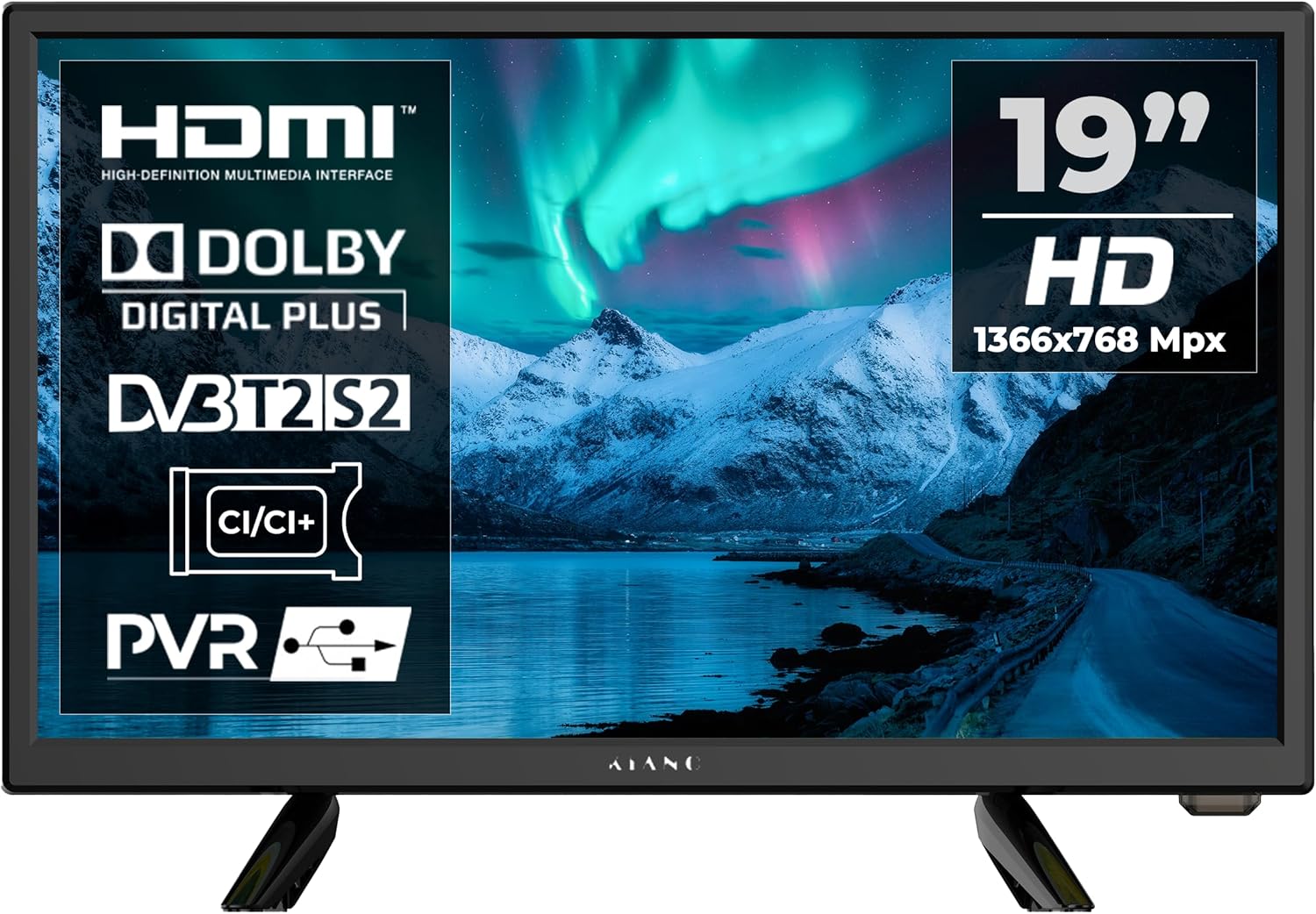
Figure 1.1: Front view of the KIANO 19-inch Portable HD TV.
2. Safety Information
To ensure safe operation and prevent damage, please observe the following safety precautions:
- Power Supply: Use only the specified 12V or 230V power adapters. Ensure the voltage matches your power source.
- Ventilation: Do not block ventilation openings. Allow adequate space around the TV for proper airflow to prevent overheating.
- Water and Moisture: Do not expose the TV to rain, moisture, or dripping/splashing liquids. Do not place objects filled with liquids, such as vases, on the TV.
- Cleaning: Unplug the TV before cleaning. Use a soft, dry cloth. Do not use liquid cleaners or aerosol cleaners.
- Placement: Place the TV on a stable, level surface. Avoid placing it in direct sunlight or near heat sources.
- Lightning: During lightning storms or when unused for long periods, unplug the TV from the power outlet.
- Servicing: Do not attempt to service this product yourself. Refer all servicing to qualified service personnel.
3. Package Contents
Carefully unpack your KIANO 19-inch Portable HD TV and check that all items are present and undamaged. The package should contain:
- KIANO 19-inch Portable HD TV Unit
- Remote Control
- Power Adapter (12V/230V compatible)
- Detachable Stand Feet
- User Manual (this document)

Figure 3.1: The product packaging for the KIANO Slim TV 19" Travel.
4. Product Overview
4.1. Front and Side Views
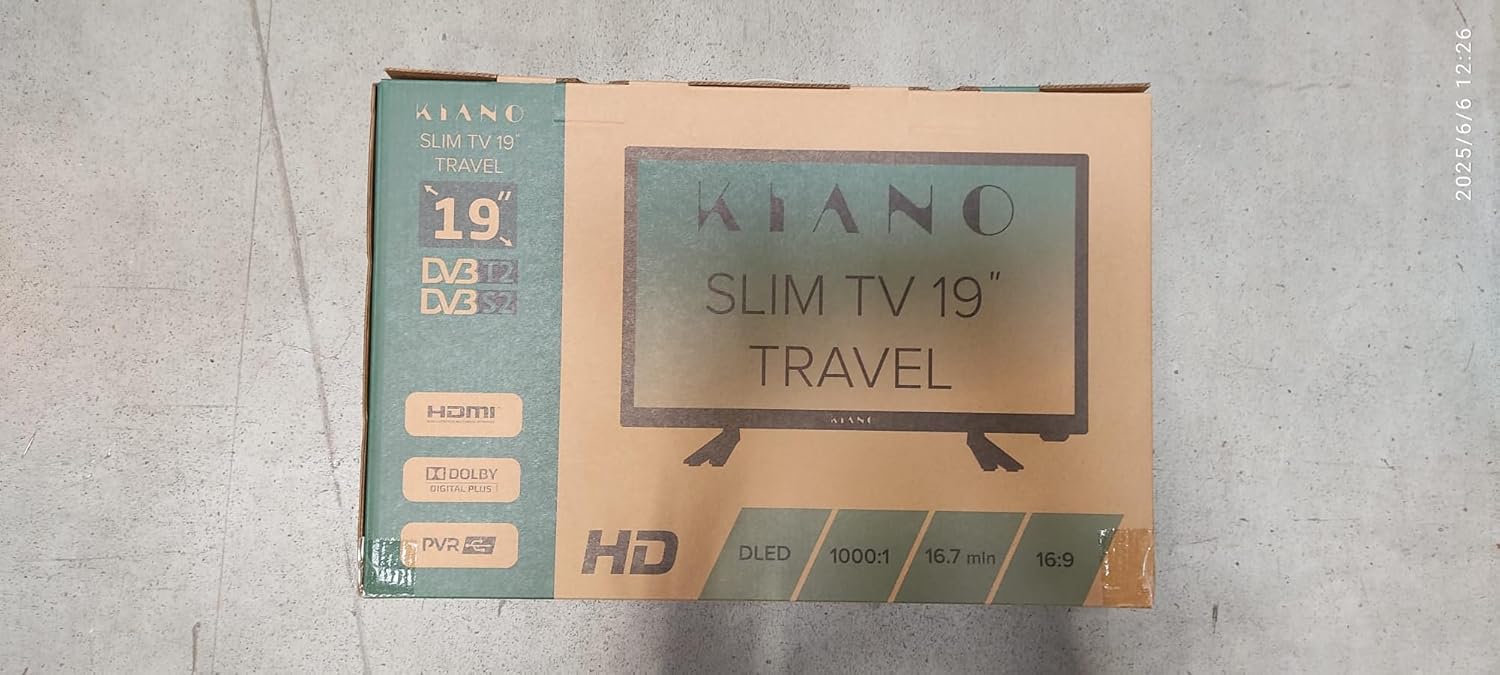
Figure 4.1: Front view of the KIANO 19-inch Portable HD TV, showing the screen and brand logo.

Figure 4.2: Side view of the TV, highlighting the integrated control buttons (Volume, Channel, Menu, Power).
4.2. Rear Panel and Connectivity
The rear panel of your KIANO TV provides various ports for connecting external devices:

Figure 4.3: Close-up of the rear panel ports, including HDMI, USB, CI, VGA, and antenna inputs.
- HDMI: High-Definition Multimedia Interface for connecting devices like laptops, game consoles, or set-top boxes.
- USB: For connecting USB drives to play multimedia content or record TV programs (PVR).
- CI Slot: Common Interface slot for CAM modules and smart cards, typically used for encrypted digital TV services.
- VGA: Video Graphics Array input for connecting a computer.
- AV In: Audio/Video input for older devices using RCA cables.
- Coaxial Output: For digital audio output.
- Headphone Jack: For private listening.
- Antenna Input (DVB-T2/S2/C): For connecting terrestrial, satellite, or cable TV antennas.
- DC IN 12V: Power input for 12V DC power supply, suitable for vehicles.
- AC IN 230V: Power input for 230V AC power supply, suitable for home use.
5. Setup
5.1. Attaching the Stand
If you intend to place the TV on a flat surface, attach the two stand feet to the bottom of the TV. Align the feet with the designated slots and secure them with the provided screws (if applicable). Ensure they are firmly attached for stability.
5.2. Wall Mounting (Optional)
The KIANO 19-inch TV is VESA compatible (100x100mm), allowing it to be mounted on a wall using a compatible VESA wall mount bracket (not included). Follow the instructions provided with your wall mount bracket for safe installation.

Figure 5.1: VESA 100x100 mounting points on the rear of the TV.
5.3. Connecting Power
Connect the appropriate power adapter to the "DC IN 12V" or "AC IN 230V" port on the TV, then plug it into a suitable power outlet (12V for vehicle use, 230V for standard household use).
5.4. Connecting Antenna/Cable
Connect your terrestrial antenna (DVB-T2), satellite dish (DVB-S2), or cable TV (DVB-C) to the corresponding antenna input on the rear of the TV.
5.5. Initial Setup Wizard
Upon first power-on, the TV will guide you through an initial setup wizard. Follow the on-screen prompts to:
- Select your preferred language (English).
- Select your country/region. Note: Some users have reported limited country options, potentially defaulting to Poland. If this occurs, proceed with the available option and manually scan channels.
- Perform an automatic channel scan for DVB-T2, DVB-S2, or DVB-C channels.
6. Operating Instructions
6.1. Basic Operation
- Power On/Off: Press the POWER button on the remote control or the TV.
- Volume Control: Use the VOL +/- buttons to adjust the volume.
- Channel Change: Use the CH +/- buttons to change channels.
- Mute: Press the MUTE button to temporarily turn off the sound.
6.2. Input Source Selection
Press the SOURCE button on the remote control to cycle through available input sources (TV, HDMI1, HDMI2, AV, VGA, USB).
6.3. Menu Navigation
Press the MENU button to access the on-screen display (OSD) menu. Use the arrow buttons (UP/DOWN/LEFT/RIGHT) to navigate and OK to confirm selections. Press EXIT to close the menu.
6.4. Multimedia Playback (USB)
Insert a USB flash drive into the USB port. Select "USB" as the input source. You can then browse and play supported media files (videos, photos, music) stored on the USB drive.
6.5. PVR (Personal Video Recorder) Function
The TV supports PVR functionality, allowing you to record digital TV programs to a connected USB storage device. Refer to the on-screen menu for PVR setup and operation.
6.6. EPG (Electronic Program Guide)
Press the EPG button on the remote control to view the Electronic Program Guide, which displays program schedules for digital channels.
7. Maintenance
- Screen Cleaning: Gently wipe the screen with a soft, lint-free cloth. For stubborn marks, dampen the cloth slightly with water or a specialized screen cleaner. Never spray liquid directly onto the screen.
- Cabinet Cleaning: Use a soft, dry cloth to wipe the TV cabinet. Do not use abrasive cleaners, waxes, or solvents.
- Ventilation: Regularly check that the ventilation slots on the back of the TV are not blocked by dust or debris.
- Storage: If storing the TV for an extended period, unplug it from the power source and store it in a cool, dry place, preferably in its original packaging.
8. Troubleshooting
Before contacting customer support, please refer to the following common issues and their solutions:
| Problem | Possible Cause | Solution |
|---|---|---|
| No power / TV does not turn on. | Power cable not connected; power outlet faulty; remote control batteries dead. | Check power cable connection; try a different outlet; replace remote control batteries. |
| No signal / "No Signal" message. | Incorrect input source selected; antenna/cable not connected; no channels scanned. | Press SOURCE to select correct input; check antenna/cable connection; perform a channel scan. |
| Poor picture quality. | Weak signal; incorrect resolution; dirty screen. | Adjust antenna position; check source device resolution; clean the screen. |
| No sound. | Volume too low or muted; external audio device issues. | Increase volume; press MUTE; check external audio connections. |
| Limited country selection during setup. | Firmware region lock. | Proceed with available country (e.g., Poland) and then manually scan for channels in your region. This should not prevent channel reception. |
9. Specifications
| Feature | Detail |
|---|---|
| Model Number | Slim TV 19" travel |
| Screen Size | 18.5 inches (47 cm diagonal) |
| Display Technology | DLED |
| Resolution | 1366 x 768 (HD) |
| Refresh Rate | 60 Hz |
| Aspect Ratio | 1.78:1 |
| Connectivity | HDMI, USB (1 port), CI Slot, VGA, AV-In, Coaxial Out, Headphone Jack |
| Tuners | DVB-T2, DVB-S/S2, DVB-C |
| Audio | 2 x 5W Stereo Speakers, Dolby Digital support |
| Power Supply | 12V DC / 230V AC |
| Power Consumption (On-mode) | 35.0 Watts |
| Annual Energy Consumption | 54.75 kWh (based on 4 hours/day, 365 days/year) |
| Energy Efficiency Class | F (A_TO_G scale) |
| Dimensions (W x H x D) | 43.7 x 29.7 x 16.9 cm (with stand) |
| Weight | 1.7 kg |
| VESA Compatibility | 100 x 100 mm |
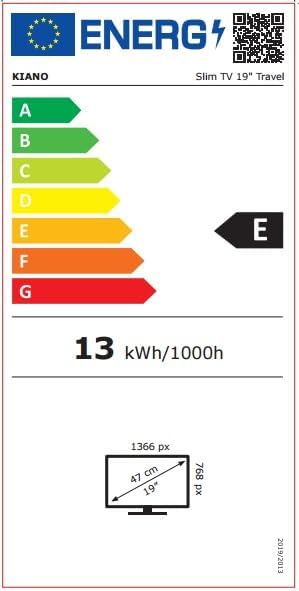

Figure 9.1: Energy label and product information sheet for the KIANO Slim TV 19" Travel.
For detailed product information, refer to the EPREL database: https://eprel.ec.europa.eu/qr/1948080
10. Warranty and Support
KIANO provides a guarantee for spare parts availability for 2 years from the date of purchase. For technical support, warranty claims, or service inquiries, please contact your retailer or the official KIANO support channels.
Please retain your proof of purchase for warranty purposes.


