
Introduction
This user manual provides detailed instructions for the installation, operation, and maintenance of your FJZKTEG 5MP IP Security Camera. Please read this manual thoroughly before using the product to ensure proper setup and optimal performance.
The FJZKTEG 5MP IP Security Camera is designed for both indoor and outdoor surveillance, offering high-definition video, Wi-Fi connectivity, two-way audio, and robust weatherproofing to protect your home or property.
Package Contents
Before proceeding with the installation, please verify that all items listed below are present in your package:
- Outdoor WiFi Camera (1 unit)
- Power Adapter (1 unit)
- Mounting Base (1 unit)
- Mounting Screws (4 units)
- User Manual (1 unit)
- Waterproof Lid (1 unit)
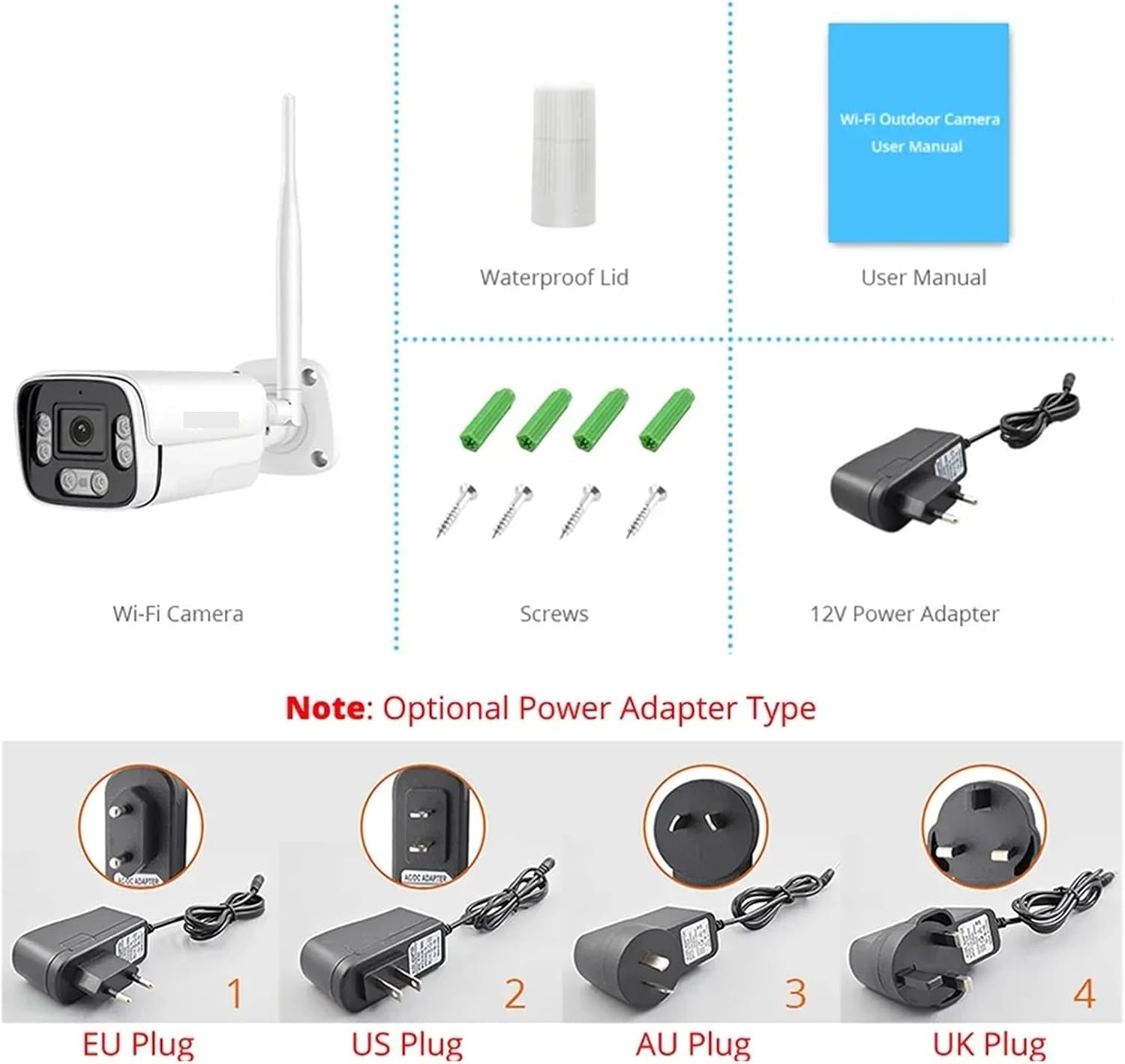
Image: All components included in the product package, showing the camera, power adapter, mounting hardware, and documentation.
Product Features
- 5 Megapixel High Definition: Provides clear and detailed video footage.
- Wi-Fi Connectivity: Easy wireless connection for remote viewing.
- Two-Way Audio: Allows for real-time communication through the camera.
- IP66 Weatherproof Rating: Designed to withstand harsh outdoor conditions, including rain, snow, and extreme temperatures.
- Motion Detection: AI-powered motion detection for security alerts.
- Night Vision: Equipped with 6Pcs Array LEDs for up to 30 meters of night vision.
- Bullet Style Design: Durable metal shell suitable for various installation environments.
Visual Overview

Image: The FJZKTEG 5MP IP Security Camera, a white bullet-style camera with a single antenna, designed for outdoor surveillance.

Image: Illustrates the camera's key capabilities: 5MP resolution, Wi-Fi connectivity, and audio features, along with a mobile phone showing the live monitoring interface.

Image: Highlights the 5dBi Wi-Fi antenna, which ensures a stable connection and extended Wi-Fi range for the camera.
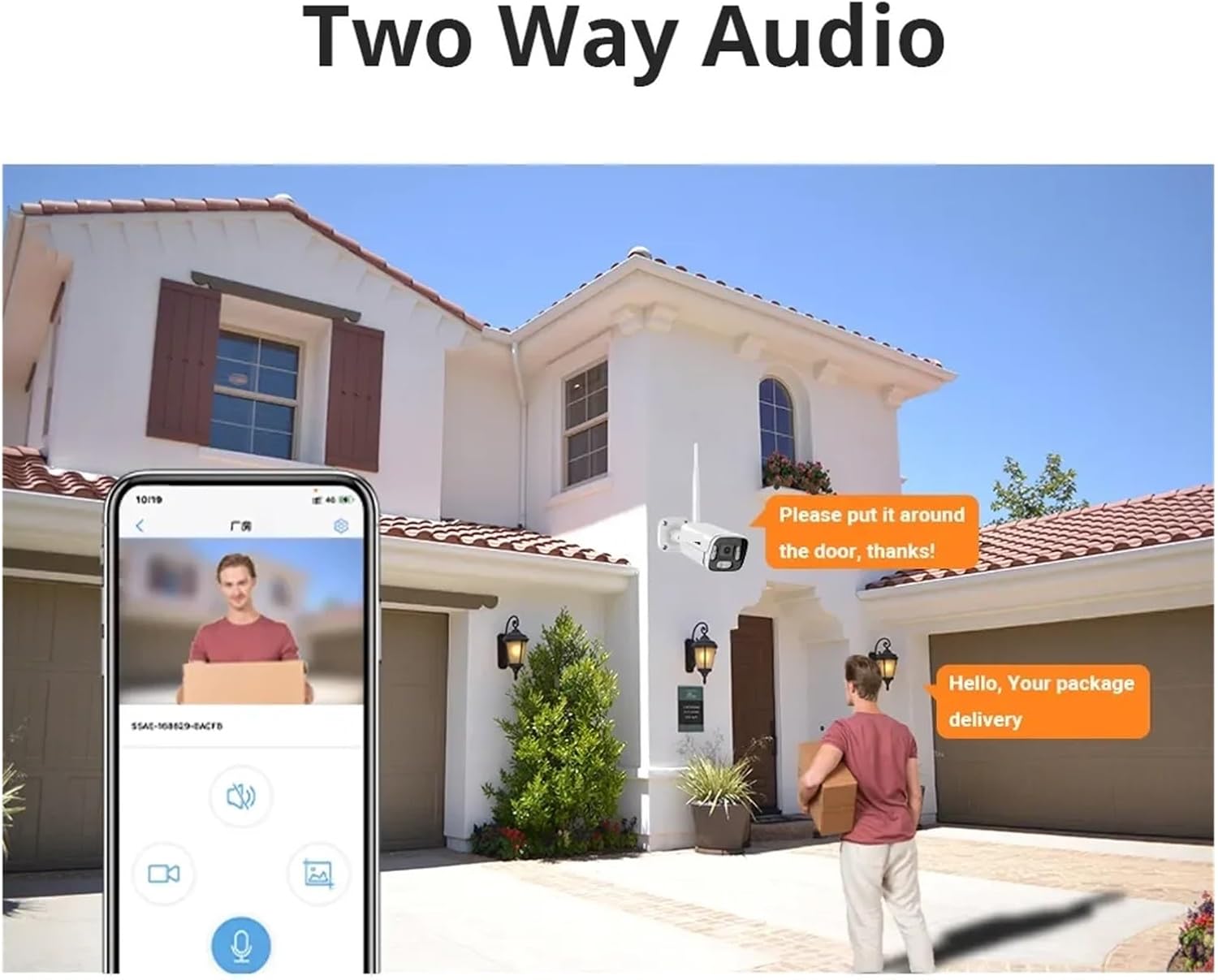
Image: Depicts the two-way audio functionality, showing a user communicating with someone at their doorstep via the camera and a mobile application.
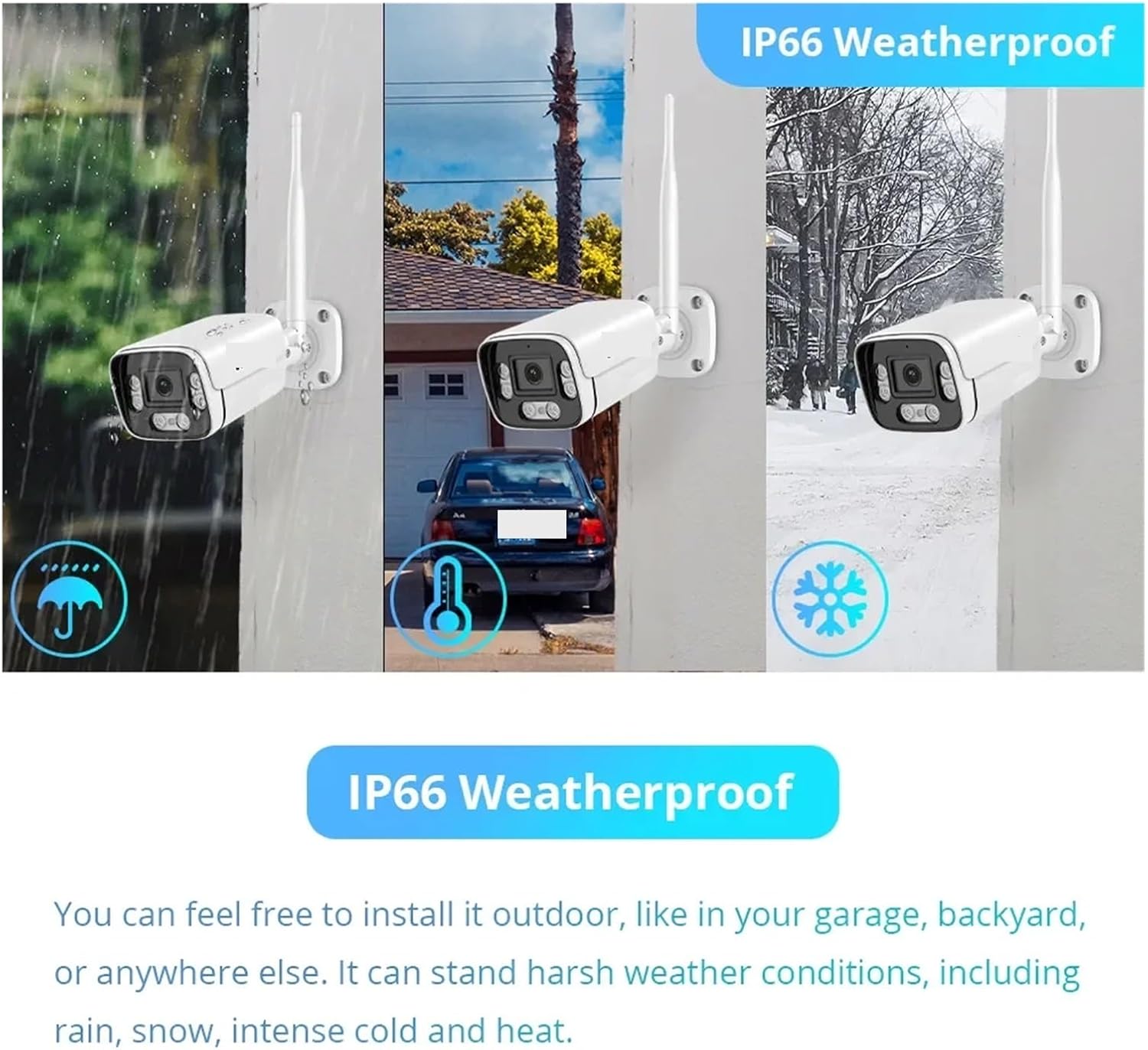
Image: Illustrates the camera's IP66 weatherproof durability, showcasing its ability to operate reliably in rain, snow, and intense heat.
Setup Guide
1. Mounting the Camera
- Choose a suitable location for installation. The camera is IP66 rated, making it ideal for outdoor use. Ensure the location provides a clear view of the area you wish to monitor and is within Wi-Fi range.
- Use the provided mounting base as a template to mark the drill holes on the wall or ceiling.
- Drill holes at the marked positions. Insert wall anchors if necessary.
- Secure the mounting base to the surface using the provided mounting screws.
- Attach the camera to the mounting base and adjust its angle for optimal coverage.
2. Power Connection
- Connect the provided 12V 1A power adapter to the camera's power input port.
- Plug the power adapter into a standard electrical outlet. Ensure the outlet is protected from weather if installed outdoors.
- The camera will power on and initiate its startup sequence.
3. Network Connection (Wi-Fi)
- Download the recommended mobile application (e.g., CamHi or CamHipro) from your smartphone's app store (iOS App Store or Google Play Store).
- Register an account and log in to the application.
- Follow the in-app instructions to add your new camera. This typically involves scanning a QR code on the camera or manually entering its device ID.
- Select your Wi-Fi network and enter the password when prompted. Ensure your camera is within range of your Wi-Fi router.
- Once connected, the camera's status indicator will change, and you will be able to view the live feed through the app.
Operating Instructions
Live View and Recording
- Open the mobile application and select your camera from the device list to access the live video feed.
- From the live view interface, you can initiate manual video recording or capture screenshots.
- Review recorded footage from the app's playback section. The camera supports up to 128GB storage (TF Card not included).
Two-Way Audio
- While in live view, tap the microphone icon in the app to enable two-way audio.
- Speak into your phone's microphone to transmit your voice through the camera's speaker.
- The camera's built-in microphone will pick up audio from the camera's surroundings.
Motion Detection and Alerts
- Navigate to the camera settings within the app to configure motion detection.
- Adjust sensitivity levels and define detection zones as needed.
- Enable push notifications to receive instant alerts on your smartphone when motion is detected.
Night Vision
- The camera automatically switches to infrared night vision mode in low-light conditions.
- The 6Pcs Array LEDs provide clear black and white video up to 30 meters in complete darkness.
Maintenance
- Cleaning: Regularly wipe the camera lens with a soft, dry cloth to ensure clear image quality. Do not use harsh chemicals or abrasive materials.
- Firmware Updates: Check the mobile application periodically for available firmware updates. Keeping the firmware updated ensures optimal performance and security.
- Environmental Protection: While the camera is IP66 weatherproof, ensure the power connection point is adequately protected from direct exposure to heavy rain or snow, especially if using an outdoor extension cord.
- Cable Management: Ensure all cables are securely fastened and protected from physical damage or tampering.
Troubleshooting
Common Issues and Solutions
- No Power:
- Ensure the power adapter is securely connected to both the camera and a working electrical outlet.
- Verify the power outlet is functional by plugging in another device.
- Cannot Connect to Wi-Fi:
- Ensure the camera is within range of your Wi-Fi router.
- Double-check the Wi-Fi password entered in the app.
- Restart your Wi-Fi router and the camera.
- Ensure your Wi-Fi network is 2.4GHz, as some cameras may not support 5GHz networks.
- Blurry Image:
- Clean the camera lens with a soft, dry cloth.
- Check for any obstructions in front of the lens.
- No Audio / Poor Audio Quality:
- Ensure the microphone and speaker functions are enabled in the app.
- Check the volume settings on your smartphone.
- Ensure there are no obstructions blocking the camera's microphone or speaker.
Technical Specifications
| Feature | Specification |
|---|---|
| Megapixels | 5MP |
| Connectivity | WIFI |
| Video Compression Format | H.265 |
| Lens (mm) | 3.6mm (Fixed) |
| Viewing Angle | 87° |
| IR Distance (Night Vision) | 6Pcs Array LEDs, 30M |
| Audio Output | Two Way Audio |
| AI Functions | Motion Detection |
| Shell Material | Metal |
| Operating Temperature | -40°C to 55°C (-40°F to 131°F) |
| IP Rating | IP66 (Waterproof / Weatherproof) |
| Power Supply | 12V 1A |
| Power Consumption | 8W MAX |
| Storage | Supports up to 128G TF Card (not included) |
| Installation | Wall Mounted |
| Dimensions (L x W x D) | 68mm x 190mm x 255mm |
| Item Weight | 1.76 ounces |
| Model Number | f17heceecc90 |
Warranty and Support
Warranty Information
This product comes with a standard manufacturer's warranty. Please refer to the product packaging or the seller's information for specific warranty terms and duration. Keep your purchase receipt as proof of purchase for warranty claims.
Customer Support
For technical assistance, troubleshooting, or warranty inquiries, please contact the seller or manufacturer directly through the platform where the product was purchased. Provide your model number (f17heceecc90) and purchase details for faster service.