1. Introduction
This manual provides detailed instructions for the installation, operation, and maintenance of your new replacement laptop touchpad. Please read this guide thoroughly before proceeding with installation or use.
Compatible Huawei MateBook D 15 Models:
- BoB-WAH9
- BoB-WAH9P
- BoB-WAH9FP
- BoB-WAH9F
- BoB-WAH9AF
2. Safety Information
Observe the following safety precautions to prevent damage to your laptop or injury:
- Always power off your laptop and disconnect the AC adapter and battery before beginning any installation.
- Discharge any static electricity from your body by touching a grounded metal object or using an anti-static wrist strap.
- Handle electronic components with care, avoiding contact with pins and connectors.
- If you are unsure about any step, seek assistance from a qualified technician.
3. Package Contents
Please verify that all items are present in your package:
- 1 x Replacement Laptop Touchpad (Model: CMB-BoB-WAH9-S)
4. Installation Guide
This section outlines the general steps for replacing the touchpad. Specific disassembly procedures may vary slightly by laptop model. Refer to your laptop's service manual for detailed instructions if available.
Tools Required: Small Phillips head screwdriver, plastic prying tool (spudger), anti-static wrist strap (recommended).
- Prepare Laptop: Power off your Huawei MateBook D 15 completely and disconnect the AC adapter. Remove the bottom cover of the laptop.
- Disconnect Battery: Carefully disconnect the laptop's internal battery to prevent accidental power-on during the process.
- Locate Touchpad: Identify the existing touchpad module and its associated ribbon cables.
- Disconnect Cables: Gently unlatch the connectors and disconnect the ribbon cables from the touchpad.
- Remove Old Touchpad: Unscrew any retaining screws holding the touchpad in place and carefully lift out the old touchpad module.
- Install New Touchpad: Position the new replacement touchpad (CMB-BoB-WAH9-S) into the designated slot.
- Reconnect Cables: Reconnect the ribbon cables to the new touchpad, ensuring they are seated correctly and latched securely.
- Secure Touchpad: Fasten the new touchpad with the retaining screws.
- Reconnect Battery: Reconnect the laptop's internal battery.
- Reassemble Laptop: Reattach the bottom cover of your laptop.
- Test Functionality: Power on your laptop and test the new touchpad to ensure it is functioning correctly.
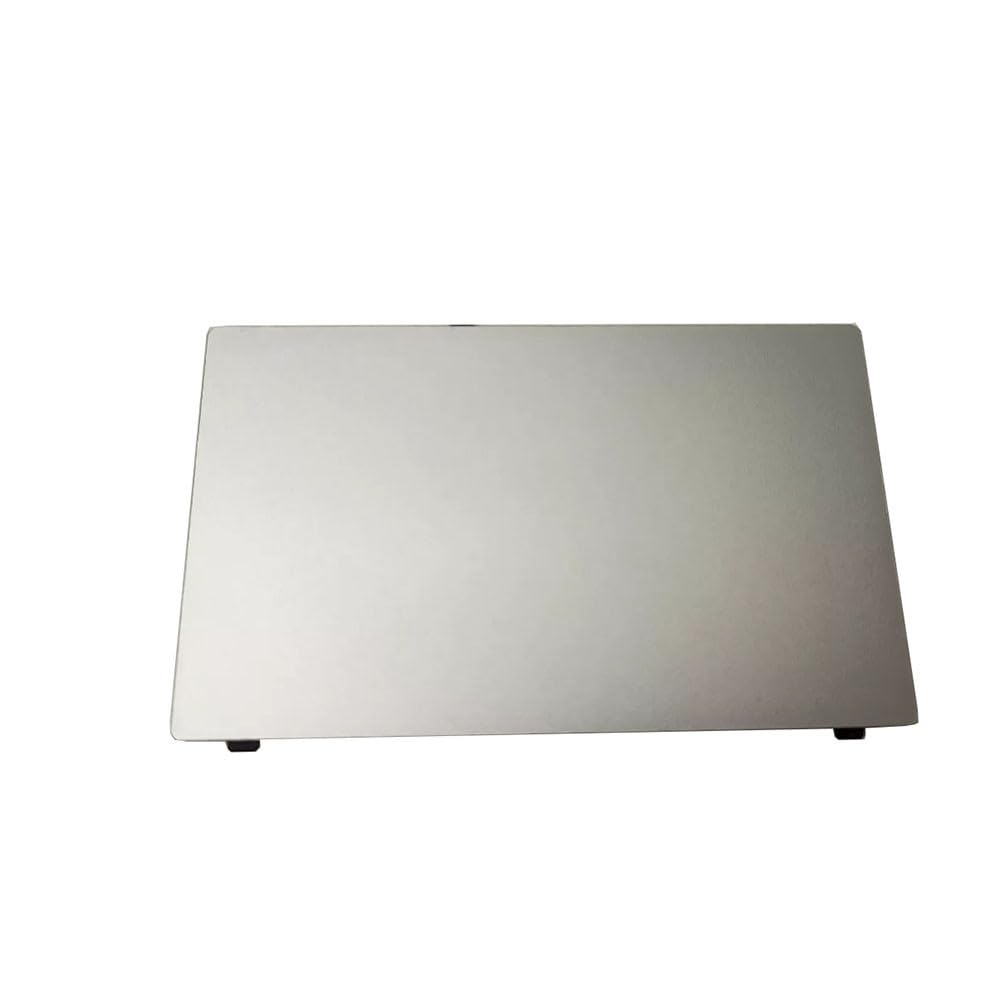
Image showing the replacement laptop touchpad, model CMB-BoB-WAH9-S, designed for Huawei MateBook D 15 series laptops. This is the component you will be installing.
5. Operating Instructions
The replacement touchpad functions identically to the original, providing standard pointing device capabilities and multi-touch gestures supported by your operating system.
- Single Tap: Performs a left-click action.
- Two-Finger Tap: Performs a right-click action.
- Two-Finger Scroll: Drag two fingers up or down to scroll content.
- Pinch-to-Zoom: Place two fingers on the touchpad and move them closer together or further apart to zoom in or out.
6. Maintenance
To ensure optimal performance and longevity of your touchpad:
- Keep the touchpad surface clean and free from dust, oils, and debris.
- Use a soft, lint-free cloth slightly dampened with water or a mild electronic cleaner for cleaning. Avoid harsh chemicals.
- Avoid applying excessive force or pressure to the touchpad surface.
7. Troubleshooting
- Touchpad not responding:
- Ensure all ribbon cables are securely connected to both the touchpad and the motherboard.
- Check if the touchpad is enabled in your laptop's BIOS/UEFI settings or via a function key combination (e.g., Fn + F7/F9/F10, depending on your specific MateBook D 15 model).
- Restart your laptop.
- Verify that the correct touchpad drivers are installed. You may need to download them from Huawei's official support website.
- Erratic cursor movement or unresponsiveness:
- Clean the touchpad surface thoroughly.
- Update or reinstall your touchpad drivers.
- Ensure there is no physical obstruction or damage to the touchpad or its cables.
8. Specifications
| Item | Detail |
|---|---|
| Model Number | CMB-BoB-WAH9-S |
| Compatible Models | Huawei MateBook D 15 (BoB-WAH9, BoB-WAH9P, BoB-WAH9FP, BoB-WAH9F, BoB-WAH9AF) |
| Product Dimensions | 11.81 x 7.87 x 3.94 inches |
| Item Weight | 1.32 pounds |
| Manufacturer | Generic |
9. Warranty Information
This product comes with a 90-day warranty from the date of purchase. This warranty covers manufacturing defects under normal use. Damage resulting from improper installation, misuse, or accidental damage is not covered.
10. Support
For further assistance, technical support, or if you encounter issues not covered in this manual, please contact your retailer or a qualified computer technician. Ensure you have your product model number and purchase details available when seeking support.


