
1. Introduction
This manual provides essential information for setting up, operating, and maintaining your Philips Ambilight 48OLED760 4K OLED Smart TV. Please read these instructions carefully before using the product to ensure proper function and safety.

Image 1.1: Front view of the Philips Ambilight 48OLED760 4K OLED Smart TV, showcasing its sleek design and the Ambilight feature in action. The screen displays vibrant content, highlighting the OLED technology and 4K Ultra HD resolution. Logos for Ambilight TV, OLED, 4K UltraHD, P5 AI Intelligent Picture Engine, and Dolby Vision-Atmos are visible.
2. Setup
2.1. Unboxing and Package Contents
Carefully remove all items from the packaging. Ensure all components are present before proceeding with the setup.

Image 2.1: Diagram illustrating the package contents and TV dimensions. The box includes the TV unit, remote control with 2 AAA batteries, power cable, quick start guide, warranty card, and TV feet. A table provides dimensions (A-G in cm) for various OLED760 screen sizes, including 48", 55", 65", and 77".
Package Contents:
- Philips Ambilight 48OLED760 TV Unit
- Remote Control (with 2 AAA batteries)
- Power Cable
- Quick Start Guide
- Warranty Card
- TV Feet (Stand)
2.2. Physical Installation
Follow the instructions provided in the Quick Start Guide for attaching the TV feet or mounting the TV to a wall. Ensure the TV is placed on a stable surface or securely mounted.
2.3. Initial Power On and First-Time Setup
- Connect the power cable to the TV and a power outlet.
- Press the power button on the remote control or the TV.
- Follow the on-screen instructions to select your language, country, and connect to your Wi-Fi network.
- Complete the channel scan and agree to the terms and conditions for smart TV features.
3. Operation
3.1. Remote Control
The included remote control allows you to navigate the TV's features. It is designed for ease of use and includes dedicated buttons for popular streaming services.
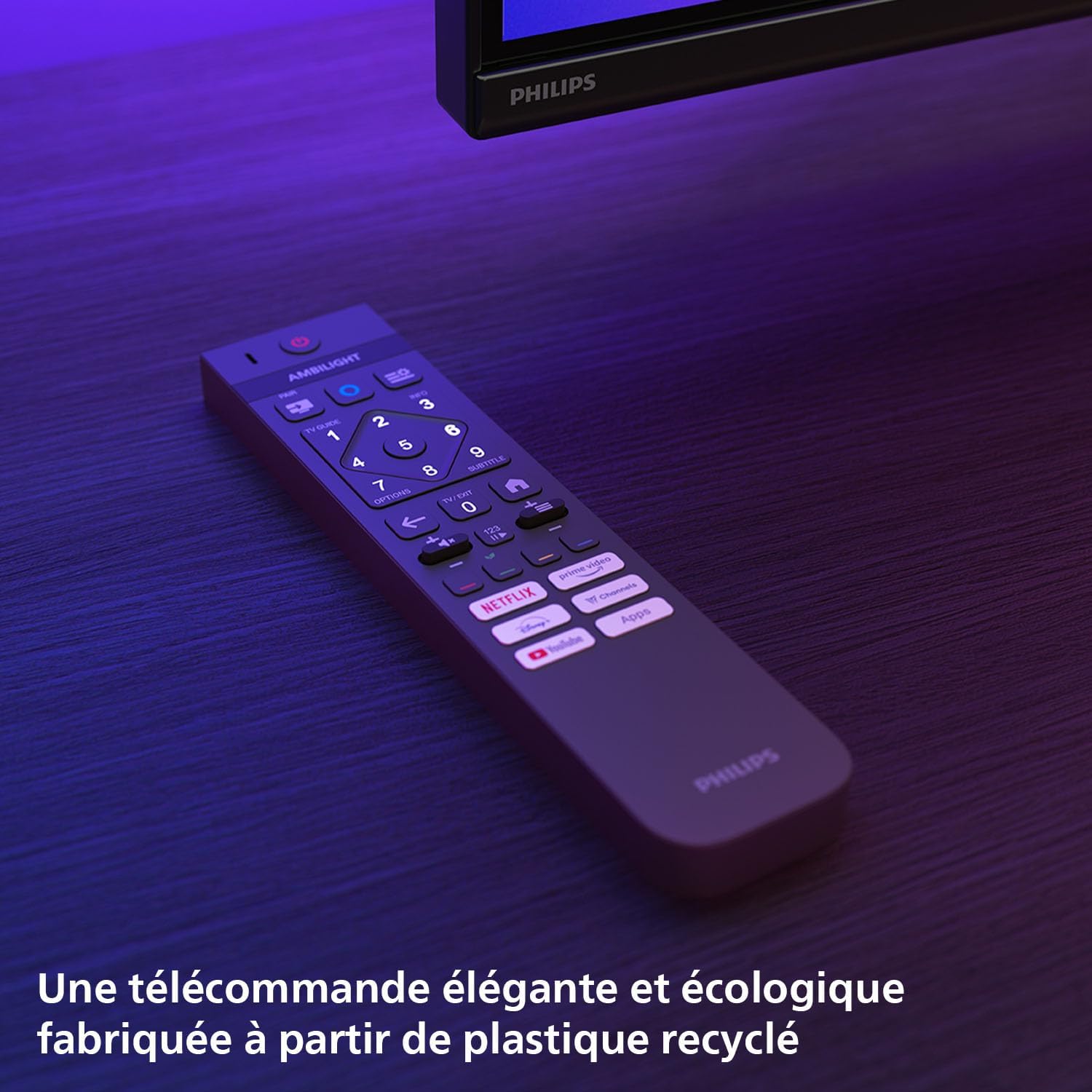
Image 3.1: The Philips Ambilight TV remote control, featuring a sleek design and dedicated buttons for streaming services like Netflix, Prime Video, YouTube, and Disney+. The remote is made from recycled plastic, emphasizing its ecological design.
3.2. Ambilight Features
Ambilight technology projects a halo of light from the TV's edges onto the surrounding wall, matching the colors and action on screen. This creates a more immersive viewing experience.

Image 3.2: A Philips Ambilight TV mounted on a wall, displaying a scene with a train. The Ambilight feature projects a colorful glow onto the wall behind the TV, extending the on-screen action and creating an immersive viewing experience. The back of the TV shows the integrated LED strips.
You can customize Ambilight settings through the TV menu to suit your preferences, including different modes like Follow Video, Follow Audio, or fixed colors.
3.3. P5 AI Perfect Picture Engine
The P5 AI Perfect Picture Engine uses artificial intelligence to optimize picture quality in real-time, enhancing sharpness, color, contrast, and motion for a more realistic and vibrant image.

Image 3.3: A stylized depiction of the P5 AI Intelligent Picture Engine chip, illustrating its advanced processing capabilities for enhancing picture quality. The image highlights the AI aspect of the engine, suggesting intelligent optimization of visuals.
3.4. Titan OS Smart TV
Your TV runs on Titan OS, a smart TV platform that provides easy access to streaming services, personalized recommendations, and a user-friendly interface.

Image 3.4: The Titan OS smart TV interface showing various streaming applications like Prime Video, Netflix, YouTube, Disney+, and Max. The image also illustrates voice control integration with Alexa and Google Assistant, and smart home connectivity via Matter.
Navigate through the home screen to find your favorite apps, browse content, and manage settings.
3.5. Audio Features (Dolby Atmos, DTS:X, IntelliSound)
Experience immersive audio with Dolby Atmos and DTS:X support, creating a three-dimensional soundscape. IntelliSound technology further optimizes audio based on the content being watched.
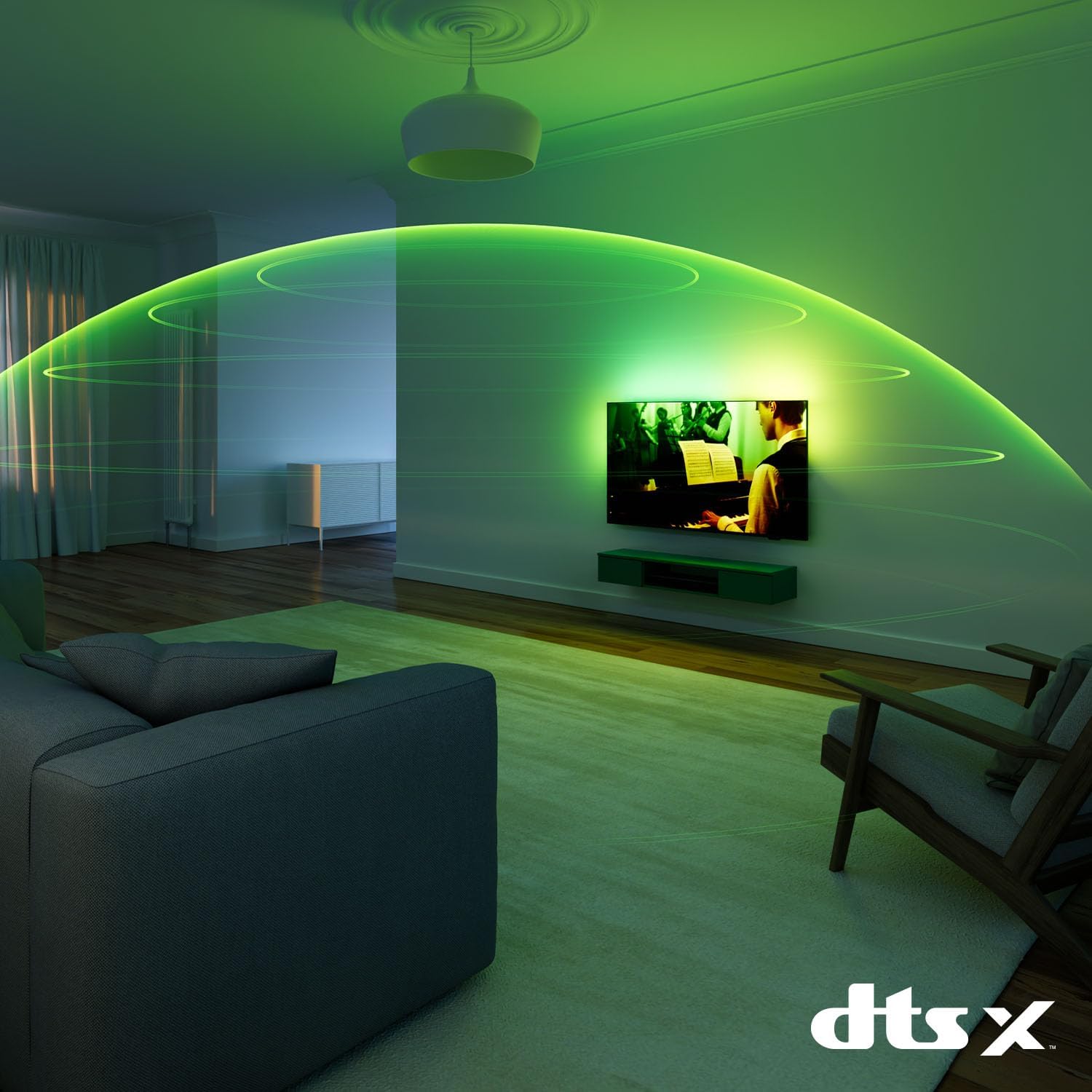
Image 3.5: A living room scene with a Philips Ambilight TV displaying a musical performance. Green sound waves emanate from the TV, illustrating the immersive audio experience provided by DTS:X technology, filling the room with sound.

Image 3.6: A living room with a Philips Ambilight TV showing a scene. An overlay graphic indicates "IntelliSound" and "Identifying scene," with icons representing different audio elements (music, speech, effects, environment). This illustrates the TV's AI-driven audio optimization based on content analysis.
3.6. Voice Control (Alexa & Google Assistant)
The TV supports voice control through Amazon Alexa and Google Assistant, allowing you to control your TV and smart home devices using voice commands. A remote with a microphone is required for activation.
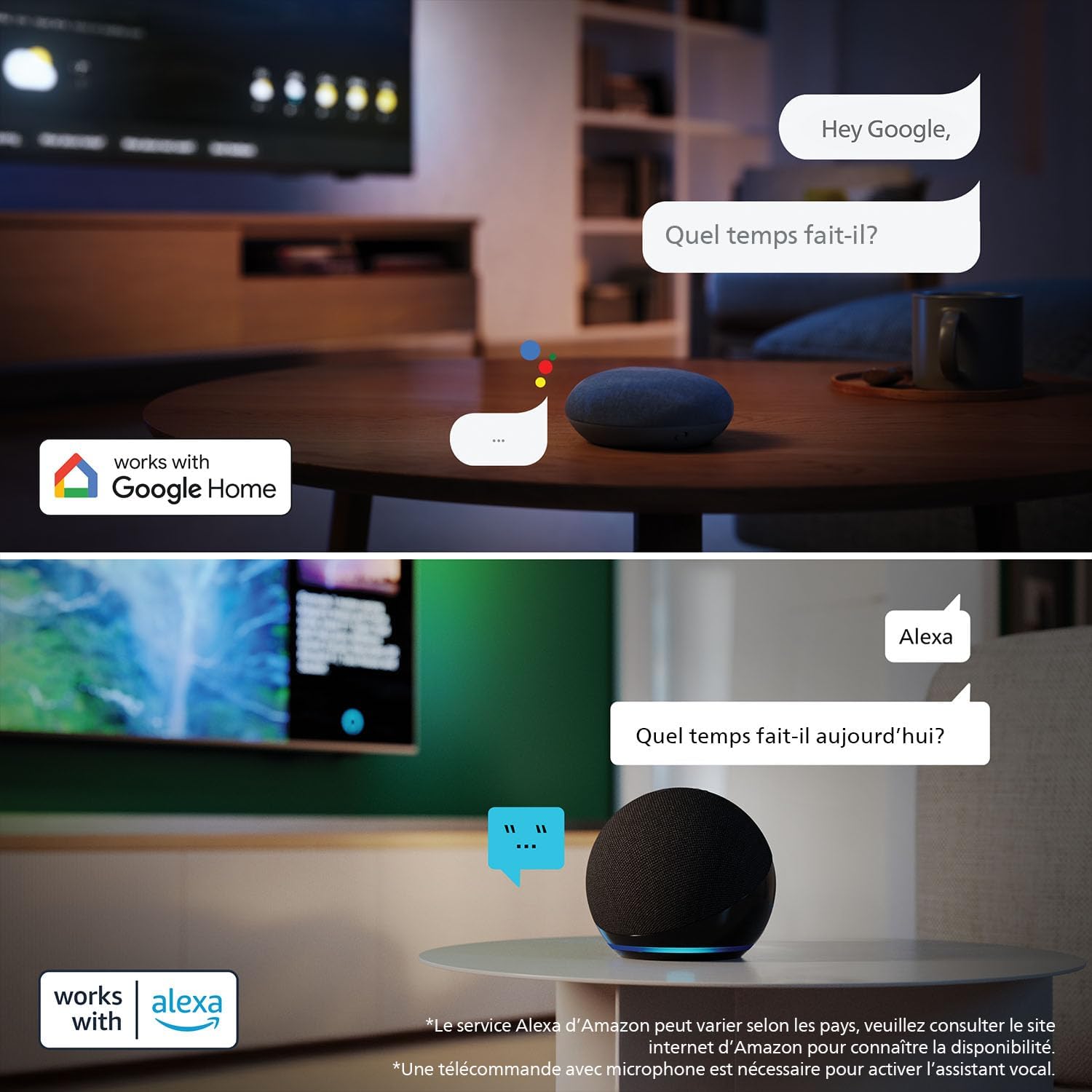
Image 3.7: Two panels demonstrating voice control. The top panel shows interaction with Google Assistant via a Google Home device, asking "Hey Google, Quel temps fait-il?" (What's the weather?). The bottom panel shows interaction with Alexa via an Echo Dot, asking "Alexa, Quel temps fait-il aujourd'hui?" (What's the weather today?). Both panels indicate compatibility with Google Home and Alexa.
3.7. Gaming Features
For gamers, the TV offers advanced features including 120Hz refresh rate, Variable Refresh Rate (VRR), AMD FreeSync Premium, and NVIDIA G-SYNC compatibility for smooth, tear-free gaming.
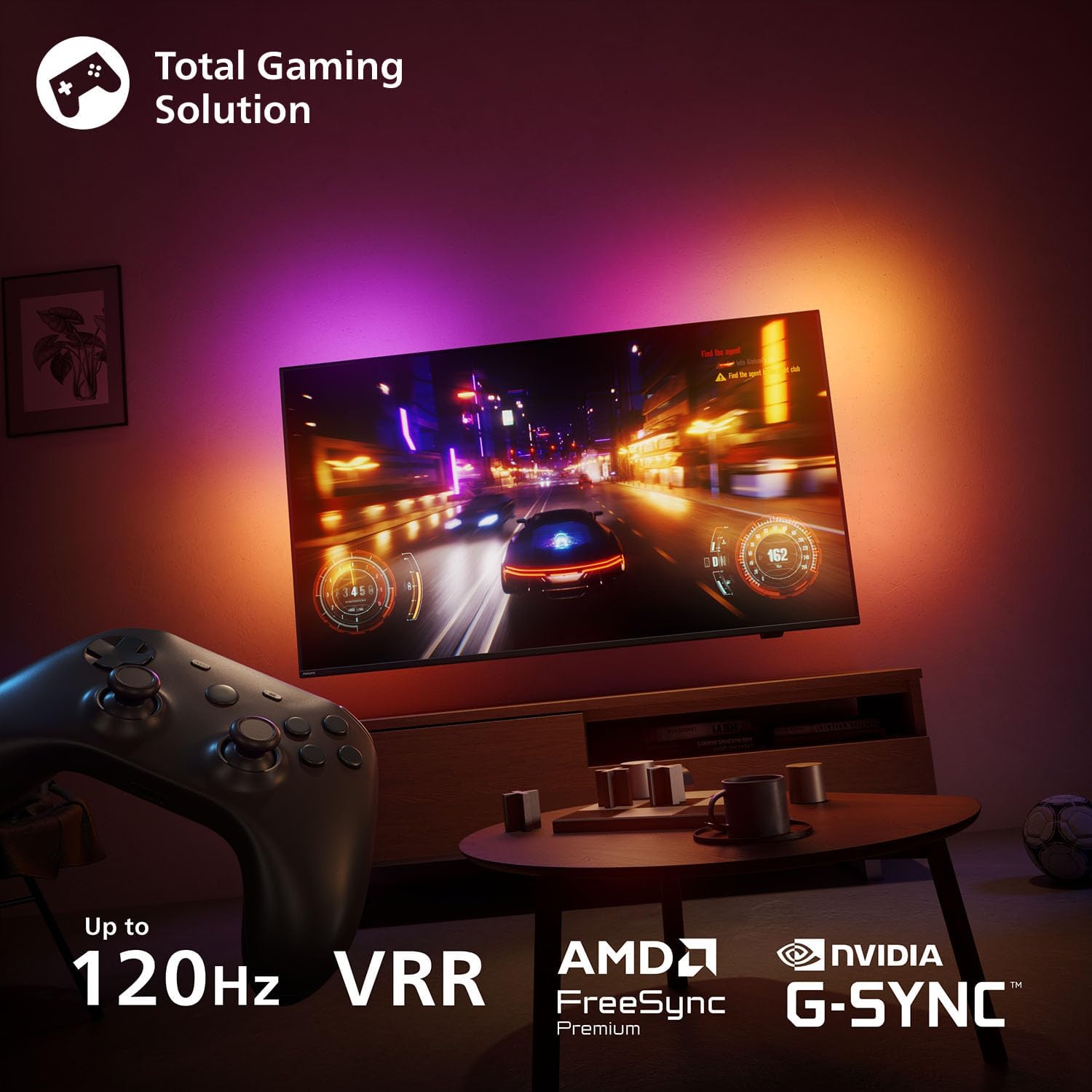
Image 3.8: A gaming setup featuring the Philips Ambilight TV displaying a racing game. Overlays highlight key gaming features: "Up to 120Hz", "VRR Premium", "AMD FreeSync Premium", and "NVIDIA G-SYNC". A game controller is visible in the foreground, emphasizing the TV's suitability for gaming.
4. Connections
Your Philips Ambilight TV provides various ports for connecting external devices.

Image 4.1: A diagram illustrating the various connection ports on the Philips Ambilight 48OLED760 TV. This includes four HDMI ports (one with ARC/eARC), two USB ports (USB 1 at 900mA, USB 2 at 500mA), Satellite input, TV Antenna input, Digital Audio Out, Network (Ethernet) port, Headphone jack, and a Common Interface slot.
- HDMI Ports (x4): For connecting high-definition devices like Blu-ray players, game consoles, and set-top boxes. One port supports ARC/eARC for audio return channel functionality.
- USB Ports (x2): For connecting USB storage devices to play media or for software updates.
- Satellite Input: For connecting a satellite dish.
- TV Antenna Input: For connecting a terrestrial or cable antenna.
- Digital Audio Out (Optical): For connecting to an external audio system.
- Network (Ethernet) Port: For a wired internet connection.
- Headphone Jack: For connecting headphones.
- Common Interface (CI) Slot: For inserting a CAM (Conditional Access Module) and smart card to access encrypted digital TV services.
5. Maintenance
5.1. Cleaning the TV
- Always unplug the TV before cleaning.
- Use a soft, lint-free cloth to gently wipe the screen and cabinet.
- For stubborn marks, dampen the cloth with a small amount of water or a specialized screen cleaner. Never spray cleaner directly onto the screen.
- Avoid using abrasive cleaners, alcohol, or solvents, as these can damage the TV's surface.
5.2. Software Updates
Ensure your TV's software is up to date for optimal performance and security. You can check for updates via the TV's settings menu (usually under "Settings" > "Software Update" or "About").
6. Troubleshooting
If you encounter issues with your TV, refer to the following common solutions:
- No Power: Check if the power cable is securely connected to both the TV and the power outlet. Try a different outlet.
- No Picture/Sound: Ensure the correct input source is selected. Check all cable connections (HDMI, antenna, etc.).
- Remote Control Not Working: Replace the batteries. Ensure there are no obstructions between the remote and the TV's IR sensor.
- No Internet Connection: Check your Wi-Fi router and internet service. Reconnect the TV to the Wi-Fi network or try a wired Ethernet connection.
- Picture Quality Issues: Adjust picture settings (brightness, contrast, sharpness). Ensure the content source is high quality.
- Ambilight Not Working: Check Ambilight settings in the TV menu. Ensure the TV is not too close to the wall or that there are no obstructions.
For more detailed troubleshooting, consult the full user manual available online or contact Philips customer support.
7. Specifications
7.1. General Information
- Brand: Philips
- Model Number: 48OLED760/12
- Screen Size: 48 Inches
- Display Technology: OLED
- Resolution: 4K Ultra HD (3840 x 2160)
- Refresh Rate: 120 Hz
- Operating System: Titan OS
- Color: Matte Black
- Product Dimensions: 21P x 106.8W x 63.8H cm
- Aspect Ratio: 16:9
- Manufacturer: TP Vision
- Country of Origin: Poland
7.2. Connectivity
- Connectivity Technology: Bluetooth, Ethernet, HDMI, USB, Wi-Fi
- HDMI Ports: 4 (including ARC/eARC)
- USB Ports: 2
- Other Ports: Satellite, TV Antenna, Digital Audio Out (Optical), Headphone Jack, Common Interface
7.3. Special Features
- Ambilight
- P5 AI Perfect Picture Engine
- Dolby Vision & Dolby Atmos
- AMD FreeSync Premium
- NVIDIA G-SYNC Compatible
- Chromecast Built-in
- Ambient Light Detector
- Game Mode
- Voice Control (Alexa, Google Assistant compatible)
7.4. Energy Efficiency

Image 7.1: The EU Energy Efficiency Label for the Philips 48OLED760/12 TV, showing an energy rating of F for standard dynamic range (SDR) content (60 kWh/1000h) and 51 kWh/1000h for high dynamic range (HDR) content. The label also indicates the screen size (48 inches, 121 cm diagonal) and resolution (3840 x 2160 pixels).
For detailed energy information, refer to the official EU energy label and product information sheet:
- Energy Rating (SDR): F (60 kWh/1000h)
- Energy Rating (HDR): 51 kWh/1000h
- EPREL Database Link: https://eprel.ec.europa.eu/qr/2260991
8. Warranty and Support
8.1. Manufacturer's Warranty
This product comes with a 2-year manufacturer's warranty. Please retain your proof of purchase for warranty claims. The warranty covers defects in materials and workmanship under normal use.
8.2. Customer Support
For technical assistance, troubleshooting, or warranty inquiries, please contact Philips Customer Service. You can find contact information on the Philips website or in the documentation included with your TV.
- Philips Support Website: https://www.philips.com/support
- Manufacturer: TP Vision
- Customer Service Email: tpvision.dach@tpv-tech.com
- Customer Service Phone: +49 (0) 40 30 19 71 22
Information regarding spare parts availability and guaranteed software updates is not available at this time.