
Introduction
Welcome to your CMF Buds 2a Wireless Earbuds. These earbuds are designed to provide a superior audio experience with advanced features such as 42dB Hybrid Active Noise Cancelling, clear call quality, and extensive customization options through the Nothing X app. This manual will guide you through the setup, operation, and maintenance of your new earbuds.
What's in the Box
Your CMF Buds 2a package includes the following items:
- CMF Buds 2a Wireless Earbuds
- Charging case
- Ear tips in sizes S, M, L
- Safety information and warranty information
- User Manual
Image: Contents of the CMF Buds 2a package, including the earbuds, charging case, and various ear tip sizes.
Setup
Initial Pairing
- Open the charging case. The earbuds will automatically enter pairing mode.
- On your device (smartphone, laptop, etc.), enable Bluetooth.
- Select "CMF Buds 2a" from the list of available Bluetooth devices.
- For Android devices, Google Fast Pair will simplify the connection process. For Windows devices, Microsoft Quick Switch offers similar convenience.
Nothing X App Installation
To unlock the full potential of your CMF Buds 2a, download the Nothing X app from your device's app store. The app allows for advanced customization of sound, noise control, and touch gestures.
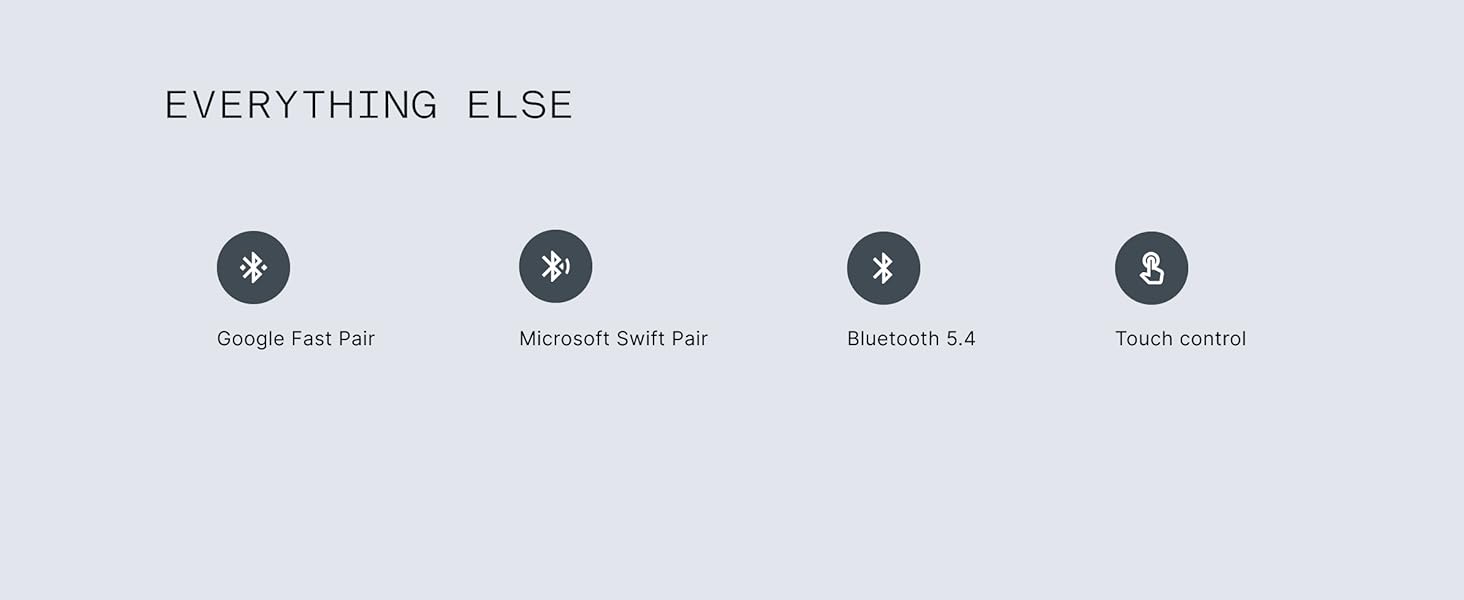
Image: Screenshot of the Nothing X app interface, demonstrating options for noise cancellation, ultra bass, equalizer, and controls.
Choosing the Right Ear Tips
For optimal sound quality and comfort, select the ear tips that best fit your ears. Sizes S, M, and L are provided. A snug fit is crucial for effective Active Noise Cancelling.
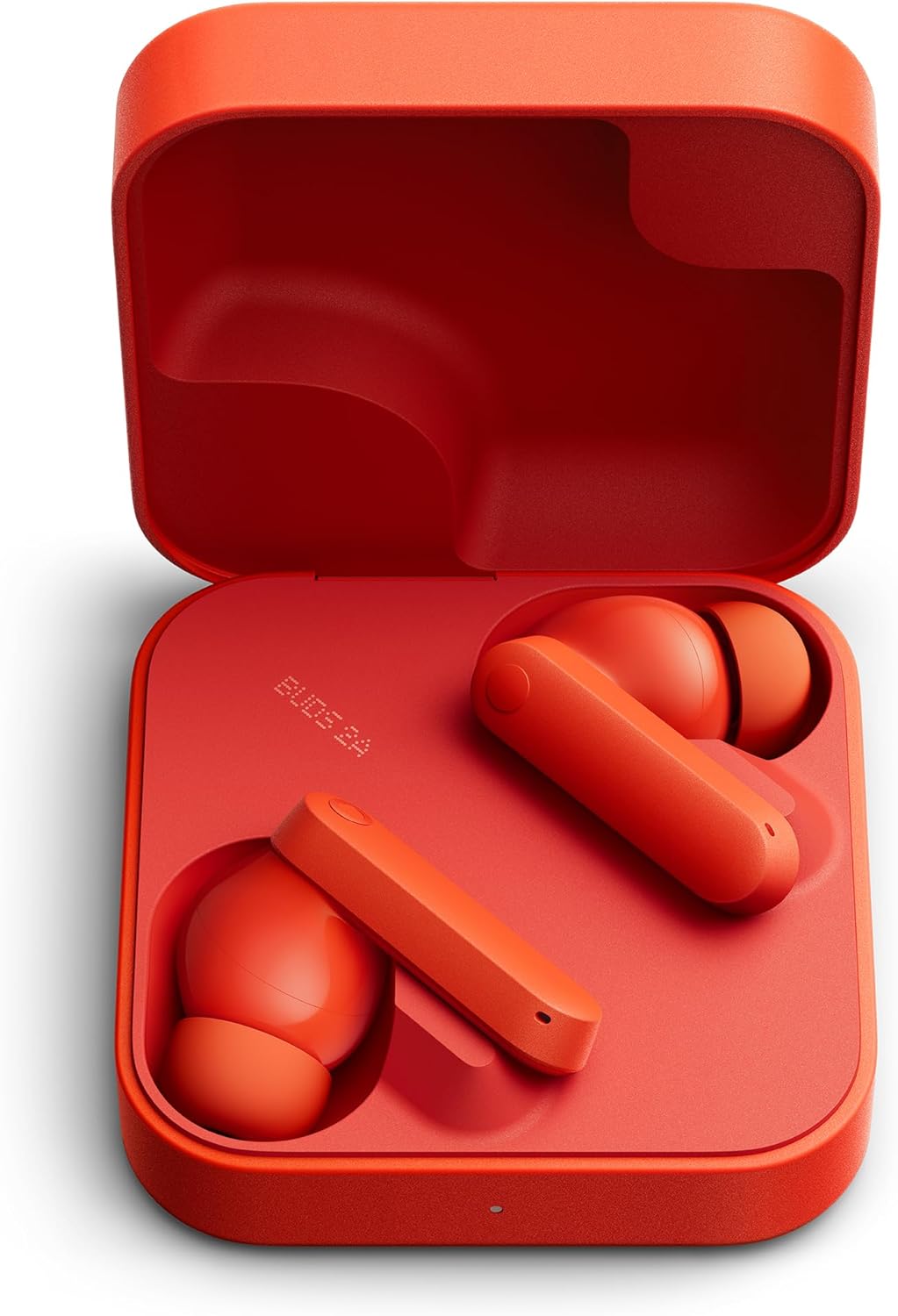
Image: Close-up of the CMF Buds 2a earbuds, highlighting the ear tips and their design for a comfortable fit.
Operating Instructions
Touch Controls
The CMF Buds 2a feature intuitive touch controls on each earbud. These can be customized via the Nothing X app.
- Double Tap: Skip forward, answer/hang up calls (customizable).
- Triple Tap: Skip back, decline incoming call (customizable).
- Tap & Hold: Noise control (toggle ANC/Transparency Mode).
- Double Tap & Hold: No action (customizable).
Image: The Nothing X app's control customization screen, illustrating how users can assign different functions to double tap, triple tap, and tap & hold gestures on the earbuds.
Active Noise Cancelling (ANC) and Transparency Mode
Toggle between 42dB Hybrid ANC, Transparency Mode, and Off using the touch controls or the Nothing X app. ANC blocks out ambient noise, while Transparency Mode allows you to hear your surroundings.
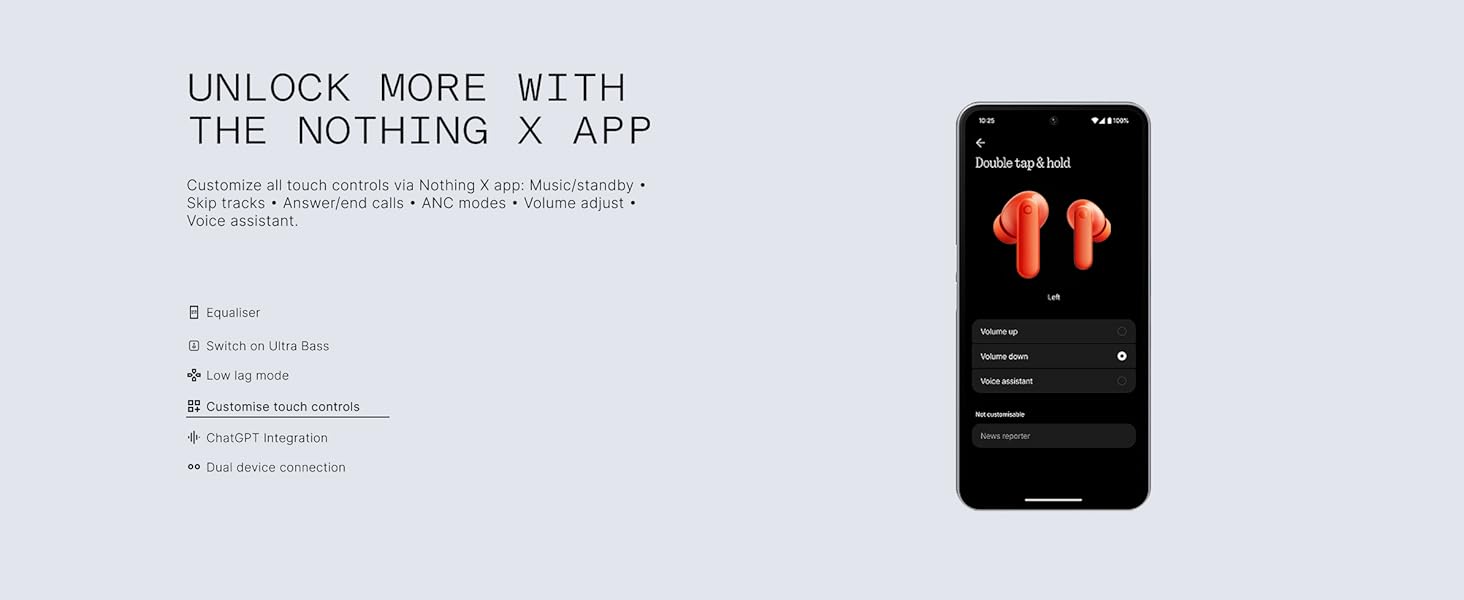
Image: A visual graphic demonstrating the 42dB Active Noise Cancellation feature of the CMF Buds 2a, showing sound waves being blocked.
Dual Device Connectivity
Connect your earbuds to two devices simultaneously (e.g., phone and laptop). The earbuds will intelligently switch playback based on incoming calls or active media. This feature can be enabled in the Nothing X app.

Image: The Nothing X app's dual connection settings, showing how to manage connections to multiple devices like a phone and a laptop.
Gaming Low-Lag Mode
Activate Low-Lag Mode via the Nothing X app to minimize audio latency for an improved gaming experience. This feature reduces latency to an average of 50ms-80ms.
Image: The Nothing X app's device settings screen, with the 'Low lag mode' toggle highlighted for gaming optimization.
Nothing X App Customization
The Nothing X app provides extensive options to personalize your audio experience:
- Equalizer: Adjust 5 types of EQ profiles or create custom settings for your preferred sound.
- Ultra Bass: Enhance bass levels (Level 1-5).
- ANC Levels: Fine-tune Active Noise Cancelling and Transparency Mode.
- Custom Touch Controls: Reassign functions to various tap gestures.
- ChatGPT Integration: Access voice-activated assistants when paired with Nothing/CMF Phones.
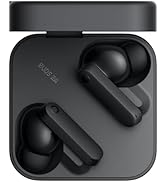
Image: The Nothing X app's equalizer screen, allowing users to customize sound profiles for different music genres or create a custom setting.
Battery and Charging
The CMF Buds 2a offer extended battery life and convenient charging:
- Earbud Playtime: Up to 8 hours on a single charge.
- Total Playtime with Case: Up to 35.5 hours.
- Quick Charge: A 10-minute charge provides up to 5.5 hours of listening with ANC turned off.
- Charging Port: USB-C (cable not included).
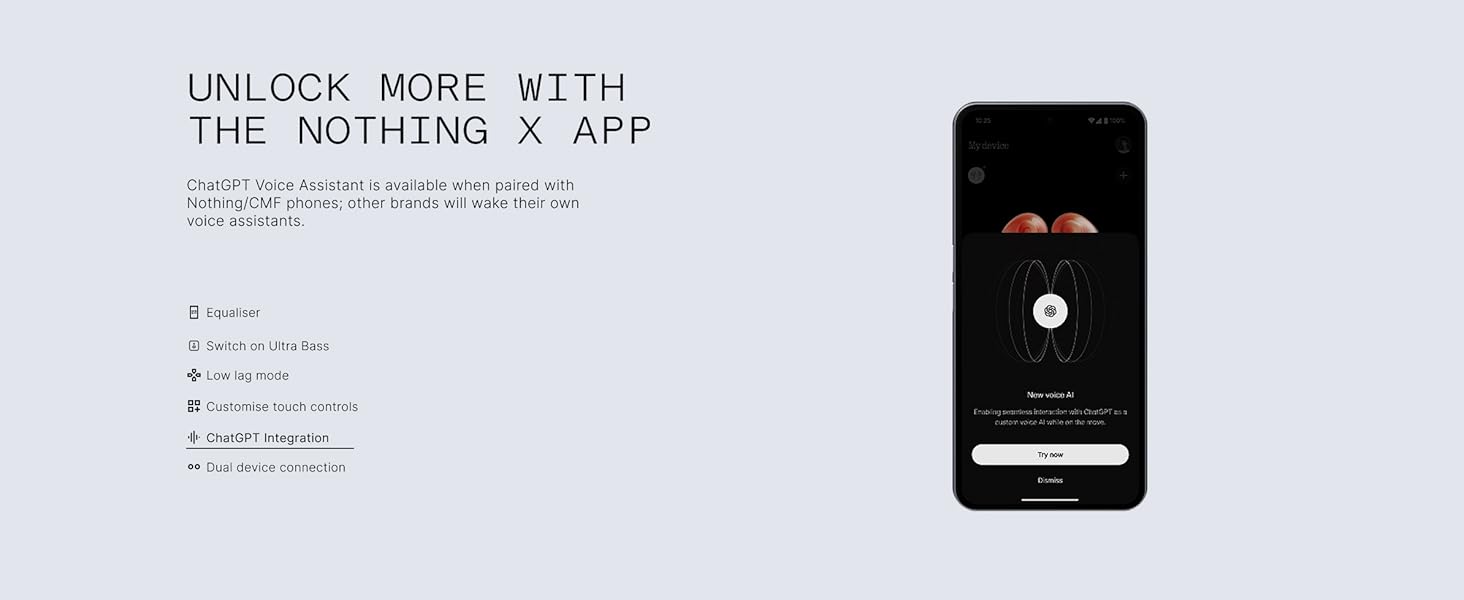
Image: The CMF Buds 2a charging case, illustrating the impressive battery life of up to 35.5 hours with the case and quick charging capabilities.
Video: A user demonstrating the CMF Buds 2a charging case, highlighting its design and the USB-C charging port. The video also mentions the long battery life and quick charge feature.
Durability and Design
IP54 Water and Dust Resistance
The CMF Buds 2a are IP54-rated for water and dust resistance, making them suitable for everyday use, including workouts and light rain. This ensures your sound stays uninterrupted in various environments.
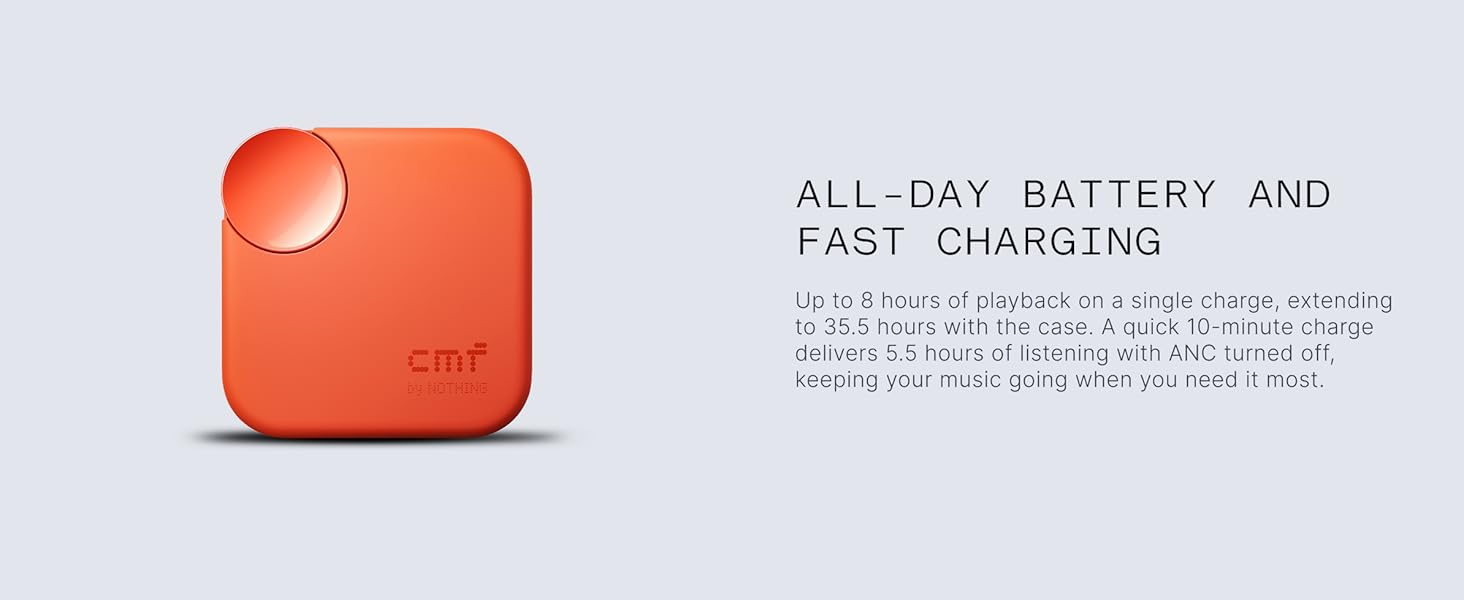
Image: The CMF Buds 2a earbuds shown with water droplets, emphasizing their IP54 water and dust resistance for active lifestyles.
Functional Design
Designed to be lightweight and ergonomic, the earbuds offer a secure fit for all-day comfort. The charging case features a matte and glossy finish and includes a lanyard hole for easy portability.

Image: The CMF Buds 2a in their open charging case, showcasing their sleek design and vibrant orange color.
Specifications
| Model Name | CMF Buds 2a |
| Brand | CMF BY NOTHING |
| Noise Control | Active Noise Cancellation (42 dB Hybrid ANC) |
| Connectivity Technology | Wireless (Bluetooth 5.4) |
| Audio Driver Size | 12.4 mm Dynamic Driver |
| Battery Life (Earbuds) | Up to 8 Hours |
| Total Battery Life (with Case) | Up to 35.5 Hours |
| Charging Time (Quick Charge) | 5 minutes for 2 hours playtime |
| Water Resistance Level | IP54 |
| Control Type | Touch Control, App Control |
| Microphones | 4 HD ENC Mics with Clear Voice Tech |
| Weight (Item) | 91 Grams (3.21 ounces) |
| Product Dimensions | 2.15 x 2.15 x 0.91 inches |
Troubleshooting
Connection Issues
- Ensure Bluetooth is enabled on your device and the earbuds are within range.
- Place earbuds back in the case, close the lid, wait a few seconds, then reopen to re-enter pairing mode.
- If issues persist, try forgetting the device in your phone's Bluetooth settings and re-pairing.
Sound Quality Problems
- Check ear tip fit; a poor seal can affect bass and ANC performance.
- Clean earbuds and ear tips regularly to prevent debris from affecting sound.
- Adjust EQ settings in the Nothing X app to optimize sound to your preference.
Battery Not Charging
- Ensure the charging cable (USB-C) is securely connected to both the case and a power source.
- Verify that the charging contacts on the earbuds and inside the case are clean and free of debris.
- Check the LED indicator on the case for charging status.
Warranty and Support
Your CMF Buds 2a Wireless Earbuds come with a manufacturer's warranty. Please refer to the included "Safety information and warranty information" booklet for full details on warranty coverage, terms, and conditions.
For technical support, product inquiries, or warranty claims, please visit the official CMF BY NOTHING website or contact their customer service directly. Keep your proof of purchase for warranty validation.


