Introduction
Welcome to the CMF Buds 2a Wireless Earbuds user manual. This guide provides essential information for setting up, operating, maintaining, and troubleshooting your new earbuds. Please read these instructions carefully to ensure optimal performance and longevity of your device.
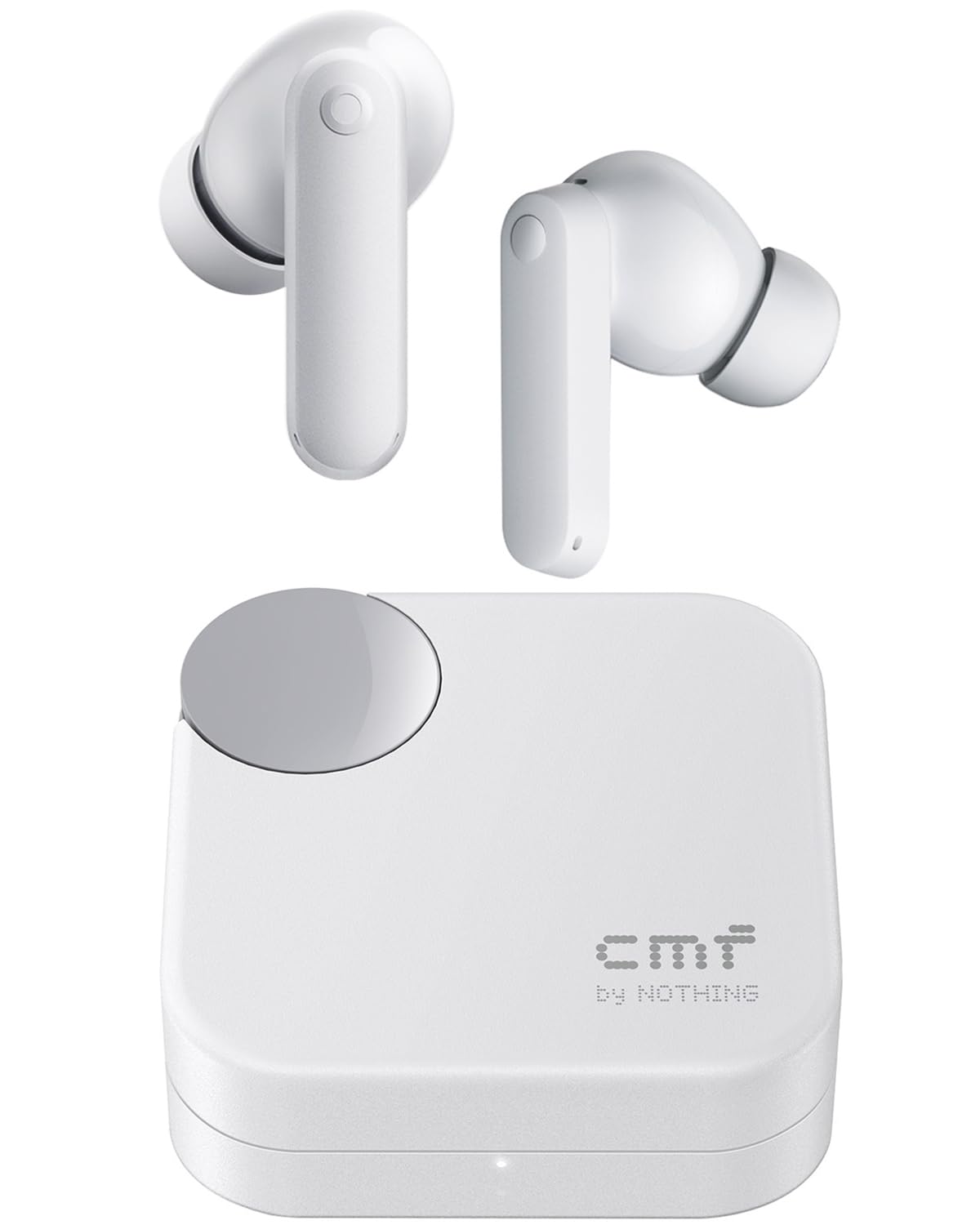
Image: CMF Buds 2a Wireless Earbuds in Light Grey with their charging case.
What's in the Box
Your CMF Buds 2a package includes the following items:
- CMF Buds 2a Wireless Earbuds
- Charging case
- Ear tips in sizes S, M, L
- User Manual (this document)
- Safety information and warranty information
Product Overview
Earbud Components

Image: Detailed view of a single CMF Buds 2a earbud, highlighting the ear tip and microphone placement.
- Ear Tip: Provides a secure and comfortable fit, and helps with noise isolation.
- Microphone: Integrated for clear voice calls and Active Noise Cancellation.
- Touch Control Area: Allows for various functions through taps and presses.
- Charging Contacts: Connects with the charging case for power.
Charging Case Components
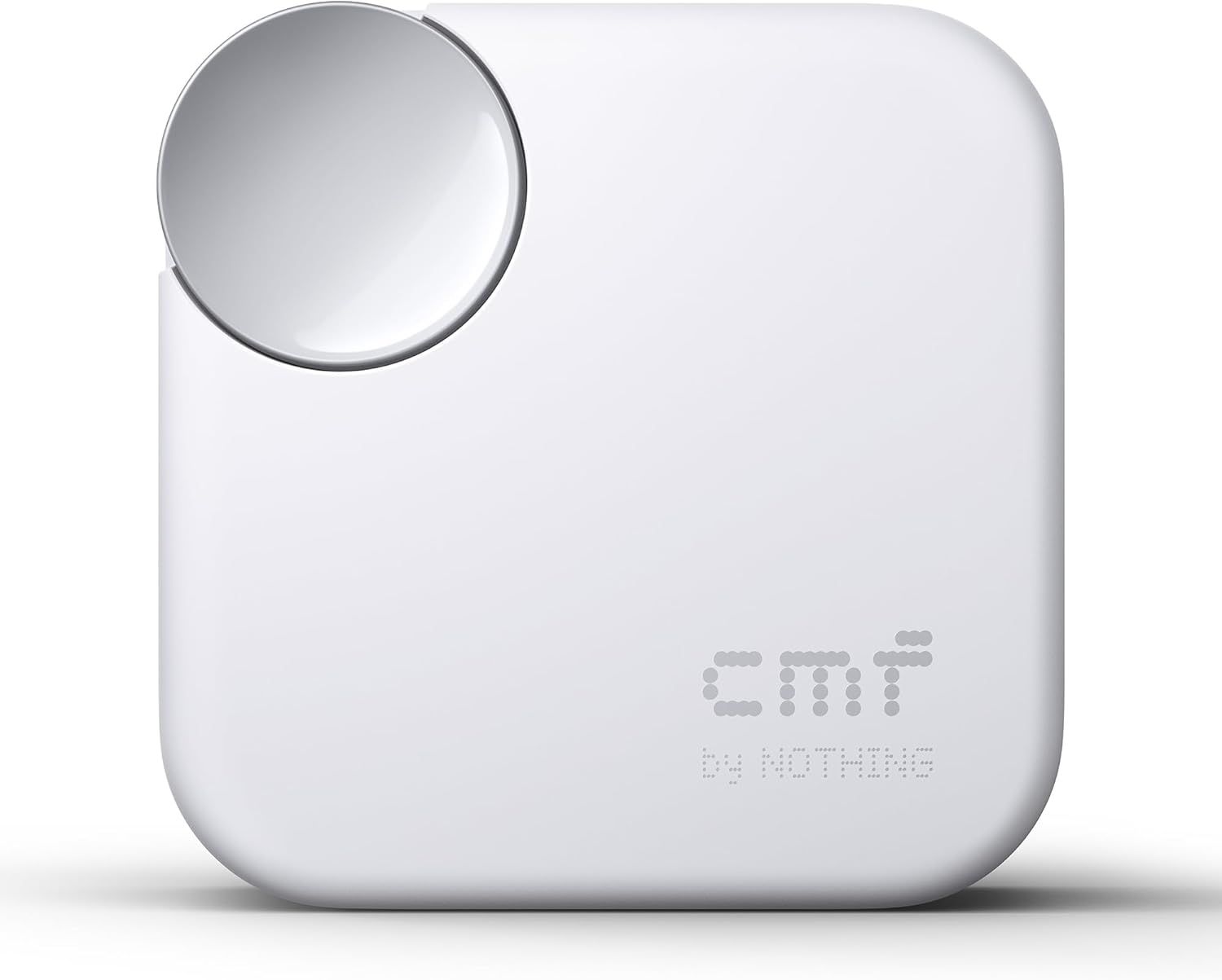
Image: Top view of the CMF Buds 2a charging case, showing the circular button and CMF logo.
- Charging Port: USB-C port for charging the case.
- Status Indicator Light: Displays charging status and pairing mode.
- Function Button: Used for pairing and resetting the earbuds.
- Lanyard Hole: For attaching a lanyard (not included) for portability.
Setup
1. Charging the Earbuds and Case
Before first use, fully charge the earbuds and charging case. Connect the charging case to a power source using a USB-C cable. The indicator light on the case will show the charging status.
- A full charge provides up to 8 hours of playback for the earbuds and up to 35.5 hours with the charging case.
- A quick 5-minute charge can provide up to 2 hours of playtime.

Image: Diagram illustrating the battery life and quick charging capabilities of the CMF Buds 2a.
2. Pairing with Your Device
Initial Pairing:
- Open the charging case with the earbuds inside.
- Press and hold the function button on the case until the indicator light flashes white, indicating pairing mode.
- On your device (smartphone, laptop), enable Bluetooth and search for "CMF Buds 2a" in the list of available devices.
- Select "CMF Buds 2a" to connect. The indicator light will turn solid white when connected.
Fast Pair (Google Fast Pair & Microsoft Quick Switch):
- For compatible Android devices, simply open the case near your phone, and a pop-up notification will appear for quick pairing.
- For compatible Windows devices, open the case near your PC, and follow the on-screen prompts for Quick Switch pairing.
Dual Device Connectivity:
- The CMF Buds 2a supports connecting to two devices simultaneously. Enable this feature in the Nothing X app.
- Once enabled, the earbuds will automatically switch playback between devices based on incoming calls or active audio.

Image: Screenshot from the Nothing X app demonstrating the dual connection feature for CMF Buds 2a.
3. Fitting the Earbuds
Choose the ear tips that provide the best seal and comfort for your ears. A proper fit is crucial for optimal sound quality and Active Noise Cancellation performance.
- Select the appropriate size (S, M, L) ear tips.
- Gently insert the earbuds into your ear canals and twist slightly to secure them.
- Ensure a snug fit to maximize noise isolation.
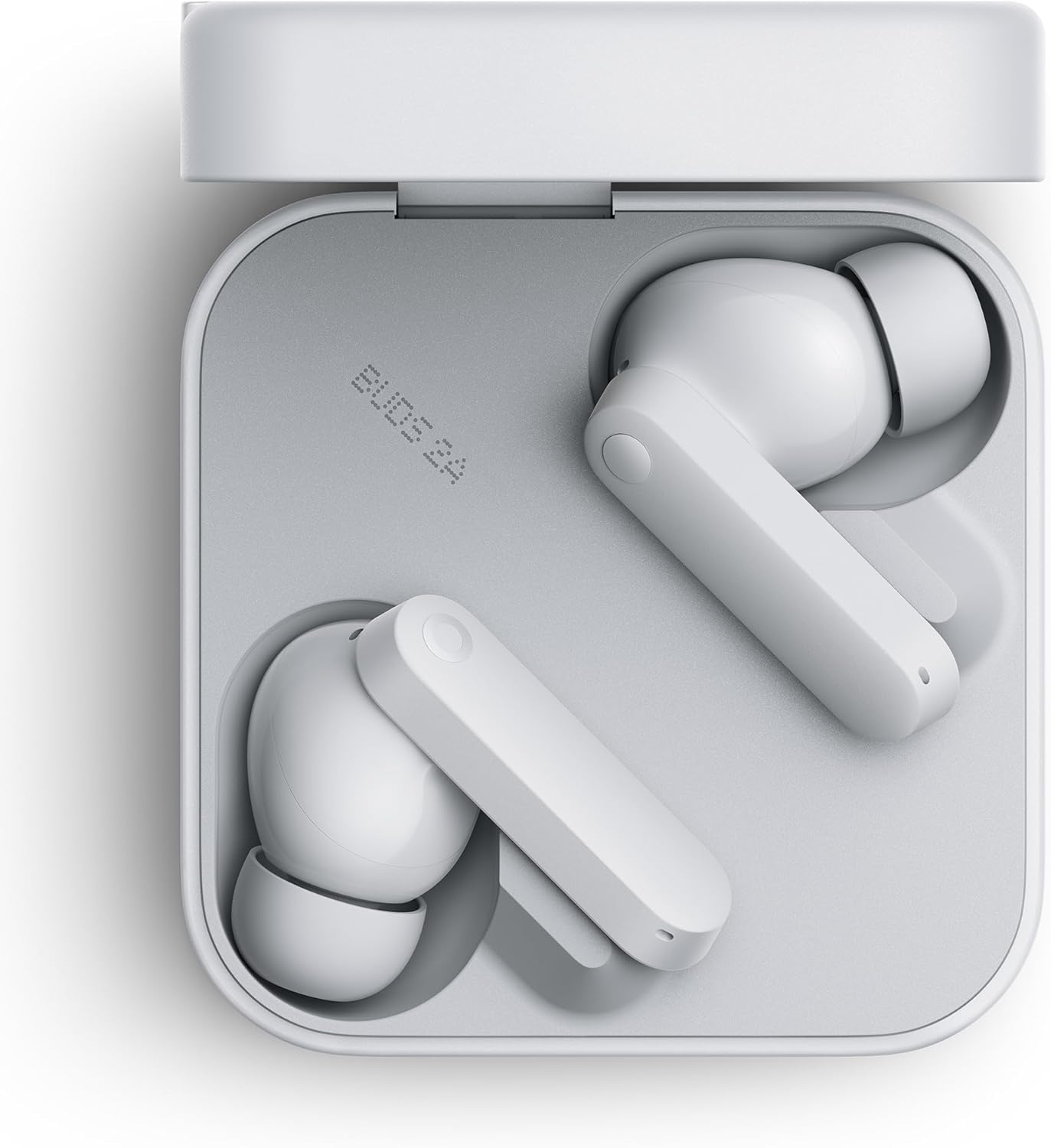
Image: The CMF Buds 2a earbuds resting in their open charging case, showing their design.
Operating Instructions
Power On/Off
- Power On: Open the charging case, or take the earbuds out of the case. They will automatically power on and attempt to connect to the last paired device.
- Power Off: Place the earbuds back into the charging case and close the lid. They will automatically disconnect and power off.
Touch Controls
The CMF Buds 2a features customizable touch controls. Default controls are as follows, but can be adjusted via the Nothing X app:
| Action | Function |
|---|---|
| Double Tap | Play/Pause music, Answer/End call |
| Triple Tap | Next track, Decline incoming call |
| Tap & Hold (Left Earbud) | Switch Noise Control Mode (ANC/Transparency/Off) |
| Tap & Hold (Right Earbud) | Activate Voice Assistant |
Noise Control (ANC & Transparency Mode)
The CMF Buds 2a features 42dB Active Noise Cancellation (ANC) to reduce ambient noise and a Transparency Mode to allow you to hear your surroundings.
- Switch between ANC, Transparency Mode, and Off by tapping and holding the left earbud (default setting).
- Customize ANC levels and modes through the Nothing X app.

Image: Visual representation of how the 42dB Active Noise Cancellation of CMF Buds 2a blocks out distractions.
Gaming Low-Lag Mode
Activate Gaming Low-Lag Mode via the Nothing X app to reduce audio latency by an average of 50ms-80ms, providing a more synchronized gaming experience.
Nothing X App
Download the Nothing X app from your device's app store to unlock full customization and features for your CMF Buds 2a.
- Custom EQ Profiles: Adjust audio settings with 5 types of EQ or create your own.
- ANC Level Adjustment: Fine-tune Active Noise Cancellation and Transparency modes.
- Find Earbuds: Locate misplaced earbuds by playing a sound.
- ChatGPT Integration: Access ChatGPT for voice-activated assistance when paired with Nothing/CMF Phones. Other brands will wake their own voice assistants.

Image: Screenshot of the Nothing X app's equalizer interface, allowing users to customize sound profiles.
Maintenance
Cleaning
Regularly clean your earbuds and charging case to maintain optimal performance and hygiene.
- Use a soft, dry, lint-free cloth to wipe the earbuds and charging case.
- Remove ear tips and clean them with mild soap and water, then dry thoroughly before reattaching.
- Gently clean the charging contacts on both the earbuds and case with a dry cotton swab.
Water and Dust Resistance (IP54)
The CMF Buds 2a earbuds are IP54-rated for water and dust resistance, making them suitable for everyday use and workouts. The charging case is not water-resistant.
- Avoid submerging the earbuds in water.
- Do not expose the charging case to water or excessive moisture.
- Ensure earbuds are dry before placing them back into the charging case to prevent damage.
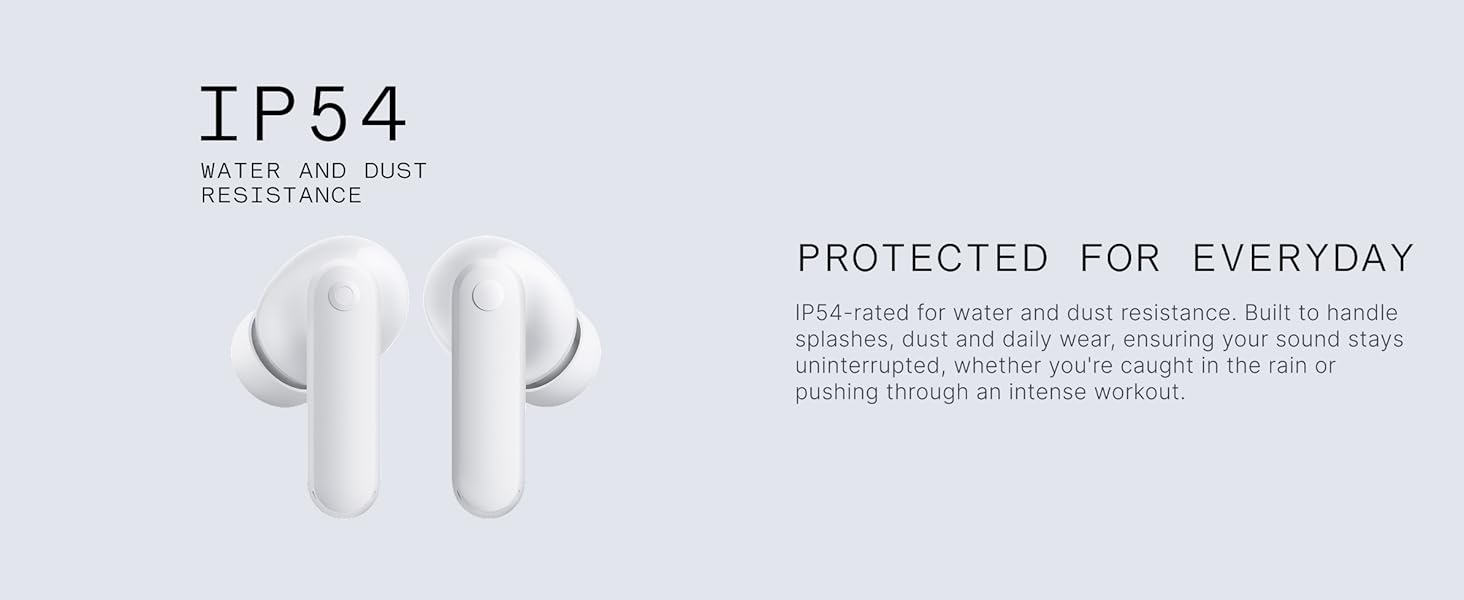
Image: The CMF Buds 2a earbuds demonstrating their IP54 water and dust resistance.
Troubleshooting
- No Sound/Connection Issues:
- Ensure earbuds are charged.
- Check if Bluetooth is enabled on your device.
- Try re-pairing the earbuds (see Setup section).
- Reset the earbuds by placing them in the case, closing the lid, then opening and holding the function button for 10 seconds until the indicator light flashes rapidly. - Poor Sound Quality:
- Ensure ear tips provide a good seal.
- Clean ear tips and earbud grilles.
- Check audio source quality.
- Adjust EQ settings in the Nothing X app. - Active Noise Cancellation Not Effective:
- Ensure ear tips provide a tight seal.
- Check ANC settings in the Nothing X app. - Microphone Issues:
- Ensure microphones are clean and unobstructed.
- Check call settings on your device.
Specifications
| Feature | Detail |
|---|---|
| Model Name | CMF Buds 2a |
| Brand | CMF BY NOTHING |
| Connectivity | Bluetooth 5.4 |
| Noise Control | Active Noise Cancellation (42 dB), Transparency Mode |
| Audio Driver Size | 12.4 Millimeters Dynamic Driver |
| Microphones | Quad HD ENC Mics with Clear Voice Tech & Wind Noise Reduction 2.0 |
| Battery Life (Earbuds) | Up to 8 Hours |
| Battery Life (with Case) | Up to 35.5 Hours |
| Quick Charge | 5 minutes for 2 hours playtime |
| Water Resistance | IP54 (Earbuds only) |
| Control Method | Touch Control, Nothing X App |
| Compatible Devices | Cellphones, Laptops |
| Item Weight | 0.1 Kilograms (Earbuds + Case) |
| Product Dimensions | 2.15 x 2.15 x 0.91 inches (Case) |
Additional Information
Product Videos
CMF Buds 2a Features Overview (Preview)
Video: A short preview highlighting key features of the CMF Buds 2a, including noise cancellation and battery life.
CMF Buds 2a Product Review
Video: A detailed review of the CMF Buds 2a, covering design, comfort, sound quality, and features like ANC and app integration.
Warranty and Support
For warranty information and customer support, please refer to the separate "Safety information and warranty information" document included in your product package. You can also visit the official CMF BY NOTHING website for further assistance and FAQs.
Online Support: Visit the CMF BY NOTHING Store on Amazon


