
Introduction
Thank you for choosing the Aiwa EB-05-B Bluetooth ENC APP Earbuds. These earbuds are designed to provide a powerful and balanced sound experience with crystal-clear vocals, deep bass, and overall sound equilibrium. Featuring advanced technologies like Environmental Noise Cancellation (ENC) for calls, Bluetooth 5.4 connectivity, and IPX4 water resistance, they are suitable for various activities, from workouts to daily commutes.
This manual provides detailed instructions on how to set up, operate, and maintain your earbuds to ensure optimal performance and longevity.
What's in the Box
- 1 Pair of Aiwa EB-05-B Earbuds
- 1 Charging Case
- 1 USB-C Charging Cable
- 2 Pairs of Rubber Eartips (Small and Large)
Product Overview
The Aiwa EB-05-B earbuds feature an ergonomic design for comfortable wear and intuitive touch controls. The charging case not only protects your earbuds but also provides extended battery life.

Image: The Aiwa EB-05-B earbuds are shown resting inside their open charging case. Both the earbuds and the case are black, featuring the Aiwa logo. The earbuds have a stem design.

Image: A stylized image of the Aiwa EB-05-B earbuds in their charging case, with the text 'EARBUDS AIWA AWS-EB-05-B' and 'A NEW WAY TO LISTEN' highlighting the product.
Setup
1. Charging the Earbuds and Case
Before first use, fully charge the earbuds and the charging case. Place the earbuds into the charging case. Connect the USB-C cable to the charging port on the case and the other end to a power source. The indicator light on the case will show the charging status.
- Earbuds provide up to 4 hours of continuous playback.
- The charging case provides an additional 20 hours of battery life, totaling up to 24 hours.

Image: An illustration showing an Aiwa earbud next to its charging case, emphasizing 'BATTERY UP TO 24 HOURS' with '4h in earbuds' and '20h recharge in case'.
2. Bluetooth Pairing
- Open the charging case. The earbuds will automatically enter pairing mode.
- On your device (smartphone, tablet, laptop), go to Bluetooth settings.
- Search for available devices and select "Aiwa EB-05-B" from the list.
- Once connected, you will hear a confirmation tone, and the indicator light on the earbuds may change.
3. App Installation and Usage
Enhance your experience by downloading the official Aiwa app. The app allows you to adjust settings, check battery levels, and customize your sound preferences.
- Download the "Aiwa" app from the Google Play Store (for Android devices) or the Apple App Store (for iOS devices).
- Follow the in-app instructions to connect your earbuds.
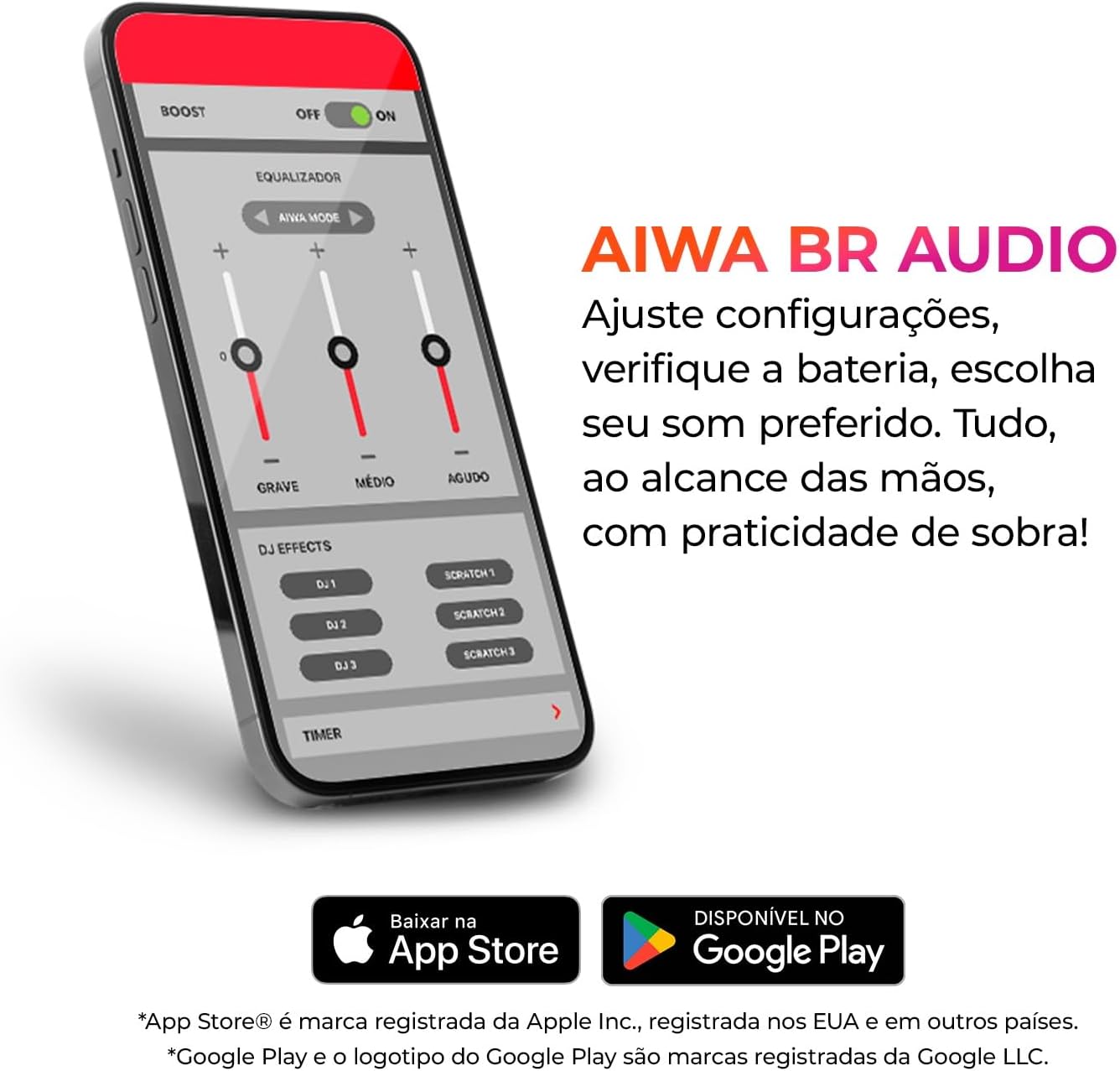
Image: A smartphone displaying the Aiwa BR Audio app interface with equalizer controls for bass, mid, and treble, along with DJ effects. Below the phone are icons for downloading the app from the App Store and Google Play.
Operating Instructions
1. Touch Controls
The earbuds feature intuitive touch controls for easy management of music and calls:
- Play/Pause: Single tap on either earbud.
- Next Track: Double tap on the right earbud.
- Previous Track: Double tap on the left earbud.
- Answer/End Call: Single tap on either earbud.
- Reject Call: Press and hold on either earbud.
- Activate Voice Assistant: Triple tap on either earbud.
2. Voice Assistant Integration
Stay connected and activate your favorite voice assistant (Siri or Google Assistant) without needing to take out your phone. Simply use the designated touch control.

Image: A split image showing the integration with voice assistants (Google Assistant and Siri) on the left, with a smartphone displaying music. On the right, the earbuds in their case highlight Bluetooth 5.4 for faster, more stable connection and lower power consumption.
3. Low Latency Mode
Experience perfect synchronization between audio and video, ideal for watching movies, series, or playing games. This mode minimizes audio delay, ensuring an immersive experience.
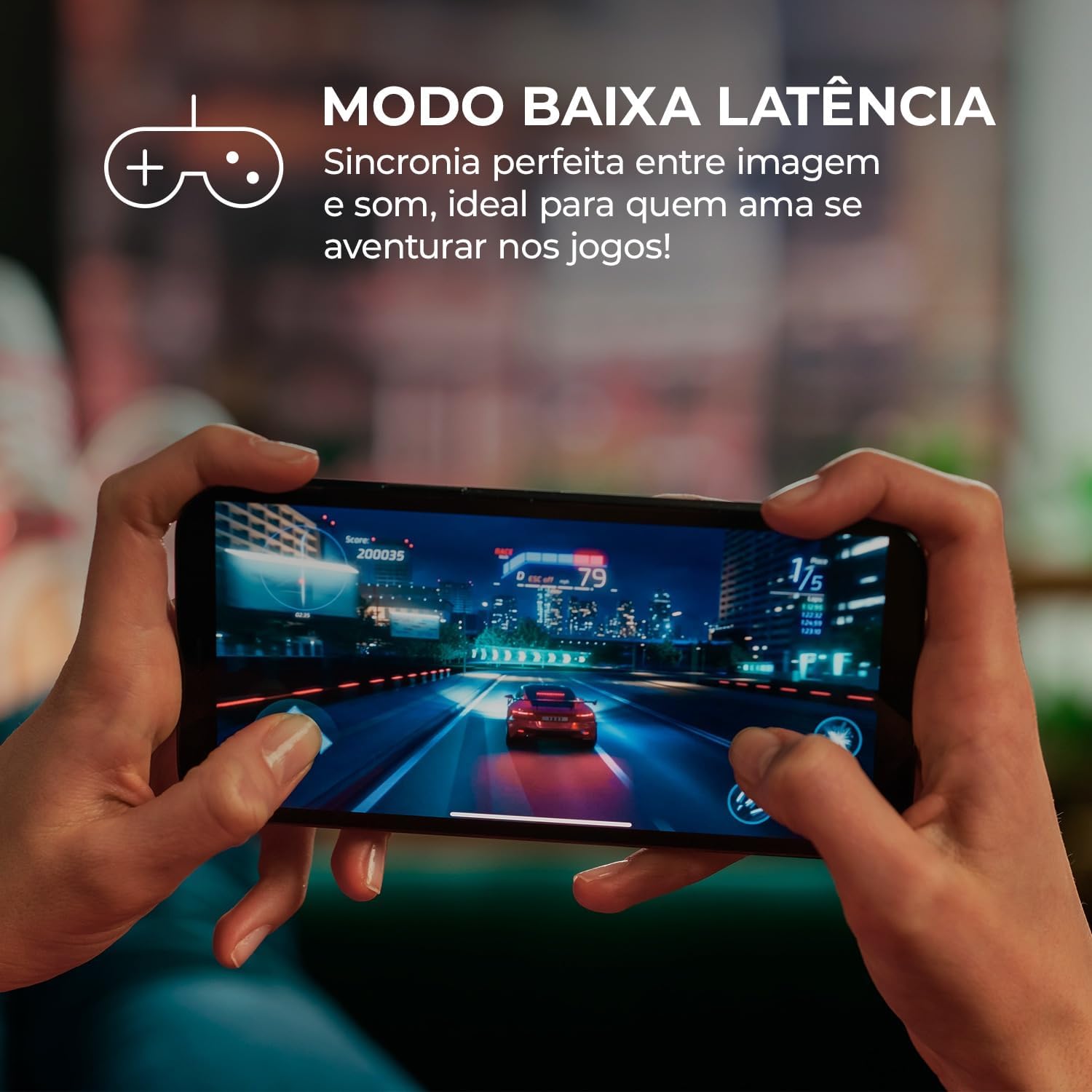
Image: A person holding a smartphone, playing a racing game, with the text 'LOW LATENCY MODE' indicating perfect synchronization between image and sound, ideal for gaming.
4. Environmental Noise Cancellation (ENC) for Calls
Equipped with two high-sensitivity microphones, the ENC feature reduces echoes and accurately captures your voice, providing crystal-clear audio during calls and video conferences, even in noisy environments.

Image: The Aiwa EB-05-B earbuds in their charging case, with text highlighting '2 INTEGRATED MICROPHONES' for pure and precise audio in calls and video, and 'ENC' for clearer speech.
Maintenance
1. Water Resistance (IPX4)
The Aiwa EB-05-B earbuds are IPX4 rated, meaning they are resistant to sweat and splashes of water. This makes them suitable for workouts and outdoor activities. However, they are not designed for submersion in water or exposure to heavy rain.
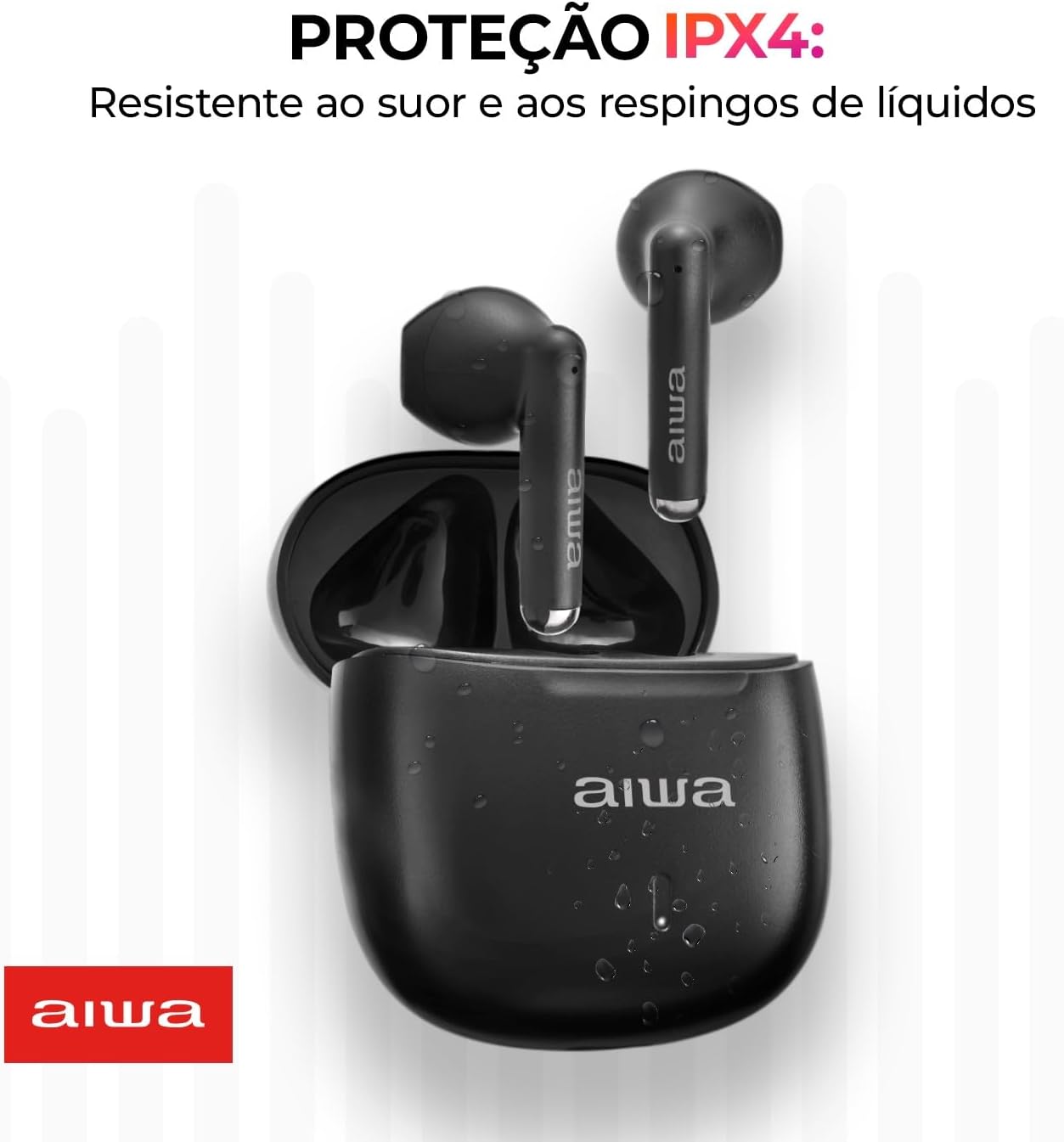
Image: The Aiwa EB-05-B earbuds in their charging case, with water droplets on the case, illustrating 'IPX4 PROTECTION: Resistant to sweat and liquid splashes'.
2. Cleaning
To maintain optimal sound quality and hygiene:
- Gently wipe the earbuds and charging case with a soft, dry, lint-free cloth.
- Remove the eartips and clean them with mild soap and water, then dry thoroughly before reattaching.
- Avoid using abrasive materials, solvents, or harsh chemicals.
Troubleshooting
If you encounter any issues with your Aiwa EB-05-B earbuds, please refer to the following common solutions:
| Problem | Possible Solution |
|---|---|
| Earbuds not pairing |
|
| No sound or low volume |
|
| Earbuds not charging |
|
| Touch controls not responding |
|
Specifications

Image: A diagram illustrating the dimensions of a single Aiwa EB-05-B earbud (3.5 cm height, 1.7 cm width, 1.6 cm depth, 7g weight) and its charging case (4.9 cm height, 4.7 cm width, 2.5 cm depth, 35g weight).
| Feature | Detail |
|---|---|
| Model Number | AWS-EB-05-B |
| Connectivity Technology | Wireless |
| Wireless Communication Technology | Bluetooth 5.4 |
| Compatible Devices | Cell phones, Tablets, Notebooks |
| Water Resistance Level | IPX4 (Resistant to water splashes) |
| Control Method | Touch |
| Manufacturer | Aiwa |
| Audio Codecs | AAC, SBC |
| Power Source Type | Electric Power |
| Average Battery Life (Earbuds) | 4 Hours (up to 24 hours with charging case) |
| Color | Black |
| Ear Placement | In-Ear |
| Product Weight | 60 g |
| Package Dimensions | 12 x 8 x 3 cm |
Warranty and Support
Warranty Information
The Aiwa EB-05-B Earbuds come with a manufacturer's warranty of 12 months from the date of purchase. This warranty covers defects in materials and workmanship under normal use. Please retain your proof of purchase for warranty claims.
The warranty does not cover damage caused by misuse, accidents, unauthorized modifications, or normal wear and tear.
Customer Support
For further assistance, technical support, or warranty inquiries, please visit the official Aiwa website or contact their customer service department. Refer to the product packaging or the Aiwa website for specific contact details in your region.
You can also visit the Aiwa Store on Amazon for more product information and support resources.


