
Monster MS62120
Monster S620 Portable Bluetooth Speaker User Manual
Model: MS62120
1. Introduction
Thank you for choosing the Monster S620 Portable Bluetooth Speaker. This manual provides essential information for setting up, operating, and maintaining your speaker to ensure optimal performance and longevity. The Monster S620 delivers powerful 40W sound with True Wireless Stereo capabilities, IPX8 waterproofing, and Bluetooth 5.4 connectivity, making it ideal for both indoor and outdoor use.
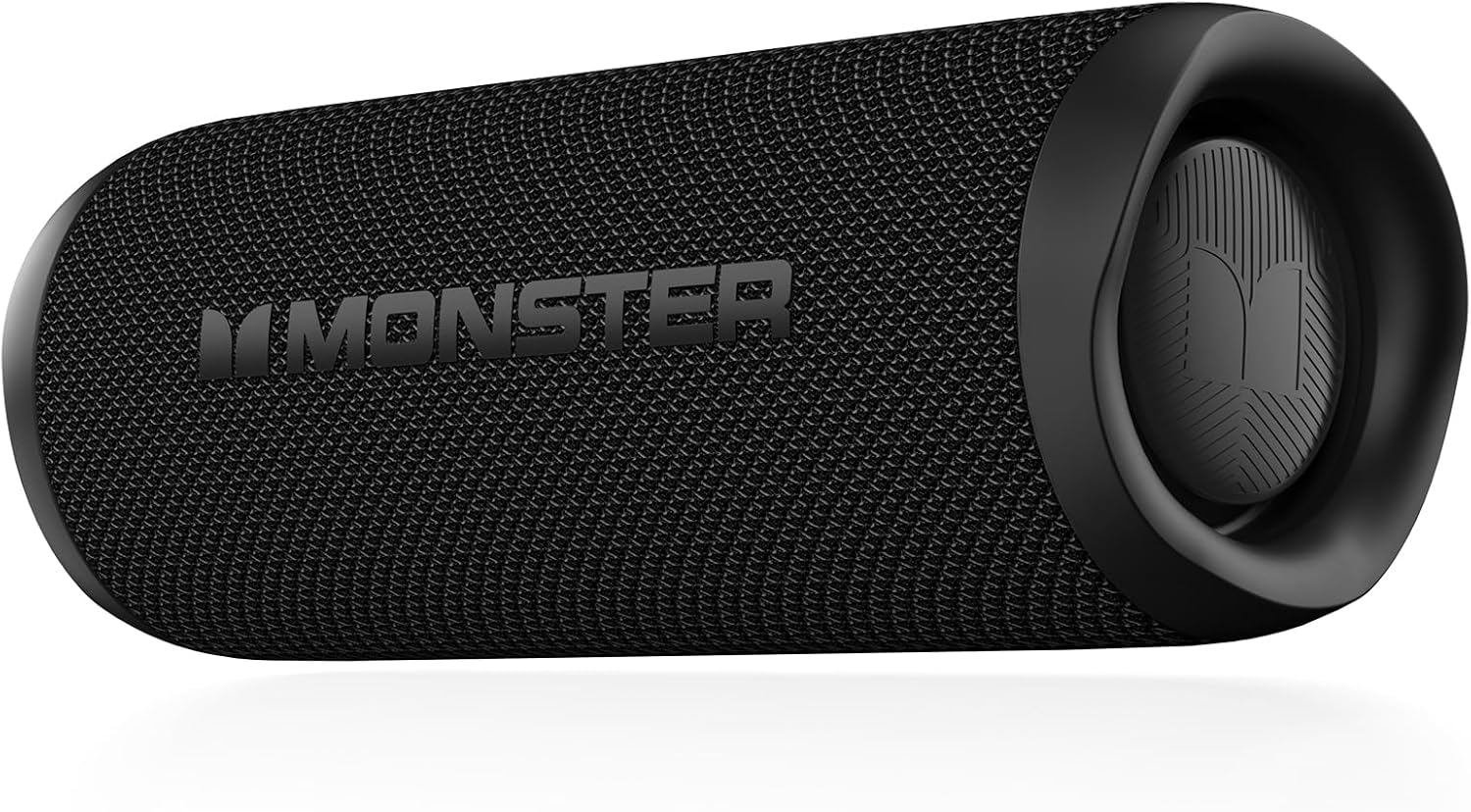
Figure 1.1: Front view of the Monster S620 Portable Bluetooth Speaker.
2. Safety Information
Please read all safety instructions carefully before using this product. Failure to follow these instructions may result in electric shock, fire, or serious injury.
- Do not expose the speaker to extreme temperatures or direct sunlight for prolonged periods.
- Do not disassemble, repair, or modify the speaker. This will void the warranty.
- Keep the speaker away from medical devices, as its magnetic field may interfere with their operation.
- Use only the provided charging cable or a certified equivalent.
- Ensure the charging port cover is securely closed when the speaker is exposed to water to maintain its IPX8 waterproof rating.
3. Package Contents
Verify that all items are present in the package:
- Monster S620 Portable Bluetooth Speaker
- USB Charging Cable
- User Manual
- Braided Carry Belt (attached or separate)
4. Setup
4.1 Charging the Speaker
Before first use, fully charge the speaker. Connect the USB charging cable to the speaker's charging port and the other end to a USB power adapter (not included) or a computer's USB port. The charging indicator light will illuminate during charging and turn off when fully charged.
4.2 Powering On/Off
- To Power On: Press and hold the Power button for 2-3 seconds until you hear an audible prompt.
- To Power Off: Press and hold the Power button for 2-3 seconds until you hear an audible prompt.
4.3 Bluetooth Pairing
The Monster S620 uses Bluetooth 5.4 for fast and stable connections.
- Ensure the speaker is powered on and in Bluetooth pairing mode (indicated by a flashing blue LED).
- On your device (smartphone, tablet, computer), enable Bluetooth and search for new devices.
- Select "Monster S620" from the list of available devices.
- Once connected, the LED indicator will turn solid blue, and you will hear a confirmation sound.

Figure 4.3: The speaker supports Bluetooth 5.4, USB, and TF Card input modes.
4.4 True Wireless Stereo (TWS) Pairing
You can pair two Monster S620 speakers together for an enhanced stereo sound experience (80W total output).
- Ensure both Monster S620 speakers are powered on and not connected to any Bluetooth device.
- On one speaker (this will be the primary speaker), double-press the Bluetooth button. It will enter TWS pairing mode.
- The two speakers will automatically connect to each other. You will hear a confirmation tone once TWS pairing is successful.
- Now, connect your device to the primary speaker via Bluetooth as described in Section 4.3.
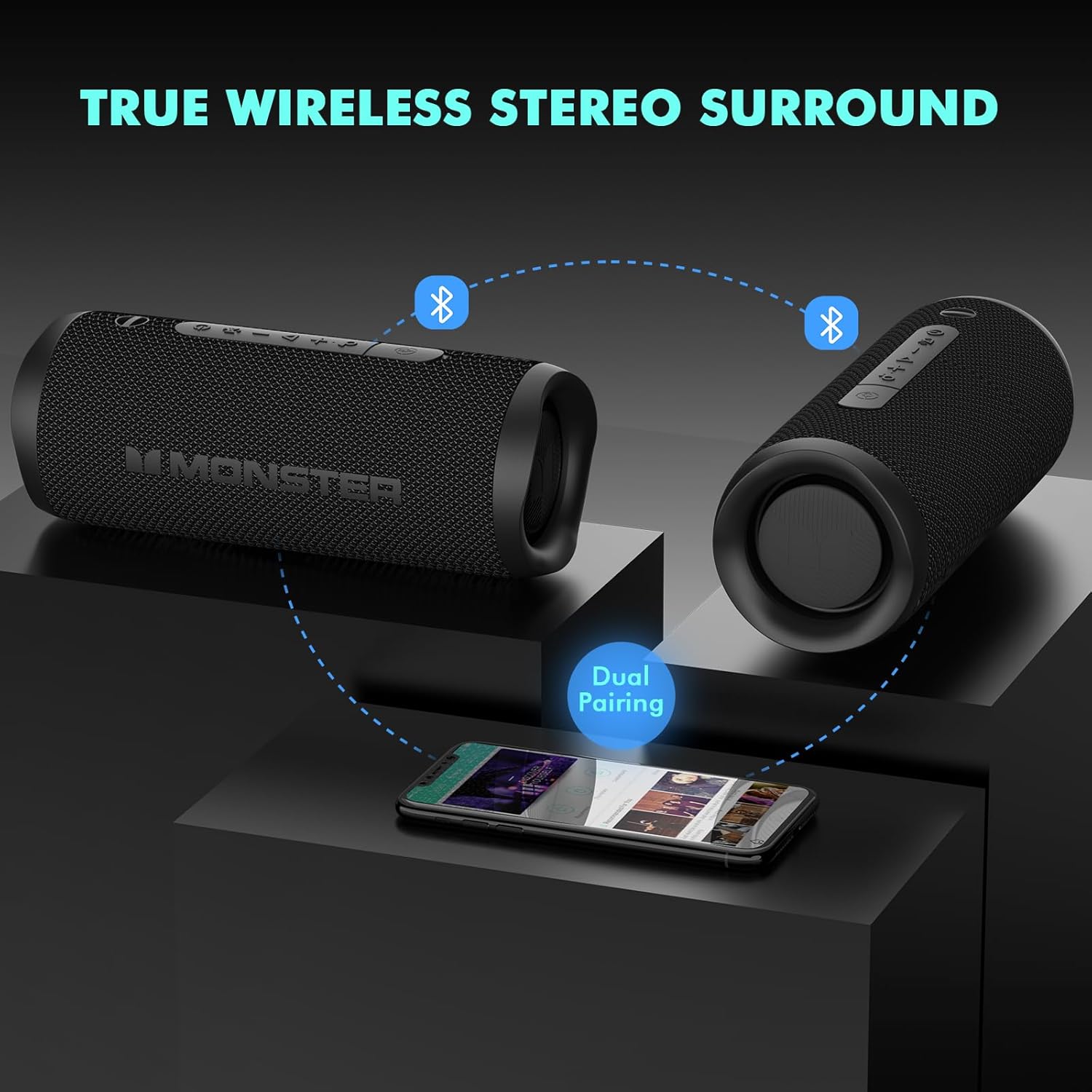

Figure 4.4: Visual representation of True Wireless Stereo (TWS) dual pairing for immersive sound.
5. Operating Instructions
5.1 Basic Controls
| Button/Function | Action | Description |
|---|---|---|
| Power Button | Press and Hold (2-3s) | Power On/Off |
| Volume + | Short Press | Increase Volume |
| Volume + | Long Press | Next Track |
| Volume - | Short Press | Decrease Volume |
| Volume - | Long Press | Previous Track |
| Play/Pause Button | Short Press | Play/Pause Music |
| Play/Pause Button | Short Press (during call) | Answer/End Call |
| Play/Pause Button | Long Press (during call) | Reject Call |
| Bluetooth Button | Short Press | Disconnect Bluetooth / Re-enter Pairing Mode |
| Bluetooth Button | Double Press | Initiate TWS Pairing (when not connected) |
5.2 Call Handling
With the built-in microphone, you can answer calls directly through the speaker when connected via Bluetooth.
- To Answer/End a Call: Short press the Play/Pause button.
- To Reject a Call: Long press the Play/Pause button.

Figure 5.2: The built-in microphone allows for convenient call handling.
5.3 Waterproof Usage (IPX8)
The Monster S620 is IPX8 waterproof, meaning it can be submerged in water up to 1 meter for 30 minutes. It is suitable for use in showers, by the pool, or at the beach.
- Ensure the charging port cover is fully sealed before exposing the speaker to water.
- Do not submerge the speaker in saltwater or other corrosive liquids.
- After exposure to water, wipe the speaker dry before charging.


Figure 5.3: The Monster S620 is designed to withstand water exposure with its IPX8 rating.
6. Maintenance
6.1 Cleaning
- Wipe the speaker with a soft, damp cloth.
- Do not use abrasive cleaners or solvents.
- Ensure the speaker is dry before storing or charging.
6.2 Storage
- Store the speaker in a cool, dry place away from direct sunlight.
- If storing for an extended period, charge the battery to approximately 50% every few months to preserve battery life.
7. Troubleshooting
| Problem | Possible Cause | Solution |
|---|---|---|
| Speaker does not power on. | Battery is depleted. | Charge the speaker fully. |
| No sound. | Volume is too low or muted. Device not connected. | Increase volume on speaker and connected device. Ensure Bluetooth is connected. |
| Cannot pair with Bluetooth device. | Speaker is not in pairing mode. Device's Bluetooth is off. Interference. | Ensure speaker is flashing blue. Turn device's Bluetooth off/on. Move speaker closer to device. |
| TWS pairing fails. | Speakers are already connected to a device. | Disconnect both speakers from any Bluetooth devices before initiating TWS pairing. |
| Poor sound quality. | Low battery. Device too far from speaker. Obstructions. | Charge speaker. Move device closer (within 100 feet). Remove obstructions. |
8. Specifications
| Feature | Specification |
|---|---|
| Model Name | MS62120 |
| Bluetooth Version | 5.4 |
| Speaker Output Power | 40W (Peak 60W) |
| Frequency Response | 80 Hz |
| Waterproof Rating | IPX8 |
| Connectivity Technology | Bluetooth, TF Card, USB |
| Audio Output Mode | Stereo |
| Product Dimensions | 8.4D x 8.4W x 21.8H Centimetres |
| Item Weight | 734 Grams |
| Material | Plastic |

Figure 8.1: Illustration of the speaker's internal components, including high-tone loudspeaker and low-tone horn.
9. Warranty and Support
Monster provides a lifetime customer service for this product. If you encounter any issues or have questions regarding your Monster S620 Portable Bluetooth Speaker, please do not hesitate to contact Monster customer support. We are committed to providing excellent service within 24 hours.
For support, please refer to the contact information provided with your product packaging or visit the official Monster website.

Figure 9.1: Pure Monster Sound technology ensures impactful music experience.
Related documentsMS62120


Ask a question about this manual
Ask about setup, troubleshooting, compatibility, parts, safety, or missing instructions. Manuals+ will review the question and use this page’s manual context to help answer it.