Introduction
This manual provides detailed instructions for the operation and maintenance of your BAOFENG DM-32 DMR Two-Way Radio. The DM-32 is a versatile UHF/VHF walkie-talkie supporting both DMR digital and traditional analog communication modes. It features 10W high power output, 4,000 channels, GPS, APRS position reporting, and various digital encryption methods. Please read this manual thoroughly to ensure proper use and to maximize the performance of your device.

Image: The BAOFENG DM-32 DMR Two-Way Radio shown with its complete set of accessories, including antennas, battery, charger, earpiece, and belt clip.
Setup
1. Unpacking and Inspection
Carefully unpack all components and inspect them for any signs of damage. Retain the packaging for future transport or storage.
2. Battery Installation and Charging
- Align the battery pack with the grooves on the back of the radio.
- Slide the battery pack upwards until it clicks into place.
- To charge, connect the Type-C charging cable to the radio's port and a suitable power adapter.
- The radio requires one 9V battery (included).

Image: Close-up view of the BAOFENG DM-32 radio highlighting the Type-C charging port for convenient power replenishment.
3. Antenna Attachment
Screw the antenna clockwise onto the antenna connector on top of the radio until it is finger-tight. Do not overtighten.
4. Initial Power On/Off
Rotate the power/volume knob clockwise to turn the radio on. Rotate counter-clockwise until a click is heard to turn it off.
5. Programming
The radio can be programmed using dedicated CPS (Customer Programming Software) via a programming cable. Refer to the software's instructions for detailed programming procedures. It is recommended to use the official BAOFENG software for optimal compatibility.
Operating Instructions
1. Dual-Mode Compatibility (Digital & Analog)
The DM-32 supports both DMR digital and traditional analog communication modes. This allows for a smooth transition between different communication environments and offers advanced features in digital mode.

Image: Two BAOFENG DM-32 radios with a list of powerful functions, including numerical and analog compatibility, U/V dual frequency band, TDMA, and GPS positioning.
2. TDMA Dual Time Slot Technology
The radio utilizes TDMA (Time Division Multiple Access) dual time slot technology, enabling two groups of calls to be conducted simultaneously on the same frequency point. This optimizes frequency resource utilization and improves user capacity.
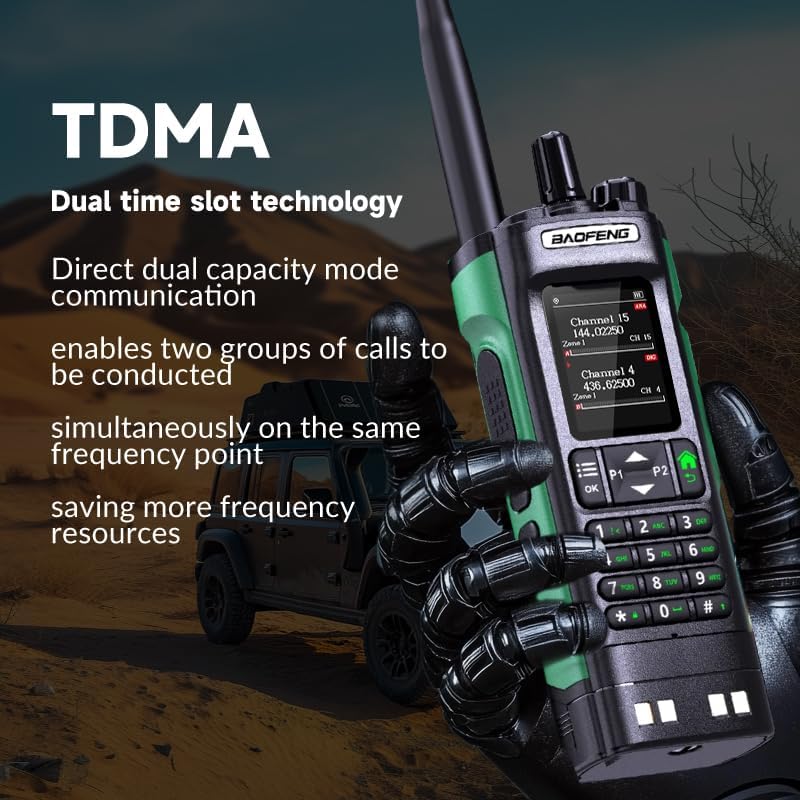
Image: A BAOFENG DM-32 radio held by a gloved hand, illustrating the concept of TDMA dual time slot technology for efficient communication.
3. Multi-Band Support and Dual Frequency Display
The DM-32 supports UV dual-band operation, dual listening, aviation band, and NOAA weather band scanning and receiving functions. The dual display allows for simultaneous monitoring of two frequencies.

Image: Two BAOFENG DM-32 radios side-by-side, showcasing their dual frequency display capability for monitoring multiple channels.
4. GPS/Beidou Positioning and APRS
In digital mode, the radio supports GPS/Beidou positioning to obtain location information. It also supports the APRS (Automatic Packet Reporting System) for automatic location reports. You can configure upload intervals and target objects (private or group calls).
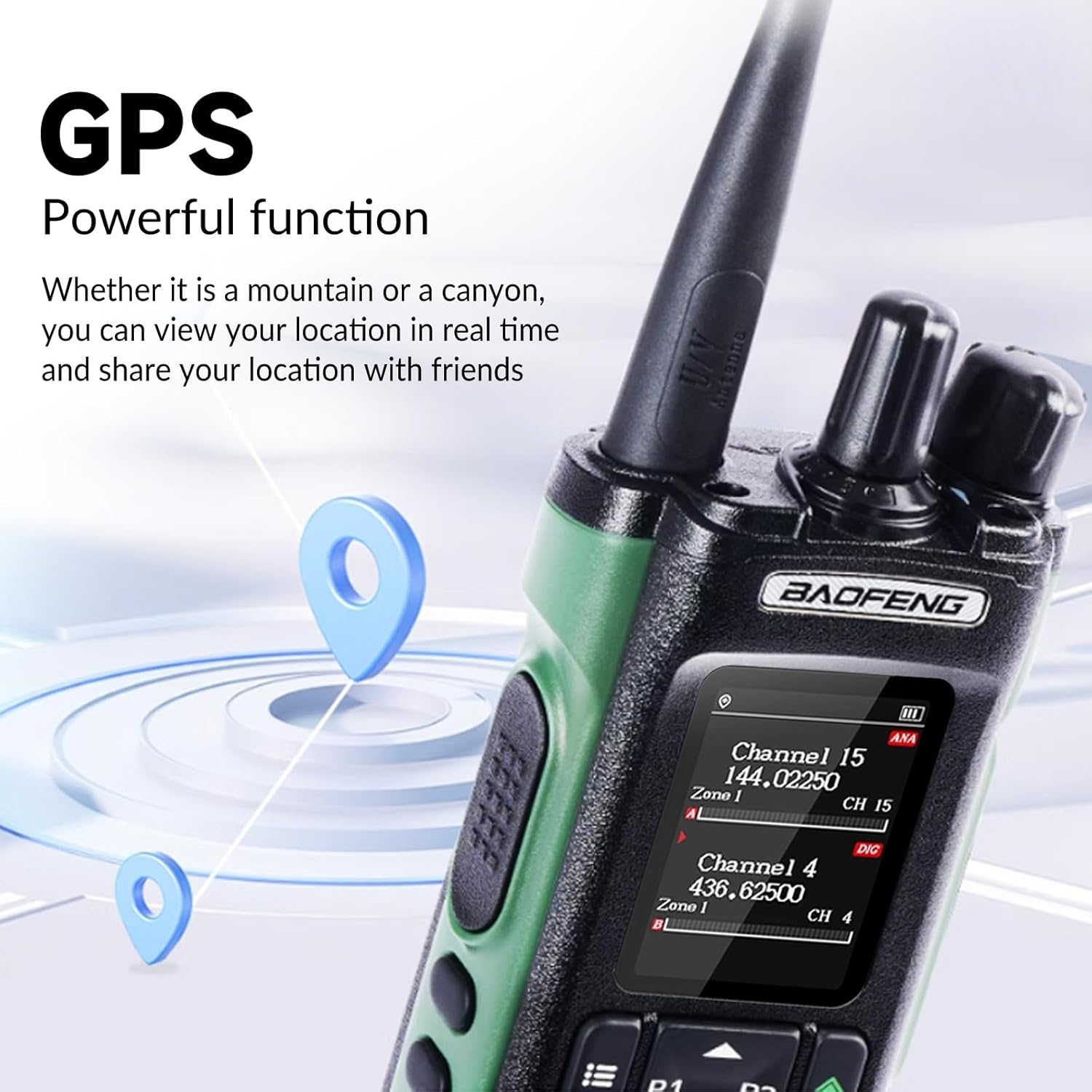
Image: A BAOFENG DM-32 radio with graphical elements indicating its GPS powerful function for real-time location tracking.
5. Digital Call Types and Features
The DM-32 supports various digital call types:
- All Call: Broadcasts to all radios within range.
- Group Call: Communicates with a predefined group of radios.
- Private Call: Direct communication with a specific radio.
- One-Button Call: Configurable for quick access to a specific call type.
Additional private call functions include Call Alert, Radio Check, Remote Monitor, Radio Disable/Enable, and Ranging.

Image: Two BAOFENG DM-32 radios demonstrating stable transmission of digital signals for single and group calls, allowing users to create diverse calling methods.
6. Message Function and Digital Encryption
The radio supports DMR alliance and other message formats, allowing for sending and receiving short messages (up to 128 characters). Digital encryption methods such as ARC4, AES128, and AES256 are supported to ensure voice and data security.
7. Emergency and Safety Features
- Emergency Alarm: Different alarm types can be set (e.g., alarm only, normal mode, secret mode).
- Work Alone: If the radio is not operated within a preset time, it will automatically alarm and notify a companion or control center.
- Man Down: Sends an alarm message if the equipment tilts beyond a certain angle or remains stationary for a preset time.
8. Scanning Modes and Roaming
Various scanning modes are available, including digital/analog mixed scanning, frequency scanning, channel scanning, frequency range scanning, and CTCSS/DCS scanning. The roaming function allows the radio to search for the strongest repeater signal at preset intervals.
9. Voice Recording and Storage
The DM-32 supports receiving (Rx), transmitting (Tx), or two-way voice recording. Each recording includes DMR ID and time details. Standard recording time in digital mode is 10 hours. The radio supports mass storage with 4000 channels and over 200,000 digital contacts.
10. Key Customization and Display
Side keys (SK1/SK2) and function keys (P1/P2) can be customized for quick access to frequently used functions. The radio features a 2.0-inch screen with a full keyboard for input. Display settings allow switching between channel name/number/frequency and customizing backlight brightness and color.
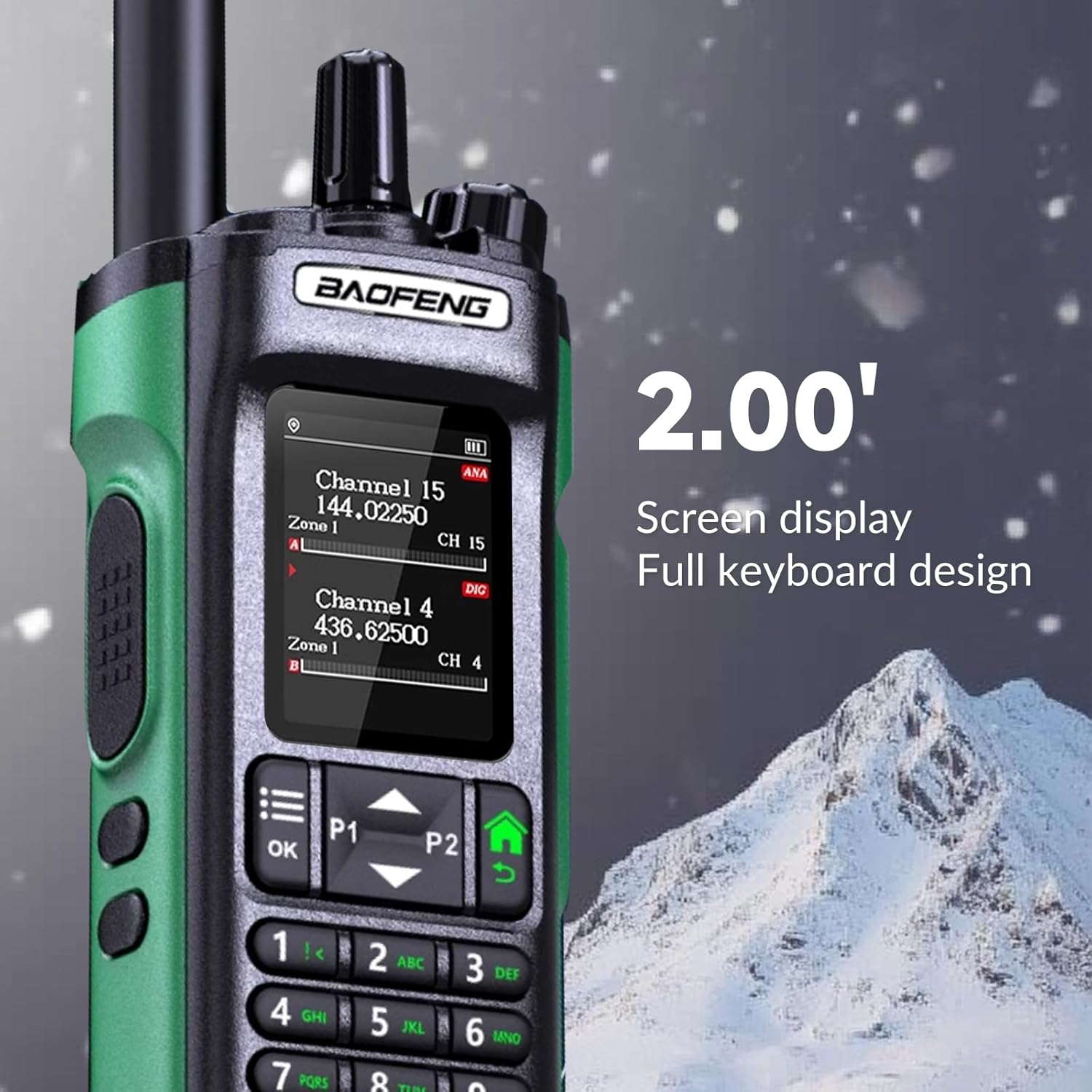
Image: Close-up of the BAOFENG DM-32 radio's 2.0-inch screen and full keyboard, highlighting its user interface for easy operation and programming.
11. FM Radio and Weather Warning
The radio includes an FM radio function for searching and storing radio stations. For North America, it supports NOAA weather warning, automatically switching to weather broadcast mode upon receiving a 1050Hz alarm signal.
Maintenance
1. General Care
- Keep the radio clean by wiping it with a soft, damp cloth. Avoid harsh chemicals.
- Do not expose the radio to extreme temperatures, direct sunlight for prolonged periods, or excessive moisture. The radio is not water-resistant.
- Ensure all ports are covered when not in use to prevent dust and debris entry.
2. Battery Care
- Charge the battery fully before initial use.
- Avoid overcharging or completely draining the battery to prolong its lifespan.
- If storing the radio for an extended period, charge the battery to approximately 50% capacity.
Troubleshooting
| Problem | Possible Cause | Solution |
|---|---|---|
| Radio does not power on | Battery is low or not installed correctly. | Charge the battery. Reinstall the battery pack securely. |
| Cannot transmit or receive | Incorrect frequency/channel, antenna not attached, out of range. | Verify channel settings. Ensure antenna is securely attached. Move closer to the other radio or repeater. |
| Poor audio quality | Weak signal, interference, incorrect squelch setting. | Adjust squelch level. Check antenna connection. Move to an area with better signal. |
| Programming issues with software | Software compatibility, driver issues, incorrect cable. | Ensure you are using the latest official BAOFENG CPS software and correct programming cable. Check for updated drivers. |
| Screen difficult to read outdoors | High ambient light. | Adjust backlight brightness in settings. Seek shade when operating in bright conditions. |
Specifications
| Feature | Detail |
|---|---|
| Model Number | DM-32 |
| Brand | BAOFENG |
| Item Weight | 2.14 pounds |
| Package Dimensions | 10.98 x 9.92 x 2.52 inches |
| Batteries | 1 x 9V battery (included) |
| Number of Channels | 4000 |
| Special Feature | Long Range |
| Frequency Range | 136-174MHz, 400-406MHz, 406.1-470MHz |
| Talking Range Maximum | 6 Kilometers |
| Water Resistance Level | Not Water Resistant |
| Included Components | JIQI (General accessories like antenna, battery, charger, belt clip, earpiece) |
| Compatible Devices | Two-way radios (digital and analog), compatible accessories |
Warranty and Support
For warranty information and technical support, please contact the manufacturer, BAOFENG, or your authorized seller. Keep your purchase receipt as proof of purchase. Specific warranty terms may vary by region and retailer.
For programming assistance and software downloads, please visit the official BAOFENG website or consult your seller for resources.


