Introduction
This manual provides comprehensive instructions for the safe and effective use of your Braun Beard Trimmer Series 5 BT5525. This electric beard trimmer is designed for quick, easy, and accurate beard styling. It features a precise adjustment dial with 0.5 mm width increments, offering over 40 adjustable length settings, and a dial lock switch to maintain your preferred setting.
Important Safety Information
Please read all instructions carefully before using this appliance. Keep this manual for future reference.
- This appliance is suitable for cleaning under running water. Unplug the appliance from the power supply before cleaning.
- Do not use the appliance with a damaged comb or blade, as this may result in injury.
- Keep the appliance dry. Do not immerse in water or use in a shower or bath unless specifically designed for wet use. This model is 100% waterproof.
- This appliance can be used by children aged from 8 years and above and persons with reduced physical, sensory or mental capabilities or lack of experience and knowledge if they have been given supervision or instruction concerning use of the appliance in a safe way and understand the hazards involved.
- Children shall not play with the appliance. Cleaning and user maintenance shall not be made by children without supervision.
- Only use the power supply provided with the appliance.
Package Contents
Your Braun Beard Trimmer Series 5 BT5525 package includes the following items:
- Braun Beard Trimmer Series 5 BT5525 unit
- Two types of comb attachments (0.5 - 20 mm)
- One detail trimmer head
- One shaving head
- Charging cable/power supply
- Cleaning brush
- User Manual

Image: The Braun Beard Trimmer Series 5 BT5525 shown with its included accessories: two length-setting combs (0.5-20mm) and a dedicated shaving head for shaping.
Setup
Charging the Trimmer
- Ensure the trimmer is switched off.
- Connect the charging cable to the trimmer and plug the power supply into an electrical outlet.
- The charging indicator light will illuminate, indicating that the trimmer is charging.
- A full charge typically takes approximately 1 hour and provides up to 120 minutes of cordless trimming.
- Unplug the trimmer once fully charged or before use.
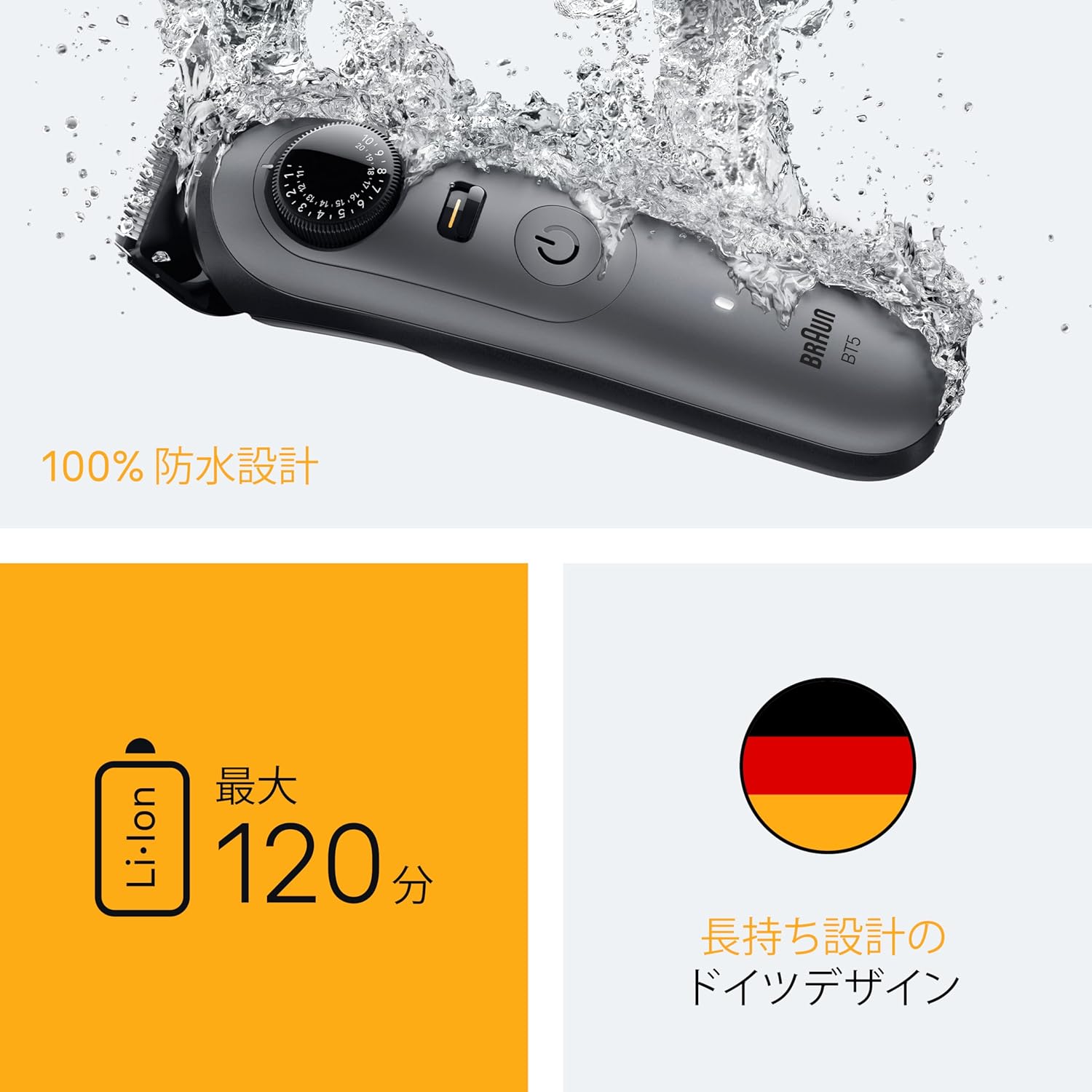
Image: The Braun Beard Trimmer Series 5 BT5525 demonstrating its 100% waterproof design, highlighting its maximum 120-minute battery life and German engineering.
Attaching Comb Guides and Heads
- To attach a comb guide, align the guide with the trimmer head and press it down until it clicks into place.
- To remove, gently pull the comb guide upwards from the trimmer head.
- To change heads (e.g., from trimmer head to shaving head), ensure the trimmer is off. Grip the head firmly and pull it straight off. Align the new head and push it down until it clicks securely.
Operating Instructions
Trimming Your Beard
- Ensure your beard is clean and dry.
- Attach the desired comb guide for your preferred length. The trimmer comes with two combs for lengths between 0.5 mm and 20 mm.
- Adjust the trimming length using the precision dial. The dial offers over 40 settings in 0.5 mm increments.
- Activate the dial lock switch to prevent accidental changes to your selected length during trimming.
- Switch on the trimmer.
- Hold the trimmer with the comb guide flat against your skin and trim against the direction of hair growth.
- For precise lines and edges, remove the comb guide and use the trimmer blade directly, or attach the detail trimmer head.
- For a clean shave on specific areas, attach the shaving head and use it on dry skin.

Image: A man demonstrating the use of the Braun Beard Trimmer Series 5 BT5525 for precise beard trimming.

Image: A detailed view of the precision adjustment dial and the dial lock switch on the Braun Beard Trimmer Series 5 BT5525, indicating 40 length settings in 0.5mm increments.

Image: A close-up of the sharp, durable stainless steel blades of the Braun Beard Trimmer Series 5 BT5525, designed for efficient and precise cutting.
Maintenance and Cleaning
Cleaning the Trimmer
- Ensure the trimmer is switched off and unplugged from the power supply.
- Remove any comb guides or heads.
- Use the provided cleaning brush to remove loose hairs from the trimmer head and comb guides.
- Since the trimmer is 100% waterproof, you can rinse the trimmer head and comb guides under warm running water. Do not use hot water.
- Allow all parts to air dry completely before reattaching or storing.
- Periodically, apply a drop of light machine oil (not included) to the trimmer blades for optimal performance.
Storage
Store the trimmer and its accessories in a dry place, away from direct sunlight and extreme temperatures. Keep out of reach of children.
Troubleshooting
| Problem | Possible Cause | Solution |
|---|---|---|
| Trimmer does not turn on. | Battery is depleted. | Charge the trimmer for at least 1 hour. |
| Trimmer performance is poor or pulls hair. | Blades are dull or clogged with hair. | Clean the trimmer head and blades thoroughly. Apply oil to the blades. If problem persists, consider replacing the blade unit. |
| Trimmer does not hold a charge. | Battery life has diminished. | Contact Braun customer service for battery replacement or service options. |
Specifications
| Feature | Detail |
|---|---|
| Brand | Braun |
| Model Number | BT5525 |
| Power Source | Battery Powered |
| Battery Type | Li-ion |
| Max Run Time | Up to 120 minutes |
| Charging Time | Approx. 1 hour |
| Blade Material | Stainless Steel |
| Trimming Length Settings | Over 40 (0.5 mm increments) |
| Special Features | Dial Lock Switch, 100% Waterproof |
| Target Audience | Men |
| Recommended Use | Beard Trimming |
| Package Dimensions | 25 x 10.7 x 6.2 cm |
| Item Weight | 370 g |
Warranty and Support
Braun products are manufactured to meet high quality standards. In the event of a defect, Braun provides a warranty period that starts on the date of purchase. Please retain your proof of purchase.
For detailed warranty information, service, or support, please refer to the warranty card included in your package or visit the official Braun website. You may also contact Braun customer service directly for assistance.
Note: Warranty terms and conditions may vary by region.


