
1. Introduction
Thank you for choosing the VUOPAX Portable Bluetooth Speaker B48A. This manual provides essential information for setting up, operating, and maintaining your speaker. Designed for powerful sound and durability, this speaker features 200W peak output, deep bass, IP65 waterproof and dustproof rating, and up to 24 hours of playtime. Please read this manual carefully before use to ensure optimal performance and longevity of your device.
2. Product Overview
Key Features
- Powerful Audio: 120W RMS (200W Peak) sound with dual 3.5-inch woofers and 2.5-inch tweeters for crisp vocals and deep bass.
- Super Bass Boost: Enhanced low frequencies for a richer audio experience.
- Extended Playtime: Built-in 12,000mAh high-capacity battery provides up to 24 hours of music playback (varies with volume and content).
- Durable Design: IP65 waterproof and dustproof rating, ideal for outdoor use.
- Effortless Portability: Features a reinforced handle and detachable shoulder strap for easy transport.
- Advanced Connectivity: Bluetooth 5.3 for stable, long-range wireless connection.
- True Wireless Stereo (TWS): Pair two speakers for an immersive stereo sound experience.
- Multiple Input Options: Supports TF card, USB drive, and AUX input.
- Dynamic RGB Lighting: Integrated lights sync with music, offering 5 lighting modes.
Components and Controls
Familiarize yourself with the speaker's layout and controls:

Figure 2.1: Top panel controls including Power, Volume, TWS, Bass Boost, and Lighting Mode buttons.

Figure 2.2: Detailed view of the speaker's control buttons.

Figure 2.3: Rear interface with Type-C charging port, TF card slot, AUX input, and USB port.
3. Setup
3.1 Charging the Speaker
Before first use, fully charge the speaker. Connect the provided USB-C cable to the speaker's Type-C port and a compatible USB power adapter (not included). The charging indicator will show charging status and turn off when fully charged. The 12,000mAh battery supports fast charging.
3.2 Power On/Off
- Power On: Press and hold the Power button (⏻) for 3 seconds. You will hear an audible prompt and the indicator lights will illuminate.
- Power Off: Press and hold the Power button (⏻) for 3 seconds.
3.3 Bluetooth Pairing
- Ensure the speaker is powered on and in Bluetooth pairing mode (the Bluetooth indicator light will flash).
- On your device (smartphone, tablet, laptop), enable Bluetooth and search for available devices.
- Select "VUOPAX B48A" from the list.
- Once connected, you will hear a confirmation tone, and the Bluetooth indicator light will become solid.

Figure 3.1: The speaker offers wide compatibility with various Bluetooth devices.
3.4 True Wireless Stereo (TWS) Pairing
To pair two VUOPAX B48A speakers for stereo sound:
- Ensure both speakers are powered on and not connected to any Bluetooth device.
- On one speaker (this will be the primary speaker), press the TWS button. The TWS indicator light will flash.
- On the second speaker, press the TWS button. Both speakers will attempt to connect to each other.
- Once successfully paired, you will hear a confirmation tone, and the TWS indicator lights on both speakers will become solid.
- Now, connect your device to the primary speaker via Bluetooth as described in section 3.3. Audio will play in stereo across both speakers.

Figure 3.2: TWS pairing allows you to sync multiple speakers for a wider soundstage.
3.5 Using Other Input Modes (AUX, USB, TF Card)
The speaker supports direct playback from various sources:
- AUX Input: Connect an audio device using a 3.5mm AUX cable to the AUX port. The speaker will automatically switch to AUX mode.
- USB Playback: Insert a USB flash drive with audio files into the USB port. The speaker will automatically detect and play the files.
- TF Card Playback: Insert a TF (MicroSD) card with audio files into the TF card slot. The speaker will automatically detect and play the files.
4. Operating Instructions
4.1 Basic Controls
- Volume Up: Press the "+" button.
- Volume Down: Press the "-" button.
- Play/Pause: Press the Play/Pause button (usually integrated with the Power button or a dedicated button).
- Next Track: Press and hold the "+" button.
- Previous Track: Press and hold the "-" button.
4.2 Bass Boost Function
To activate or deactivate the Super Bass Boost feature, press the dedicated "BASS BOOST" button. This will enhance the low-frequency output for a more impactful sound.

Figure 4.1: The Bass Boost 2.0 feature enhances deep bass for a powerful audio experience.
4.3 Dynamic RGB Lighting
The speaker features dynamic RGB lights that sync with your music. To cycle through the 5 available lighting modes or turn them off, press the Light Mode button (☀).
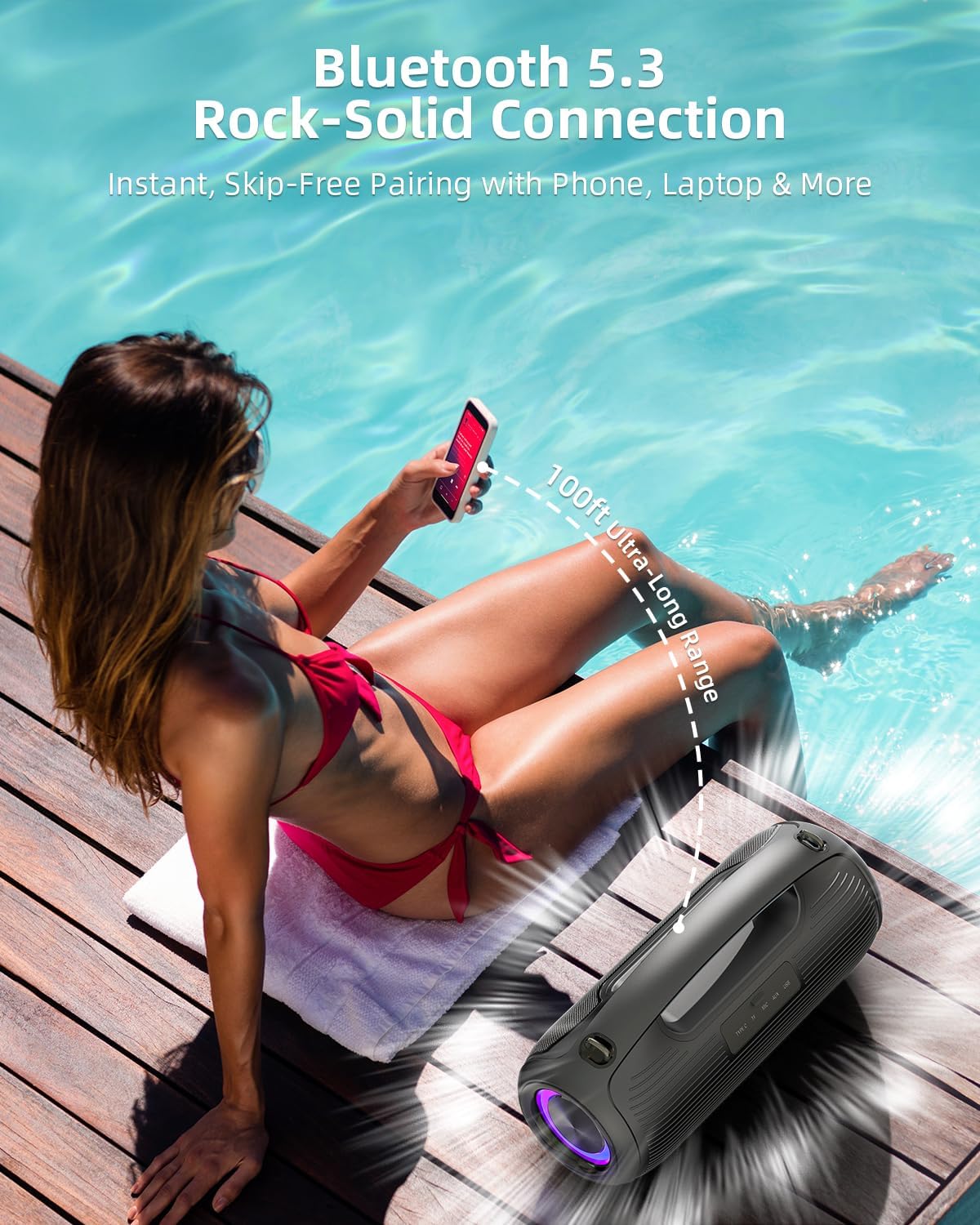
Figure 4.2: Dynamic RGB lights pulse in sync with the music, offering a visual spectacle.
5. Maintenance
5.1 Cleaning
Due to its IP65 rating, the speaker is resistant to water and dust. To clean, gently wipe the surface with a soft, damp cloth. Do not use harsh chemicals or abrasive cleaners. Ensure all port covers are securely closed before exposing the speaker to water or dust.

Figure 5.1: The speaker's IP65 dustproof rating ensures durability in various environments.

Figure 5.2: The speaker's IP65 water-resistant rating makes it suitable for poolside or beach use.
5.2 Storage
Store the speaker in a cool, dry place away from direct sunlight and extreme temperatures. If storing for an extended period, ensure the battery is partially charged (around 50%) to prolong its lifespan.
5.3 Battery Care
To maximize battery life, avoid fully discharging the speaker frequently. Recharge the battery when the low battery indicator appears. Use only the provided charging cable or a certified equivalent.
6. Troubleshooting
- No Power: Ensure the speaker is charged. Connect to a power source and try turning it on again.
- No Sound: Check the volume levels on both the speaker and your connected device. Ensure the speaker is correctly paired via Bluetooth or the AUX cable is fully inserted.
- Bluetooth Pairing Issues: Make sure the speaker is in pairing mode (flashing Bluetooth indicator). Turn off Bluetooth on other nearby devices to avoid interference. Try restarting both the speaker and your device.
- Poor Sound Quality: Ensure the speaker is within Bluetooth range (up to 100 feet). Move away from obstacles or other wireless devices that may cause interference. Check the audio source quality.
- TWS Pairing Failure: Ensure both speakers are not connected to any other Bluetooth device before attempting TWS pairing. Follow the TWS pairing steps carefully.
7. Specifications
| Feature | Description |
|---|---|
| Model Name | B48A |
| Brand | VUOPAX |
| Speaker Type | Outdoor |
| Connectivity Technology | Bluetooth 5.3 |
| Speaker Maximum Output Power | 200 Watts (Peak) |
| Battery Capacity | 12000 Milliamp Hours |
| Playtime | Up to 24 Hours (varies by volume/content) |
| Waterproof Rating | IP65 |
| Product Dimensions | 15"D x 6"W x 7.49"H |
| Item Weight | 8.05 pounds |
| Woofer Diameter | 3.5 Inches |
| Tweeter Diameter | 2.5 Inches |
| Frequency Response | 30Hz-20KHz |
| Control Method | Touch |
| Maximum Range | 100 Feet (Bluetooth) |
8. Warranty and Support
8.1 Limited Warranty
The VUOPAX Portable Bluetooth Speaker B48A comes with a limited warranty. Please refer to the warranty card included in your product packaging for specific terms and conditions. This warranty typically covers manufacturing defects and malfunctions under normal use.
8.2 Customer Support
For any questions, technical assistance, or warranty claims, please contact VUOPAX customer support. Contact information can usually be found on the product packaging, the official VUOPAX website, or through your retailer.