
Introduction
Welcome to your Ajblg Health Activity Fitness Tracker. This manual provides instructions for setting up, operating, maintaining, and troubleshooting your device to help you maximize its features for health and fitness monitoring.
What's in the Box
- Ajblg Health Activity Fitness Tracker (Model B0F2H5MGSL)
- Charging Cable
- User Manual (This document)
Setup
1. Charging the Device
Before first use, fully charge your fitness tracker using the provided charging cable. Connect the charging cable to the tracker and a USB power source.
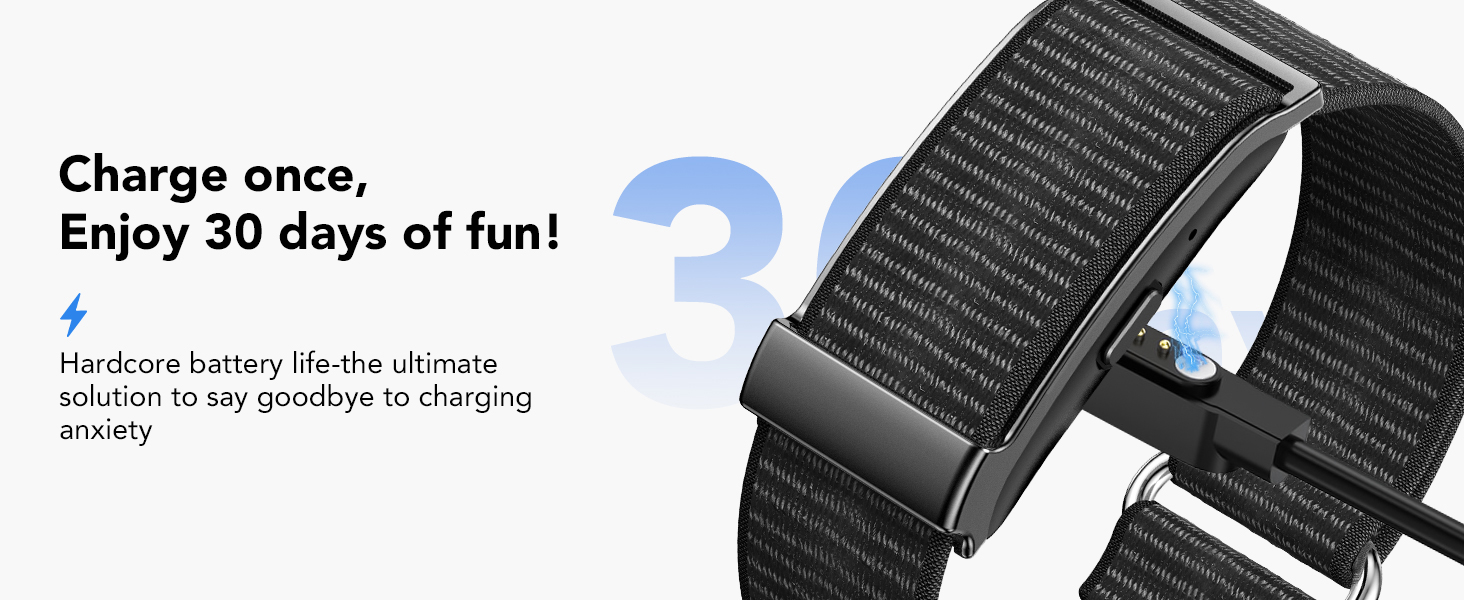
Image: The Ajblg fitness tracker being charged with its dedicated charging cable.
2. Downloading the Companion App
The Ajblg fitness tracker requires the "Tom Fit Pro" app for full functionality and data synchronization.
- Ensure your smartphone's Bluetooth is enabled.
- Open the Google Play Store (for Android) or Apple App Store (for iOS).
- Search for "Tom Fit Pro" and download the app.
- Alternatively, scan the QR code provided in the app's instructions or visit https://app.moyoung.com/app-download/tomfitpro.
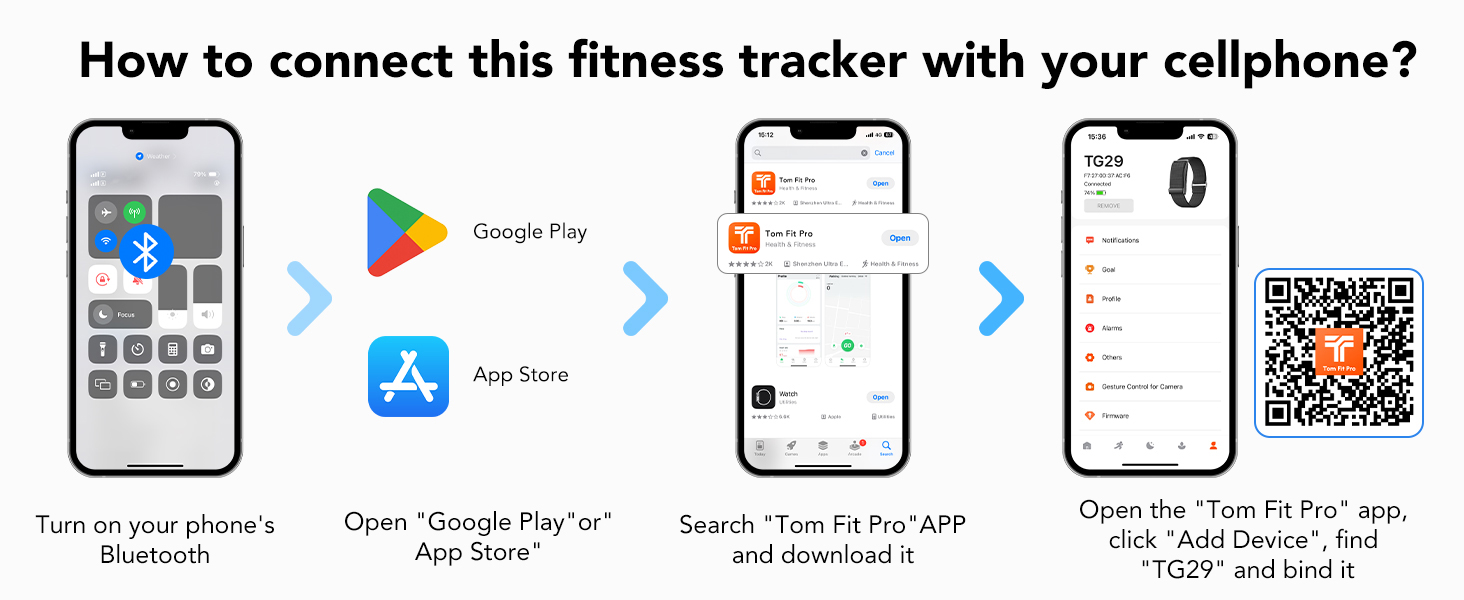
Image: Step-by-step guide on connecting the fitness tracker to a smartphone via the Tom Fit Pro app, showing Bluetooth activation, app store search, and device binding.
3. Pairing the Device
Once the app is installed:
- Open the "Tom Fit Pro" app.
- Follow the on-screen instructions to create an account or log in.
- Navigate to the "Add Device" section within the app.
- Select "TG29" (or the model number B0F2H5MGSL if listed) from the available devices to bind your tracker.
- Confirm the pairing on both your smartphone and the fitness tracker if prompted.
Operating Instructions
Navigating the Device
The fitness tracker features a touchscreen interface for navigation. Swipe up, down, left, or right to access different functions and tap to select.
Health Monitoring
The device continuously monitors various health metrics.
- Heart Rate: Real-time heart rate monitoring throughout the day and night.
- Blood Pressure: Continuous blood pressure tracking.
- Blood Oxygen: SpO2 level monitoring.
- HRV (Heart Rate Variability): Measures variations in heartbeats to assess stress and recovery.
- Stress Levels: Monitors and provides insights into your stress status.
Detailed trends and analysis reports for these metrics are available in the "Tom Fit Pro" companion app.
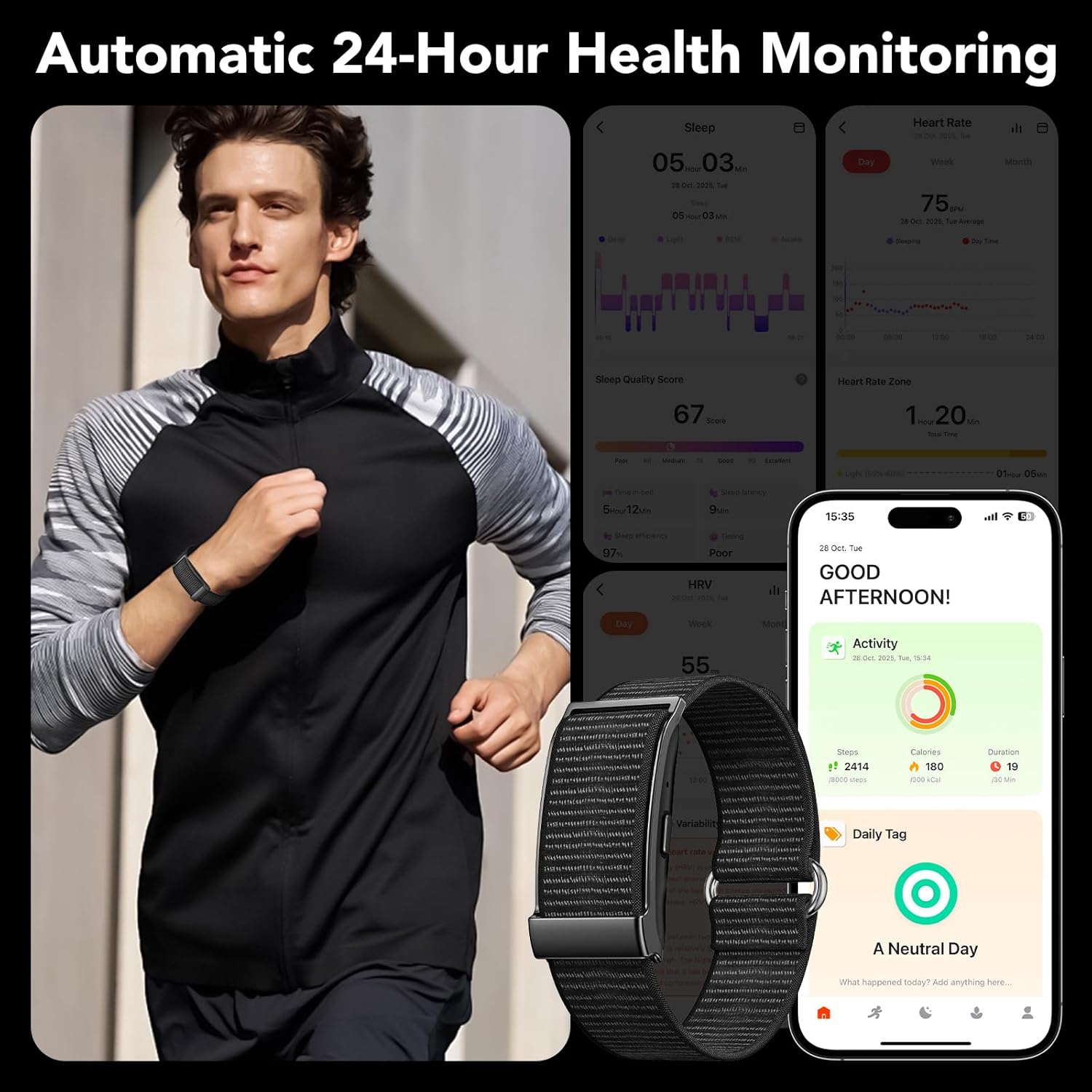
Image: A user wearing the fitness tracker while running, with an overlay of the companion app displaying health data such as sleep quality, heart rate, and daily activity.
Activity Tracking
The tracker automatically records your daily activity.
- Steps: Counts the number of steps taken.
- Distance: Calculates the distance covered.
- Calories Burned: Estimates calorie expenditure based on activity.
Access your daily activity summaries on the device or in the app.
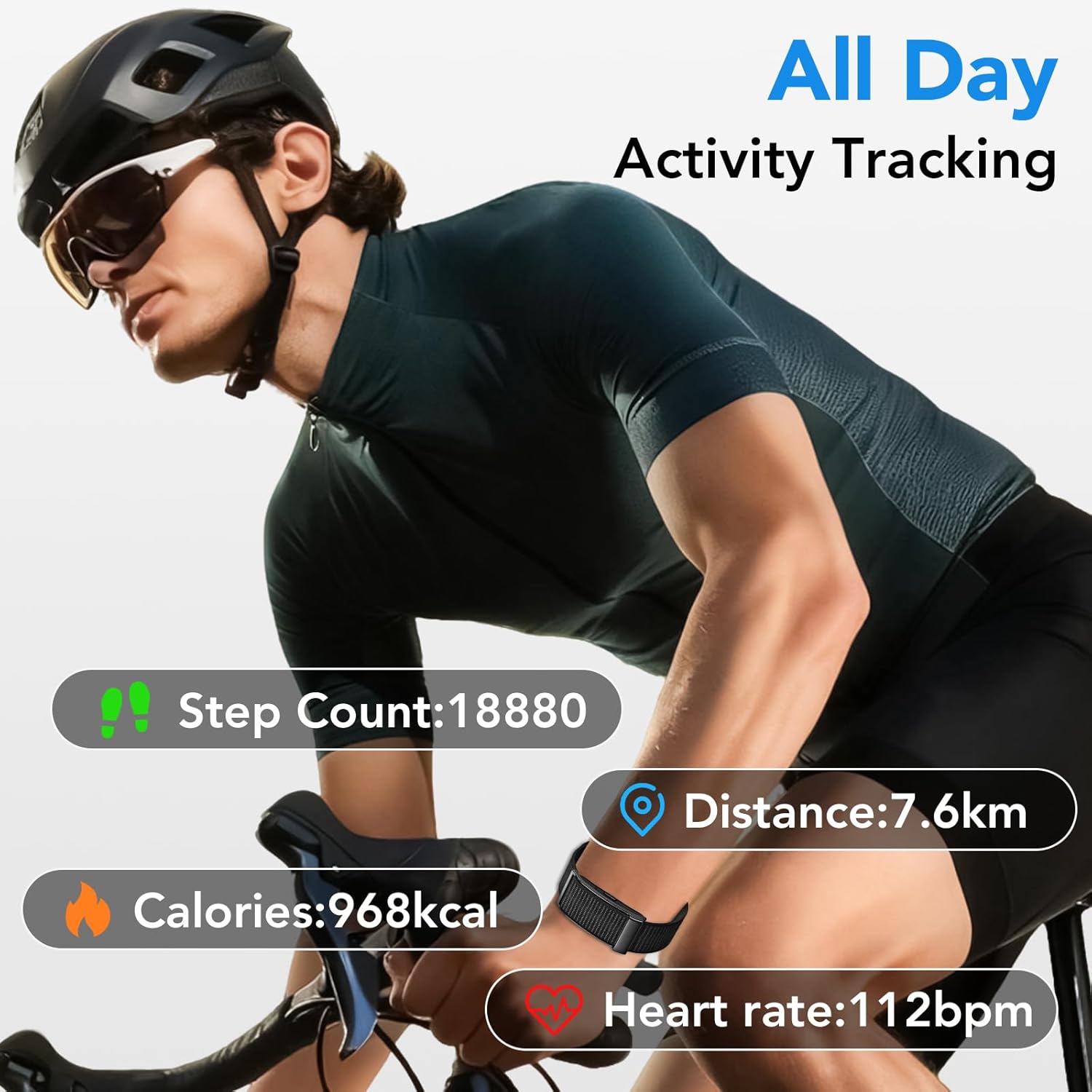
Image: A cyclist wearing the Ajblg fitness tracker, with an overlay showing real-time activity metrics including step count, distance, calories burned, and heart rate.
Sports Modes
The device supports over 120 sports modes to track specific workouts.
To use a sports mode:
- Swipe on the tracker screen to find the "Sports" or "Workout" menu.
- Select your desired activity (e.g., running, cycling, yoga, basketball).
- Start the activity. The tracker will record relevant metrics for that specific sport.
- End the activity when finished. Data will sync to the app for detailed analysis.
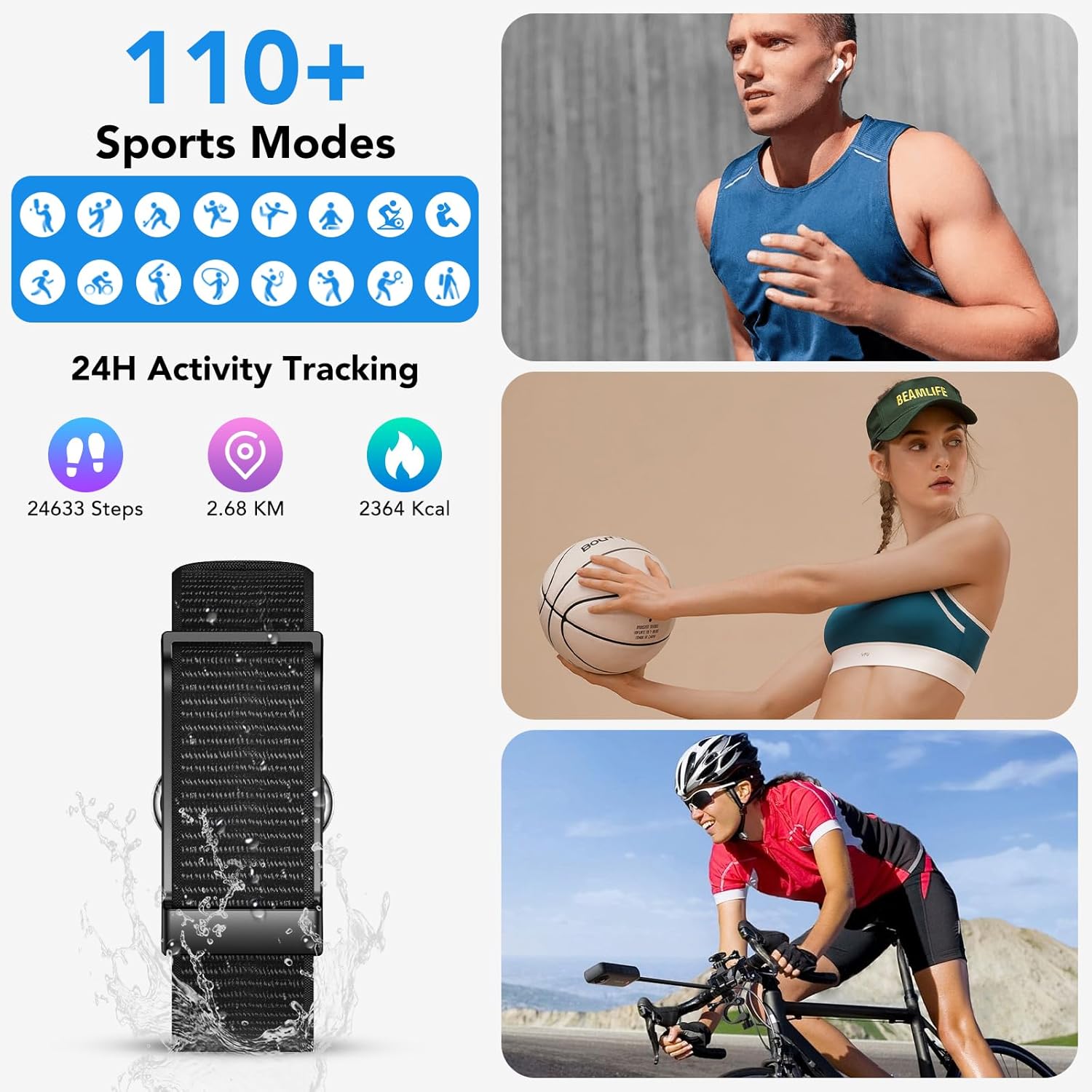
Image: A visual representation of the 120+ sports modes, featuring icons for different activities and images of individuals participating in various exercises while wearing the tracker.
Sleep Tracking
The tracker automatically monitors your sleep patterns, including nighttime sleep and daytime naps.
- Sleep Stages: Identifies light, deep, and REM sleep.
- Sleep Duration: Records total time asleep.
- Awake Time: Tracks periods of wakefulness.
View detailed sleep reports and insights in the "Tom Fit Pro" app to understand and improve your sleep quality.
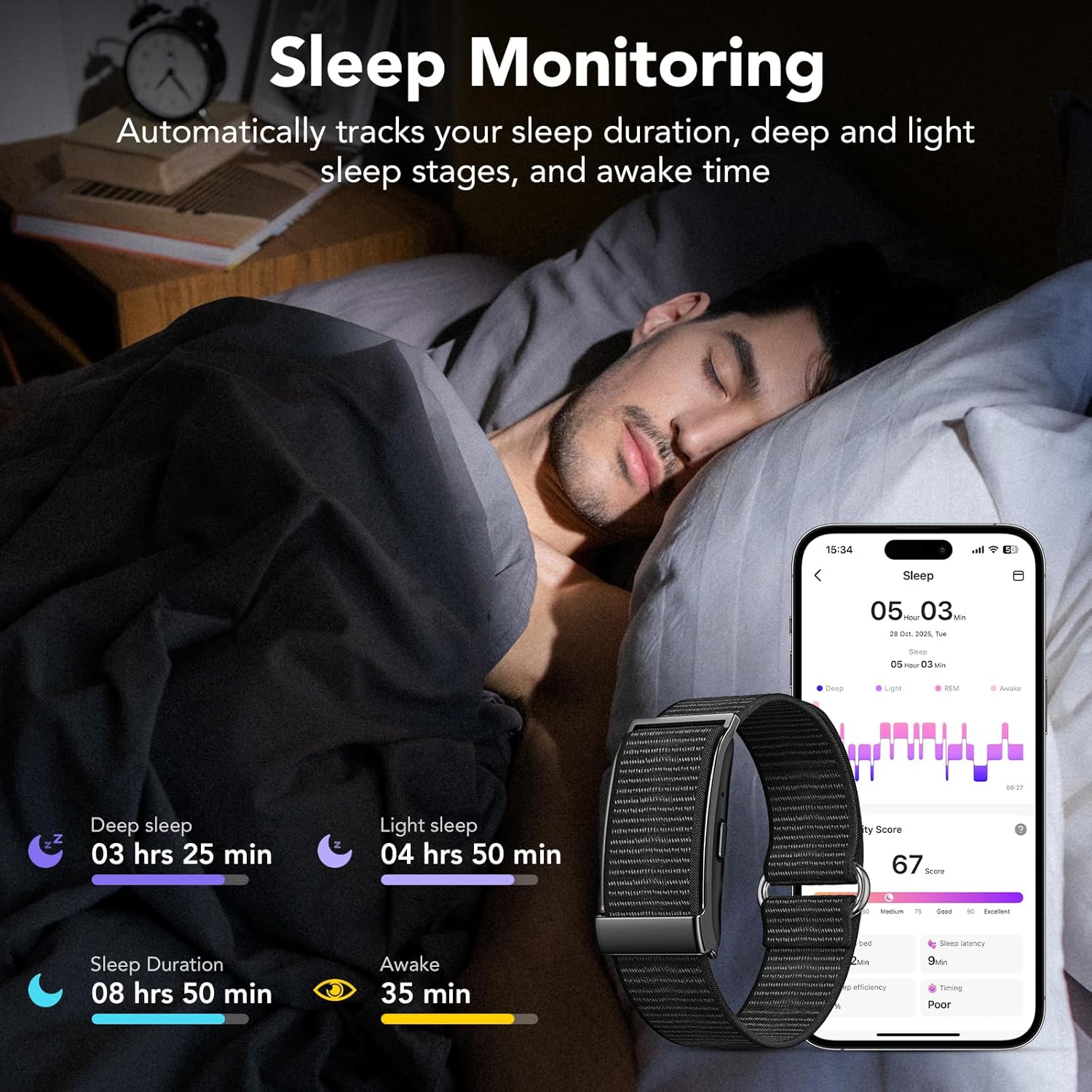
Image: A person sleeping while wearing the fitness tracker, with an accompanying app display showing a detailed breakdown of sleep stages and duration.
Notifications
Receive instant vibration reminders for calls, SMS, and app notifications (e.g., WhatsApp, Facebook, Skype) when connected via Bluetooth to your smartphone.
To manage notifications:
- Open the "Tom Fit Pro" app.
- Go to the "Notifications" settings.
- Enable or disable notifications for specific apps.
Other Functions
The Ajblg fitness tracker includes additional features:
- Menstrual Period Tracking: Available through the app for women's health monitoring.
- Sedentary Reminder: Alerts you to move after periods of inactivity.
- Photo Control: Remotely control your smartphone camera.
- Do Not Disturb Mode: Silence notifications during specific times.
- Alarm Clock: Set silent, vibrating alarms.
- Find Device: Locate your connected smartphone.
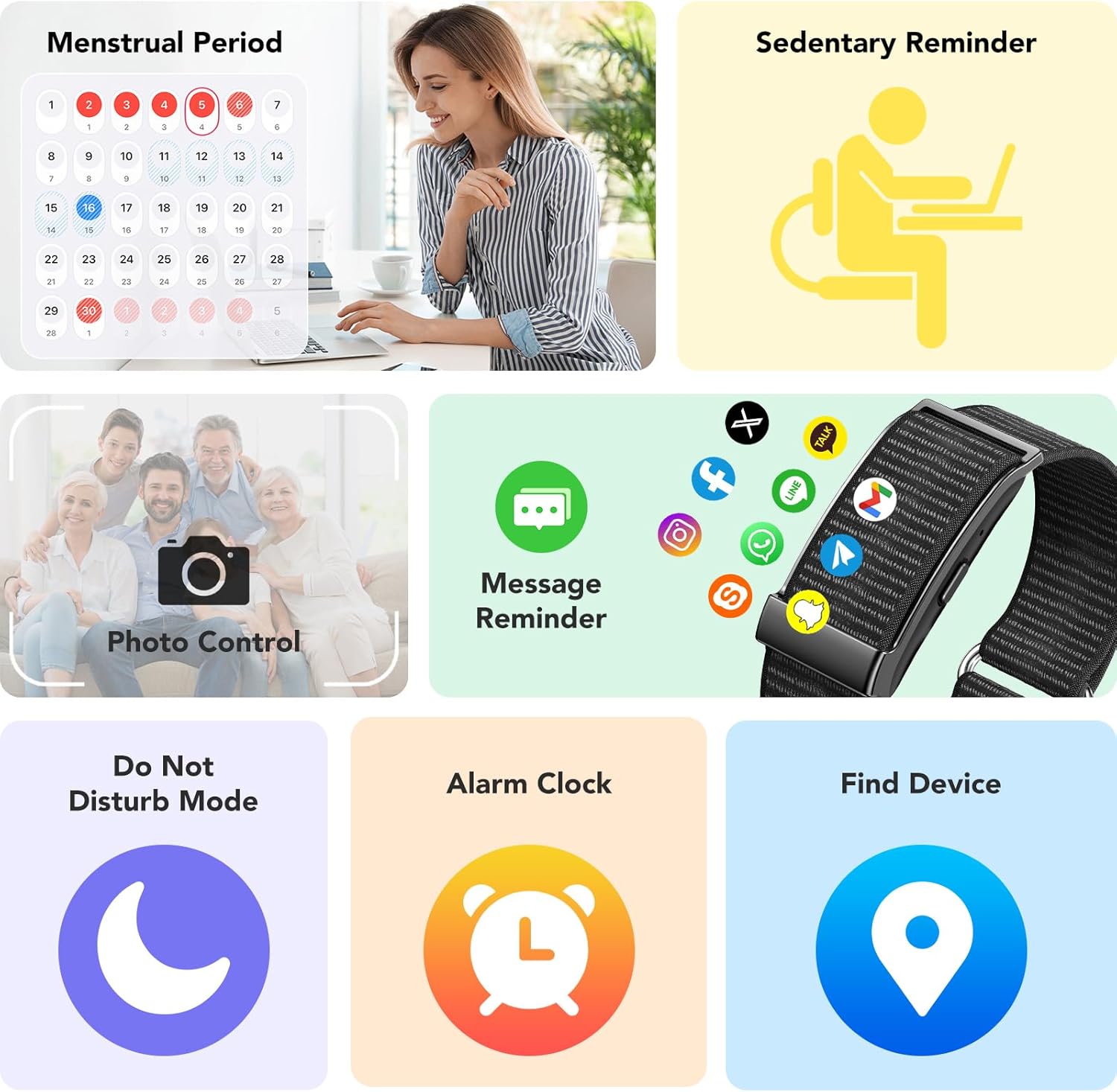
Image: A collage illustrating various smart features of the tracker, including women's health tracking, sedentary alerts, remote camera control, message notifications, DND mode, alarm, and a 'find device' function.
Maintenance
Cleaning
Regularly clean your tracker and band with a soft, damp cloth. Avoid harsh chemicals or abrasive materials.
Waterproofing (IP68)
The device is IP68 water-resistant, meaning it can withstand immersion in water up to 1.5 meters for 30 minutes. It is suitable for hand washing, sweating during exercise, and swimming.
Note:
- Not suitable for hot showers, saunas, or diving.
- Avoid contact with hot water, steam, or corrosive liquids.
- If the device gets wet, dry it thoroughly before charging.
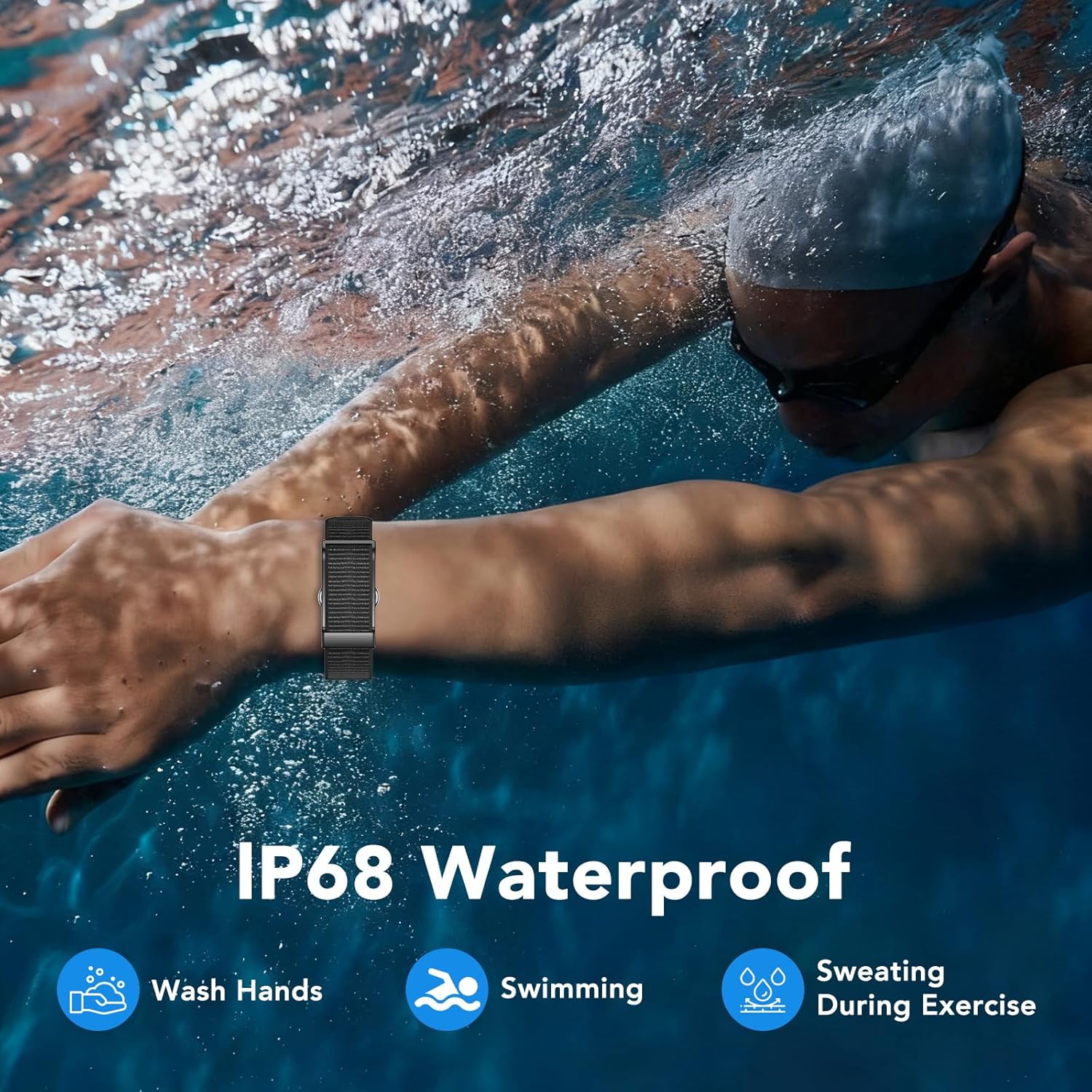
Image: A person swimming while wearing the Ajblg fitness tracker, with icons indicating its suitability for hand washing, swimming, and use during sweaty exercise, highlighting its IP68 waterproof rating.
Battery Life
The tracker offers an ultra-long battery life of up to 30 days on a single charge, depending on usage.
Troubleshooting
- Device not turning on: Ensure the device is fully charged. Connect it to the charging cable and a power source.
- Not pairing with app:
- Ensure Bluetooth is enabled on your smartphone.
- Make sure the tracker is charged and within range of your phone.
- Restart both the tracker and your smartphone.
- Try unpairing and re-pairing the device through the "Tom Fit Pro" app.
- Inaccurate data:
- Ensure the tracker is worn snugly on your wrist, about one finger's width from your wrist bone.
- Clean the sensors on the back of the device.
- Update the app and device firmware to the latest versions.
- Notifications not received:
- Check app notification settings in the "Tom Fit Pro" app.
- Ensure Bluetooth connection is stable.
- Verify that your phone's notification permissions are granted to the "Tom Fit Pro" app.
- Disable "Do Not Disturb" mode on the tracker if active.
Specifications
| Feature | Detail |
|---|---|
| Model Number | B0F2H5MGSL |
| Brand | Ajblg |
| Display Type | LED |
| Human Interface Input | Touchscreen |
| Connectivity Technology | Bluetooth |
| Wireless Communication Standard | Bluetooth |
| GPS | GPS Via Smartphone |
| Water Resistance Level | IP68 Water Resistant |
| Water Resistance Depth | 1.5 meters |
| Battery Cell Type | Lithium Ion |
| Band Material Type | Nylon |
| Metrics Measured | Heart Rate, Blood Pressure, Blood Oxygen, Stress, Sleep Duration |
| Compatible Phone Models | iOS 10.0+ and Android 5.0+ |
| Item Weight | 0.09 kg |
| Operating System | Android Wear 2.9 (Note: Device runs a custom OS, app compatible with Android Wear 2.9) |
Warranty Information
The Ajblg Health Activity Fitness Tracker (Model B0F2H5MGSL) comes with a Limited 2-Year Warranty from the date of purchase. This warranty covers manufacturing defects.
For warranty claims or detailed terms and conditions, please refer to the official Ajblg website or contact customer support.
Support
For further assistance, please:
- Refer to the "Help" or "FAQ" section within the "Tom Fit Pro" app.
- Visit the official Ajblg website for product support and updated information.
- Contact Ajblg customer service through the contact information provided on their official website.